
Browse sample poster results on the right, then tap one to load that prompt back into the generator on the left.
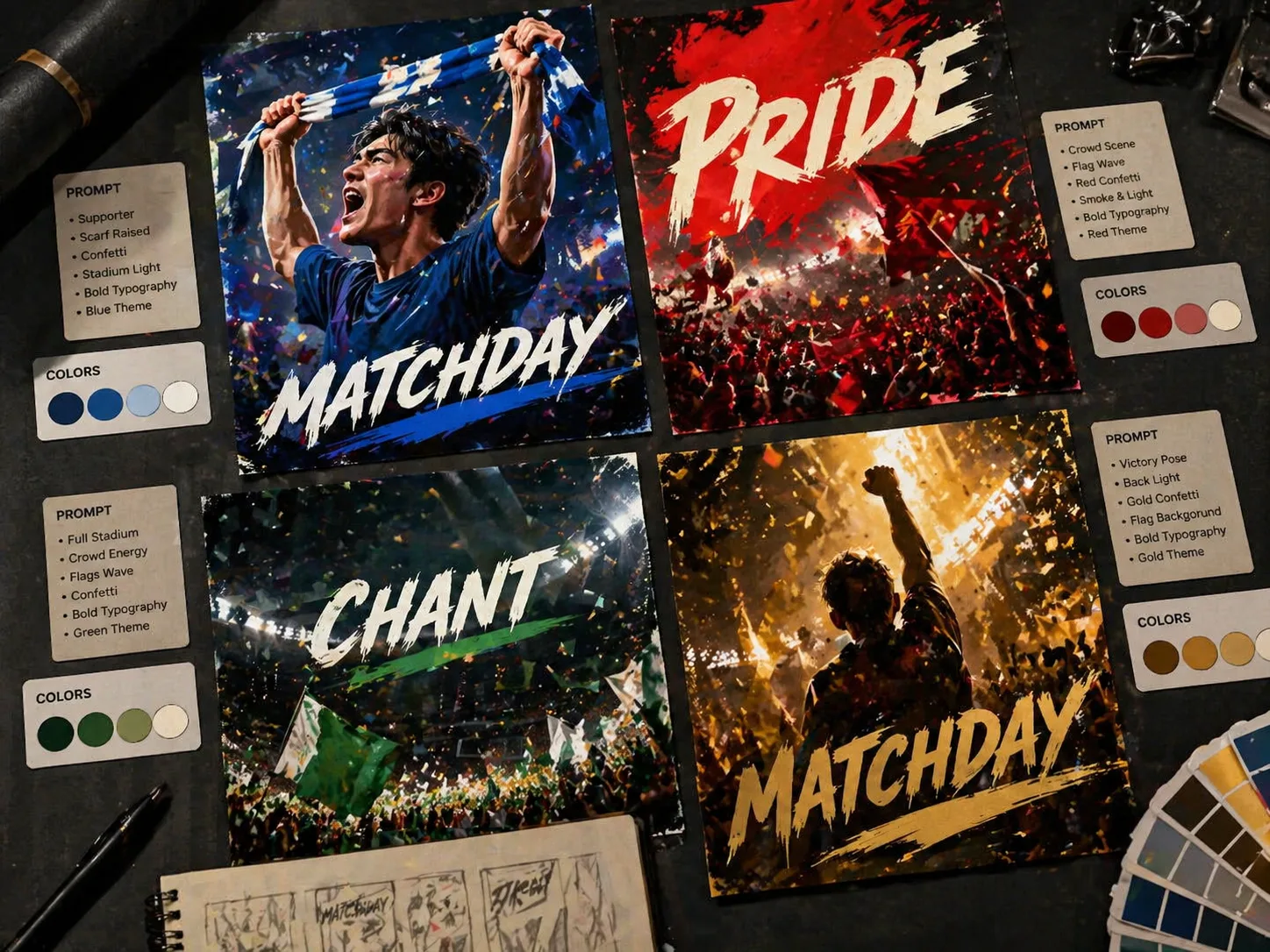
Create matchday poster GPT Image 2 prompts for real fan energy
This scene gives sports creators a reusable prompt system for cinematic matchday posters. Start with a football, basketball, baseball, derby, tifo, or final-whistle example, then replace the team colors, supporter identity, headline, chant copy, venue mood, flags, confetti, floodlights, and crowd direction. The result is a complete sports poster brief instead of a generic image prompt, so every draft has a clear subject, readable short typography, stadium depth, and a practical rights-aware instruction set that avoids official logos, sponsor marks, league badges, and exact athlete likenesses unless you have permission.
Team-pride poster structure
Build a poster around one supporter, player silhouette, or fan group with clear colors, scarf text, flags, and a matchday headline.
Readable chant typography
Use short titles, side words, and bottom chants so GPT Image 2 has a better chance of producing legible poster text.
Stadium campaign atmosphere
Guide floodlights, crowd layers, tifo cards, confetti, smoke, court floors, ballparks, or night-stadium haze from one prompt.
Rights-aware sports visuals
Keep prompts generic by default, avoiding real crests, sponsor marks, betting copy, political symbols, and copied athlete faces.
How to use a matchday poster template
Pick the closest sports poster prompt, edit the variables, generate in GPT Image 2, then refine text and composition.
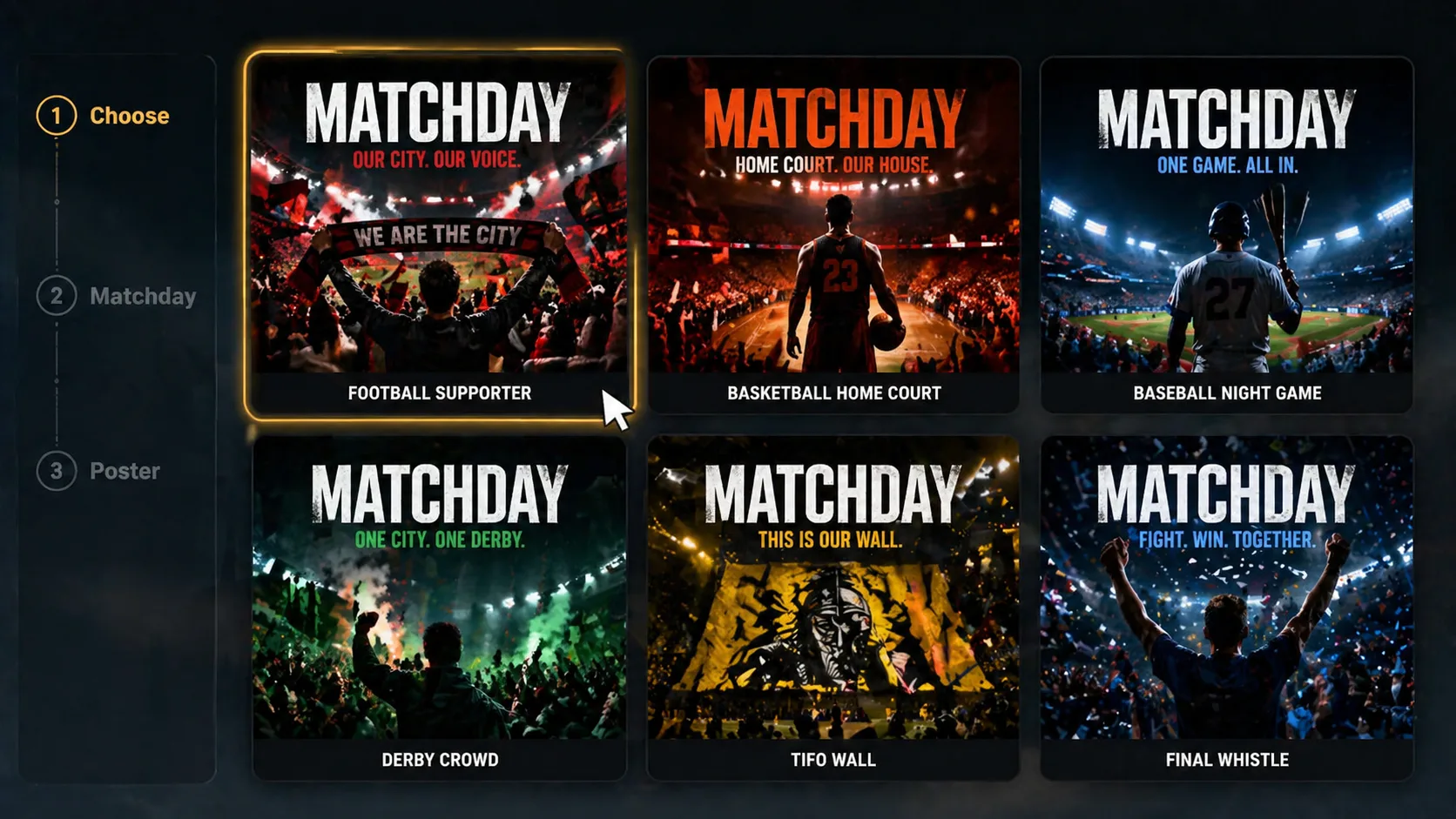
Choose the matchday angle
Start from a national-team pride poster, home-court basketball visual, baseball night game, derby night, tifo wall, or final-whistle campaign layout.
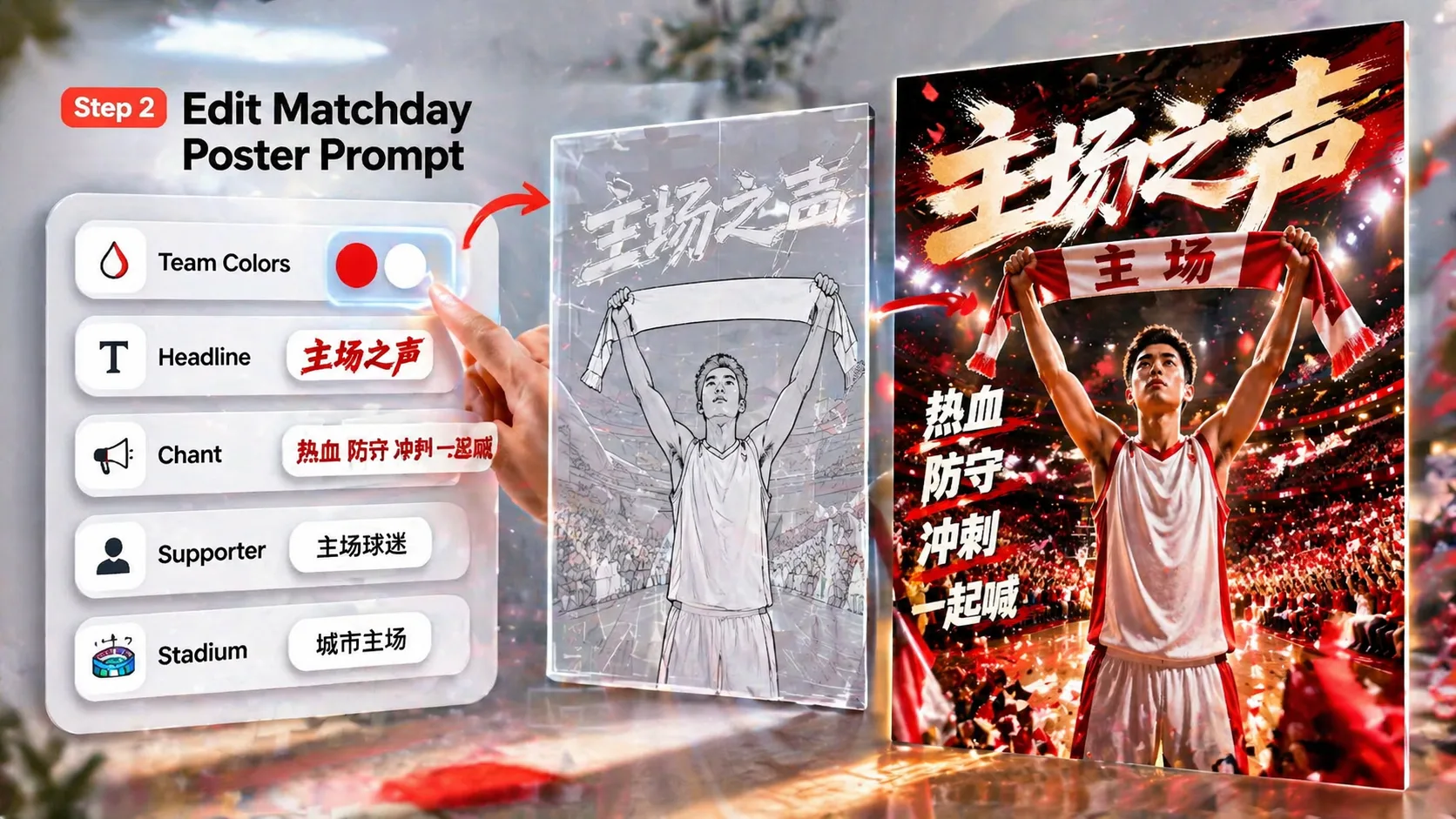
Replace the live variables
Edit the sport, team or city theme, colors, supporter description, venue, headline, chant words, slogan, and bottom event line before generating.
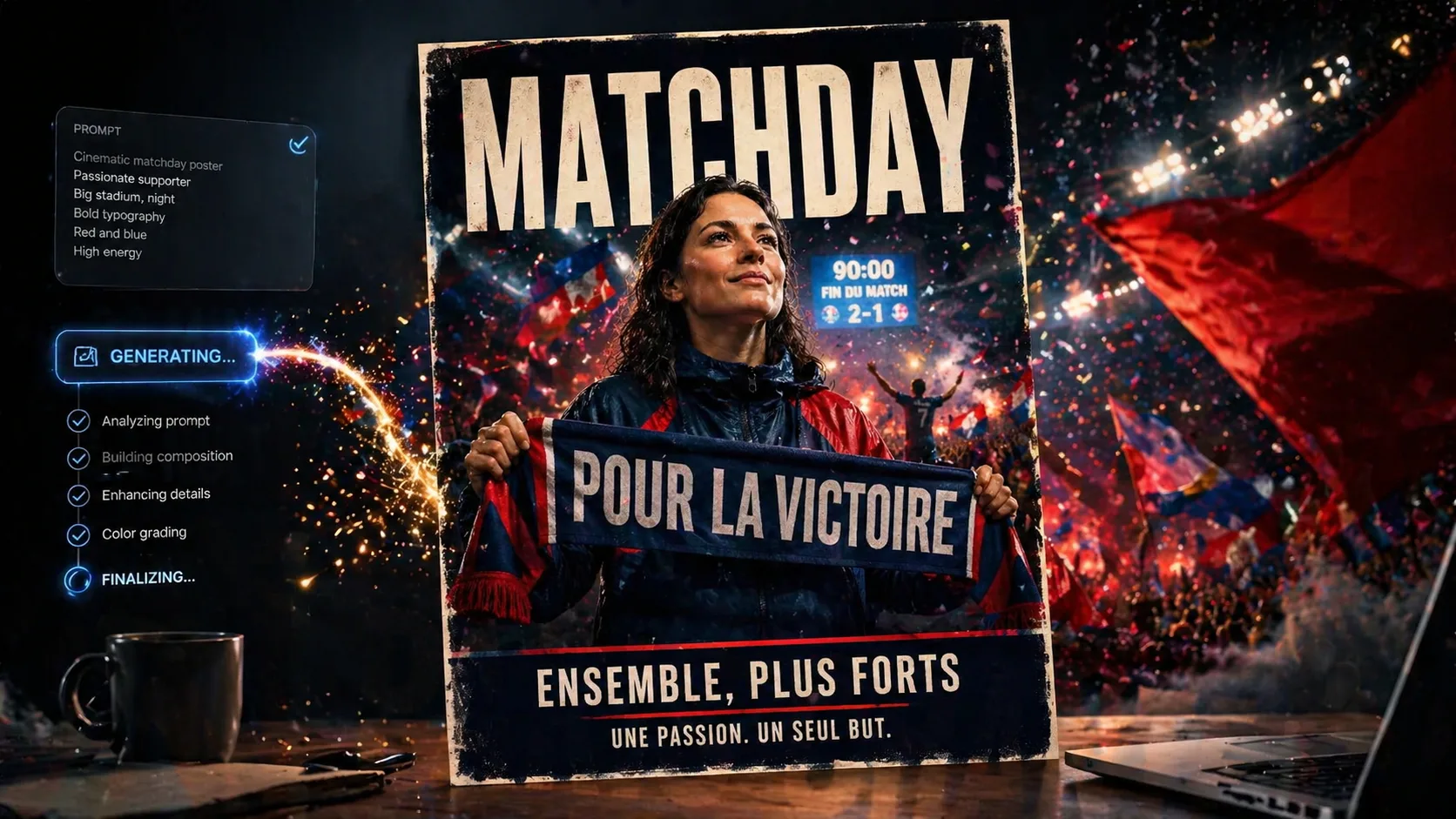
Generate, review, and refine
Send the prompt to GPT Image 2, inspect typography and anatomy, then tighten the wording, composition, color contrast, or stadium details for the next draft.
Matchday poster GPT Image 2 FAQ
Search-style answers for sports poster prompts, fan graphics, typography, and rights-aware template use.
Generate a matchday poster draft
Choose a GPT Image 2 matchday poster template, replace the team details, and create a rights-aware fan poster concept.