
Browse sample poster results on the right, then tap one to load that prompt back into the generator on the left.
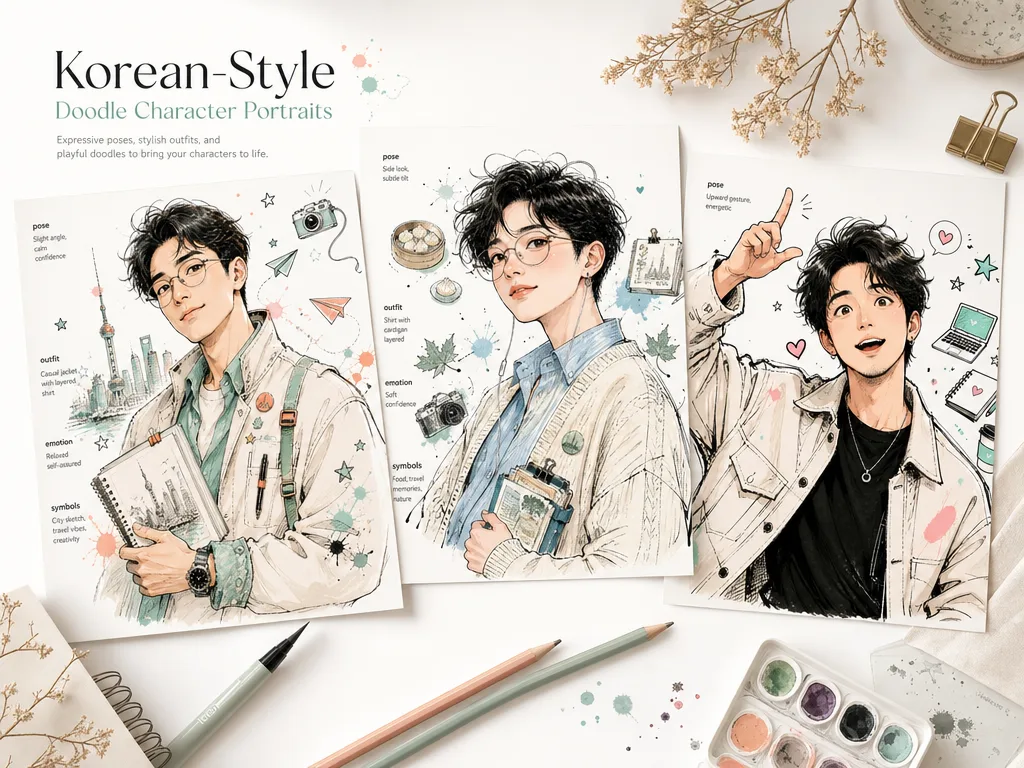
Create Korean doodle portrait GPT Image 2 prompts
Turn an adult subject, creator persona, or original character idea into a hand-drawn portrait with loose ink, pastel shading, expressive emotion, and symbolic doodles. These Korean doodle portrait GPT Image 2 prompts keep the creative structure reusable while leaving room for your own outfit, pose, culture, mood, and reference details.
Expressive avatar direction
Build creator avatars, profile portraits, roleplay personas, and original character concepts around a clear facial emotion, memorable silhouette, and half-body pose.
Editable prompt variables
Swap the subject, outfit details, hand gesture, symbolic decorations, city hints, language notes, and pastel color mood before sending the prompt to GPT Image 2.
Loose ink sketch texture
Guide the model toward spontaneous linework, ink splashes, comic sketch paper, soft shading, and a mostly white background that keeps the portrait readable.
Original character safeguards
Keep the result focused on adult original subjects while avoiding celebrity likenesses, copyrighted characters, brand logos, and child subjects.
From persona idea to generated portrait
Use the template as a controlled workflow: pick the closest portrait prompt, replace the variables, generate a first version, then refine the details that make the character feel specific.
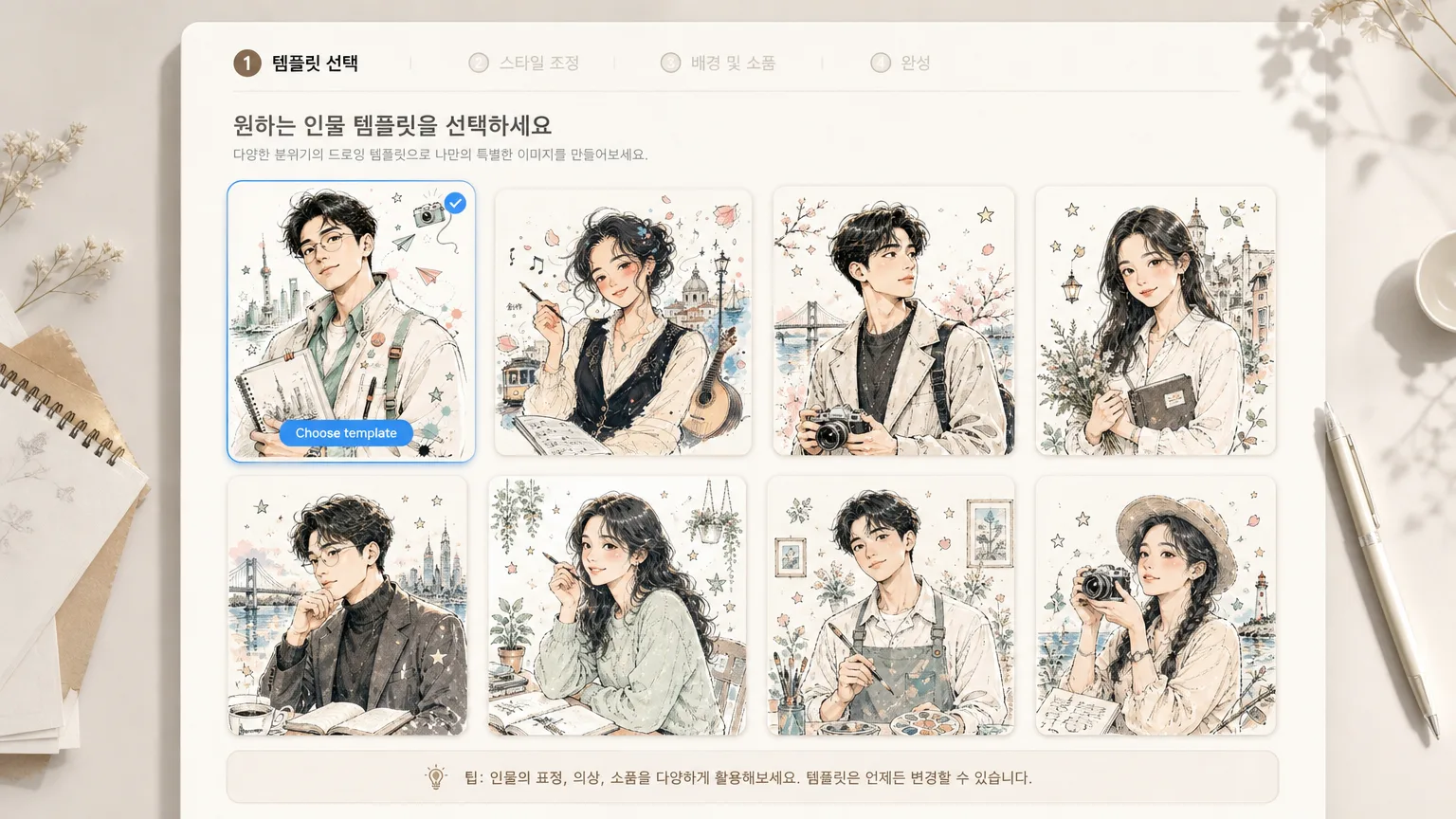
Choose a portrait template
Start with a prompt for a creator avatar, self portrait, poster persona, music profile, studio character, or atelier sketch. Each one keeps the same Korean-style doodle portrait intent while changing composition and cultural context.
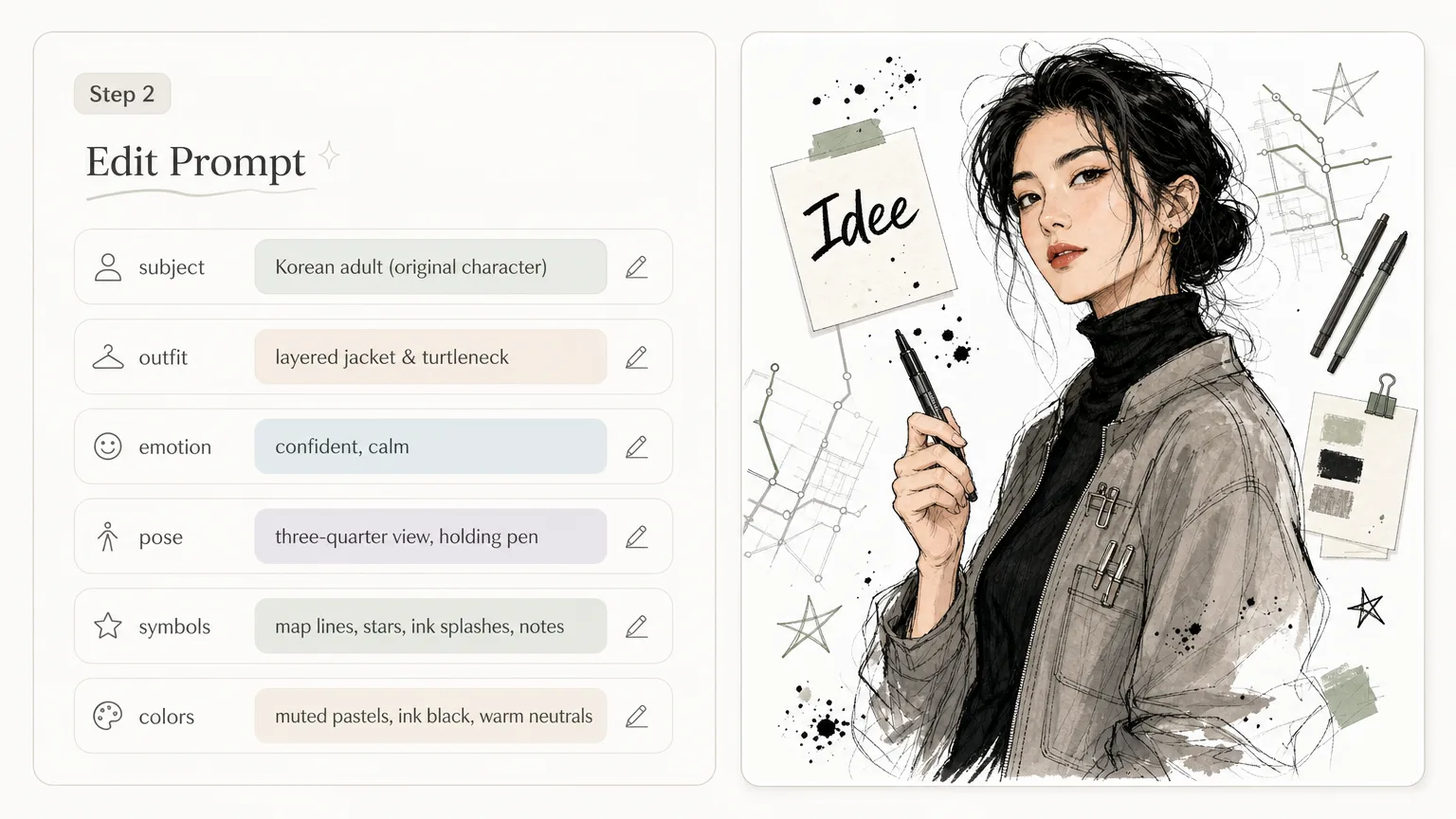
Edit subject and symbols
Replace the adult subject, expression, outfit, pose angle, accessories, background motifs, visible short text, and pastel palette. Add an authorized reference photo only when it helps clarify face shape, posture, or styling.
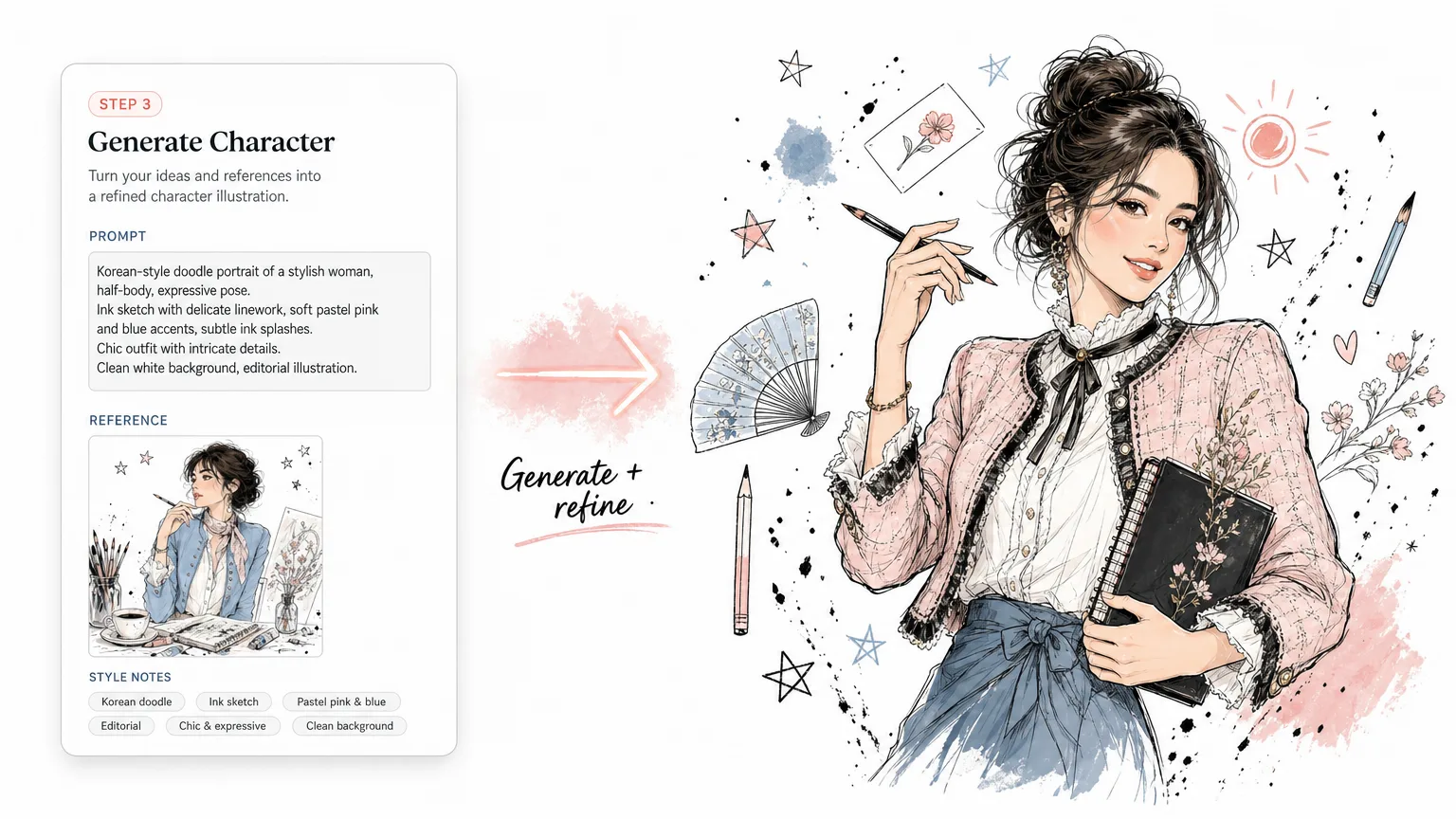
Generate, compare, and refine
Run the edited prompt in GPT Image 2, compare the sample against your target avatar or character concept, then tighten wording around emotion, ink density, pose, and decorative symbols for the next version.
Korean doodle portrait FAQ
Answers for using GPT Image 2 character portrait prompts without drifting into unrelated illustration tasks.
Generate your doodle portrait
Start from a Korean doodle portrait template, edit the variables, and create an expressive GPT Image 2 character sketch.