
Browse sample poster results on the right, then tap one to load that prompt back into the generator on the left.
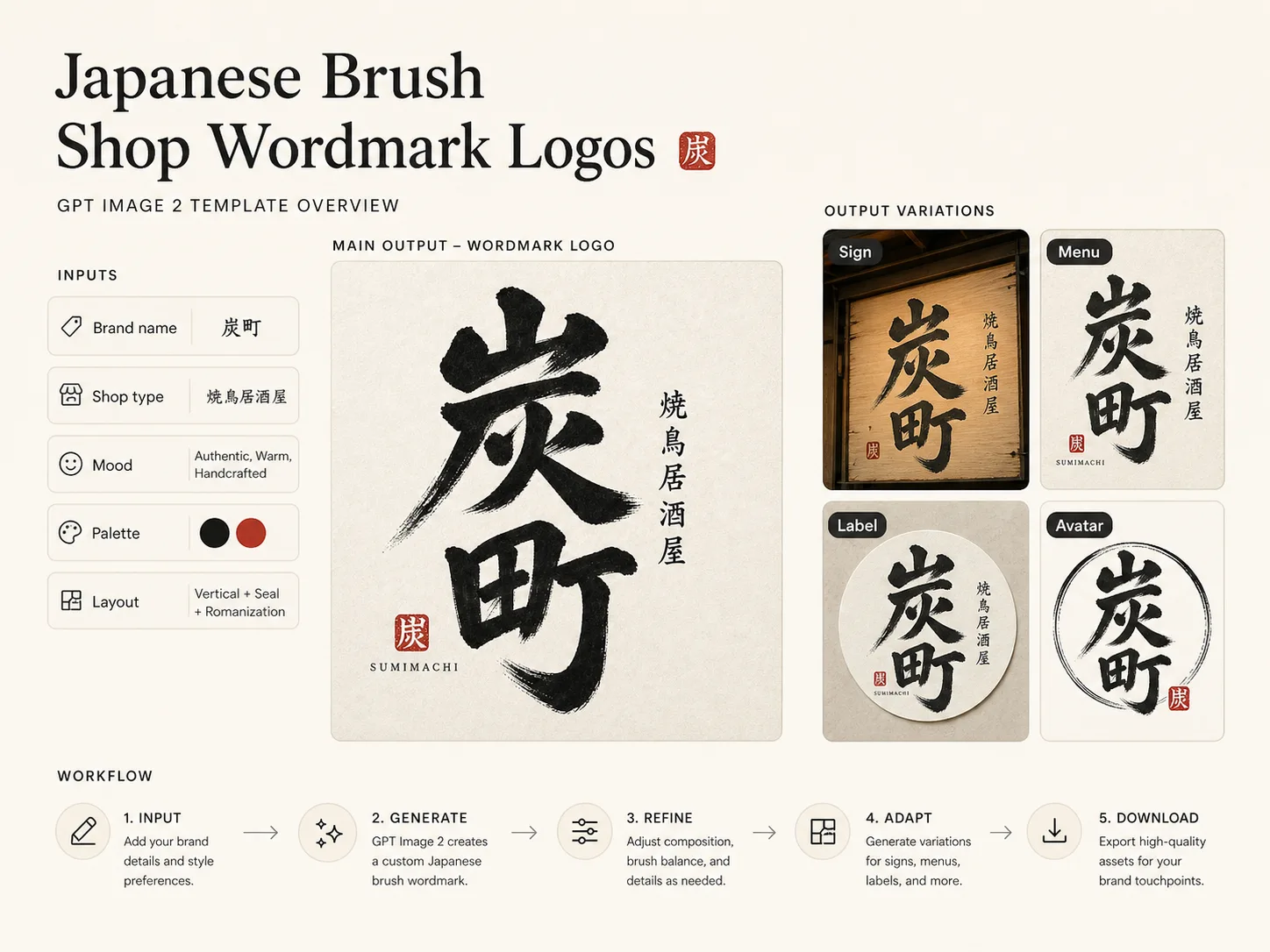
Build shop-ready Japanese brush logo prompts
These GPT Image 2 Japanese brush wordmark templates turn a brand name, shop type, mood, color palette, and layout direction into a practical first logo direction. Each prompt keeps the wordmark readable while asking for brush pressure, warm ink texture, restrained seals, and small supporting text that feels like real storefront signage rather than a decorative calligraphy sheet.
Shop wordmark variables
Replace the brand name, cuisine or shop type, mood, palette, layout, descriptor, romanization, and optional seal before generating.
Readable brush lettering
Prompts describe thick-thin pressure, pauses, dry-brush breaks, ink warmth, and clear character structure so the logo remains usable.
Real commercial surfaces
Explore square signs, noren headers, packaging labels, menu mastheads, storefront banners, pop-up cards, and delivery avatars.
Localized brand examples
Sample prompts cover Japanese, Chinese, Korean, English, Portuguese, Spanish, German, and other visible text contexts without copying existing brands.
From store concept to brush wordmark
Start with the format that matches the surface, edit the shop details, then generate and refine a logo direction inside the GPT Image 2 workflow.
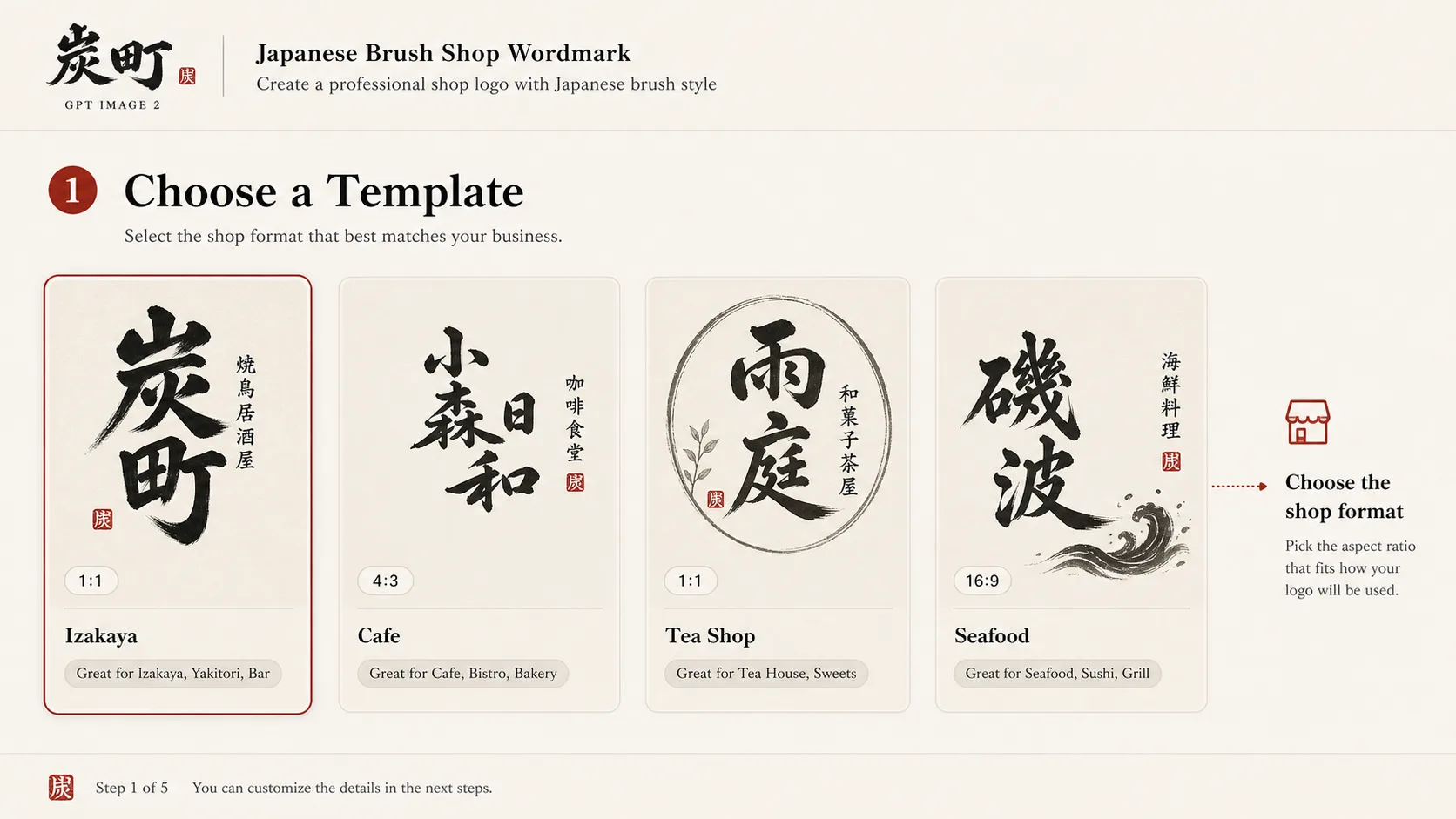
Choose the closest shop format
Pick an izakaya square mark, cafe noren sign, tea seal logo, ramen storefront header, seafood label, bakery sticker, avatar mark, lifestyle studio wordmark, or festival pop-up sign.
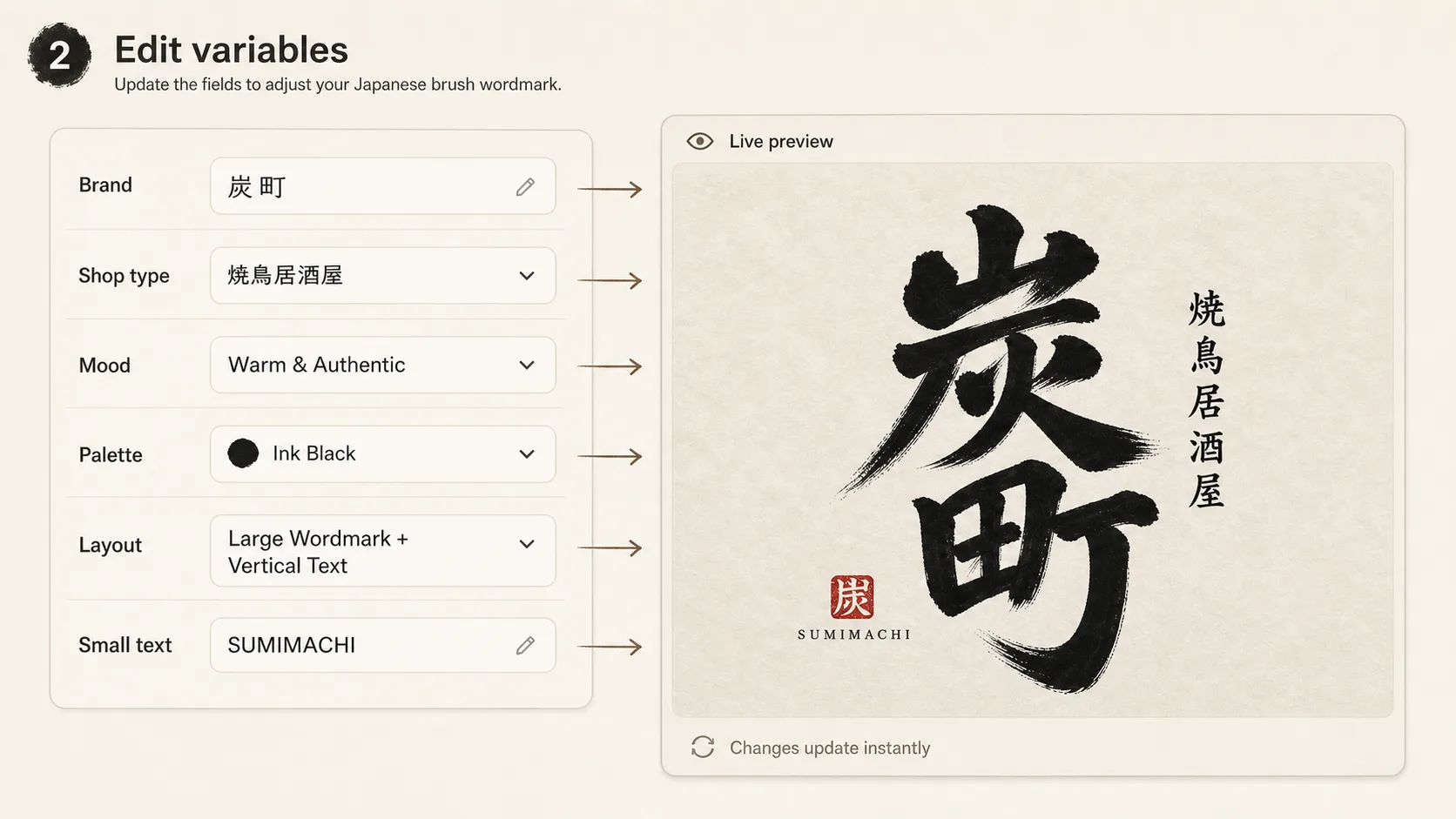
Edit the brand inputs
Swap in the name, shop category, menu focus, personality, color field, accent stamp, small descriptor, and any localized wording that should appear in the image.
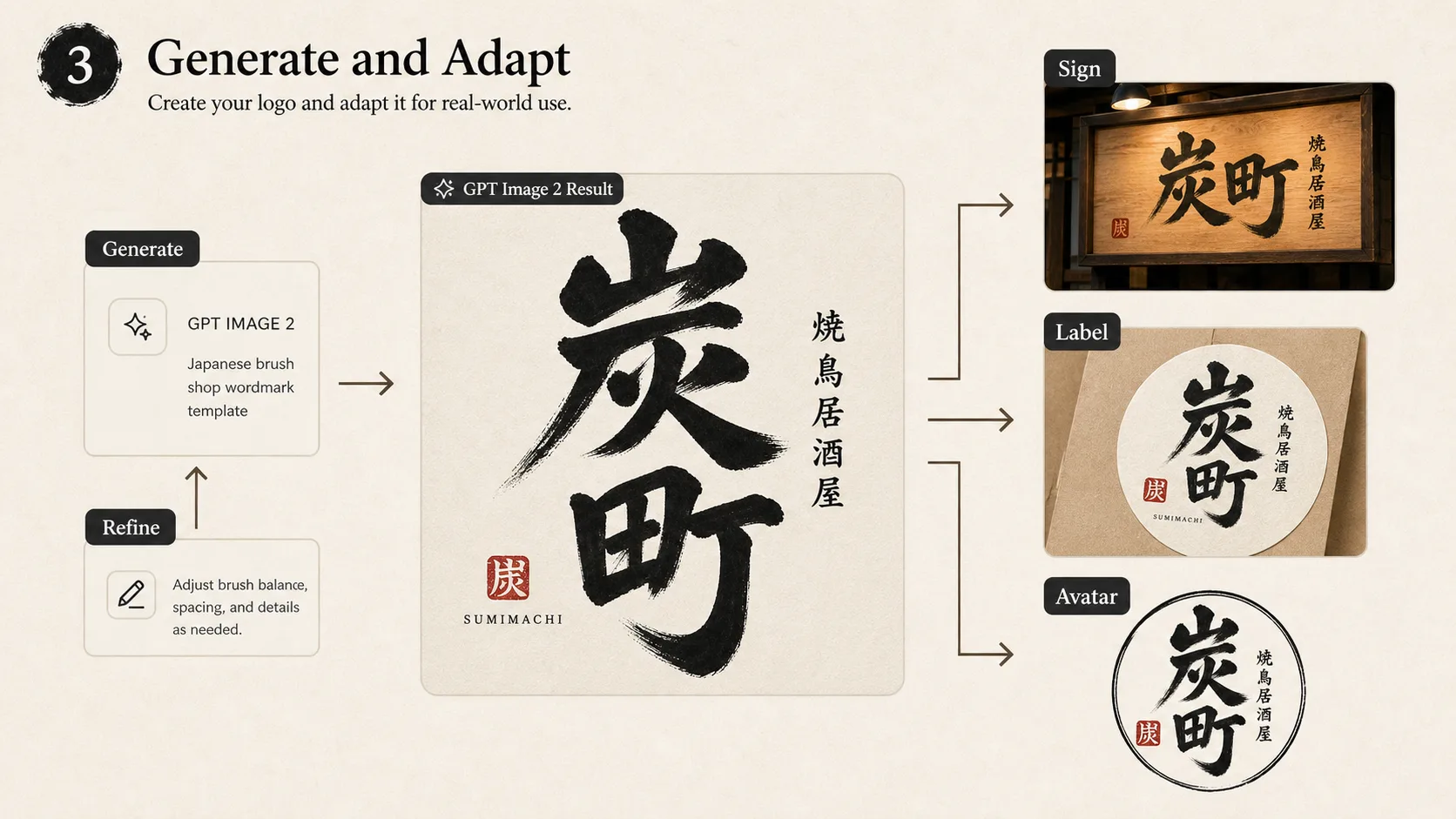
Generate, compare, and refine
Create the GPT Image 2 wordmark, compare layouts for readability, then tighten prompts for cleaner strokes, stronger negative space, packaging use, or small-size avatar use.
Japanese brush logo prompts FAQ
Practical answers for using these GPT Image 2 prompts as shop wordmark and logo-direction templates.
Generate a brush wordmark
Open the template generator, replace the shop details, and create a Japanese brush logo direction with GPT Image 2.