
Browse sample poster results on the right, then tap one to load that prompt back into the generator on the left.
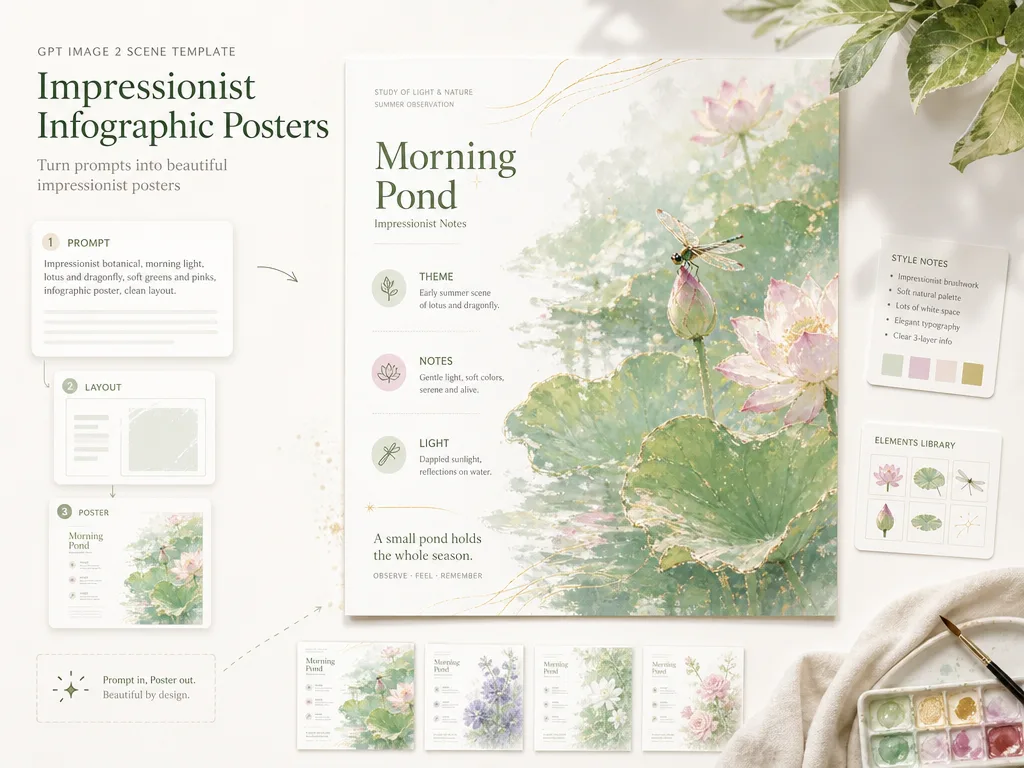
Create impressionist infographic posters with GPT Image 2 prompts
These templates turn a short topic, poem, lesson note, or cultural brief into a 16:9 poster where painterly atmosphere and clear information design work together.
Readable left-side hierarchy
Each impressionist infographic poster prompt separates the eyebrow, title, side notes, and closing line into top, middle, and bottom text zones so the result feels designed instead of crowded.
Airy painterly atmosphere
The prompt language asks GPT Image 2 for luminous color, soft brushwork, white reading space, and an illustration that carries the mood before the viewer reads the details.
Editable teaching and culture variables
Swap the poem line, lesson theme, place, object, note labels, language, and cultural context while keeping the same reusable poster structure.
Practical poster prompt reuse
Use the examples for classroom slides, museum notes, social posts, travel-history posters, poetry studies, and single-slide visual summaries that need both art and information.
From topic to generated poster
Start with the template closest to your subject, edit the variables, then generate and refine the poster inside the GPT Image 2 workflow.
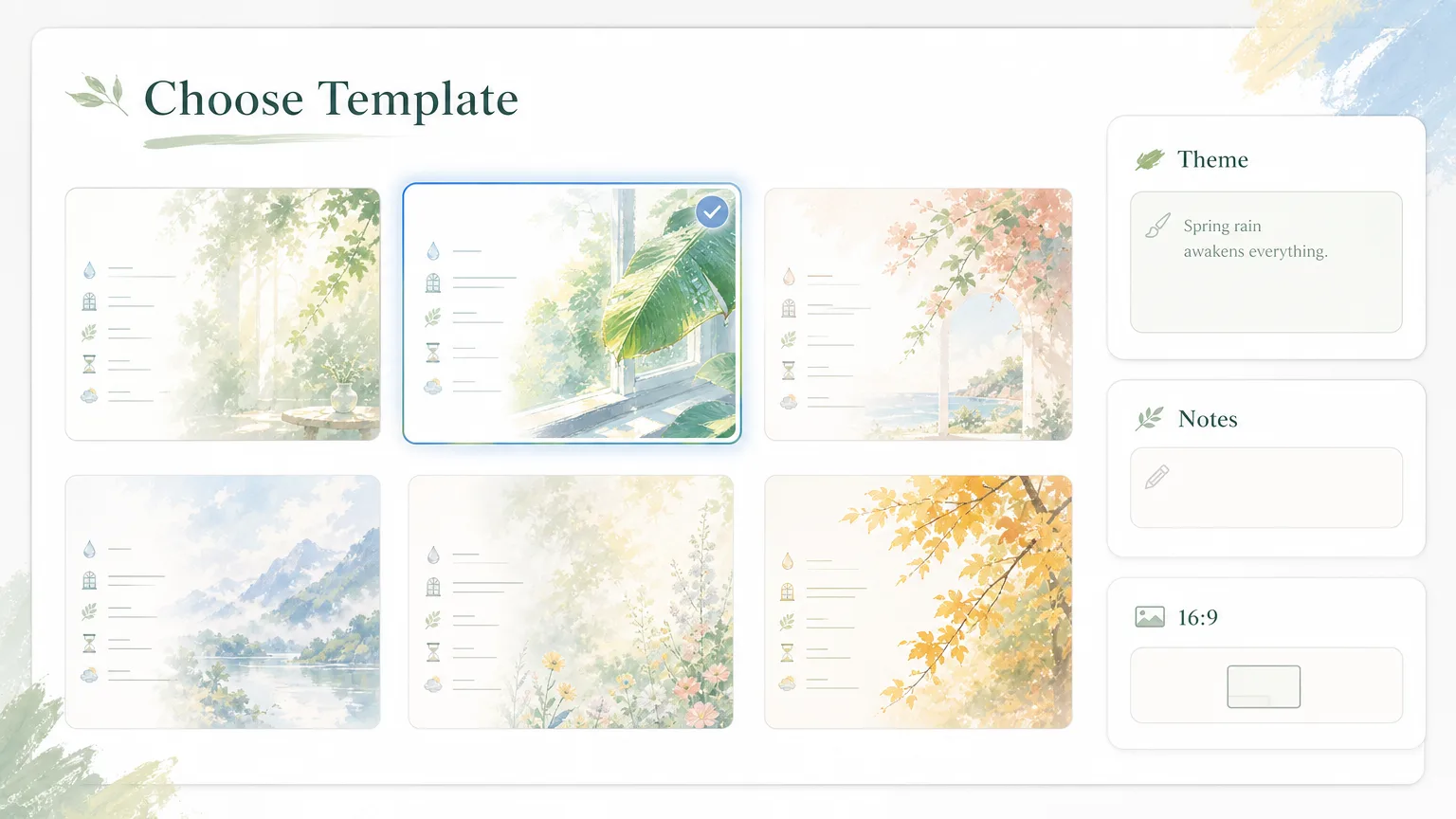
Choose the poster intent
Pick a prompt for a poem, classroom note, cultural lecture, travel history, museum explanation, science concept, or food-culture brief. The same impressionist infographic layout stays consistent while the subject changes.
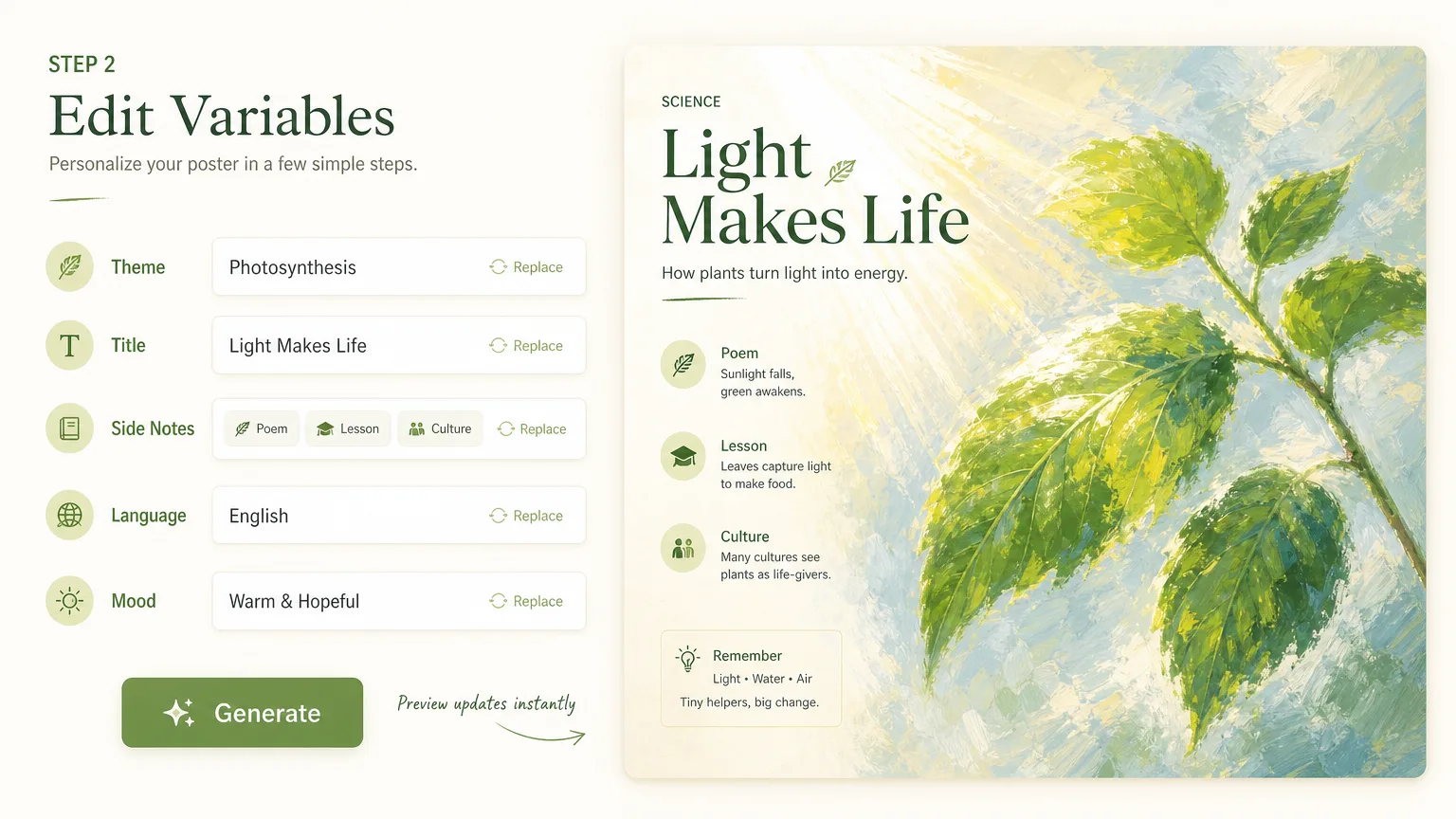
Replace text and visual variables
Edit the title, subtitle, 4-6 side notes, closing sentence, visible text language, natural motif, season, place, or concept. Keep labels short so GPT Image 2 has a better chance of rendering legible poster text.
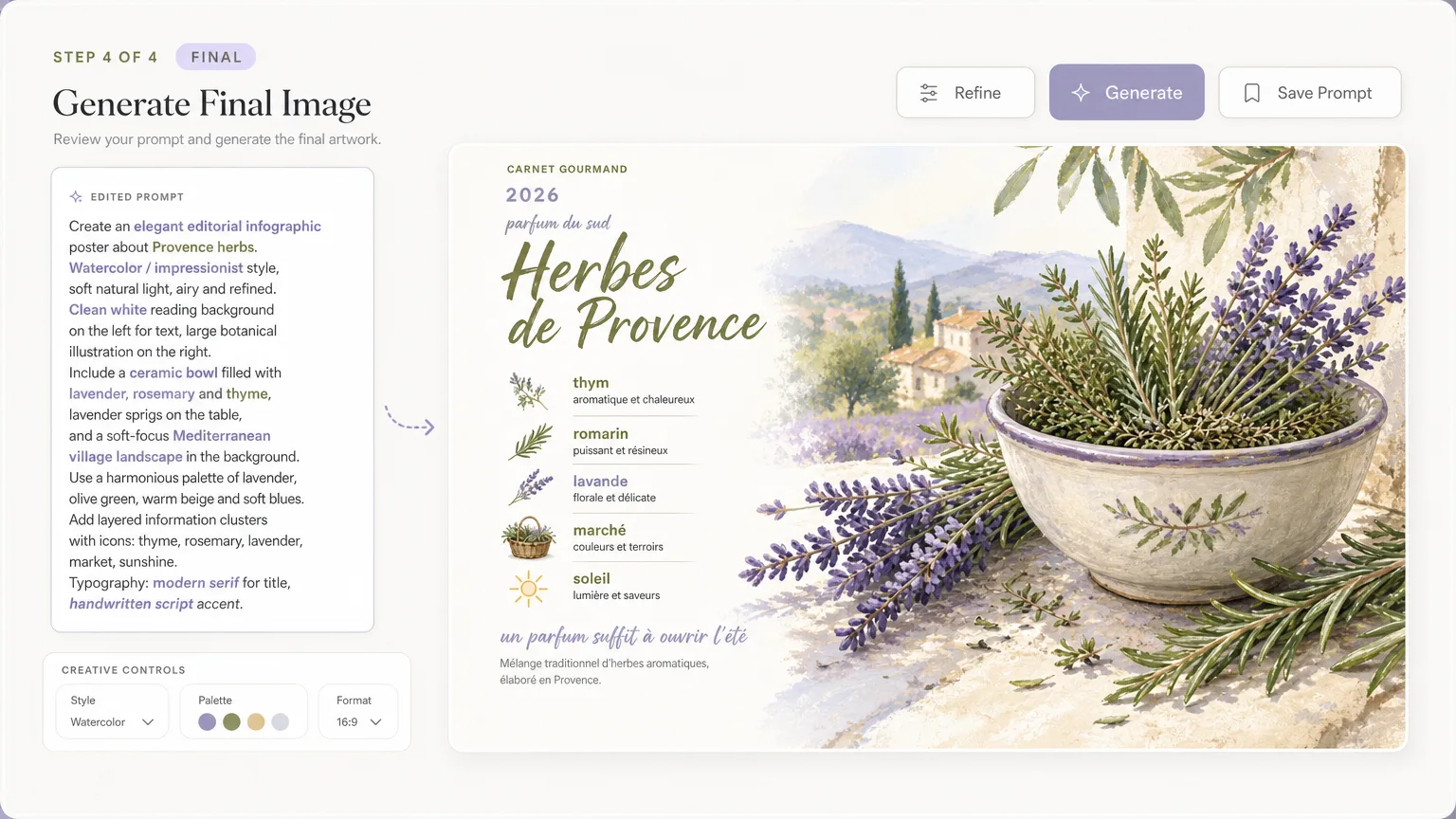
Generate, review, and refine
Run the prompt, check hierarchy and readable labels, then adjust the note count, spacing instructions, or visual anchor. Save the strongest prompt for later poster variations.
Impressionist infographic poster FAQ
Search-focused answers for using these GPT Image 2 poster prompts in poster, slide, and learning workflows.
Generate an Impressionist Poster
Choose a template, edit the topic and notes, then create an airy infographic poster with GPT Image 2.