
Browse sample poster results on the right, then tap one to load that prompt back into the generator on the left.
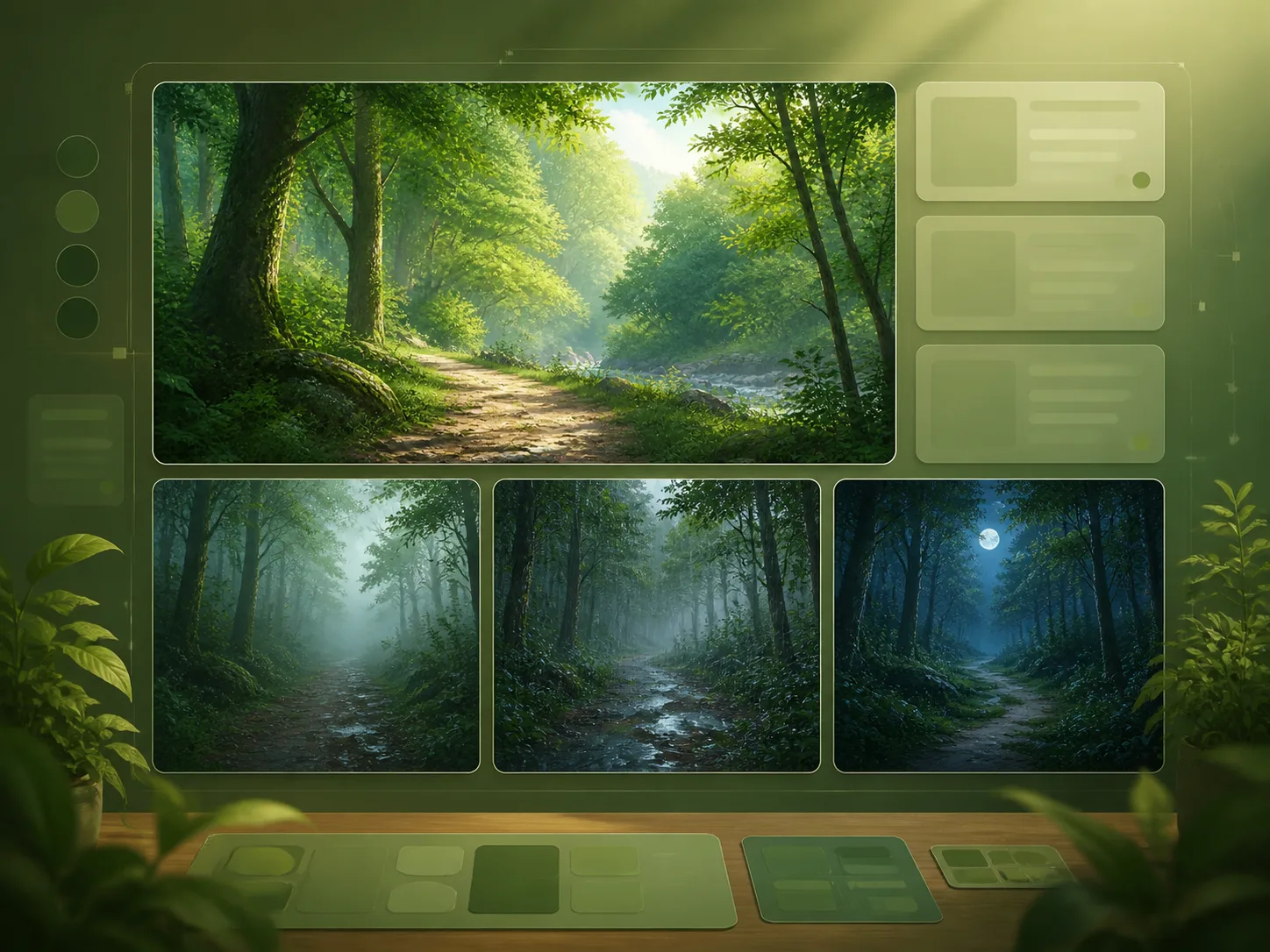
Create forest background GPT Image 2 prompts for real production scenes
This template collection turns woodland atmosphere into reusable background prompts instead of a generic nature-art article. Pick a forest mood, replace the season, lighting, path, palette, or reserved overlay space, and generate character-free environment art that can sit behind UI, dialogue, titles, or creator layouts.
Background-first composition
Every prompt asks GPT Image 2 for a clean forest background illustration with no characters, logos, readable text, or distracting foreground clutter, so the result can support game screens, videos, stream panels, and visual novel dialogue.
Lighting and mood control
Use close variants for morning light, rain, mist, moonlight, campsite glow, fantasy groves, and square mood-board covers without rewriting the whole prompt each time.
Asset-minded prompt structure
The prompts mention aspect ratio, camera height, depth layers, negative space, and production use, which helps the generated woodland environment behave like a usable background asset.
Editable scene variables
Replace forest type, season, path shape, weather, color palette, emotional tone, and overlay area directly inside the template before you generate or refine the image.
How to generate woodland background illustrations
Use the forest background GPT Image 2 prompts as a repeatable workflow: choose the output role, edit visible variables, generate one image, then refine composition for your layout.
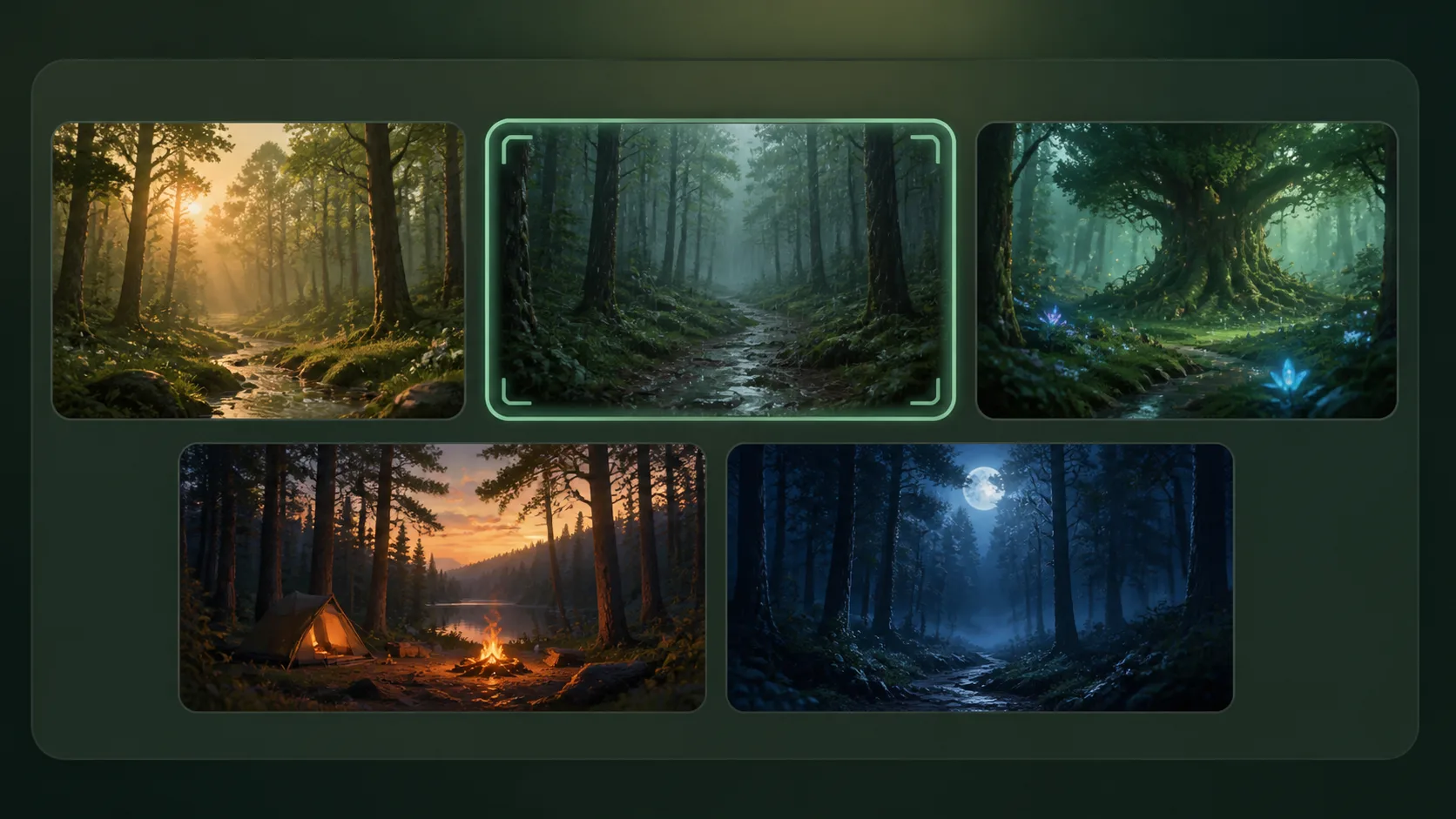
Choose the background job
Start with a prompt for a game scene, livestream overlay, visual novel path, rainy woodland, fantasy shrine grove, cozy campsite, moonlit ambience, or square cover mood board.
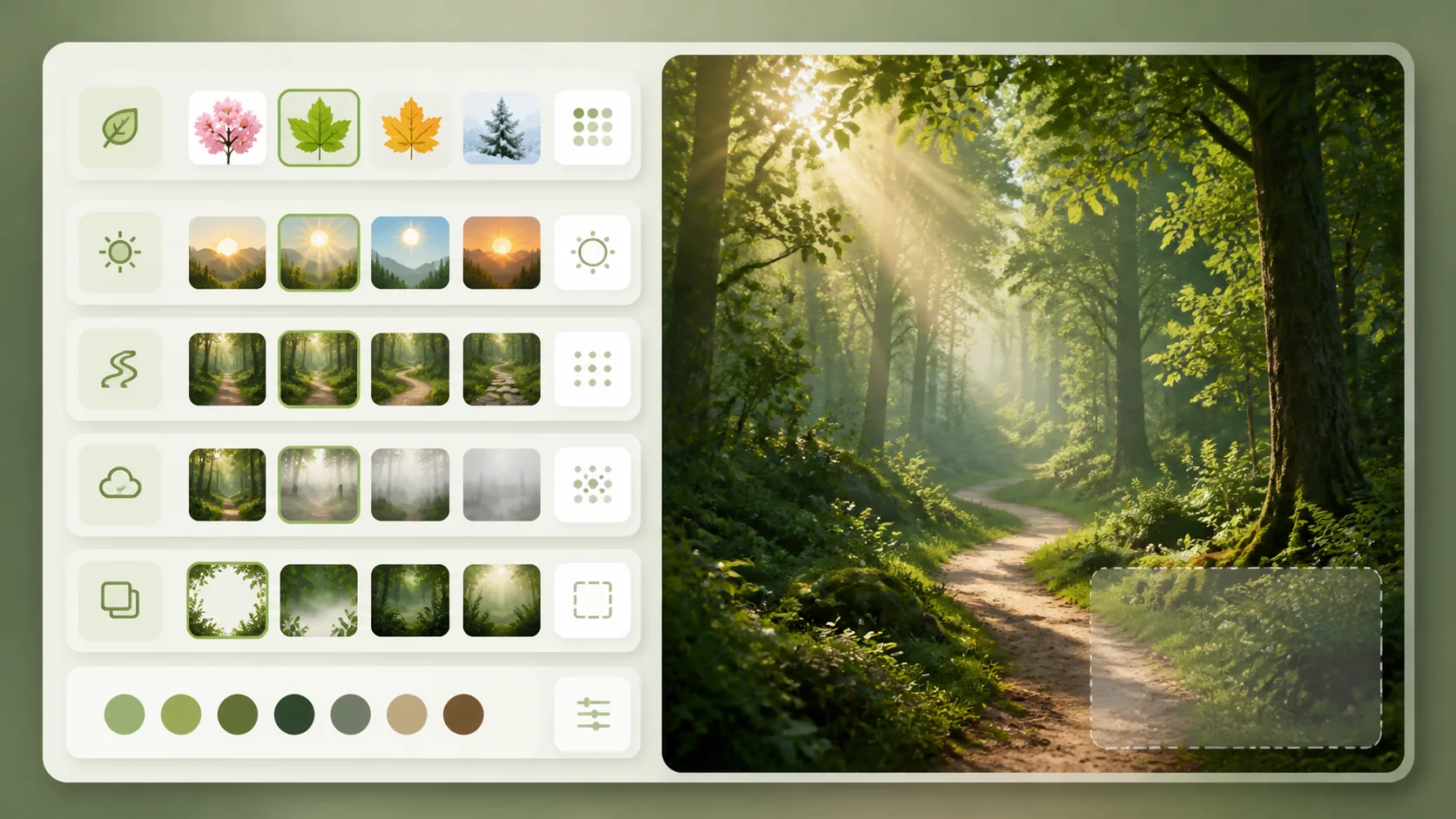
Edit the forest variables
Swap the season, forest density, path shape, light direction, reserved UI space, accent color, and emotional tone so the prompt matches the scene you need instead of a random landscape.
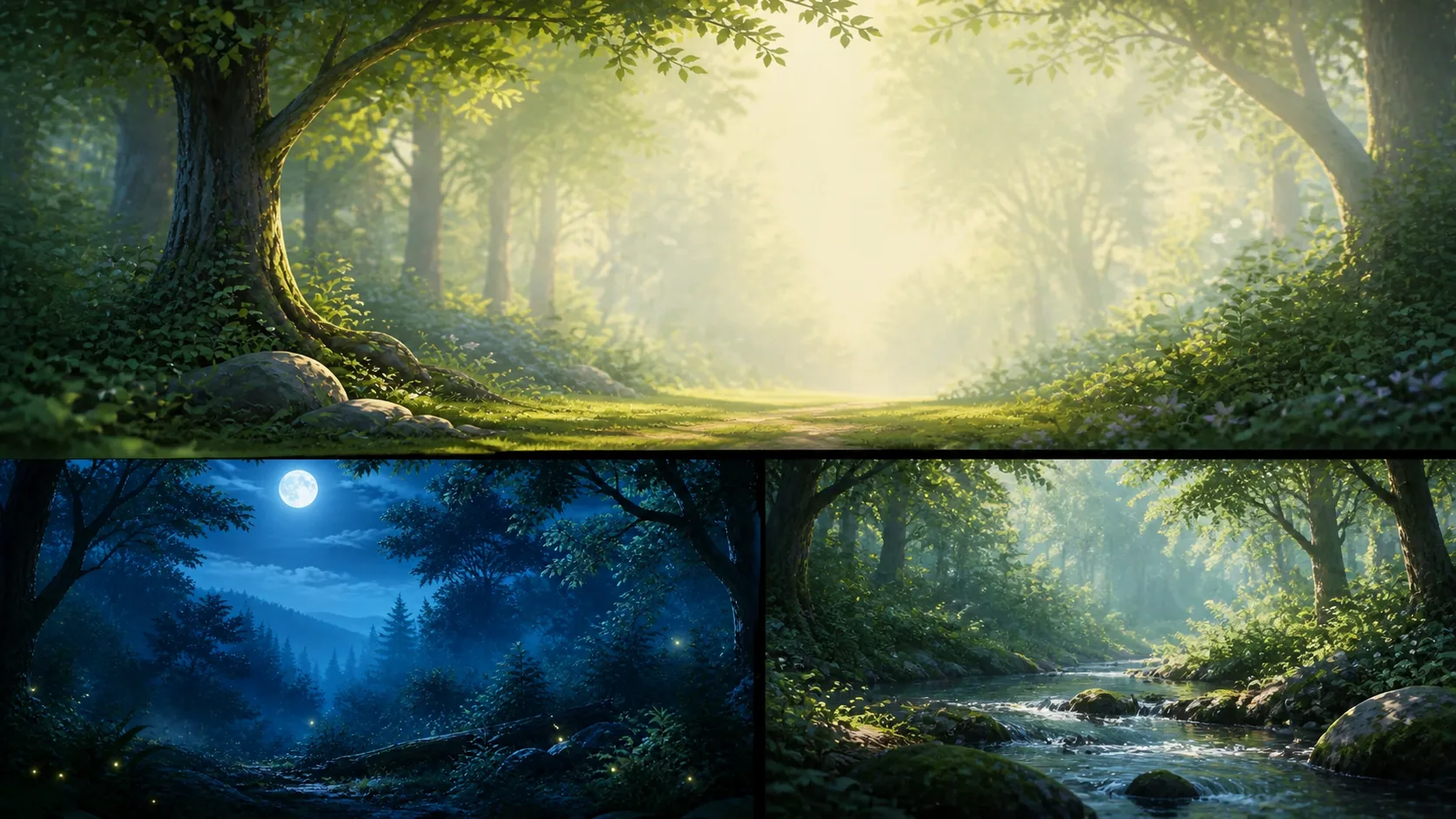
Generate and refine the asset
Create the first GPT Image 2 result, check whether the foreground, horizon, and negative space fit your layout, then run a tighter variation for your game, video, stream, or story project.
Forest background prompt FAQ
Answers for creators using GPT Image 2 forest background prompts as practical scene assets.
Generate a forest background
Open a forest background template, edit the variables, and create a polished woodland illustration with GPT Image 2.