
Browse sample poster results on the right, then tap one to load that prompt back into the generator on the left.
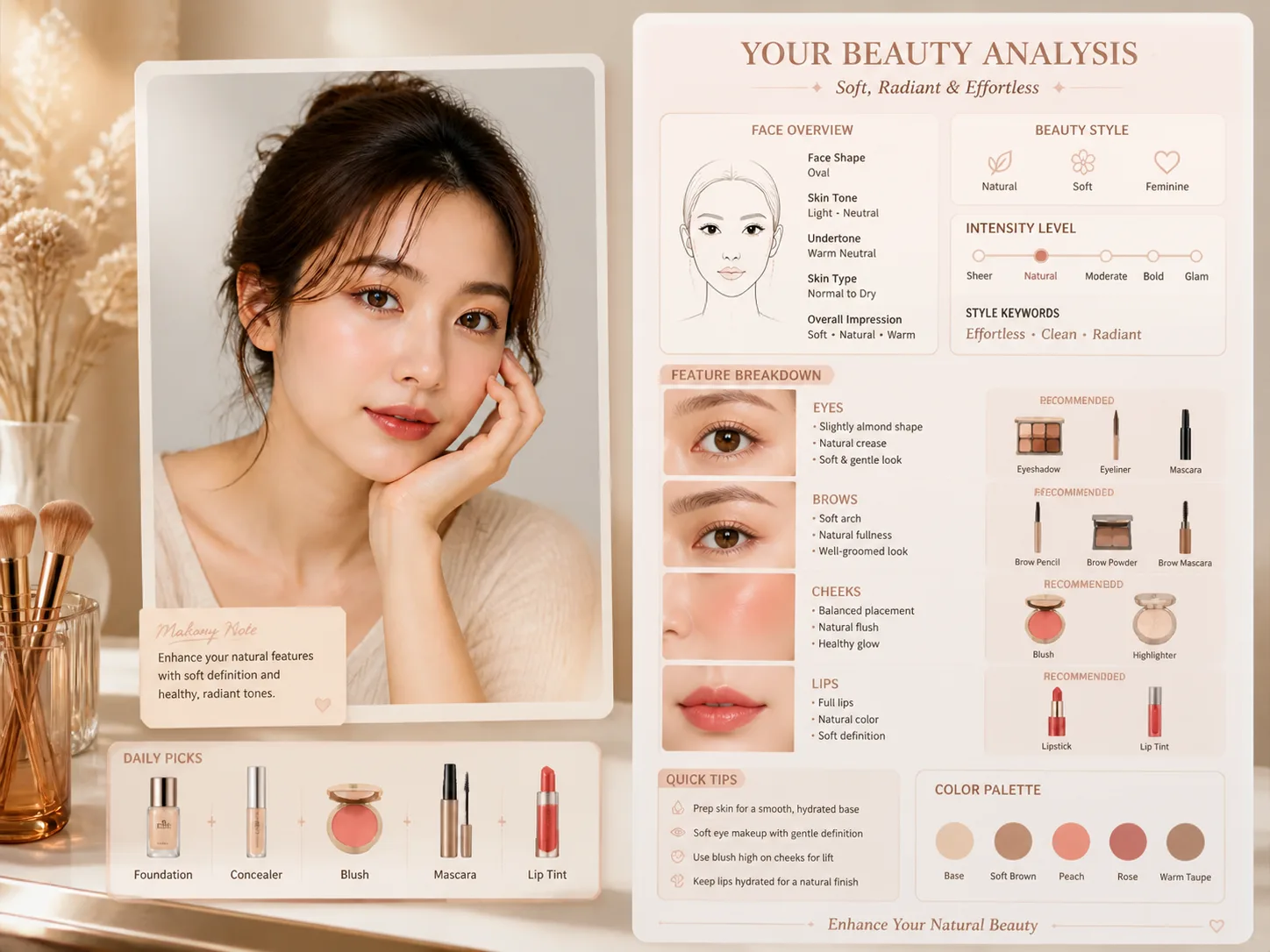
Create makeup analysis infographics with GPT Image 2
These makeup analysis GPT Image 2 prompts turn an uploaded adult portrait into a structured beauty guide. Each template keeps the portrait reference recognizable while mapping makeup style, skin finish, feature notes, color palette, product icons, and short readable labels into a polished vertical infographic.
Portrait-based beauty guidance
Start from an adult portrait reference and preserve natural facial identity, proportions, and skin texture instead of reshaping the face.
Complete makeup breakdowns
Generate sections for face overview, base finish, brows, eyes, cheeks, contour, lashes, lips, quick tips, and makeup intensity.
Editable palette and products
Swap soft glam, daily natural, K-beauty glow, minimal, editorial, or Parisian styling with matching color families and product icons.
Localized infographic labels
Use the prompts to create English, Chinese, Korean, Japanese, Portuguese, Spanish, German, and French beauty guide samples with concise visible text.
How to use the makeup analysis prompt templates
Choose the closest beauty direction, edit the reference-photo variables, then generate and refine the infographic in GPT Image 2.
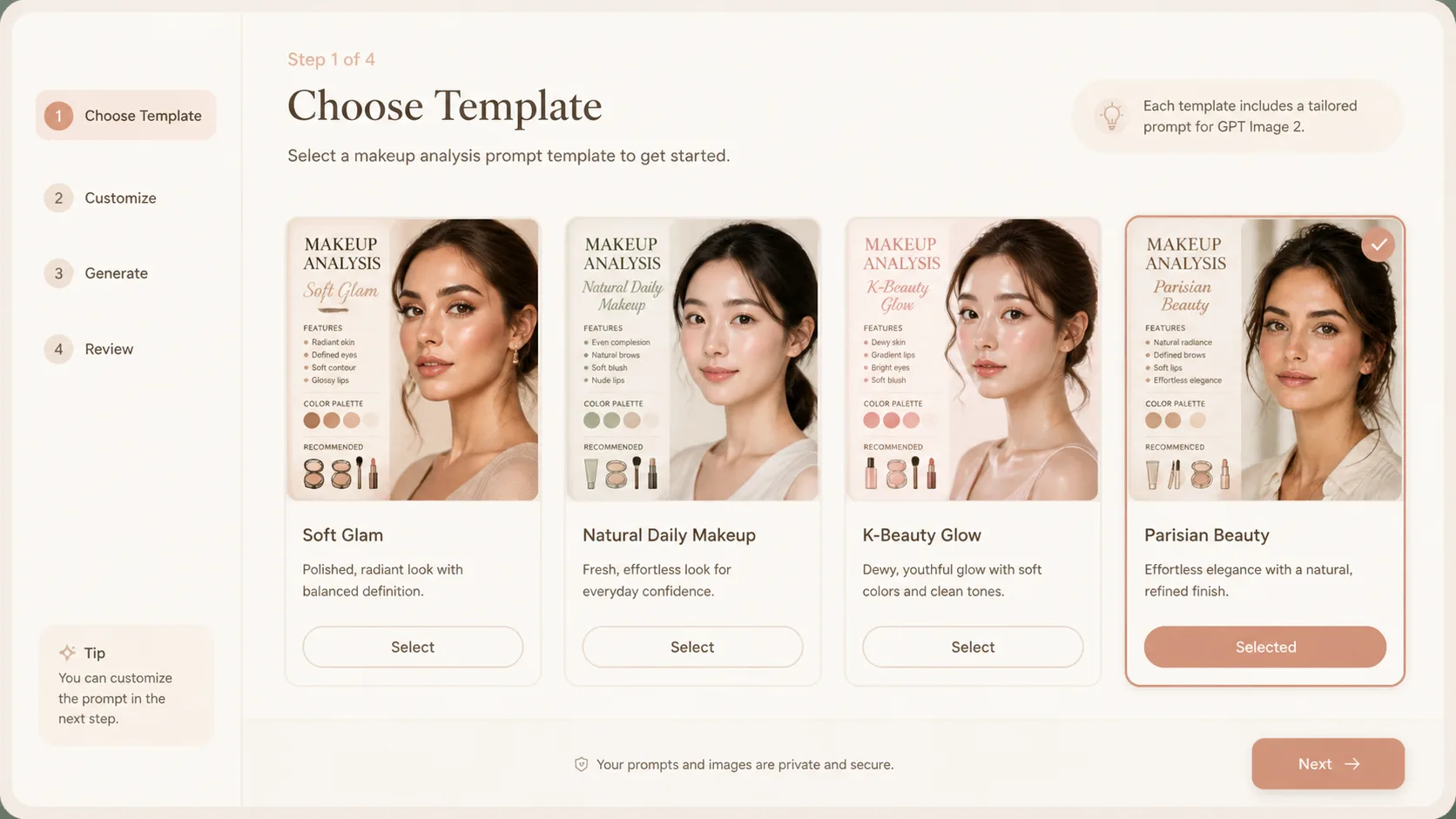
Choose a beauty direction
Pick a soft glam, natural daily, elegant minimal, K-beauty, clean Japanese, editorial, minimalist, or Parisian makeup analysis prompt based on the output style you need.
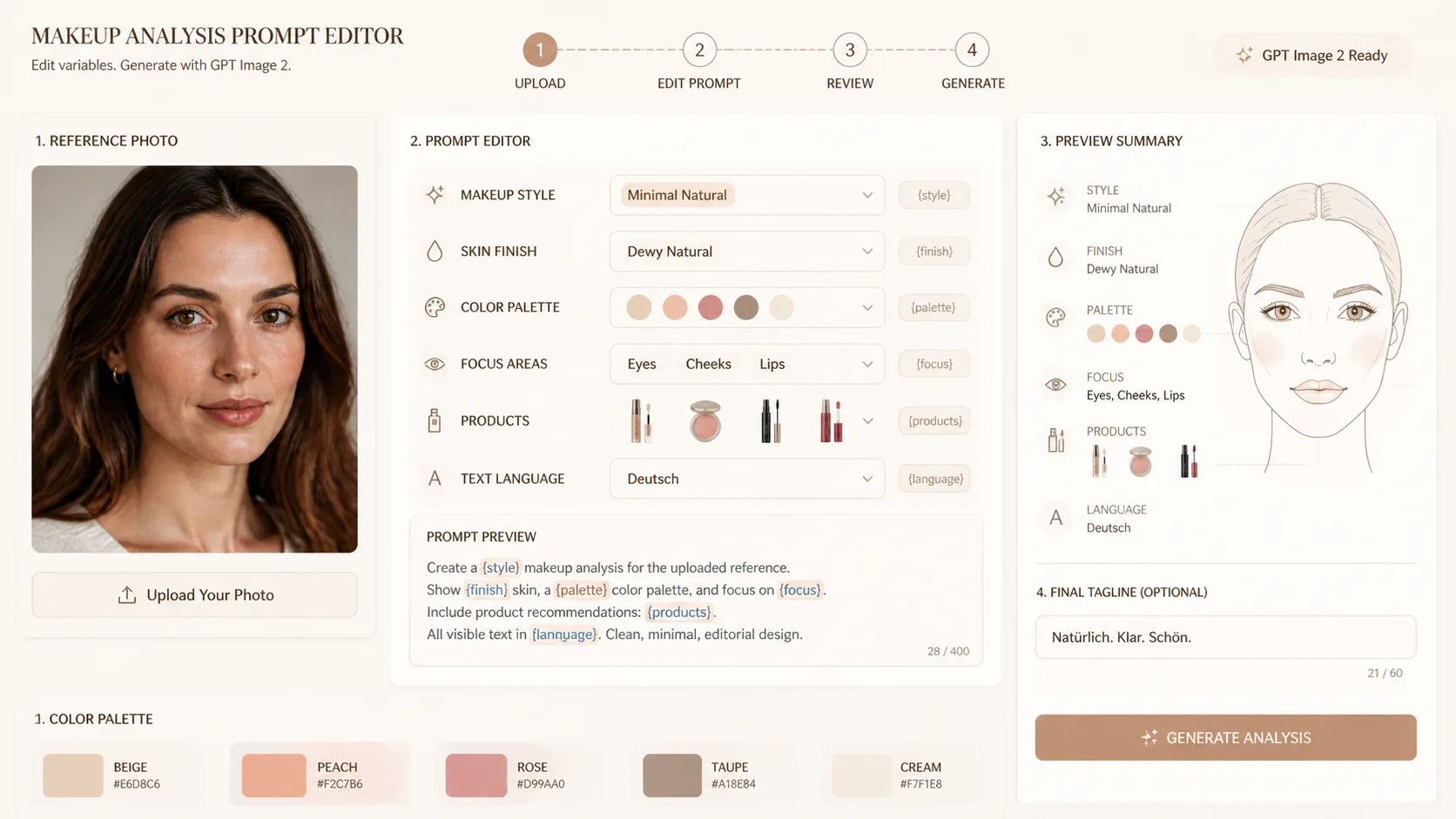
Edit portrait and makeup variables
Replace the makeup style label, finish, palette, product icon list, visible language, routine notes, and safety wording before generating.
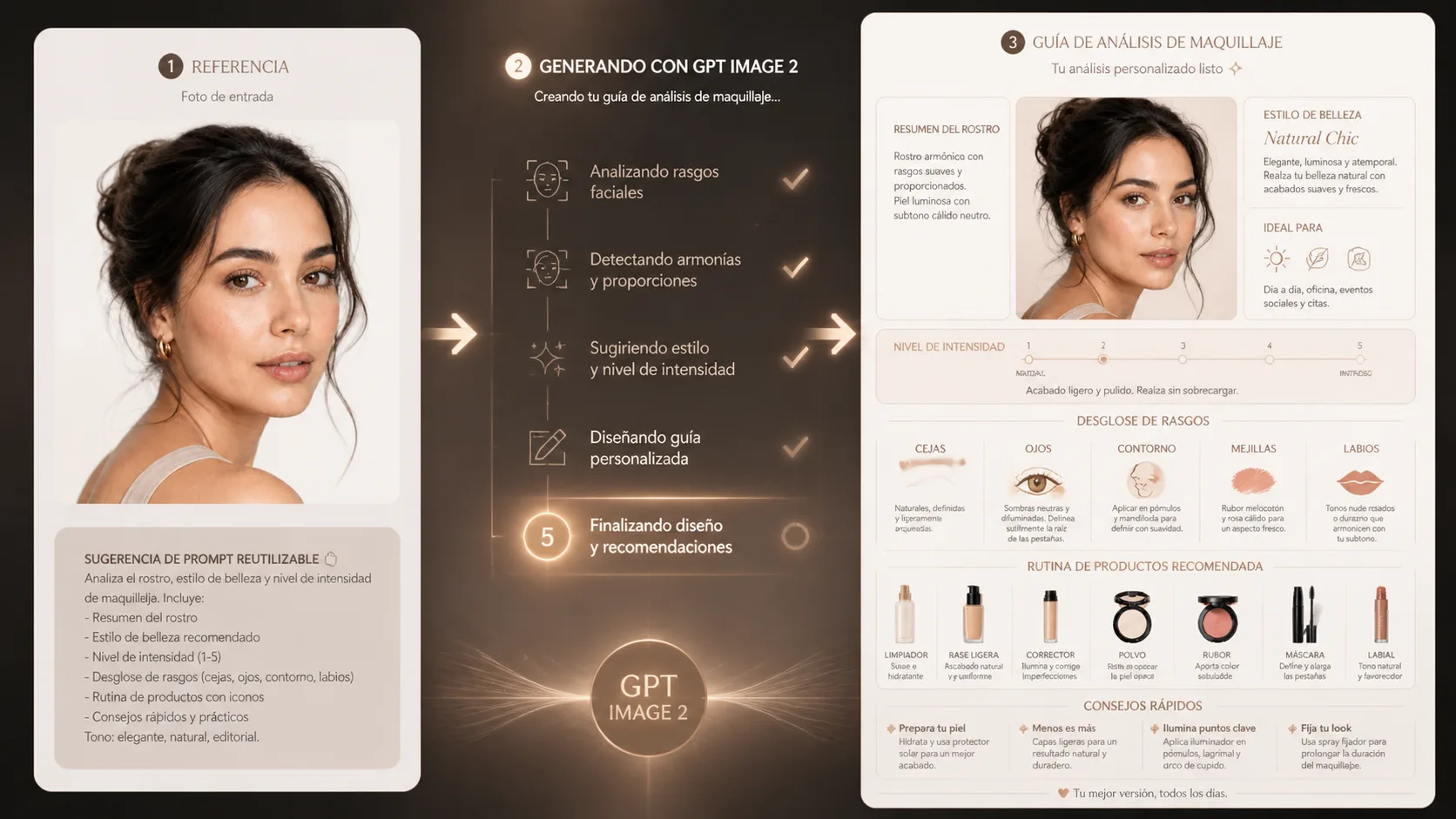
Generate, compare, and refine
Run the prompt in GPT Image 2, compare the infographic layout and labels, then adjust palette, intensity, and product callouts for the next version.
Makeup analysis GPT Image 2 prompts FAQ
Practical answers about portrait references, beauty infographic prompts, editing variables, and safe use boundaries.
Generate a makeup analysis infographic
Open a template, add an adult portrait reference, and create a polished beauty guide with GPT Image 2 prompts.