
Browse sample poster results on the right, then tap one to load that prompt back into the generator on the left.
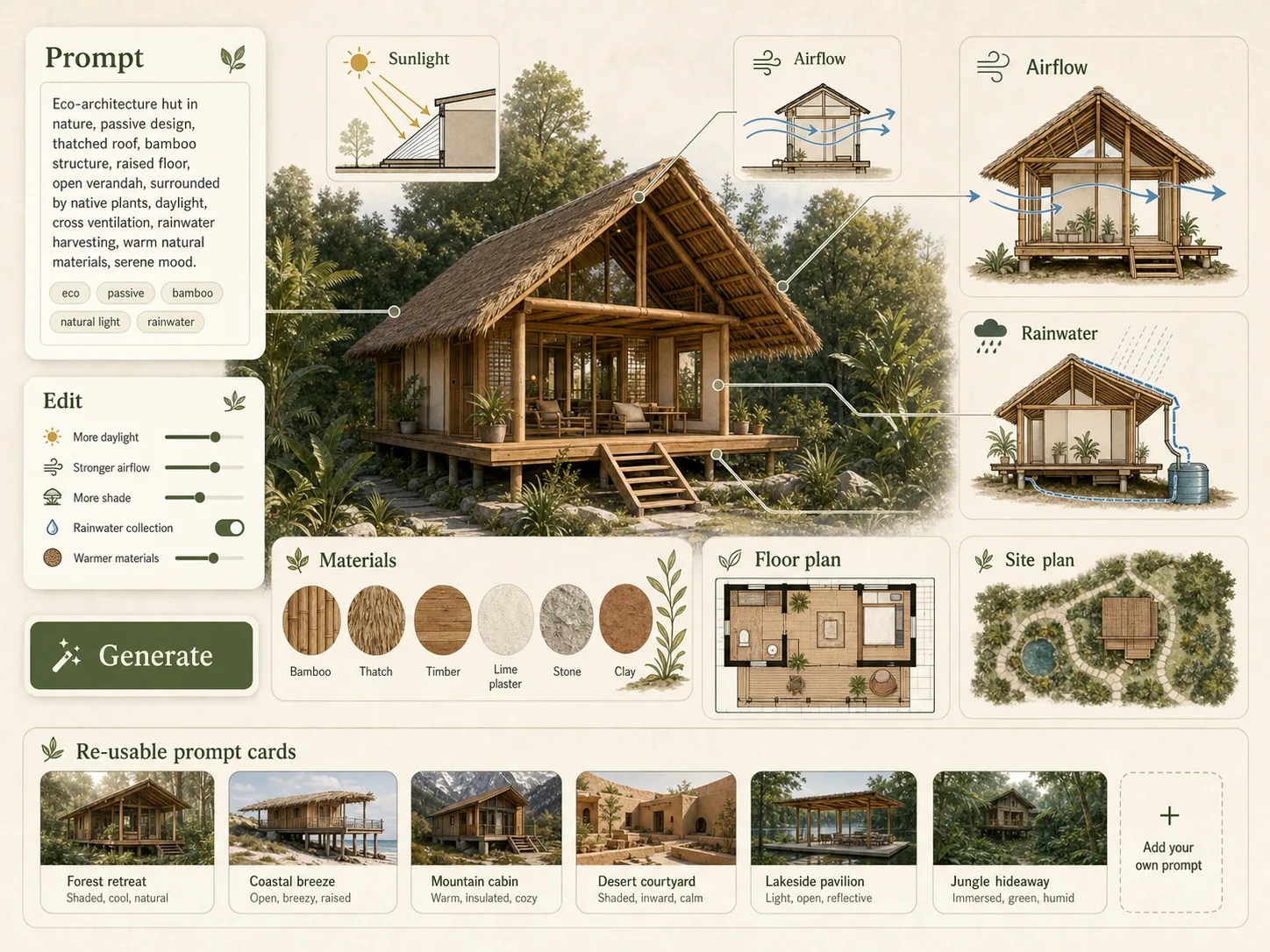
Create eco architecture handbook infographics with GPT Image 2 prompts
Use this scene to turn sustainable building ideas into polished handbook-style infographics. Each prompt is structured around a central architectural render plus supporting modules for floor plans, cutaways, material swatches, climate logic, daylight, airflow, rainwater, and site planning. The result is closer to an editorial design manual than a tourism poster, so creators can brief a concept, explain a passive strategy, or publish an educational architecture visual without starting from a blank canvas.
Handbook page layouts
Build dense but readable architecture reference pages for huts, cabins, pavilions, tiny homes, cabanas, courtyards, teahouses, and eco lodges.
Passive design diagrams
Prompt GPT Image 2 to show airflow, daylight, shade, rainwater paths, insulation, material palettes, site circulation, and comfort logic in one composition.
Editable design variables
Swap the structure type, climate, material palette, site context, passive systems, aspect ratio, and visible label language before generating.
Concept-safe outputs
Use the visuals for moodboards, teaching, early client discussion, or content publishing while avoiding permits, engineering claims, fake certifications, and final building advice.
How to generate an eco architecture infographic
Start with a scene template, adapt the architectural variables, then refine the GPT Image 2 result until the handbook page explains the structure clearly.
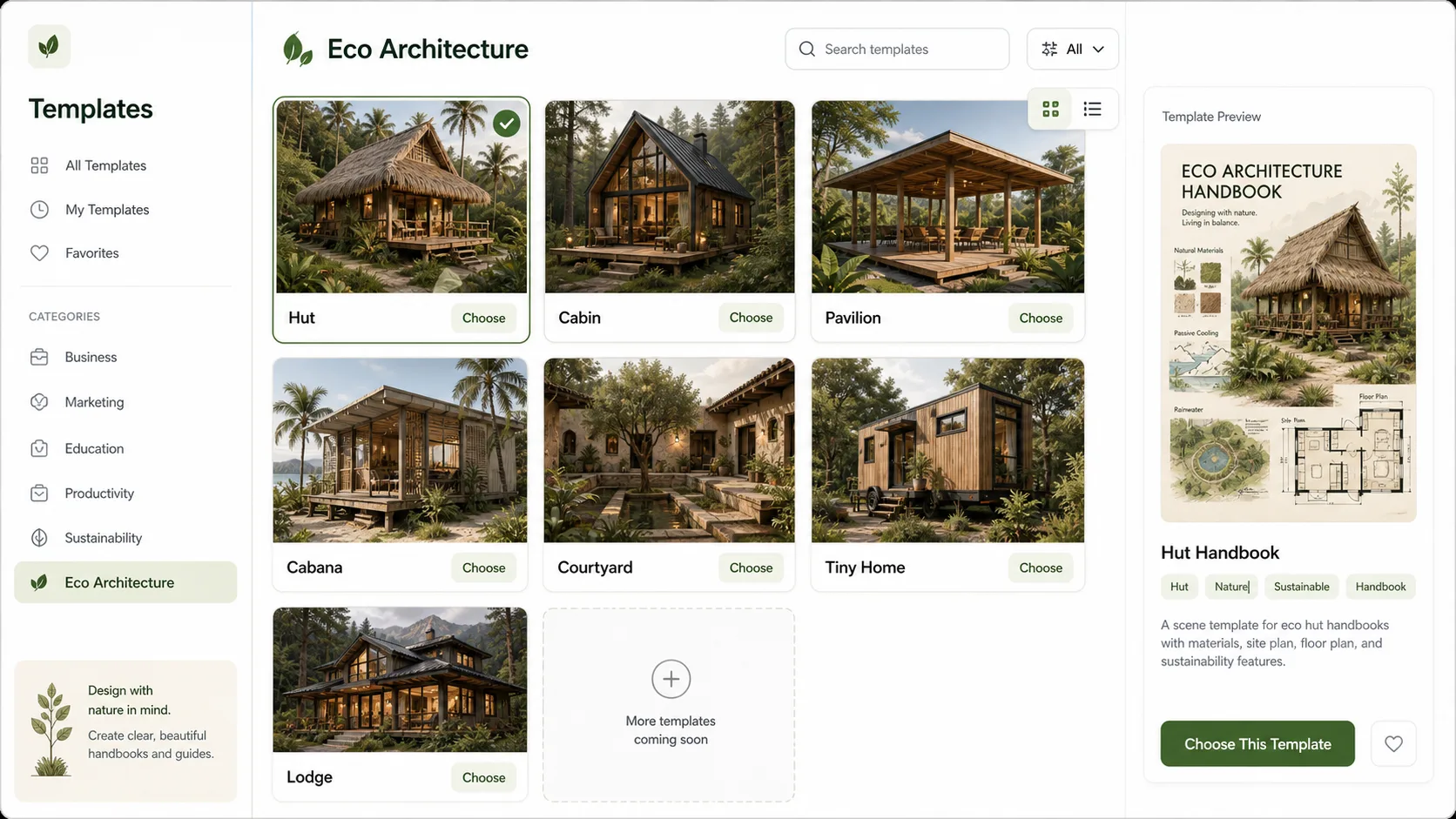
Choose a handbook angle
Pick the template that matches your visual job: tropical hut overview, bamboo retreat structure, mountain cabin passive design, eco pavilion map, forest teahouse study, coastal cabana system, desert courtyard cooling plan, alpine tiny home material board, or eco lodge site plan.
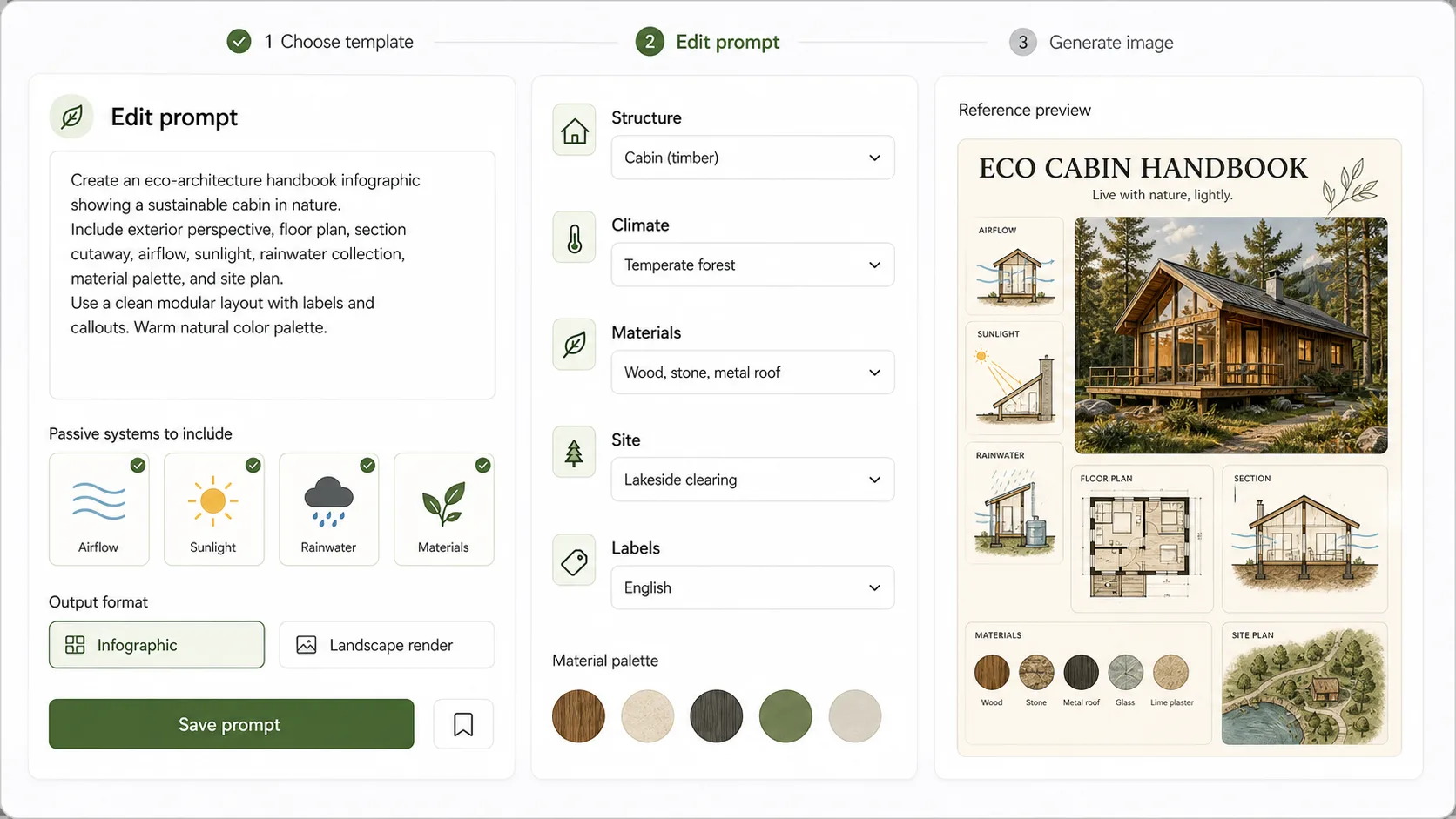
Edit the prompt variables
Replace the building type, climate, material system, passive design modules, label language, site context, and aspect ratio. Keep visible labels short so the generated infographic stays readable.
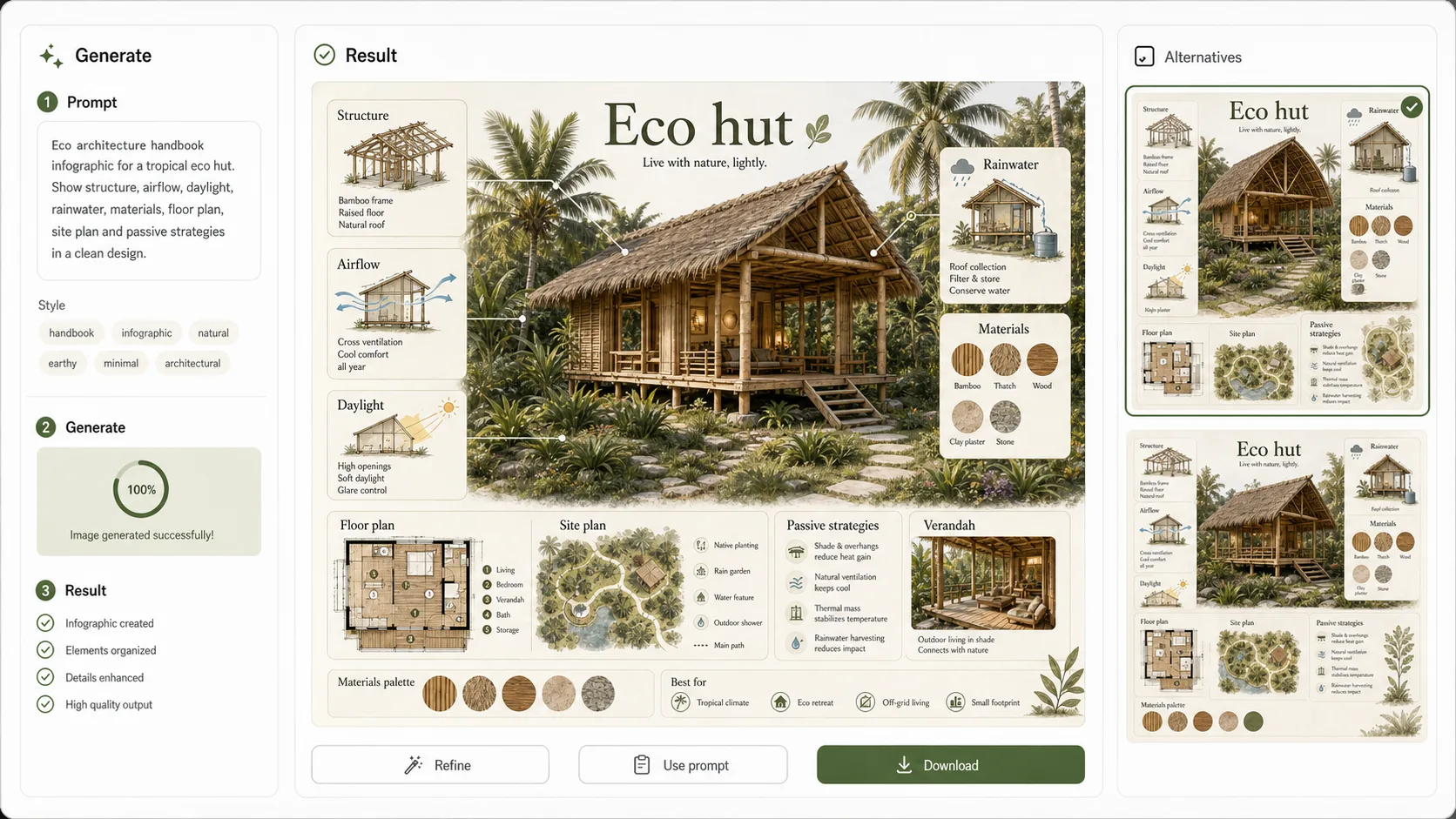
Generate, compare, and refine
Run GPT Image 2, compare the sample images and prompt variants, then tighten the labels, callouts, palette, and diagram modules for the final concept board.
Eco architecture GPT Image 2 prompt FAQ
Search-focused answers for creating sustainable architecture handbook infographics from reusable prompts.
Generate an eco architecture infographic
Start from a reusable handbook prompt, edit the sustainable design variables, and create a GPT Image 2 architecture concept board.