
Browse sample poster results on the right, then tap one to load that prompt back into the generator on the left.
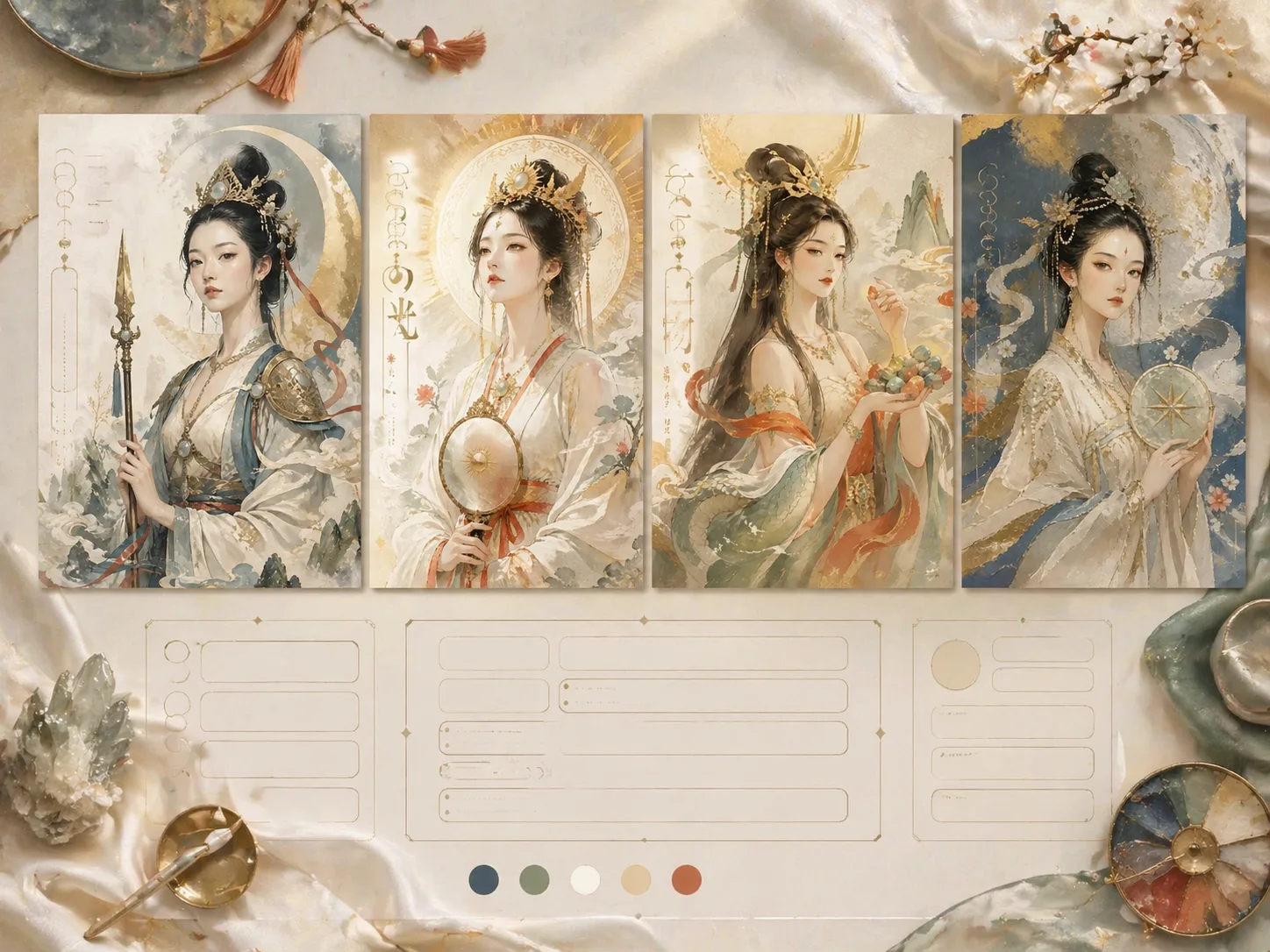
Create Eastern myth portraits with GPT Image 2 prompts
These GPT Image 2 myth portrait prompts turn a deity, guardian, oracle, muse, or invented legendary role into a polished half-body poster. The structure keeps the page focused on the same intent: reusable mythological character poster prompts, not a general article about folklore or portrait painting.
Editable mythic character system
Swap the role, visible title, symbolic object, costume notes, language, and palette while keeping a stable modern Eastern portrait system. Each prompt tells GPT Image 2 what to preserve, what to reinterpret, and what to avoid, so the result feels like a fresh poster direction instead of a copied character design.
Mineral color poster finish
The templates emphasize rice white, ivory, mist blue, stone green, cinnabar, ochre, pale gold, paper grain, silk texture, and matte pigment. Those constraints help the generator create a calm decorative portrait with clear value blocks, luminous facial planes, and a refined art-poster surface.
Controlled visible typography
Every prompt reserves room for a short readable title and only a few micro text words. That keeps the decorative portrait usable for social posts, covers, worldbuilding boards, and editorial mockups while reducing random text and dense paragraphs in the generated poster.
Safe cultural adaptation path
The copy asks for broad mythic symbolism rather than exact religious icons, living artist styles, logos, or protected costumes. You can adapt the scene for Chinese, Korean, Japanese, Portuguese, Spanish, German, French, or English poster copy while reviewing final text and symbolism before publishing.
How to generate a myth portrait poster
Choose a prompt, replace the variables, then use GPT Image 2 to generate and refine a poster-ready visual direction.
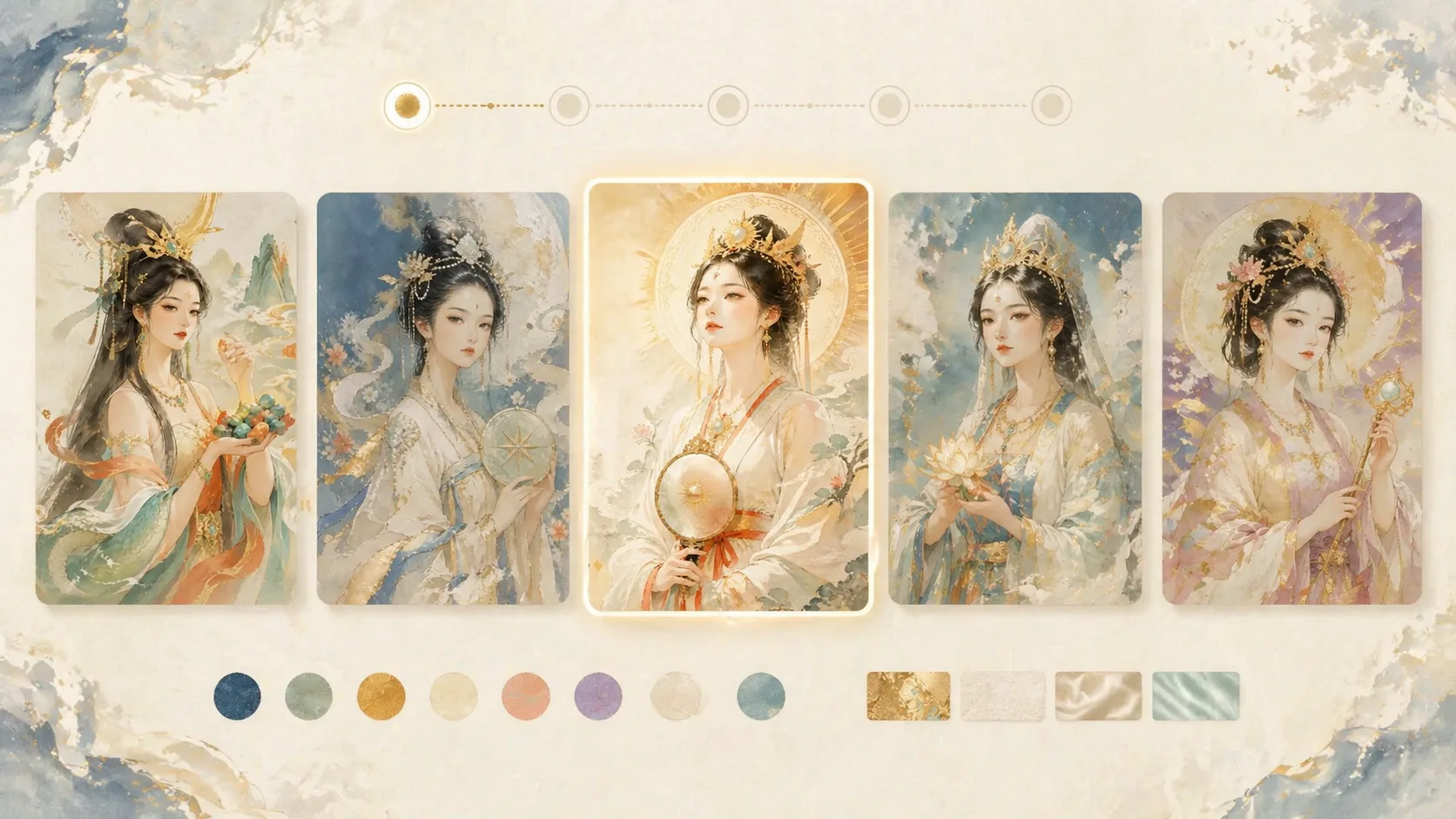
Choose a portrait prompt
Start with the sample that matches your output: celestial maiden, creation figure, sea guardian, mountain spirit, sun goddess, ocean oracle, lunar guardian, river spirit, or mythic muse. Each one keeps the same modern Eastern decorative portrait intent while changing language, aspect ratio, and symbolic focus.
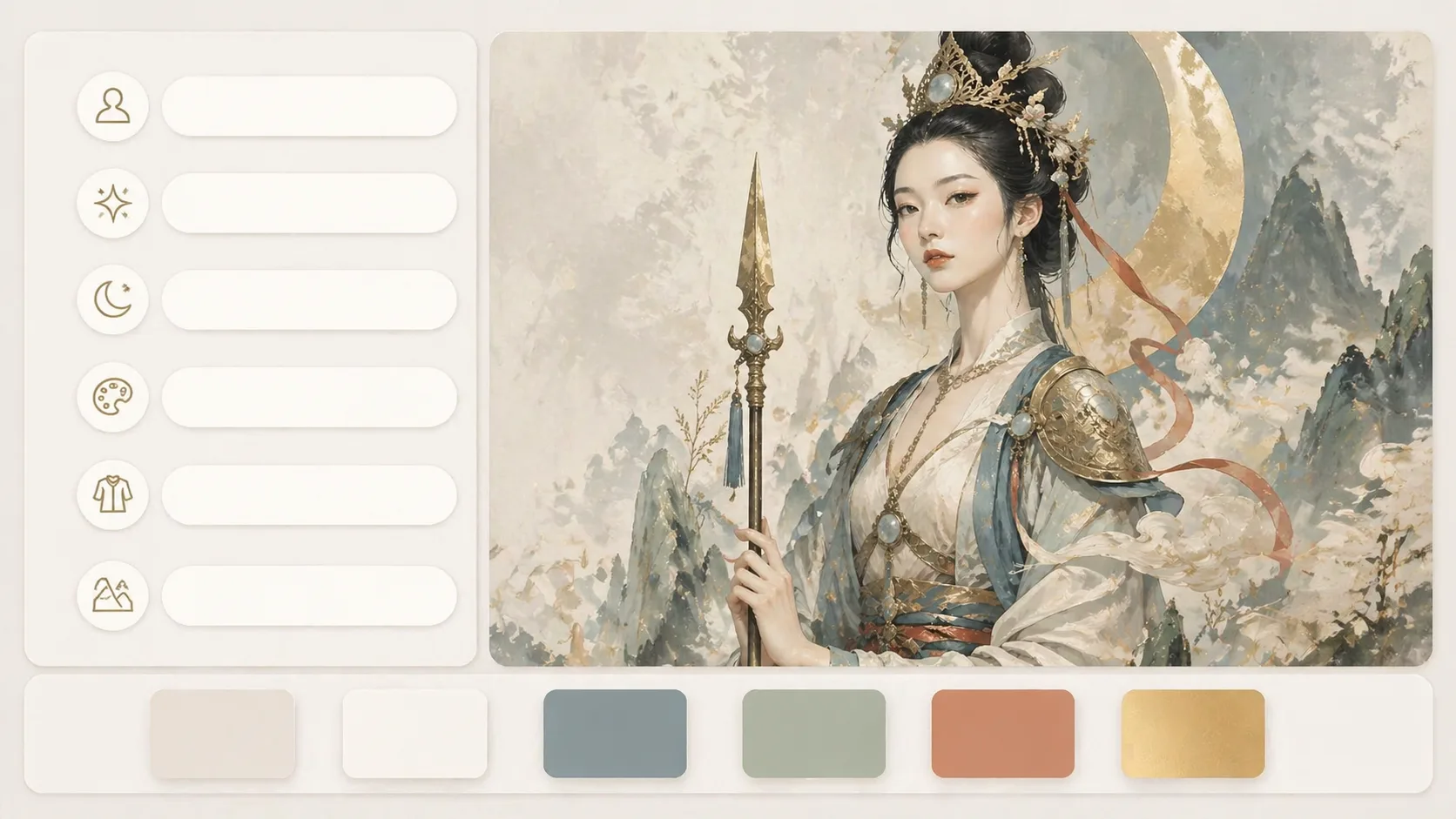
Replace the visible variables
Edit the character or theme, poster title, symbolic object, palette accents, costume details, background material, and micro copy. Keep the title short, keep symbols readable, and avoid asking for exact protected characters or official artwork.
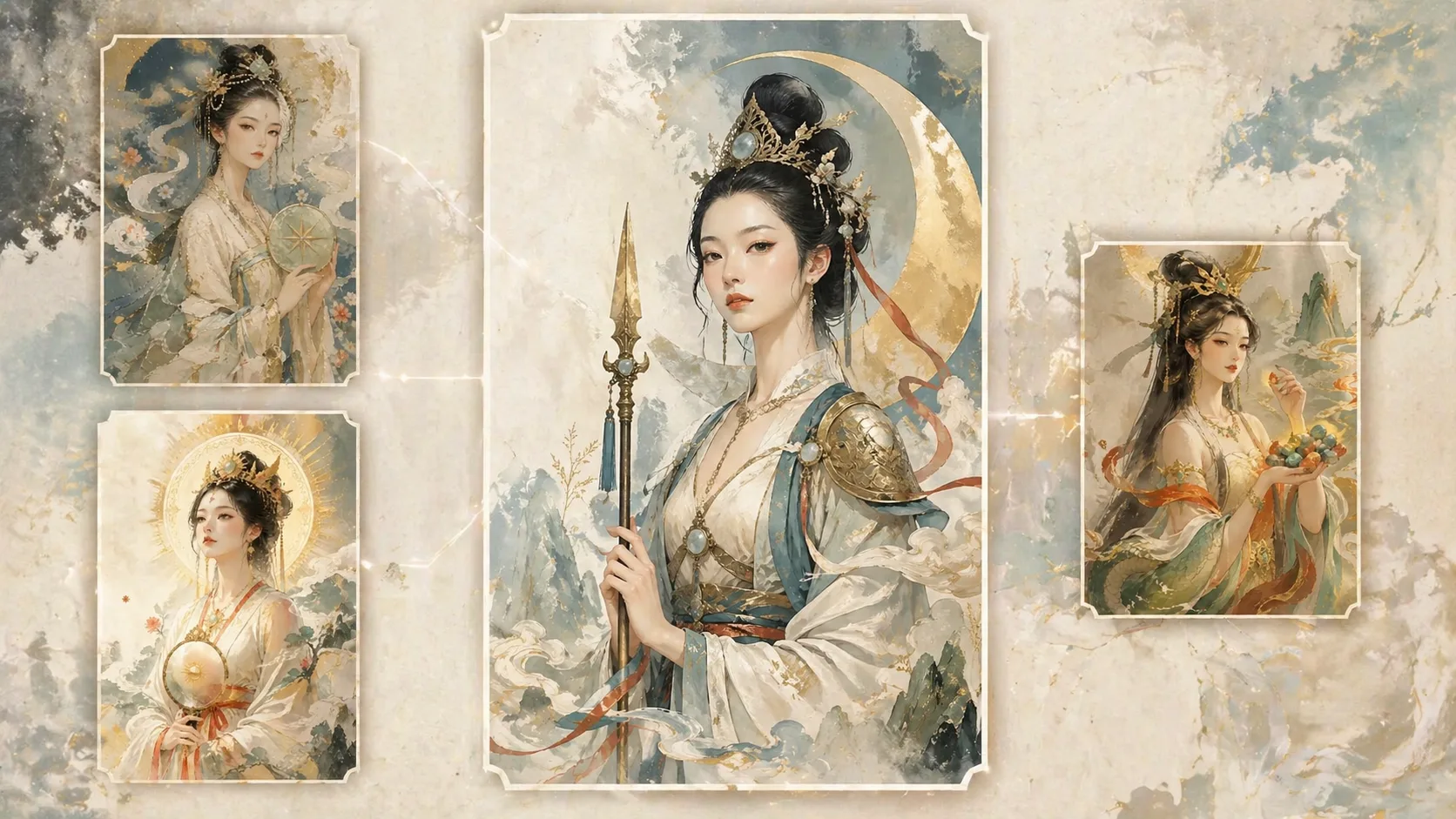
Generate, inspect, and refine
Send the edited prompt to the GPT Image 2 workspace, review the face, title, symbol placement, palette, and background texture, then revise the prompt or use the result as a reference image for a tighter second pass.
Eastern myth portrait prompt FAQ
Specific answers for using these GPT Image 2 prompts to make decorative mythological portrait posters.
Generate a myth portrait
Pick a GPT Image 2 prompt, replace the role and title, and refine your decorative character poster.