
Browse sample poster results on the right, then tap one to load that prompt back into the generator on the left.
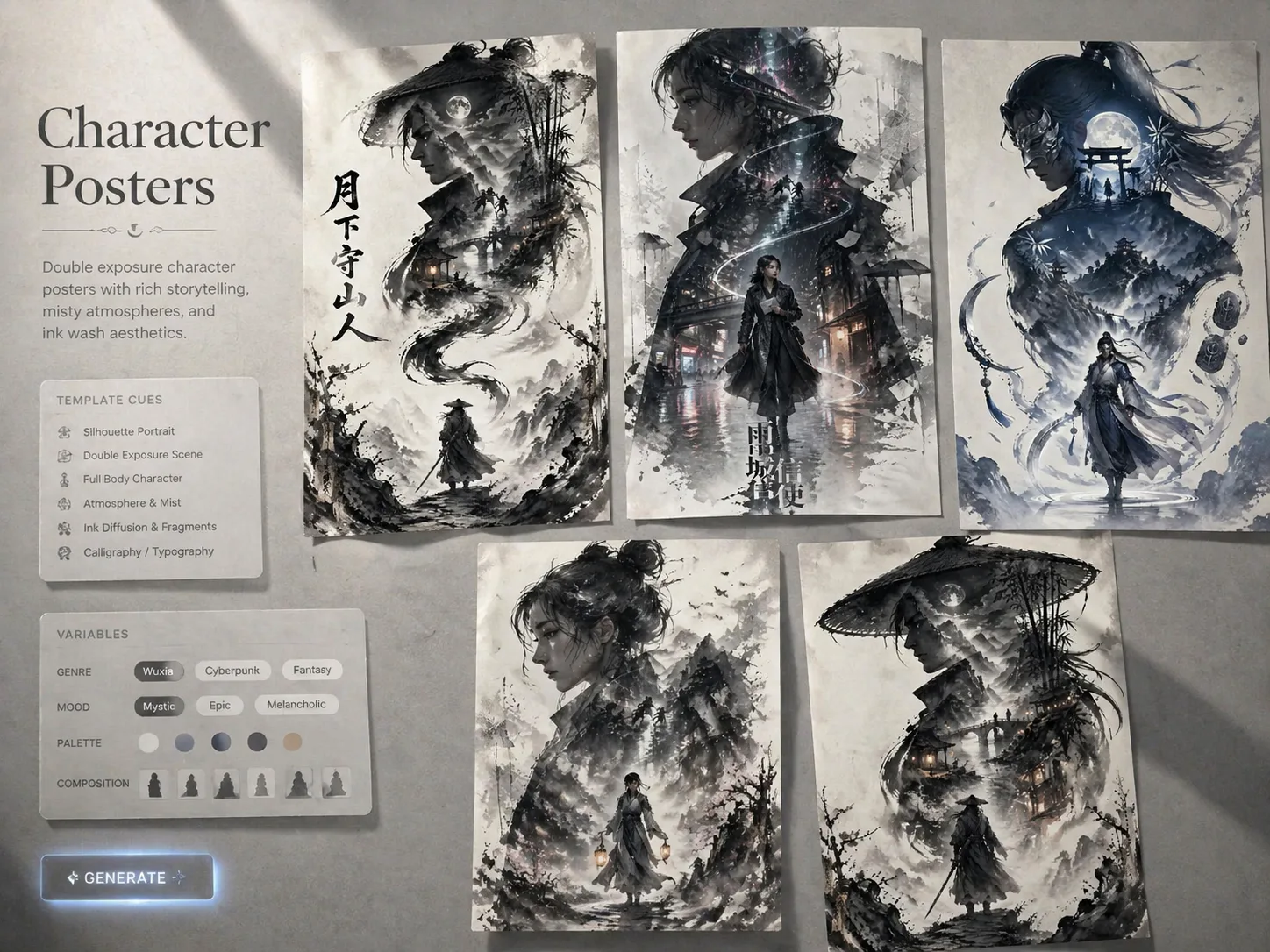
Build double exposure character poster prompts
Turn an original character idea into a poster-ready GPT Image 2 prompt with a large readable silhouette, smaller full-body figure, symbolic side elements, and layered story scenes. These templates help game, novel, campaign, and social creators keep the composition cinematic while still changing the archetype, world, palette, title language, and narrative details.
Poster-ready hierarchy
Each prompt frames a dominant upper silhouette with a smaller full-body character below, so GPT Image 2 has a clear visual order for vertical key art.
Original character focus
Swap the role, setting, symbol, and story fragments to describe your own character instead of copying existing franchises or celebrity likenesses.
Double exposure storytelling
Use internal collage details such as shrines, neon streets, maps, archives, machines, or desert roads to reveal the character world inside the silhouette.
Reusable poster series
Keep the same silhouette, negative space, mist, ink diffusion, and balanced side elements while creating a consistent series for multiple characters.
From character idea to key visual
Start with the closest poster template, edit the variables that define the character, then generate and refine the result inside the GPT Image 2 workspace.
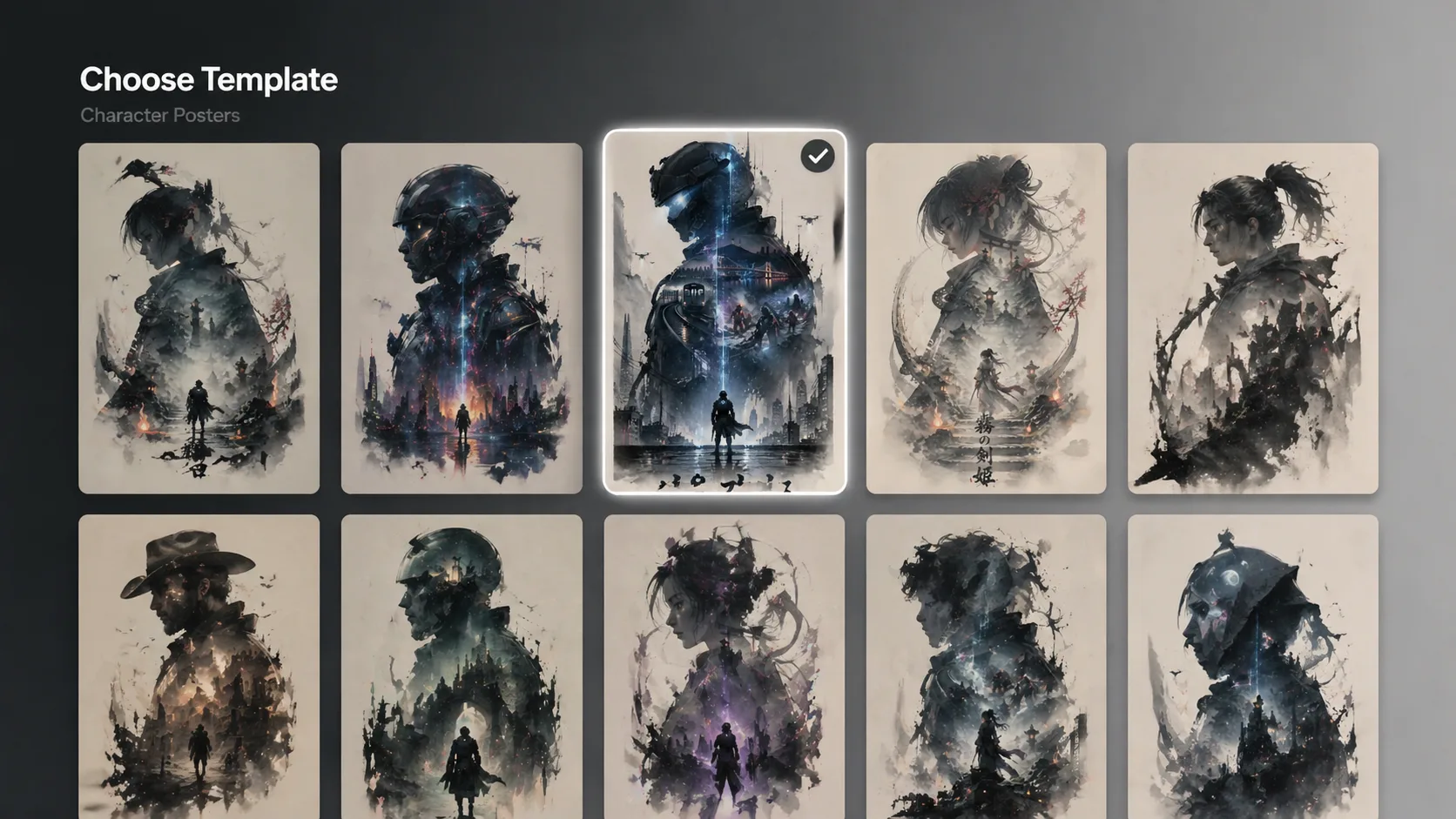
Choose the closest poster structure
Pick a fantasy guardian, cyber sentinel, detective, navigator, inventor, swordswoman, or other character poster prompt based on the mood and aspect ratio you need.
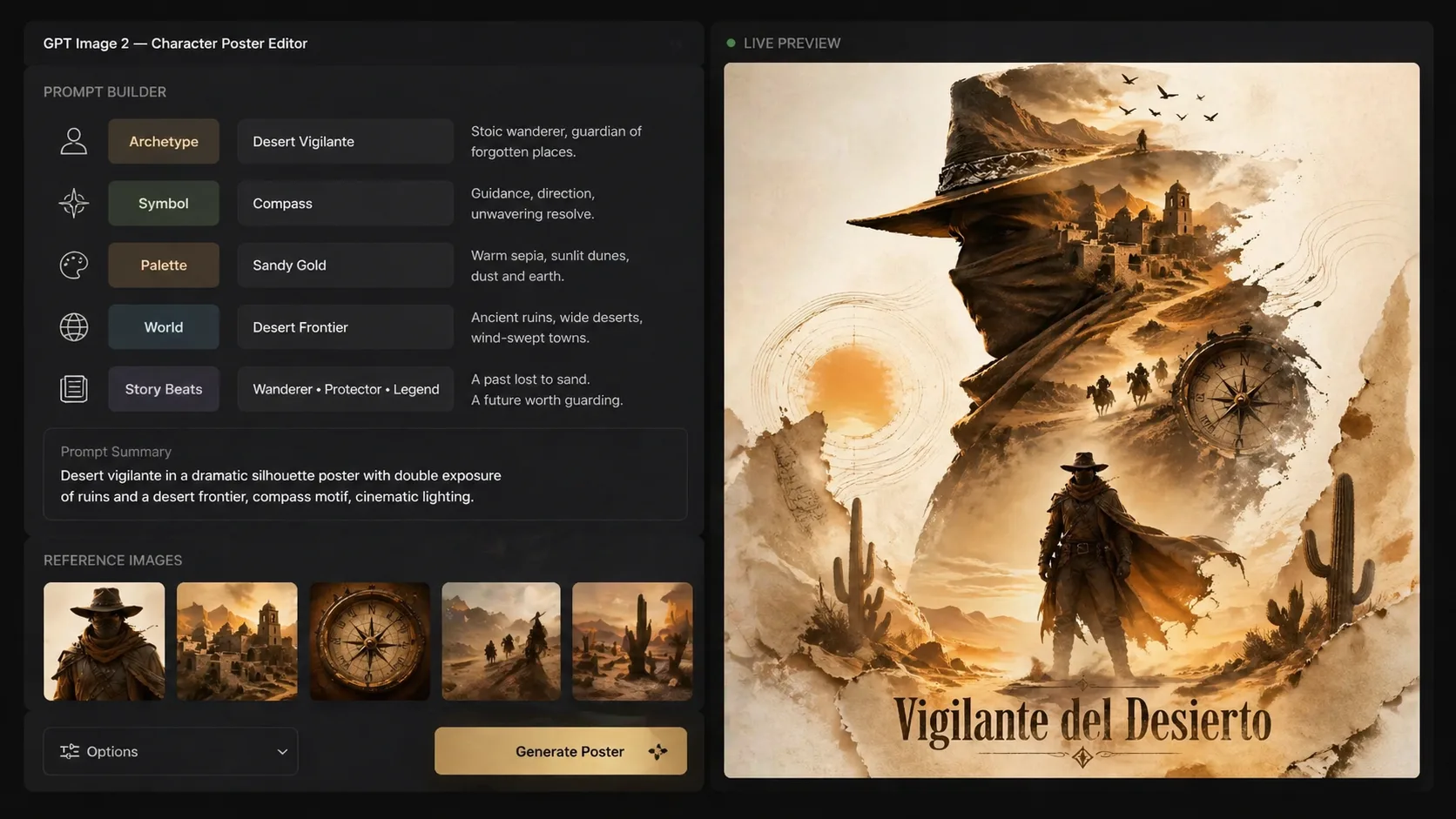
Replace the story variables
Edit the character name, archetype, world, symbolic object, palette, visible title, and two or three story fragments before you generate.
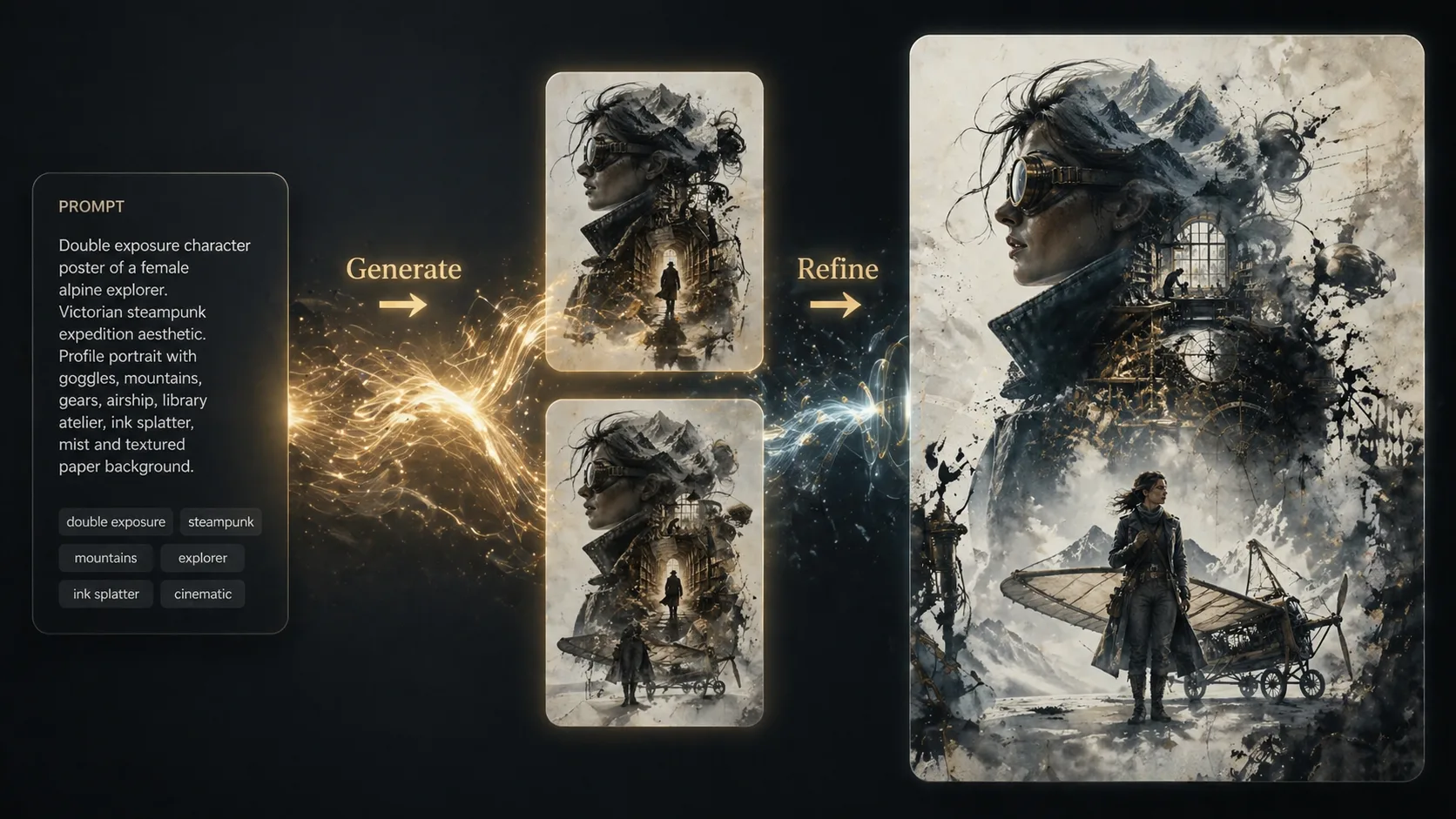
Generate, compare, and tighten
Use GPT Image 2 to create a first poster draft, then keep the successful structure while refining pose, negative space, text length, and collage density.
Double exposure character poster FAQ
Search-focused answers for using GPT Image 2 character poster prompts safely and effectively.
Generate a character poster
Choose a template, replace the character variables, and create a double exposure GPT Image 2 poster draft.