
Browse sample poster results on the right, then tap one to load that prompt back into the generator on the left.
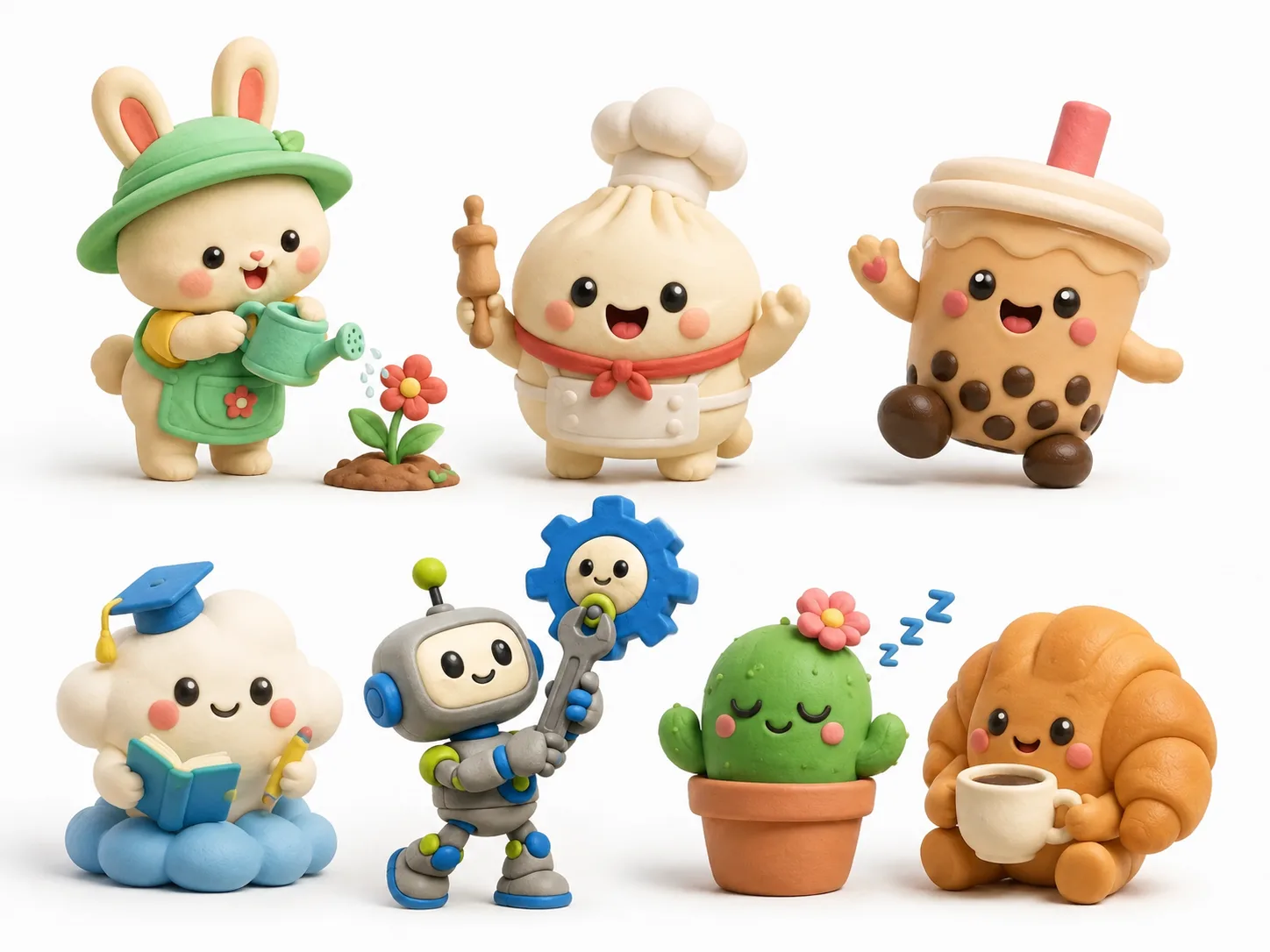
Create cute clay 3D icons with GPT Image 2 prompts
Start from reusable prompt templates that turn a simple subject into a soft matte clay icon, mascot, avatar, or object character without opening 3D modeling software.
Reusable clay icon formula
Each template keeps the same useful structure: subject, action, mood, props, accent colors, clean background, rounded proportions, and a polished toy-like clay surface.
Mascots, avatars, and object icons
Generate bunny helpers, food mascots, bubble tea buddies, study assistants, seasonal charms, eco guides, cozy stickers, maker robots, and cafe characters from one scene intent.
Editable visual variables
Swap the subject, expression, action, mood, prop, palette, and aspect ratio while preserving the matte kneaded-clay look that makes the icon feel cohesive.
Clean outputs for design reuse
The prompts aim for centered compositions, white or simple studio backgrounds, soft shadows, no text, no logos, and visuals that are easy to reuse in social posts or product concepts.
How the clay icon prompt workflow works
Choose a close starting point, edit the variables that matter, then generate and refine a GPT Image 2 result until the character reads clearly at icon size.
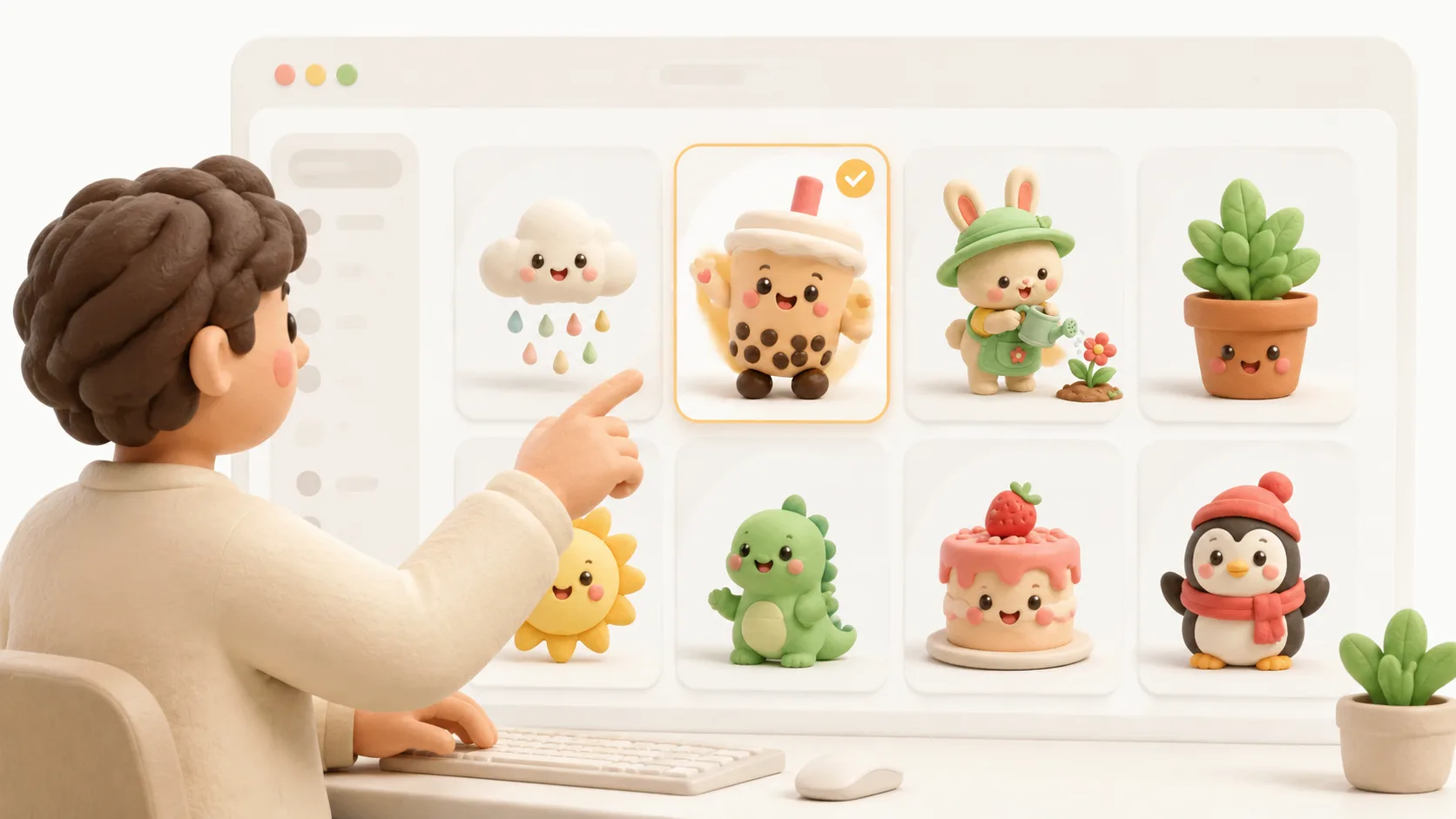
Pick a matching icon template
Choose a prompt based on the subject you need: an animal helper, food character, drink avatar, education mascot, seasonal charm, nature guide, social sticker, maker buddy, or cafe object.
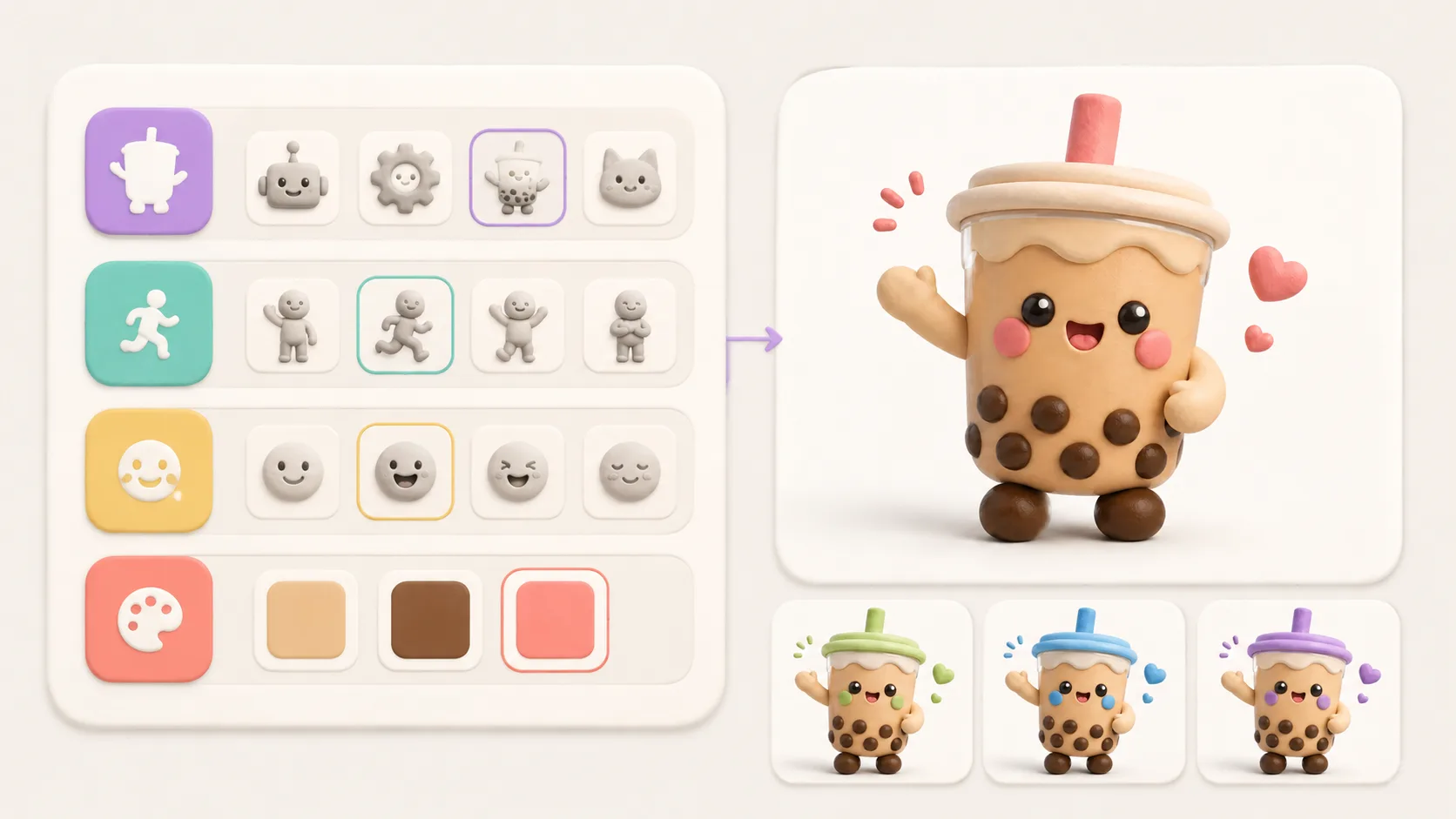
Replace subject, action, mood, and colors
Keep the clay style phrase intact, then edit the character, prop, pose, emotional tone, and three accent colors so the prompt matches your brand, app, post, or campaign.
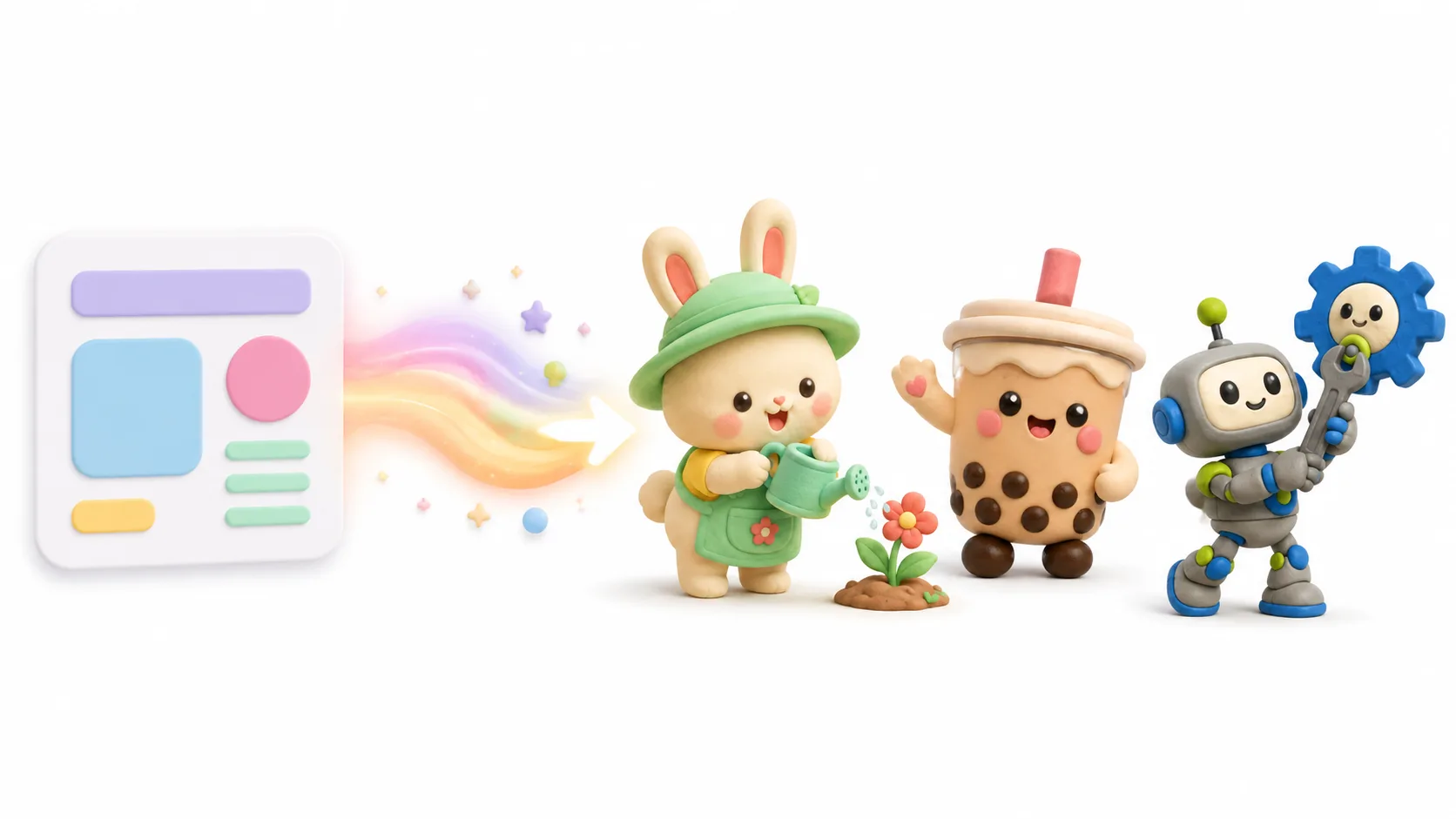
Generate variations and refine the strongest one
Use GPT Image 2 to create a first pass, compare silhouette, expression, background cleanliness, and palette, then run a tighter version for the final icon or mascot concept.
Cute clay icon prompt FAQ
Answers for using cute clay 3D icon GPT Image 2 prompts in practical design workflows.
Generate a cute clay icon
Use a clay 3D icon prompt as your starting point, edit the variables, and create a polished GPT Image 2 mascot or avatar.