
Browse sample poster results on the right, then tap one to load that prompt back into the generator on the left.
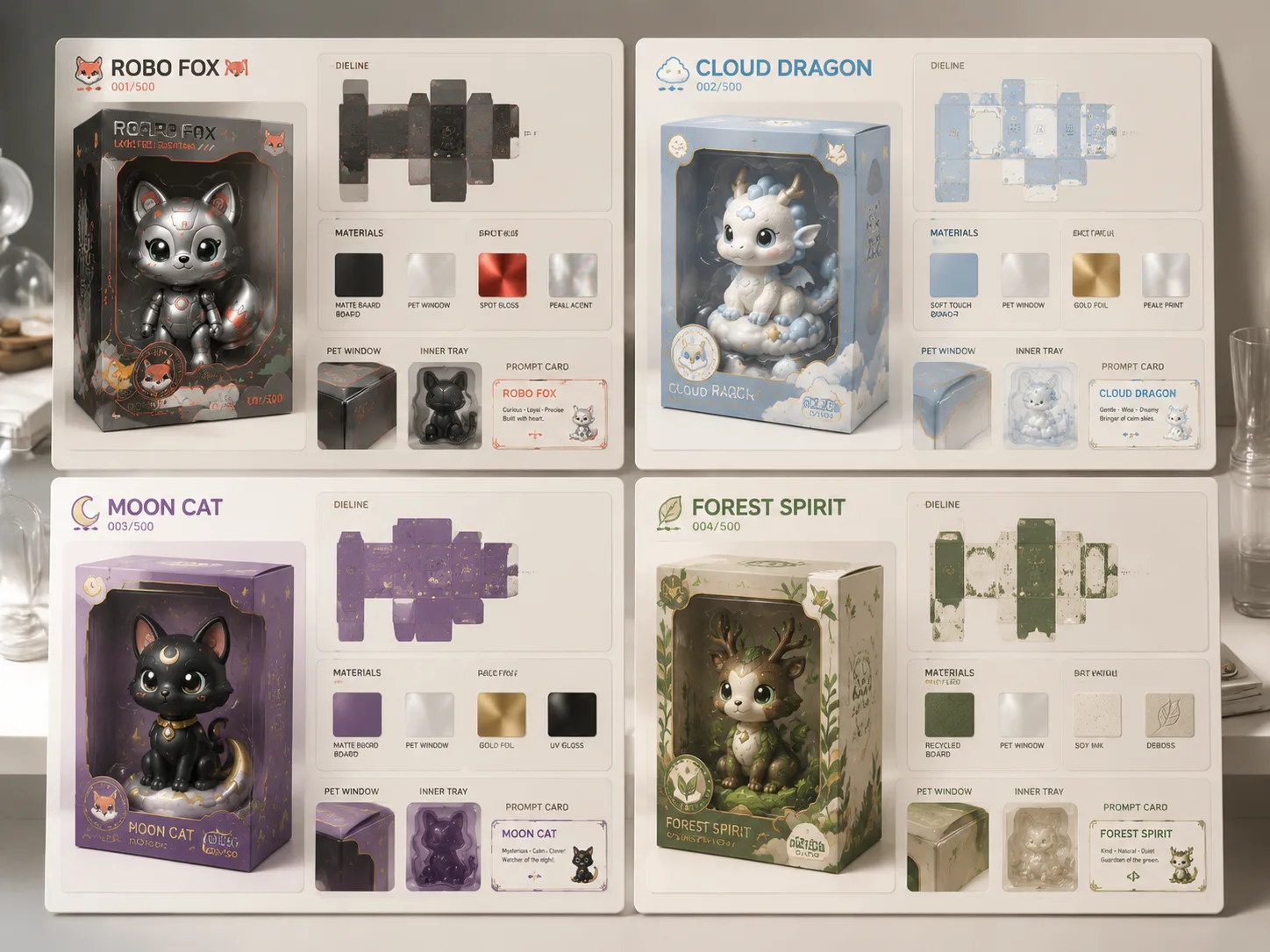
Create collectible toy packaging GPT Image 2 prompts for original characters
Turn a mascot, plush idea, designer toy, or 3D-printable figure into a polished packaging presentation board. These templates help GPT Image 2 show the retail box, transparent window, dieline, tray, materials, edition badge, sticker set, and close-up details in one usable concept image. The structure is made for concept exploration: users can test packaging direction, compare display formats, and prepare clearer visual briefs before handing work to a packaging designer.
Original-character packaging
Build packaging around characters you own, with prompts that avoid real franchise names, trademarked logos, live barcodes, and real compliance marks. The wording keeps the creative task on fictional brands and portfolio-safe toy concepts.
Complete board structure
Generate hero box renders, front and side views, unfolded dielines, fold lines, glue tabs, tray sketches, material swatches, and macro detail panels. The result reads like a compact industrial design board instead of a single product photo.
Retail and portfolio ready
Use the boards for concept reviews, portfolio studies, toy pitch decks, shop mockups, or early packaging direction before production design begins. The prompts highlight shelf presence, edition language, and construction cues that stakeholders can discuss.
Editable prompt variables
Replace the character name, edition title, palette, window shape, label language, foil finish, tray material, and annotation density before generating. Small prompt edits let you explore cute, premium, eco, technical, or limited-edition versions of the same character.
From character reference to toy box board
Pick the closest packaging format, edit the prompt variables, then use GPT Image 2 to generate and refine a concept board. Keep the workflow focused on original character packaging rather than broad product photography or final manufacturing files.
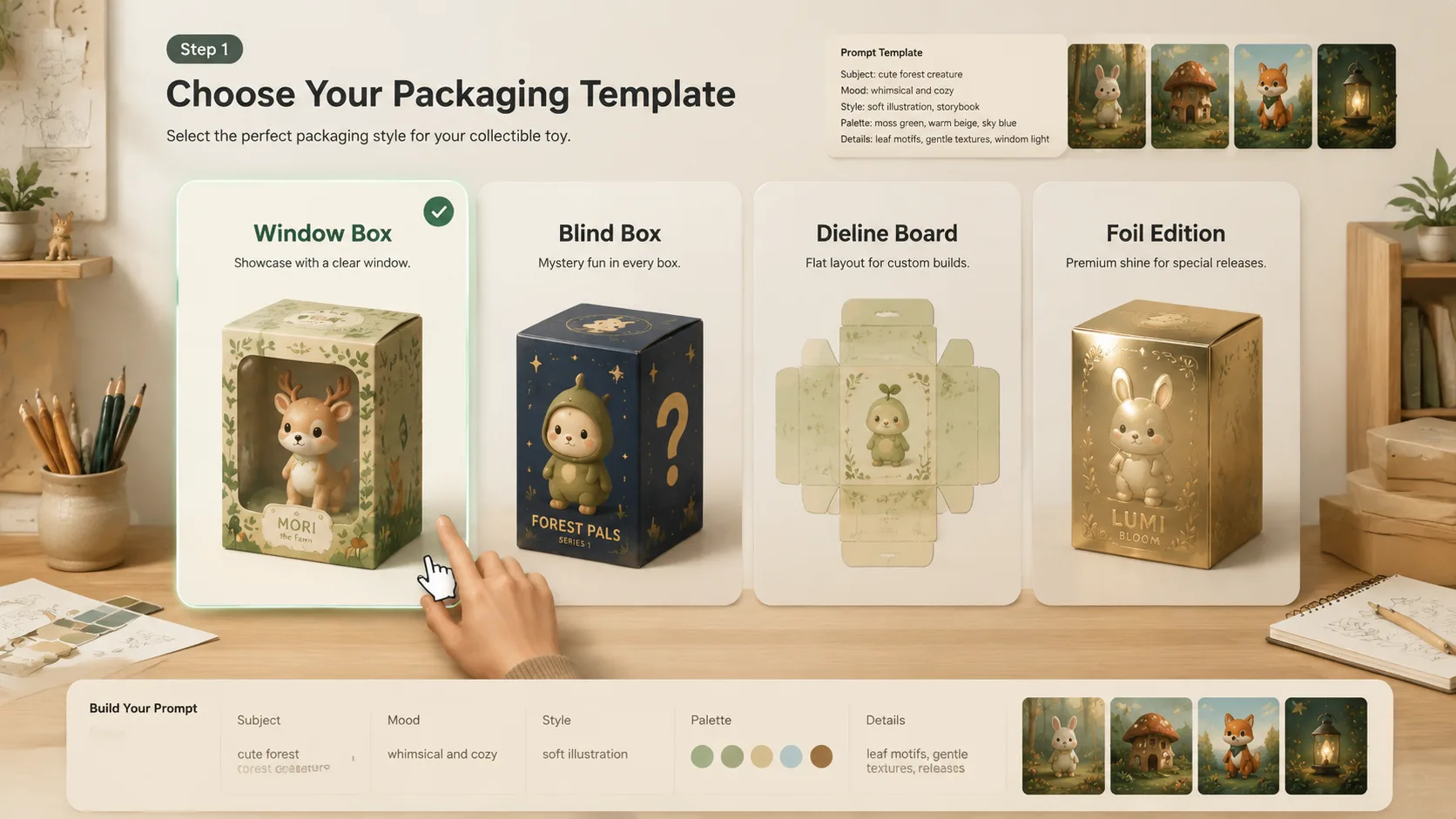
Choose a packaging prompt
Start with a retail window box, blind-box series, dieline board, shelf mockup, eco pack, technical breakdown, or foil limited-edition template. Choose by the packaging decision you need to see first: display, construction, material, or retail presentation.
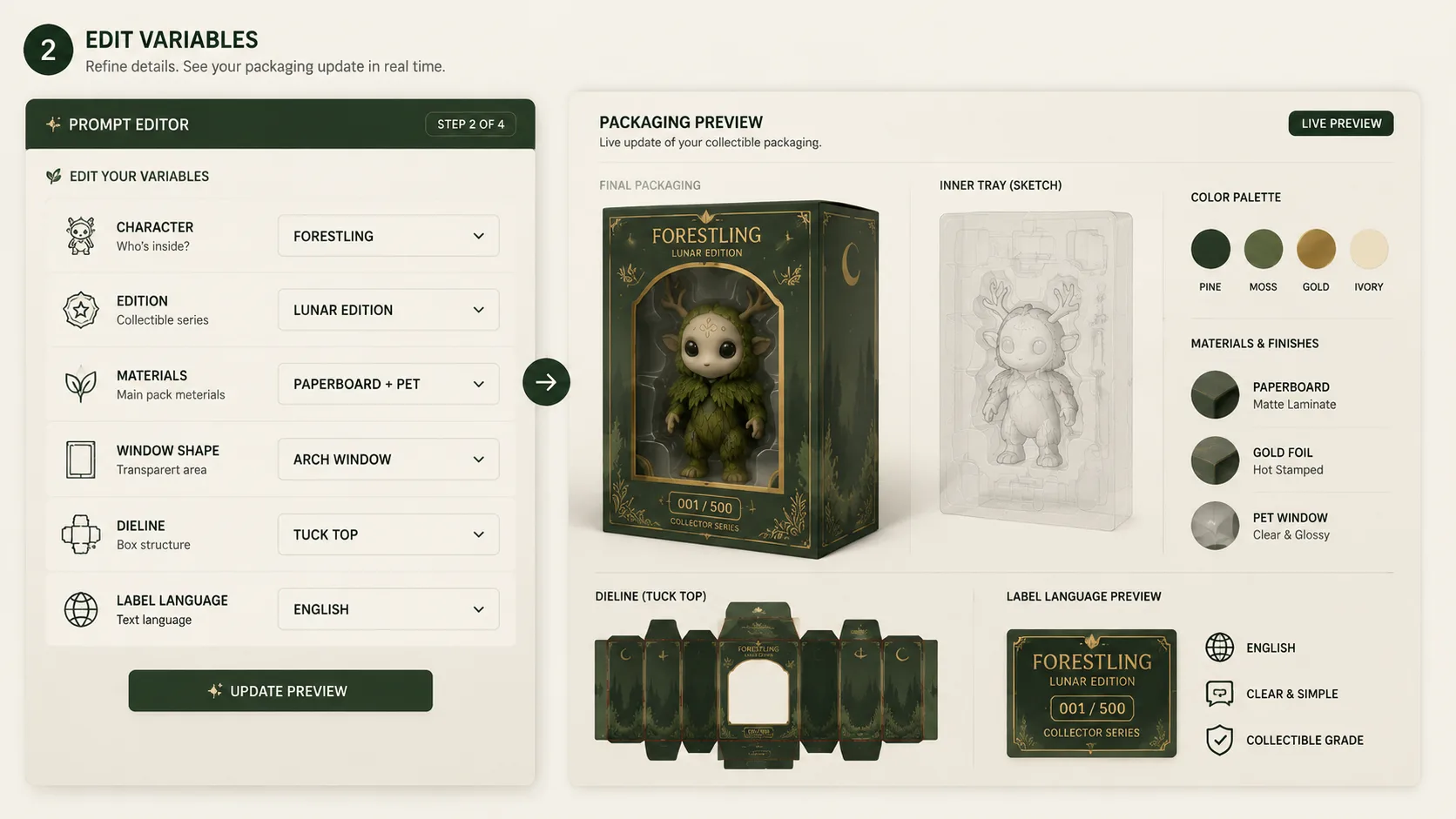
Swap in your character details
Add the original character reference, edition name, package language, color palette, material finish, window style, tray notes, and fictional retail marks. The more specific the variables, the easier it is for GPT Image 2 to keep labels, box views, and detail panels coherent.
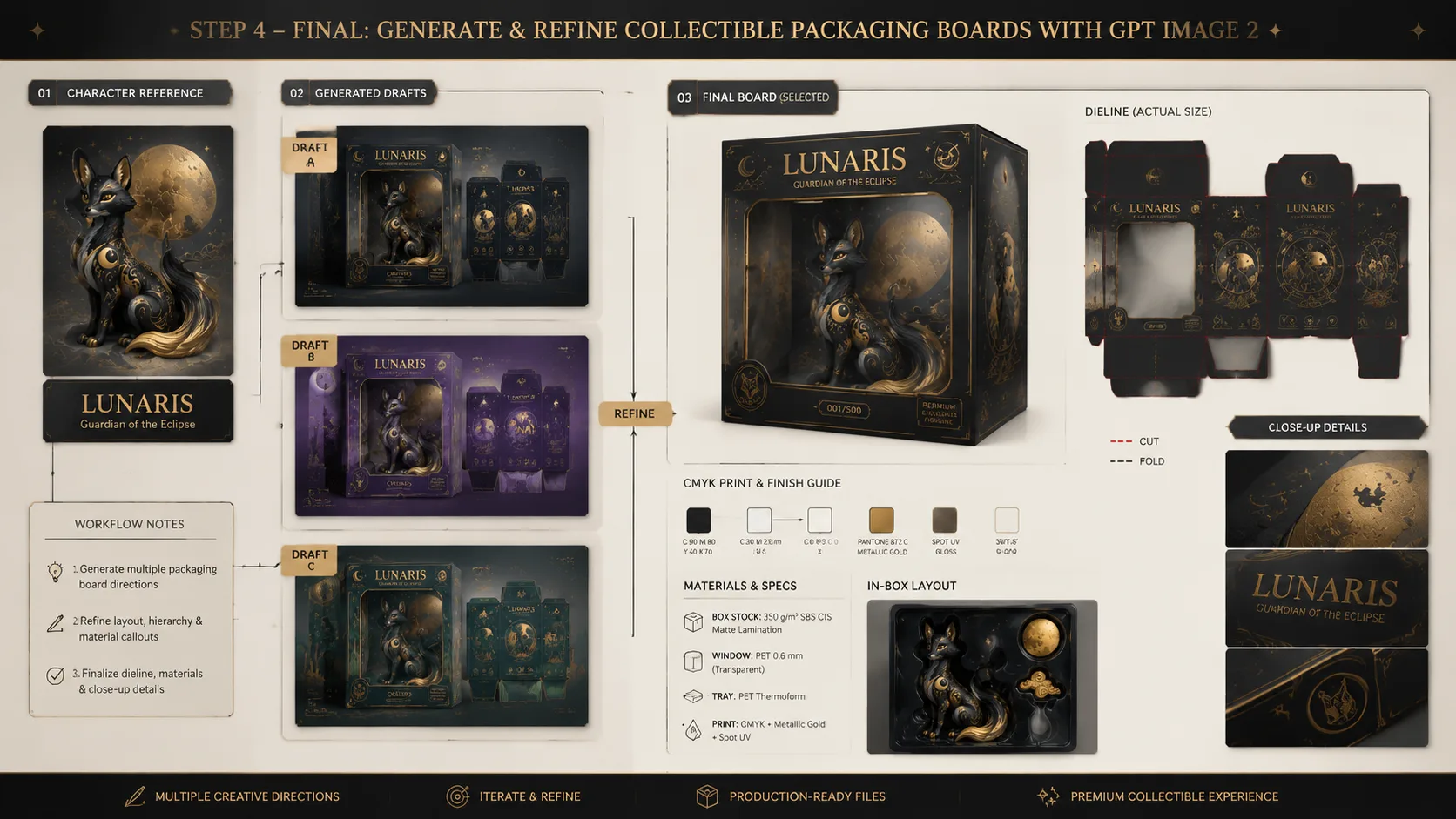
Generate, compare, and refine
Create a packaging board with GPT Image 2, then adjust prompt details for clearer dielines, better box hierarchy, sharper labels, or more useful close-up panels. Save stronger variants as prompt directions for later packaging studies.
Collectible toy packaging prompt FAQ
Generate a toy packaging board
Choose a packaging prompt, add your original character details, and create a polished GPT Image 2 toy box concept.