
Browse sample poster results on the right, then tap one to load that prompt back into the generator on the left.
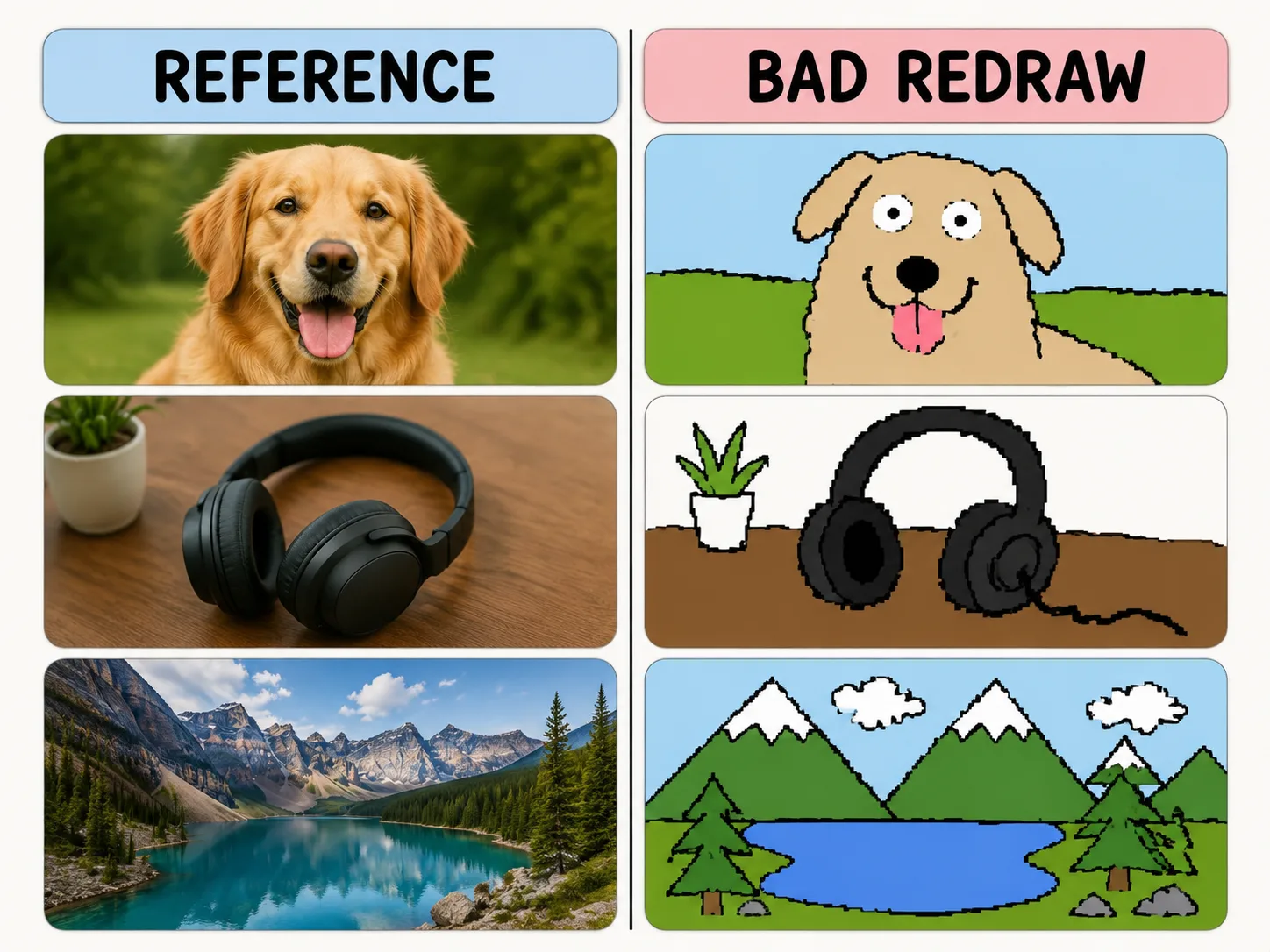
Make bad redraws on purpose
Use reference-image prompts that preserve rough color and layout while making the drawing hilariously clumsy.
Same-color resemblance
Keep the reference image loosely recognizable while changing the drawing quality.
Mouse-drawn charm
Ask for wobbly outlines, awkward proportions, and flat bucket-fill colors.
Playful remix guardrails
Make the joke about the drawing style, not the person or subject.
Reusable variables
Swap subject, caption, humor level, and background simplification quickly.
How to make a bad redraw
Choose a scene prompt, replace the variables, then generate a playful MS Paint style remix.
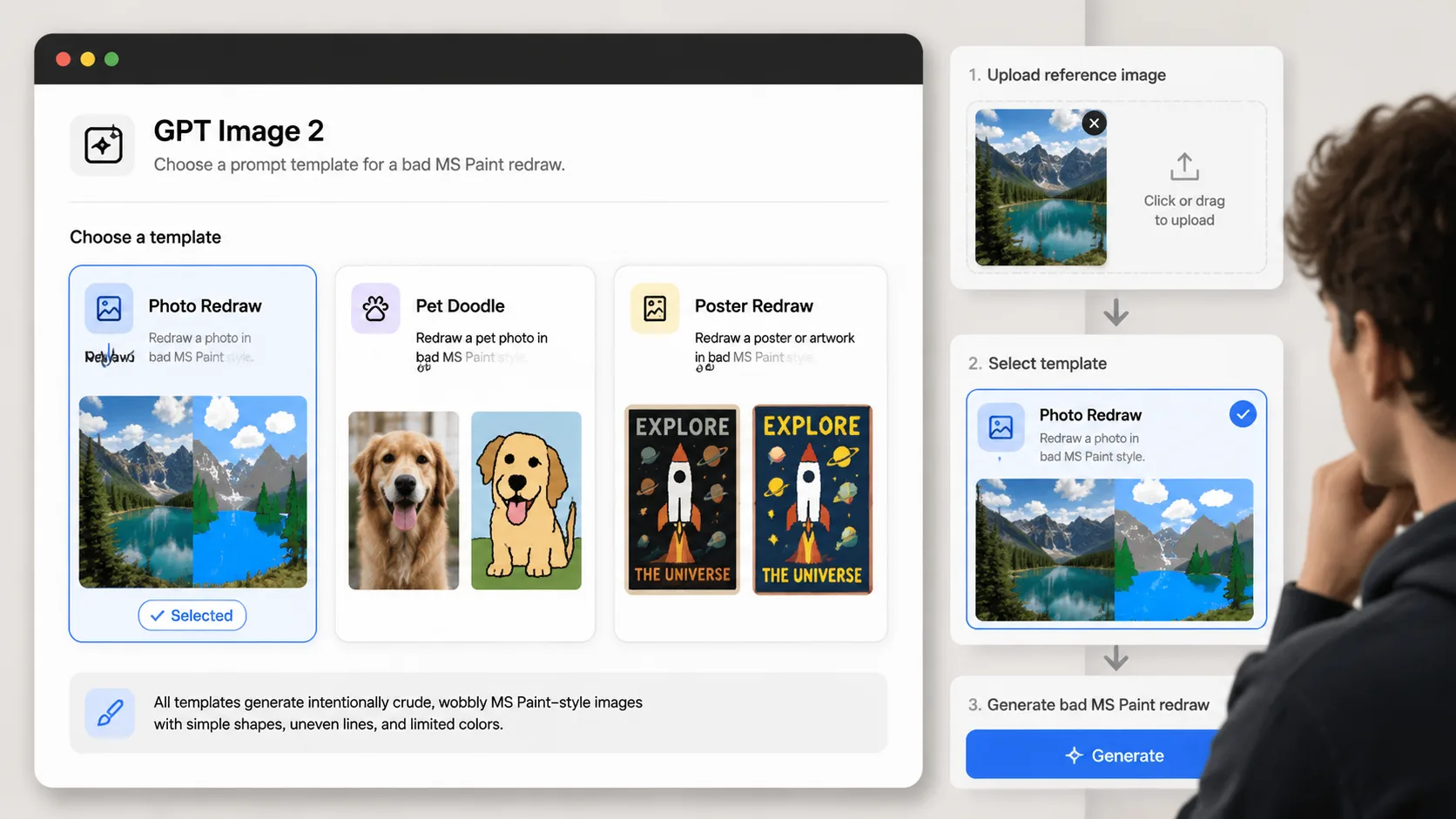
Choose a redraw prompt
Pick the template that matches your reference image: photo, pet, product, poster, room, or avatar.
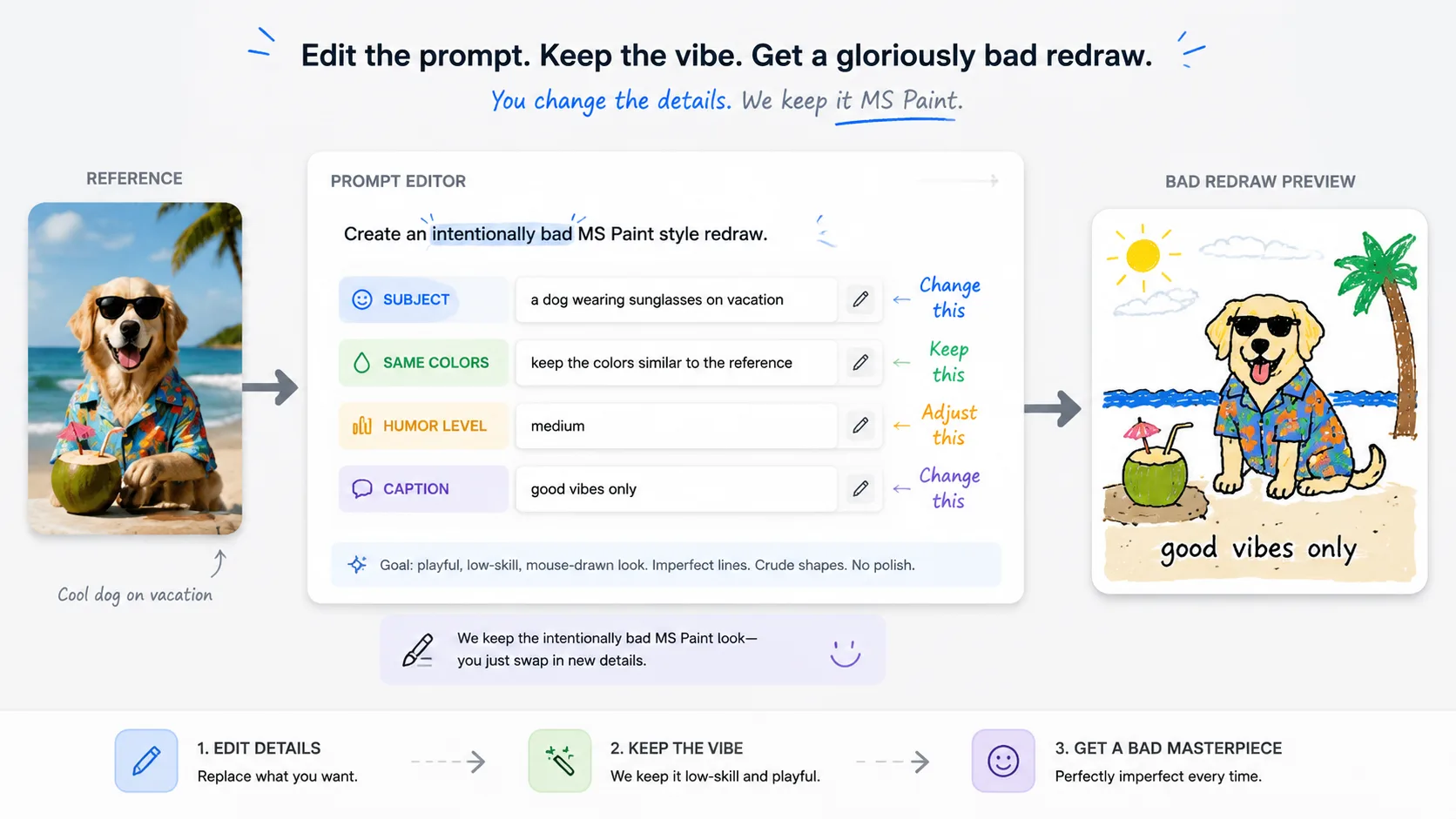
Replace the variables
Set the subject, caption, same-color rule, and humor level before generating.
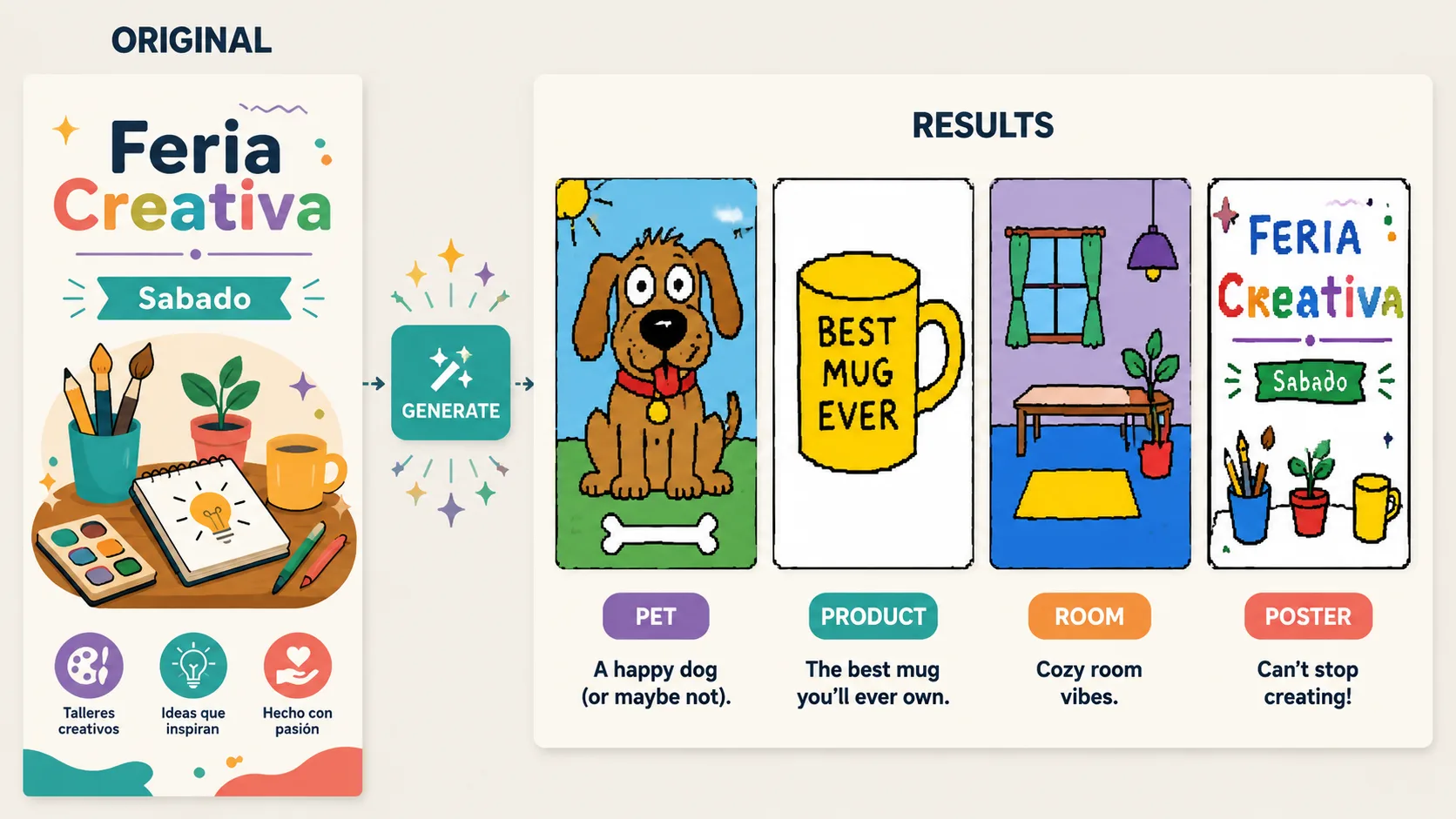
Generate and refine
Use GPT Image 2 to create the bad redraw, then adjust until the joke lands.
MS Paint redraw FAQ
Practical answers for using bad redraw prompts with GPT Image 2.
Generate a clumsy redraw
Pick a prompt, upload a reference image, and make the drawing quality part of the joke.