
Browse sample poster results on the right, then tap one to load that prompt back into the generator on the left.
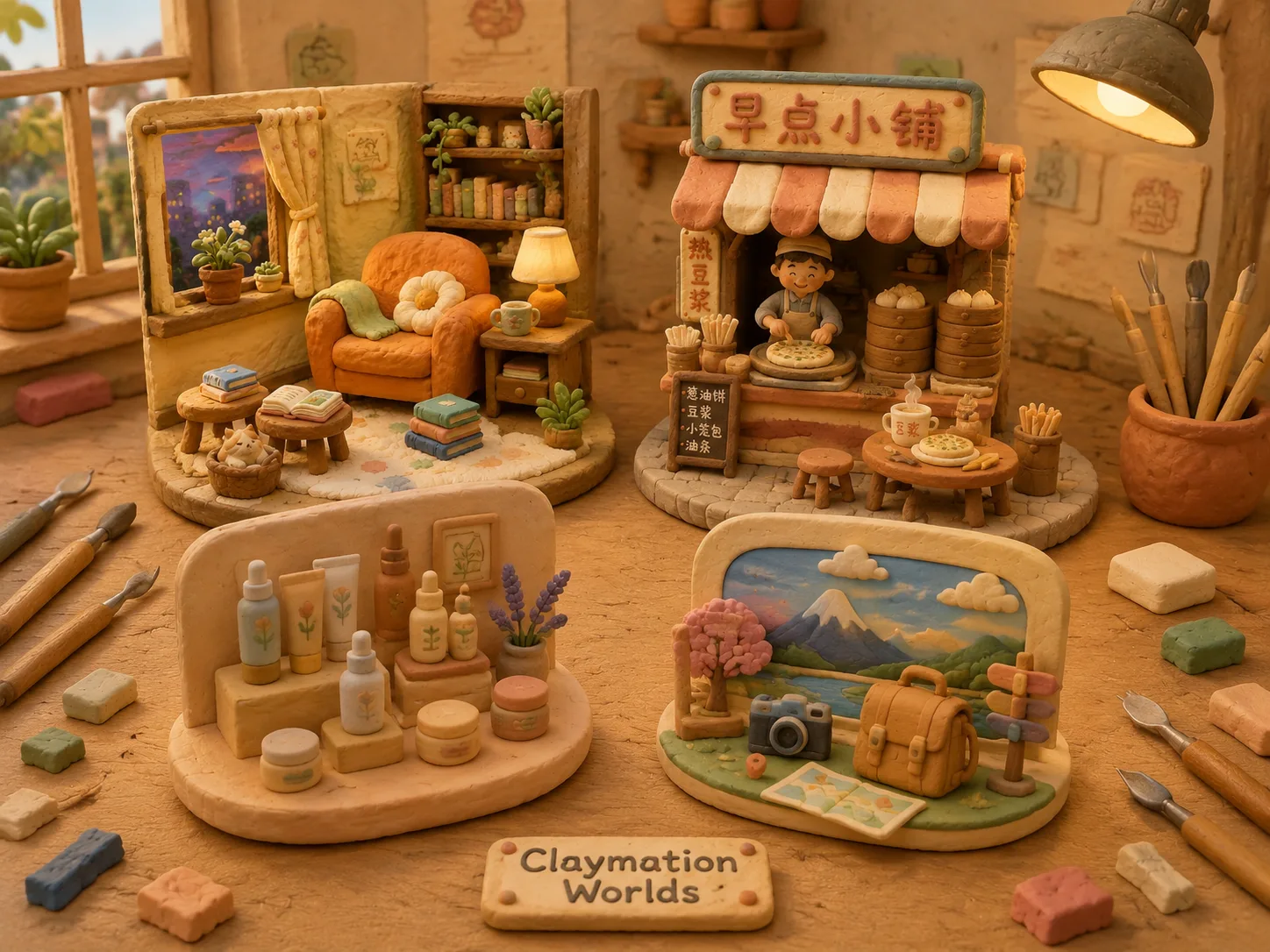
Claymation style GPT Image 2 prompts for tactile scenes
This template collection helps you rebuild everyday photos and written ideas as soft claymation-style worlds. Each prompt keeps the subject recognizable while adding rounded modeling-clay forms, visible fingerprints, pastel color, miniature set depth, and warm stop-motion lighting.
Reference-friendly clay remixes
Start with a room, street, product, food scene, desk, portrait, or travel photo. The prompts tell GPT Image 2 what to preserve in the original composition and what to restyle as handmade clay, so the result feels transformed without losing the subject.
Cozy stop-motion texture
The style language emphasizes sculpted seams, soft edges, shallow depth of field, tiny prop details, and a miniature set mood. It is useful when a normal photo feels too literal and you want a cute clay animation image prompt with more warmth.
Localized scene ideas
Use the included examples for apartments, Shanghai markets, Taipei cafes, Seoul street food, Tokyo desks, Lisbon bakeries, Madrid travel memories, Berlin workshops, and Paris fashion scenes, then replace the place, object, caption, or palette.
Prompt reuse for creators
Keep the claymation style prompt structure and swap only the variables that matter: subject, setting, mood, time of day, signage, and color palette. This makes it easier to create a consistent handmade clay visual series.
How to make claymation worlds with GPT Image 2
Choose the closest claymation prompt template, edit the subject or upload a reference image, then generate and refine until the handmade clay texture, lighting, and composition match your use case.
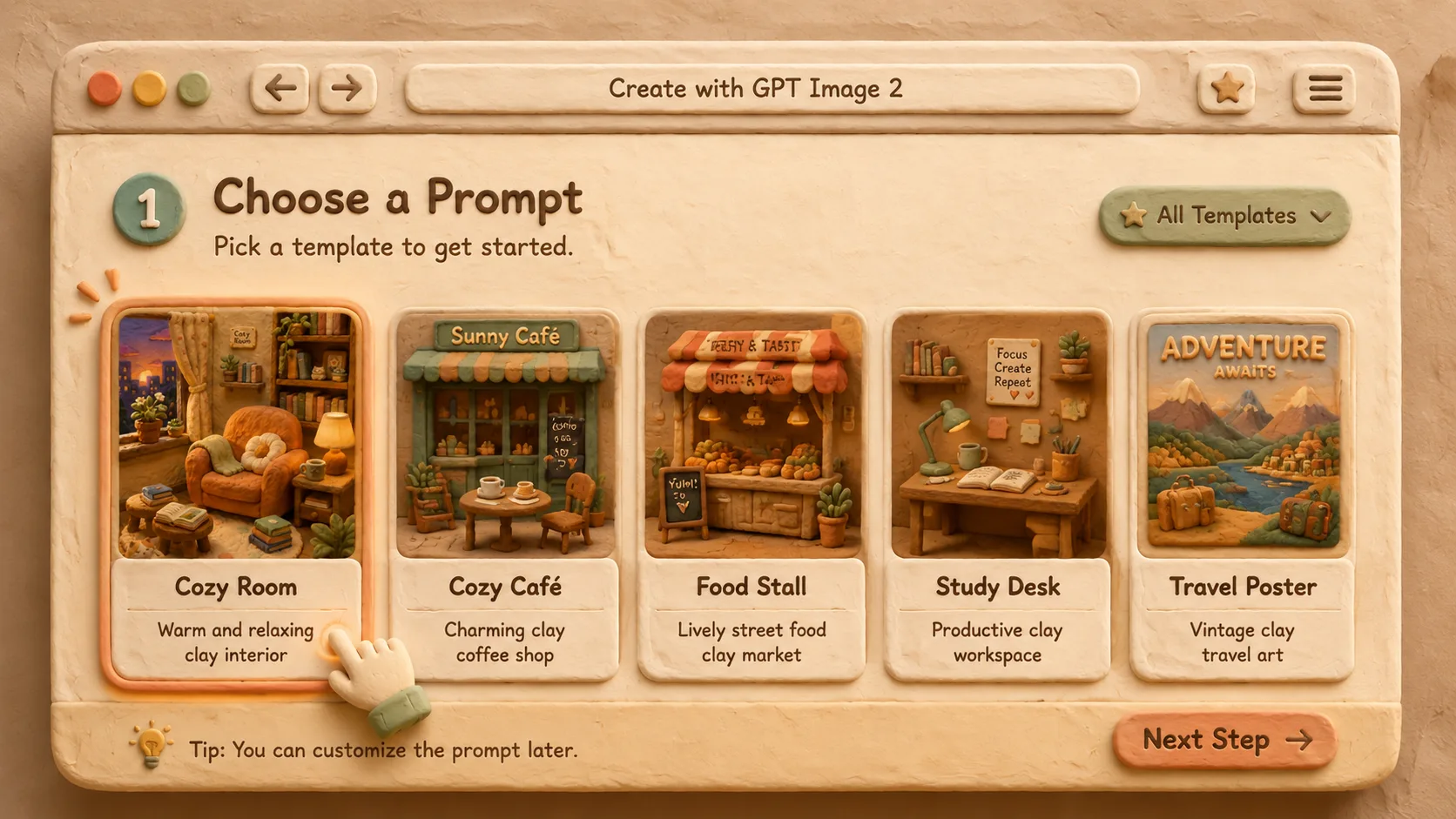
Choose a claymation template
Pick the prompt that matches your scene type: interior, market, cafe, street food, creator desk, bakery product, travel poster, maker table, or editorial portrait. The template already contains the clay texture, rounded forms, and stop-motion atmosphere.
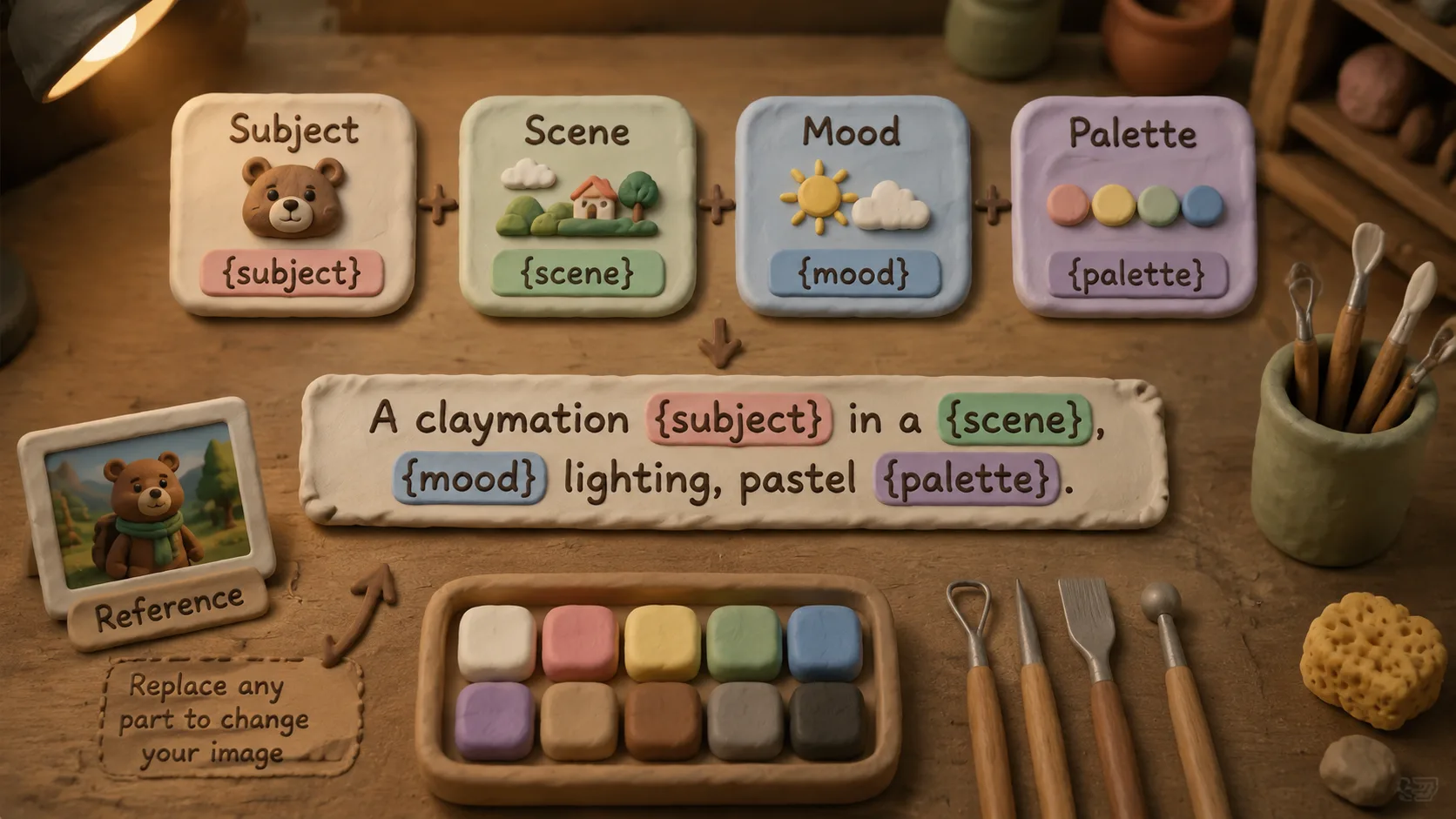
Edit variables and references
Replace bracketed details with your room, object, city, food, product, caption, palette, or mood. When you have a source photo, use it as the visual reference and let the prompt define how GPT Image 2 should reinterpret it.
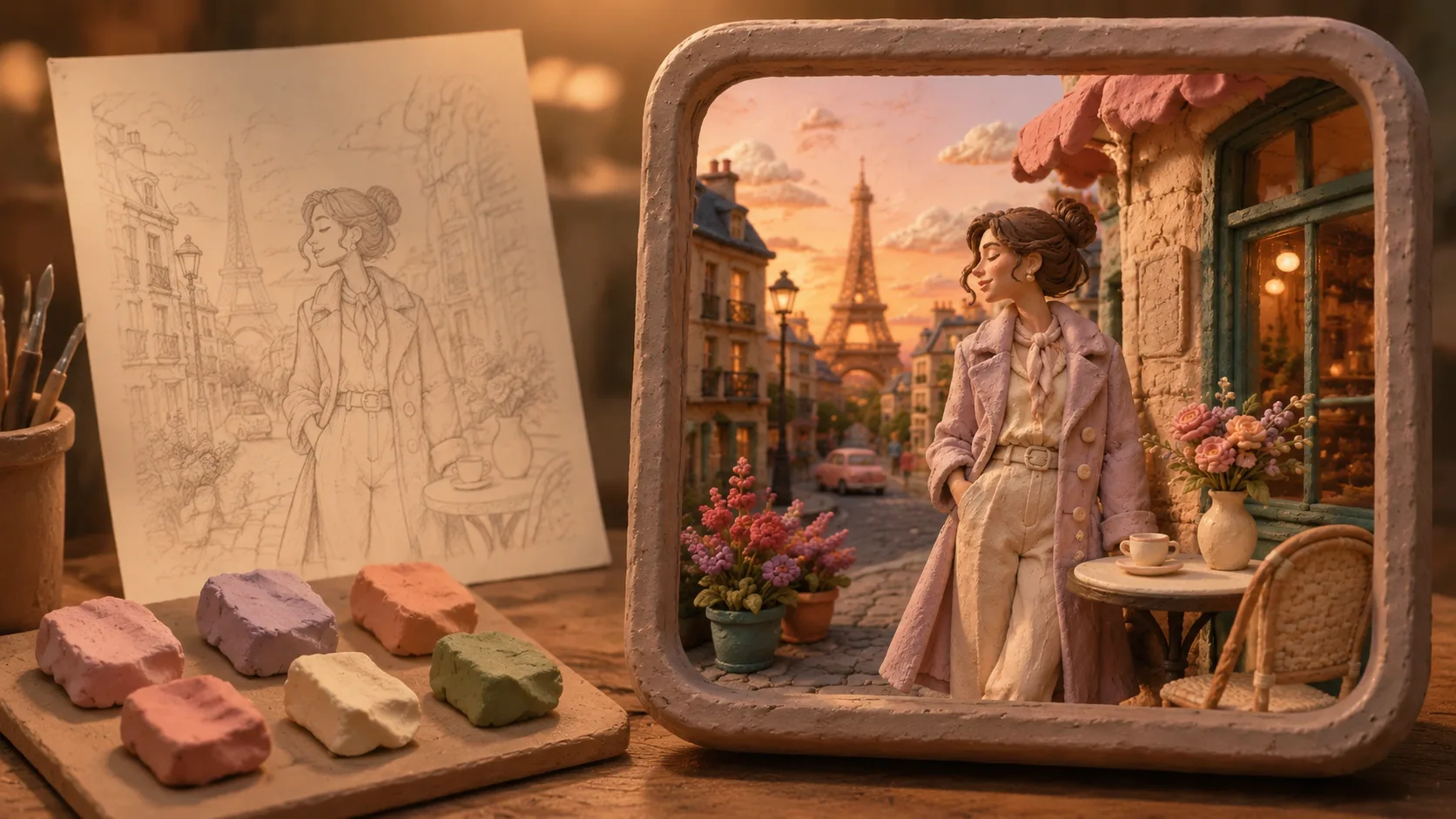
Generate, compare, and refine
Run the prompt, review whether the subject stays recognizable, and adjust lighting, detail density, visible text, or camera angle. Small prompt edits can move the output from a simple clay filter toward a richer handmade clay world.
Claymation GPT Image 2 prompt FAQ
Search-focused answers for using claymation style prompts, reference photos, and sample images.
Generate a claymation world
Start from a claymation style GPT Image 2 prompt, add your subject or reference image, and create a cozy handmade clay scene for your next visual concept.