
Browse sample poster results on the right, then tap one to load that prompt back into the generator on the left.
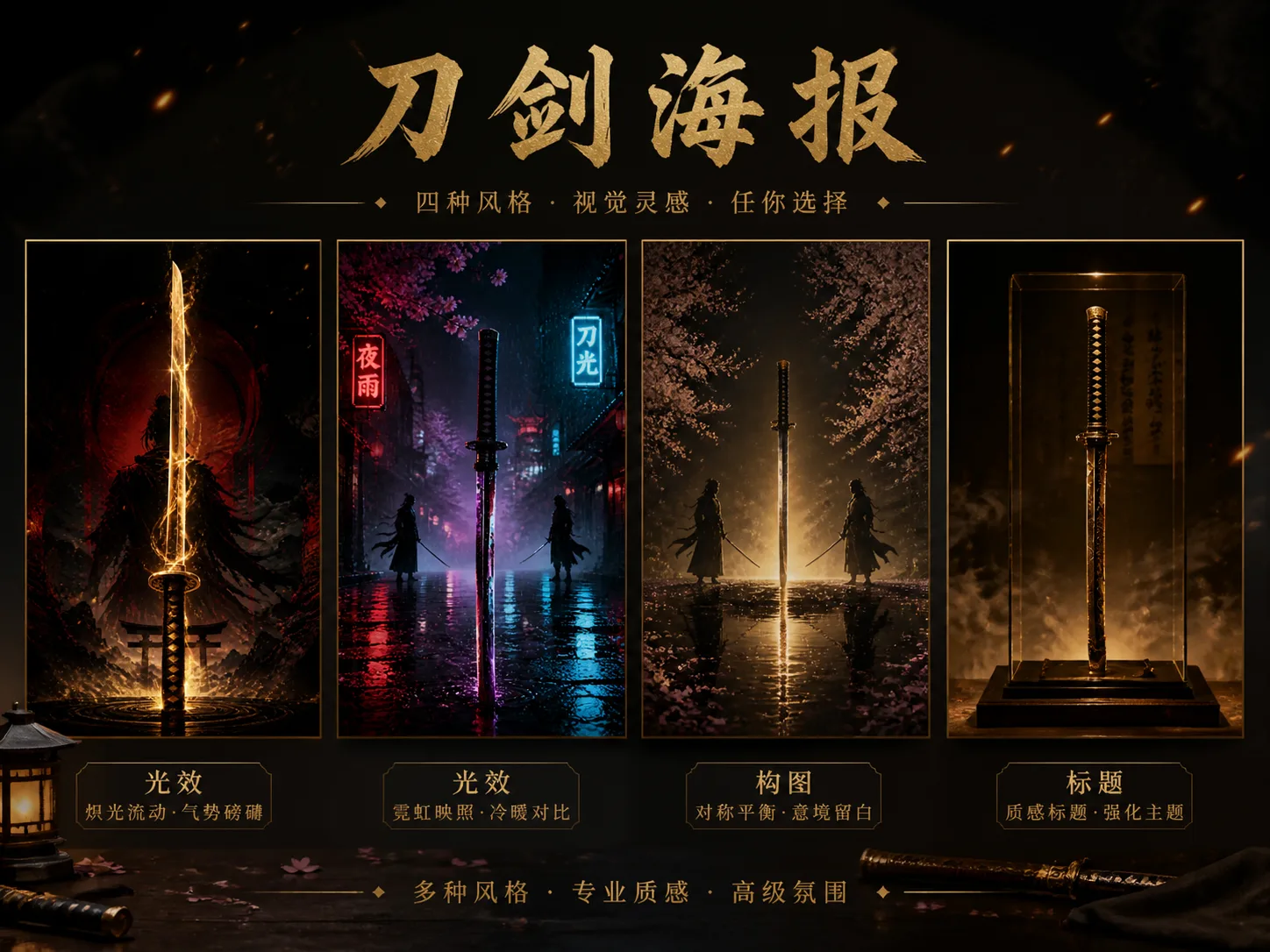
Create cinematic katana posters with GPT Image 2 prompts
This template page focuses on one same job: turning a sword-centered visual idea into an original cinematic poster. The GPT Image 2 katana poster prompts define the blade as the hero subject, then control lighting, atmosphere, title placement, background motifs, aspect ratio, and safety boundaries. Use them for fantasy weapon key art, samurai-inspired posters, game-cover concepts, event visuals, gallery-style blade studies, and collectible card mockups without copying a known film, anime, game, logo, or character costume.
Blade-first composition
Each prompt starts from a clear central katana, ceremonial blade, or sword silhouette so the output reads as a poster instead of a loose action scene.
Cinematic mood control
Swap energy color, rain, lantern glow, volcanic light, blossoms, smoke, foil, or negative space to test multiple sword poster directions.
Original worldbuilding
The prompts ask for fictional titles, abstract marks, generic silhouettes, and no protected franchises, which keeps the result aimed at new poster ideas.
Poster-ready formats
Use vertical hero layouts, square minimal posters, landscape duel scenes, museum artifact compositions, and collectible weapon cards.
From sword concept to polished poster prompt
Choose the closest cinematic sword poster template, replace the variables, then generate and refine a GPT Image 2 result.
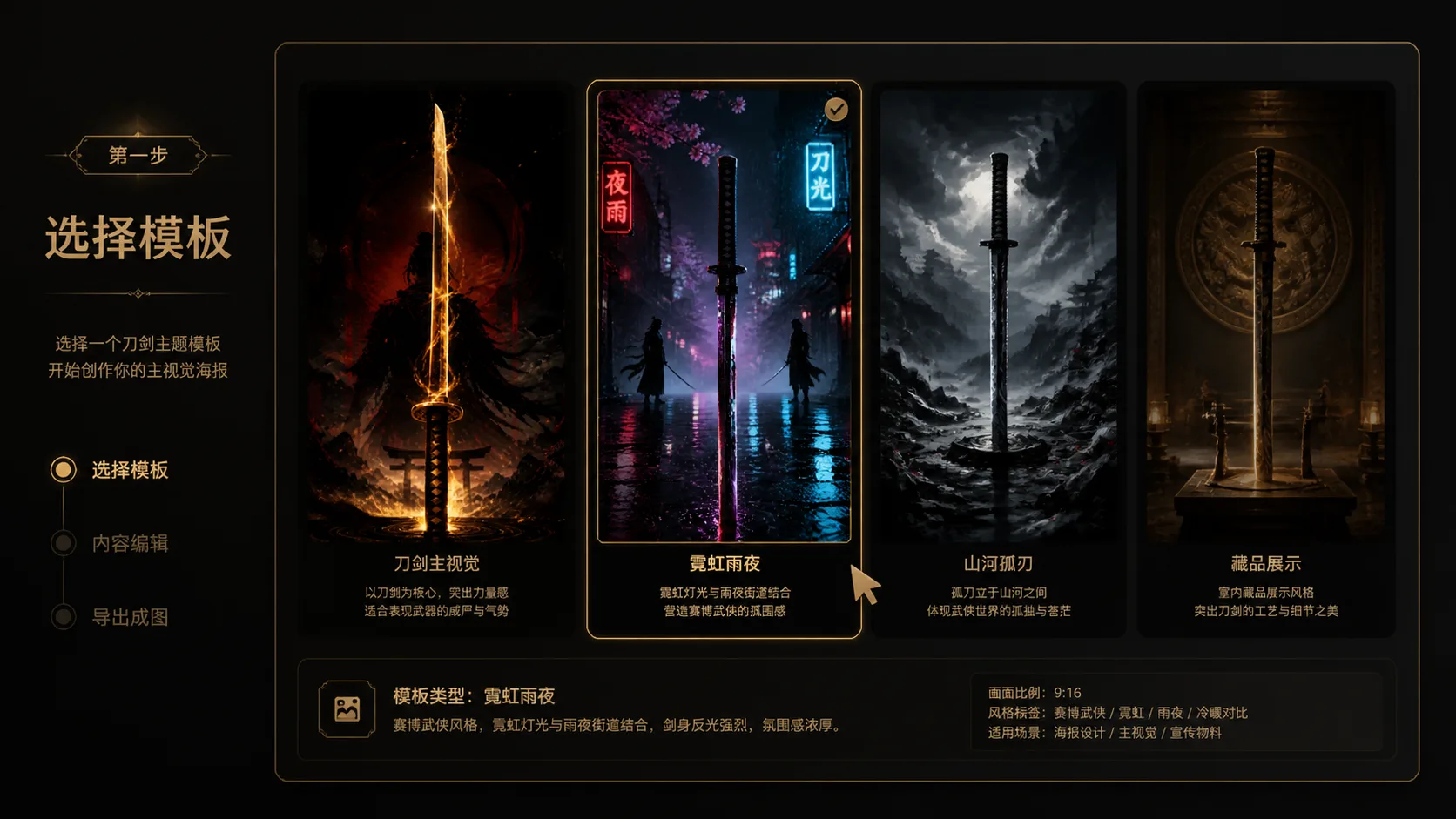
Choose a poster direction
Start with a glowing hero blade, neon rain noir scene, blossom duel silhouette, museum artifact display, volcanic fantasy key art, minimal black-gold poster, lantern festival mood, or collectible katana card. Each direction keeps the same search intent while changing the composition and use case.
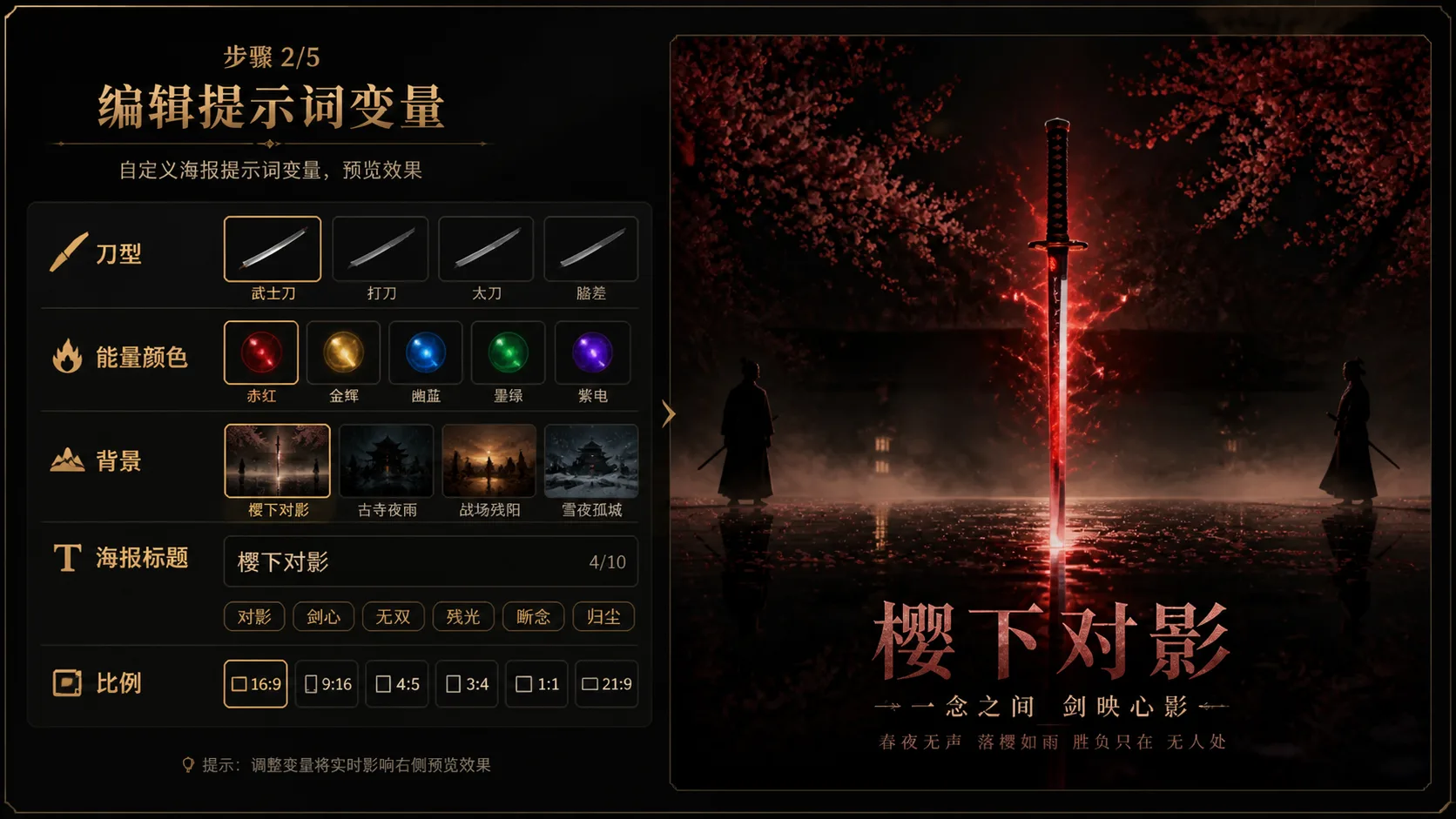
Replace scene variables
Edit the sword type, title text, palette, lighting effect, background motif, signage language, artifact label, or card stats. Keep names fictional, use abstract symbols, and avoid real brands, copyrighted characters, celebrity likenesses, and known game or movie references.
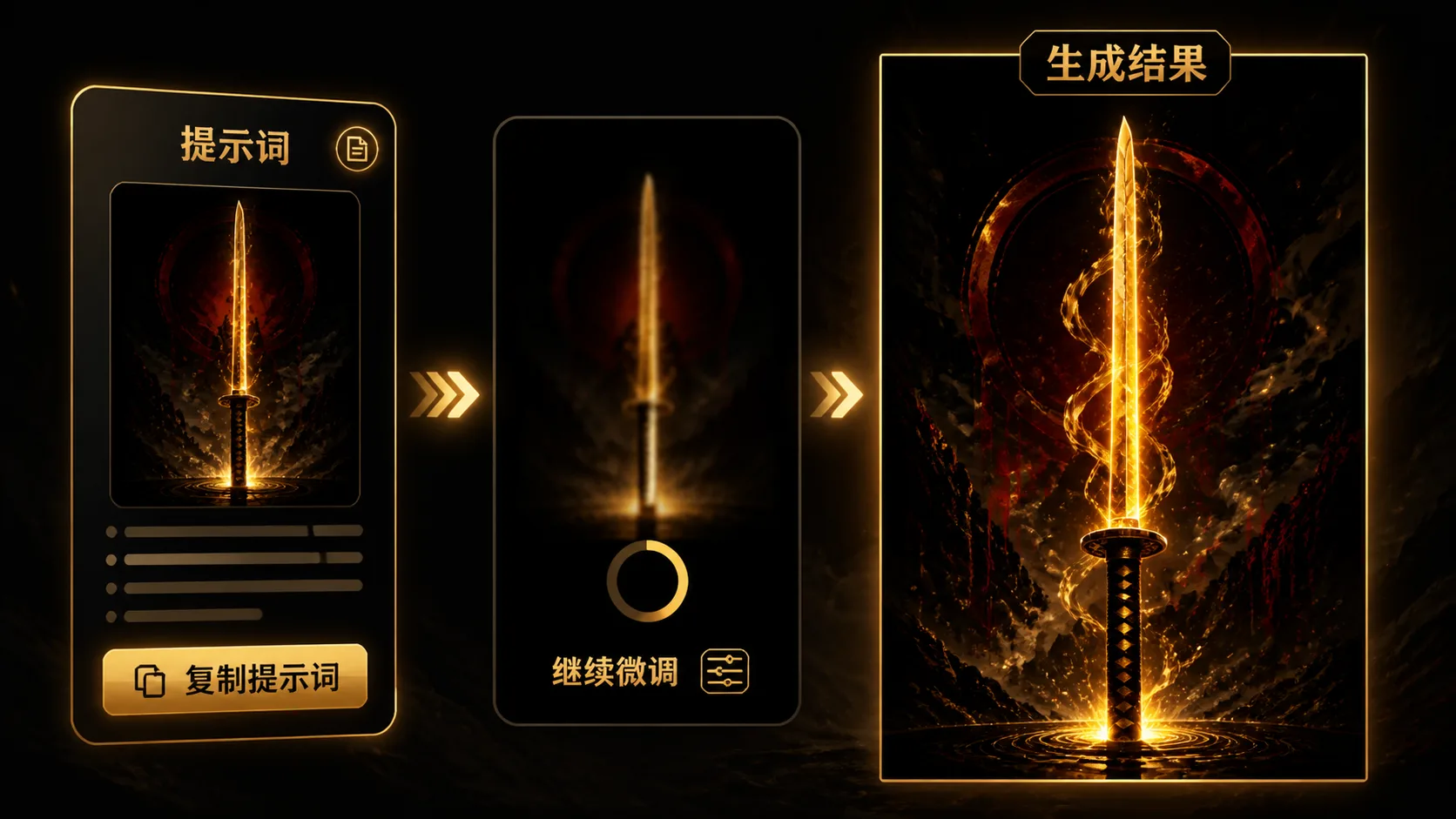
Generate, compare, and refine
Run the selected prompt in GPT Image 2, compare the sample direction, then adjust one variable at a time. Tighten typography, simplify silhouettes, change the aspect ratio, or shift the lighting until the katana poster feels original and usable.
GPT Image 2 katana poster prompt FAQ
Search-focused answers for cinematic sword poster templates, fantasy weapon key art, and safe original katana visuals.
Generate a katana poster
Pick a cinematic sword poster prompt, replace the variables, and create an original GPT Image 2 draft.