
Browse sample poster results on the right, then tap one to load that prompt back into the generator on the left.
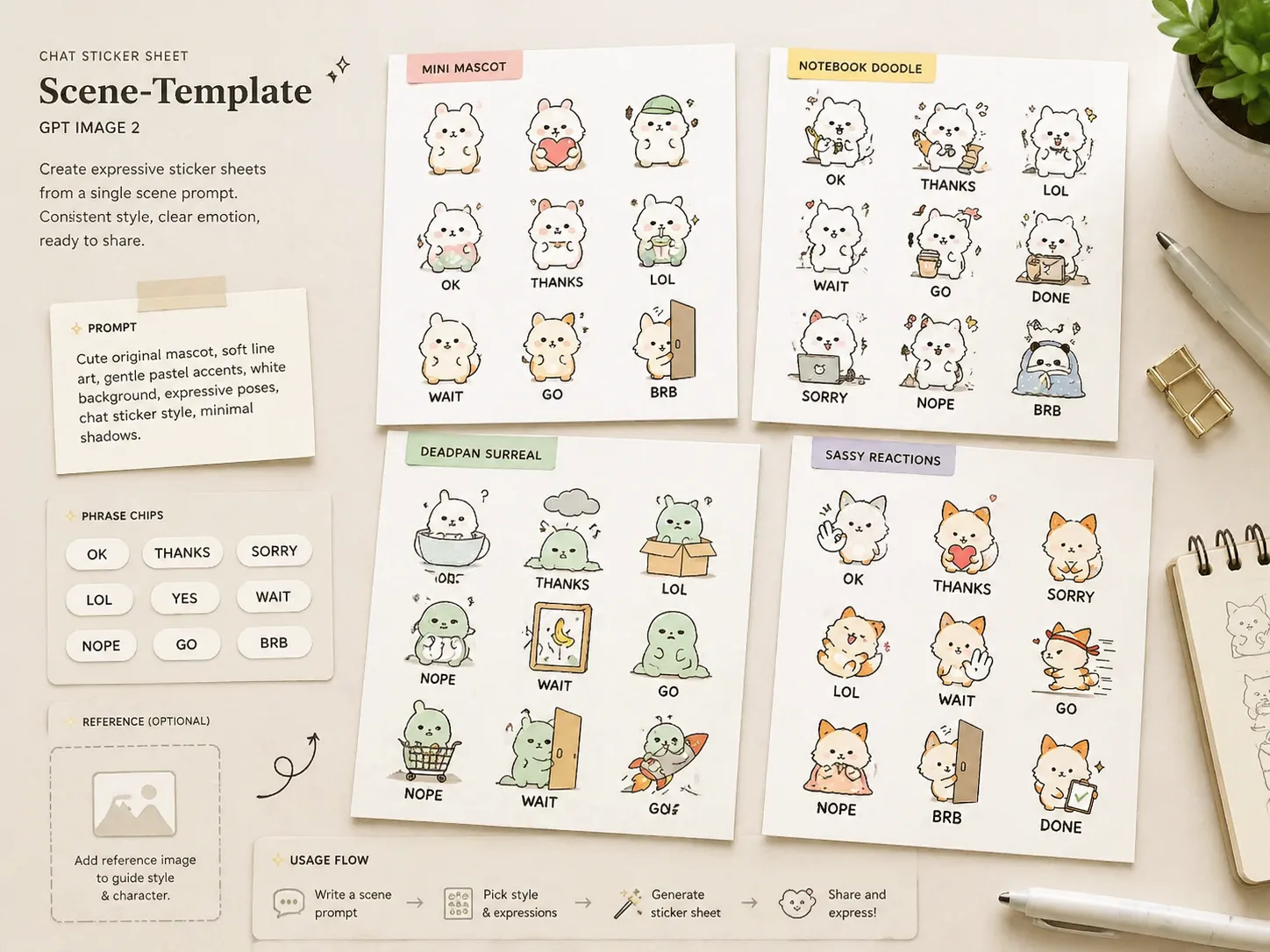
Create chat sticker sheets from mascot prompts
These chat sticker sheet GPT Image 2 prompts help you turn a mascot, avatar, or original character idea into a square reaction grid. Start from a reusable template, replace the character description and phrase list, and keep the result focused on readable sticker text, clean spacing, and a consistent visual identity.
Reference-ready character prompts
Upload a mascot or describe one from scratch, then use the prompt to preserve recognizable traits while simplifying the design into sticker-friendly poses.
Short readable chat phrases
Swap in everyday replies, community slang, workplace reactions, or localized text without drifting into long captions that fail at sticker size.
Cohesive 24-piece grids
Each template asks for a balanced square sheet with generous spacing, varied emotions, and enough consistency to guide later cropping or refinement.
Build a reusable sticker prompt workflow
Choose a sticker direction, edit the variables, then generate and refine the sheet inside the GPT Image 2 workspace.
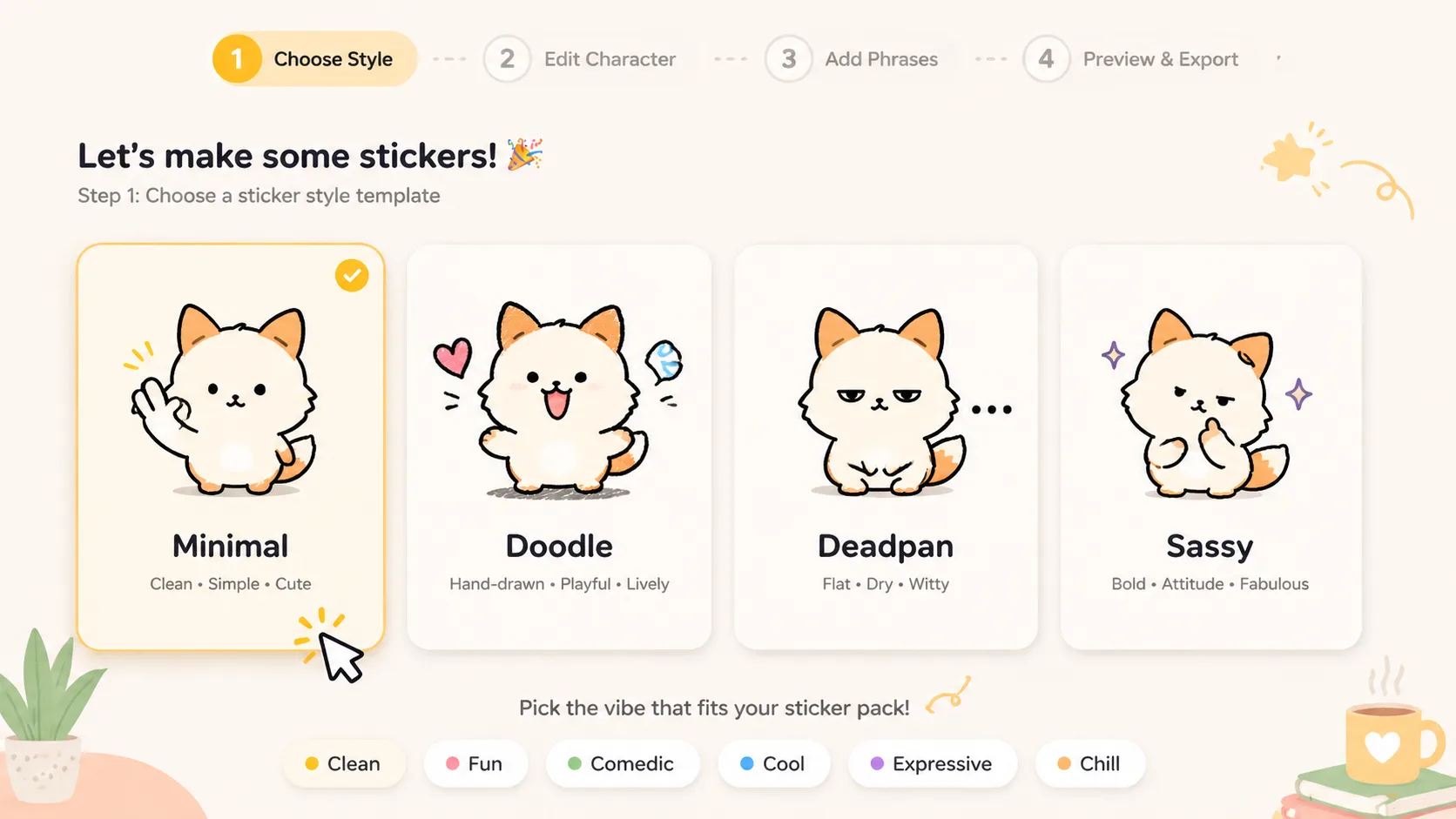
Choose a sticker style
Pick a minimal mini-character sheet, notebook doodle set, deadpan surreal pack, sassy cute reaction set, workplace chat sheet, gaming group sheet, or creator community sticker direction. Each prompt keeps the same chat sticker sheet intent while changing tone and drawing language.
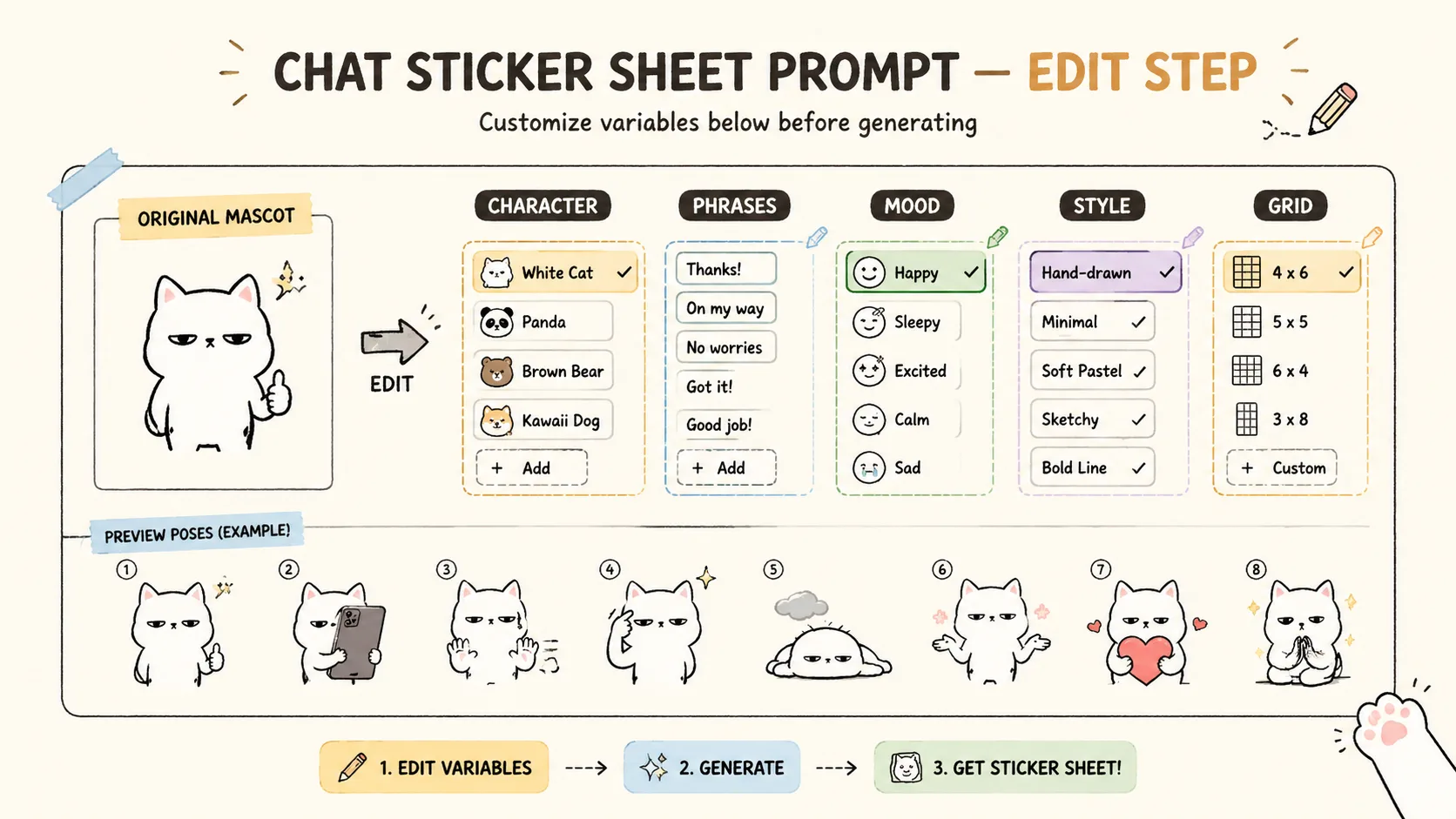
Edit character and phrase variables
Replace the mascot, avatar, visible text language, phrase list, color accents, and mood. Keep phrases short, avoid real logos or copied characters, and add a reference image only when you have rights to use it.
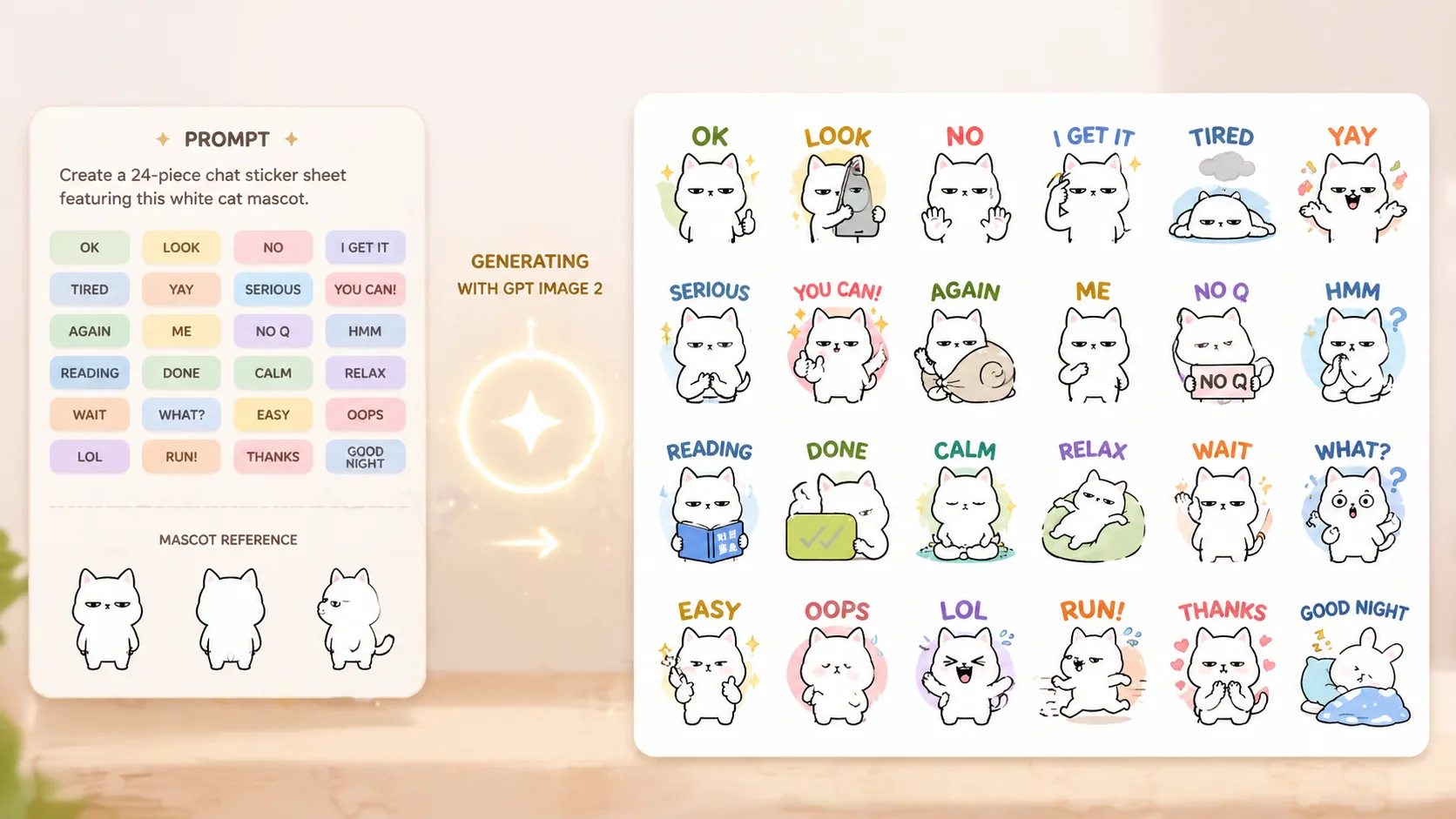
Generate, inspect, and refine
Generate the square sheet with GPT Image 2, check readability at small size, then refine wording, pose variety, spacing, or visual simplification before using the sheet as a production reference.
Chat sticker sheet FAQ
Generate a sticker sheet
Start with a chat sticker sheet GPT Image 2 prompt, replace the mascot and phrase list, then generate a cohesive sticker grid you can refine into individual reactions.