
Browse sample poster results on the right, then tap one to load that prompt back into the generator on the left.
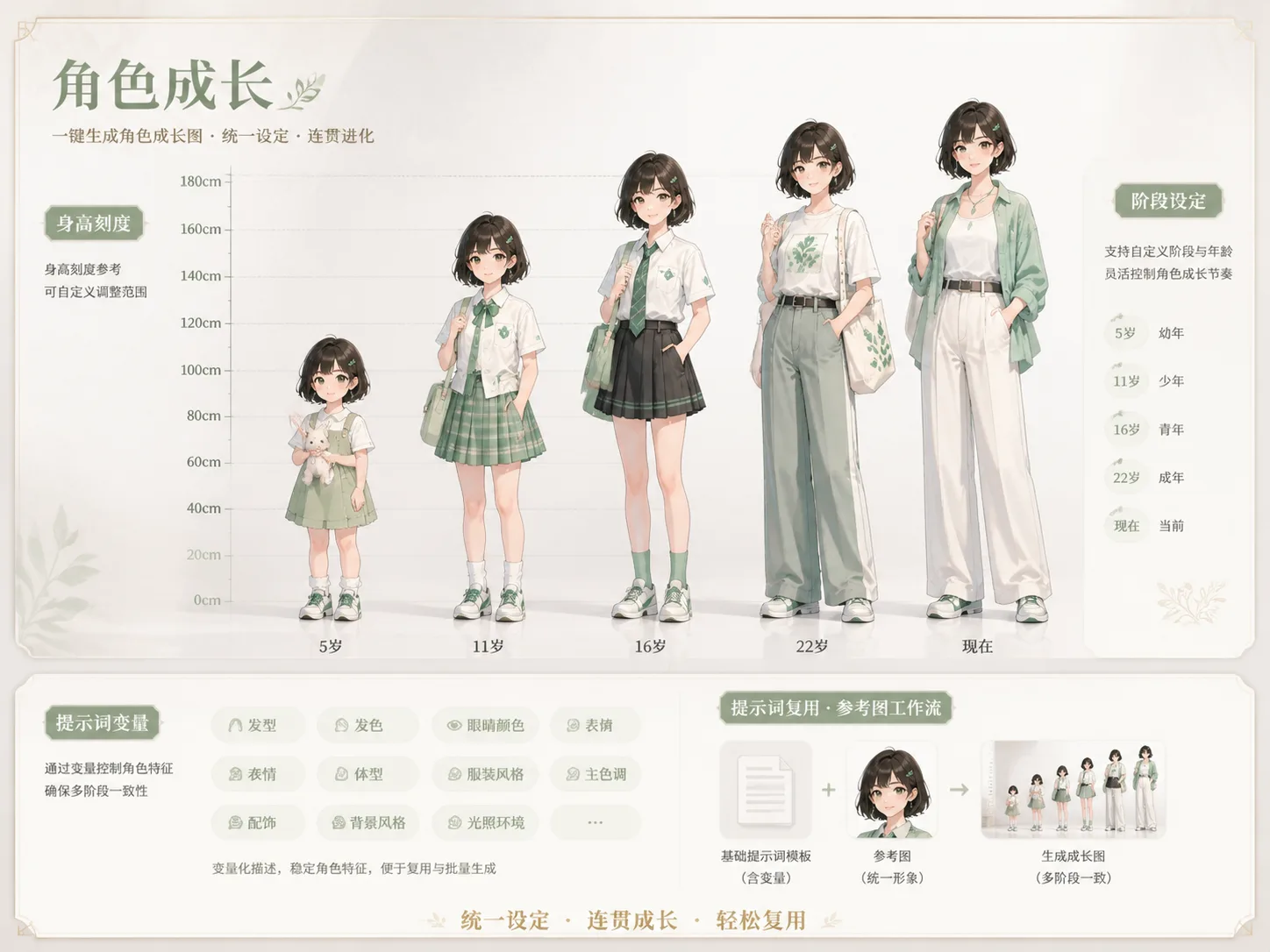
Build character growth charts with GPT Image 2 prompts
This template library turns one character idea, portrait reference, mascot, creature, or story concept into a staged visual chart. Each prompt keeps the same identity across childhood, teen, young adult, and current versions while asking GPT Image 2 for full-body poses, clear labels, costume continuity, and a readable height or size scale.
Five-stage age progression
Structure a character from early childhood through teen, young adult, and current form so the final poster reads like a real development timeline.
Consistent identity cues
Prompts repeat face shape, hair silhouette, posture habits, personality, costume motifs, and recurring props so every stage still feels like the same original character.
Full-body scale layout
Height marks, size labels, and balanced spacing help GPT Image 2 show proportion changes instead of producing disconnected portraits.
Editable creator variables
Swap name, current age, role, height, story genre, creature species, color palette, and stage labels without rewriting the whole prompt.
From reference to age progression poster
Use the scene as a practical prompt workflow, not a generic character design article. Pick a prompt style, edit the variables, optionally add a broad reference image, then generate and refine the chart in GPT Image 2.
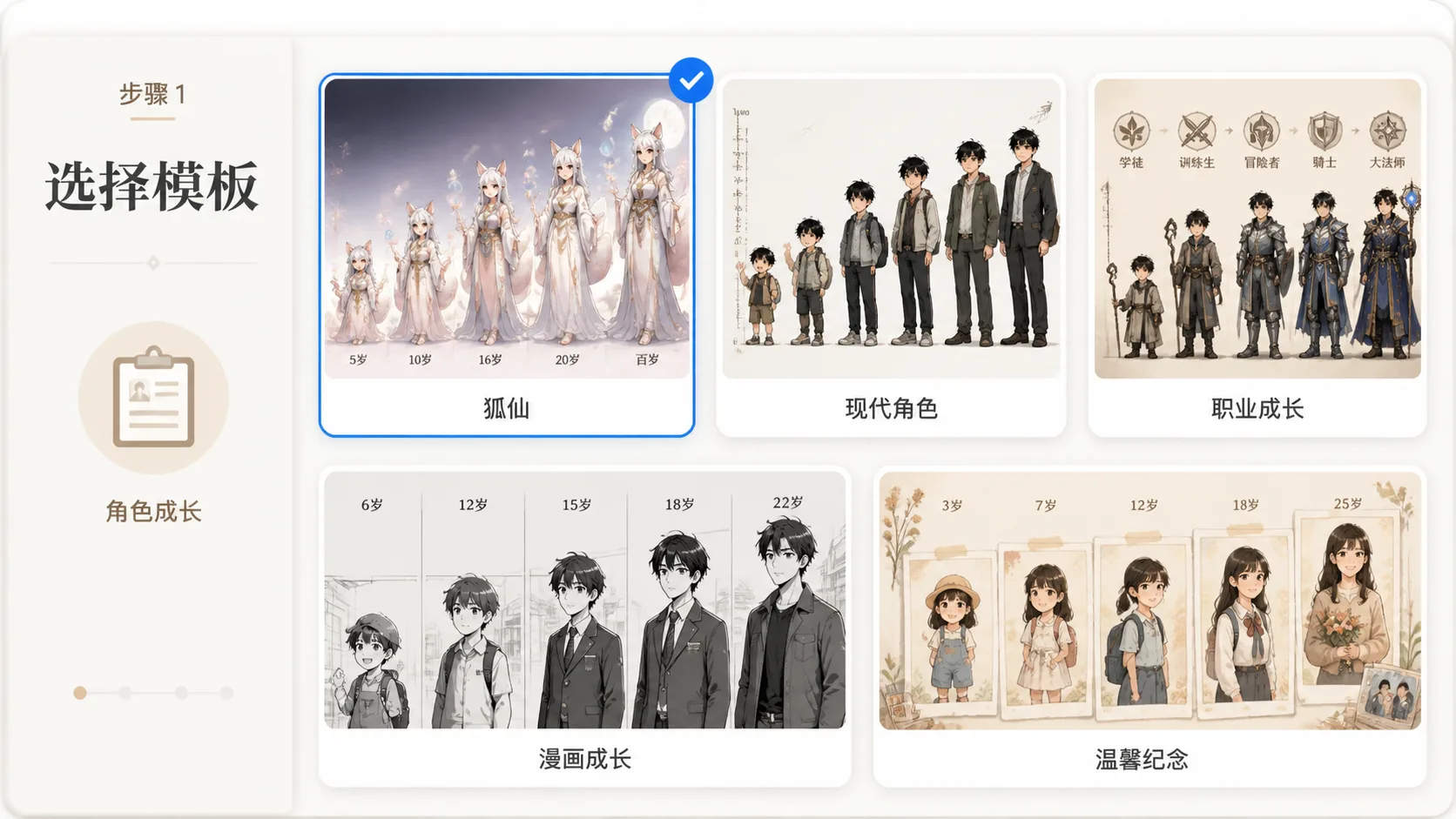
Choose the closest growth chart format
Start with a fantasy fox-fairy chart, modern OC lineup, RPG class evolution sheet, mascot board, creature lifecycle, historical costume poster, manga coming-of-age sheet, or warm keepsake-style growth poster.
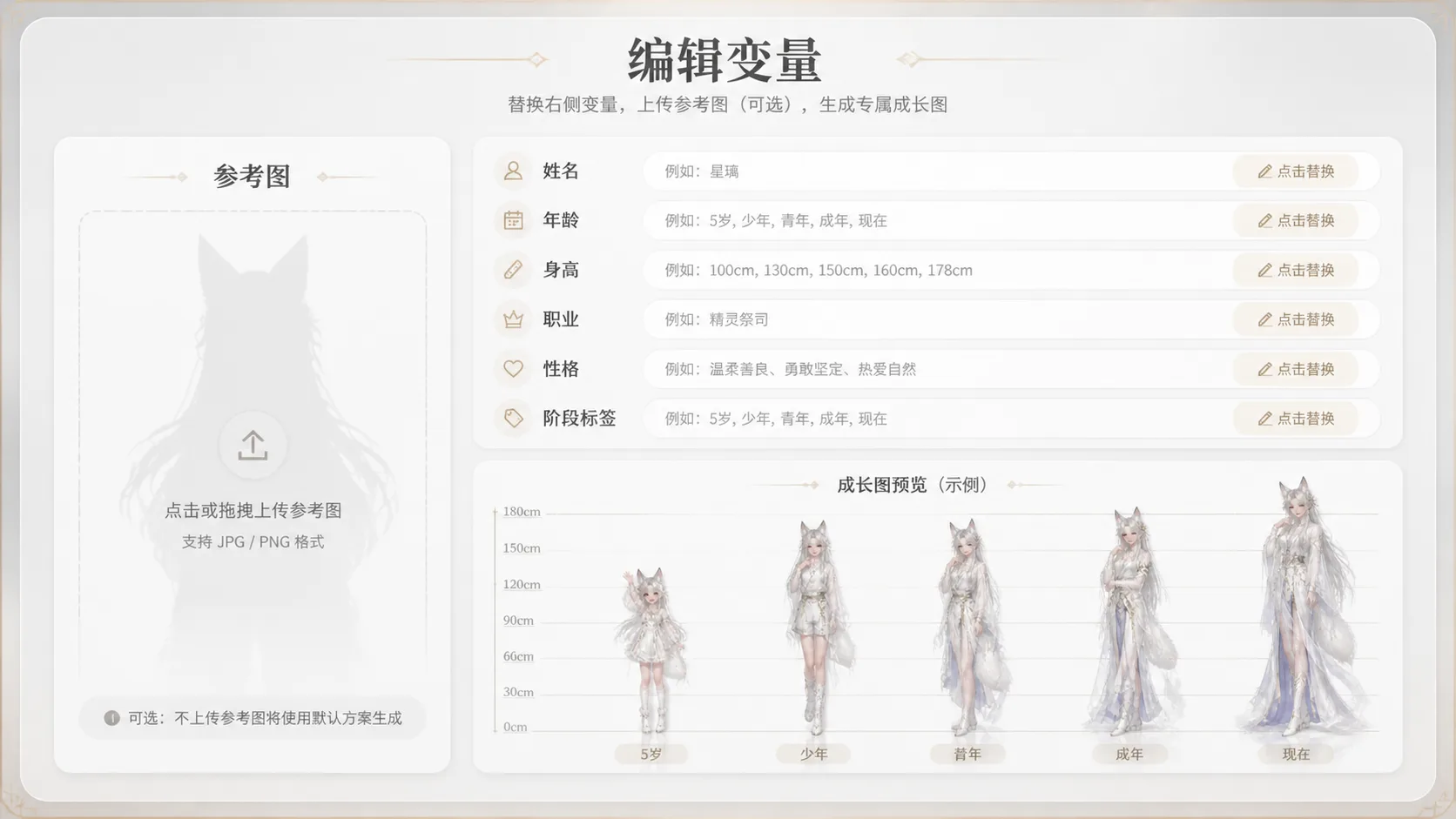
Replace variables and references
Edit the character name, age stages, final height, personality, outfit evolution, role, and visible labels. If you upload a reference image, use it for broad identity guidance rather than identity prediction.
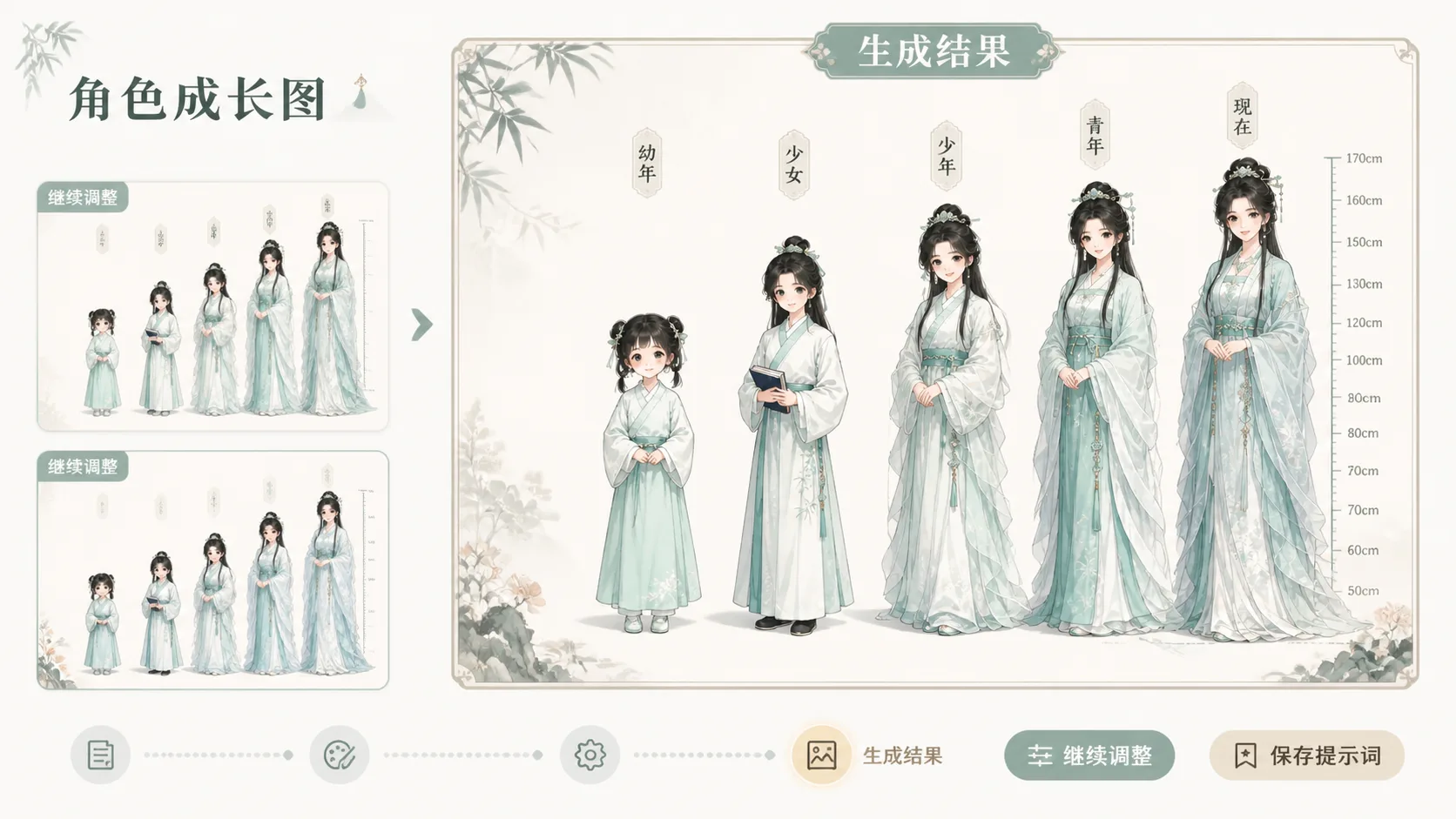
Generate, compare, and refine
Create the first chart, then tune stage spacing, label language, costume continuity, scale marks, and style direction until the result works as a shareable character development poster.
Character growth chart prompt FAQ
Answers for creators using GPT Image 2 character age progression prompts.
Create a character growth chart
Pick a GPT Image 2 age progression prompt, replace the character variables, and generate a full-body growth chart you can refine inside the template workspace.