
Browse sample poster results on the right, then tap one to load that prompt back into the generator on the left.
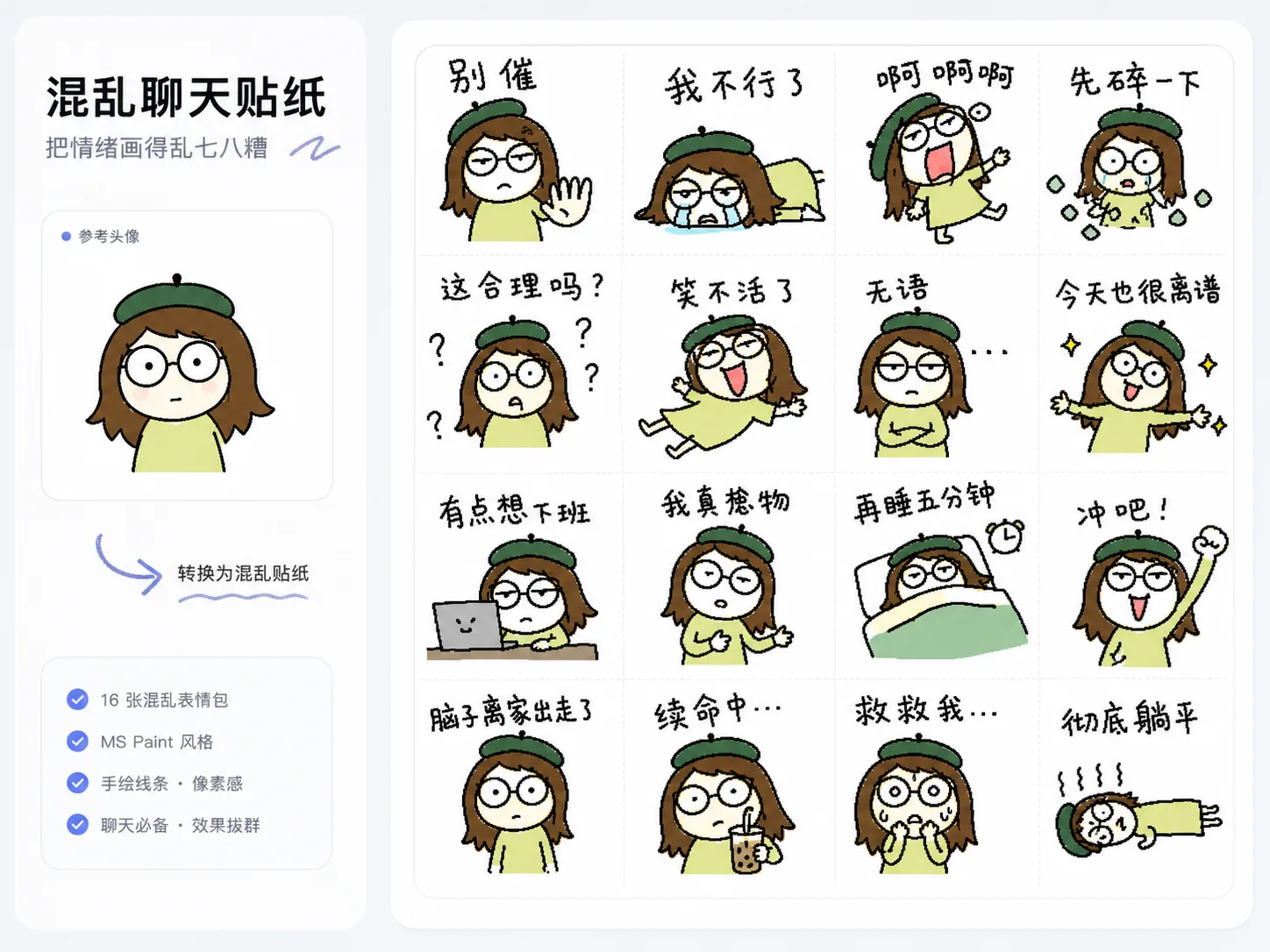
Create chaotic chat sticker sheets with GPT Image 2
These chaotic chat sticker GPT Image 2 prompts help you turn one reference image into a rough 4x4 sheet of expressive reactions. The goal is not polished sticker art. It is a funny, readable, intentionally bad style that keeps a few recognizable traits while making every frame feel spontaneous, human, and shareable.
Reference-led sticker prompts
Upload a person, pet, avatar, product, or original mascot and keep only the traits that help the sticker feel familiar.
Consistent ugly drawing style
The prompts ask for shaky mouse lines, bad proportions, crooked faces, rough fills, and the same failed MS Paint logic across all 16 frames.
Handwritten meme captions
Short reaction lines are drawn as part of the image, so the text feels like messy chat handwriting instead of a clean font layer.
Reusable reaction packs
Use the templates for work complaints, pet chaos, gamer rage, couple replies, study procrastination, deadpan answers, and mascot community memes.
How to make a messy AI sticker sheet
Pick the closest sticker prompt, replace the reference details and chat phrases, then generate and refine the sheet until the chaos feels readable.
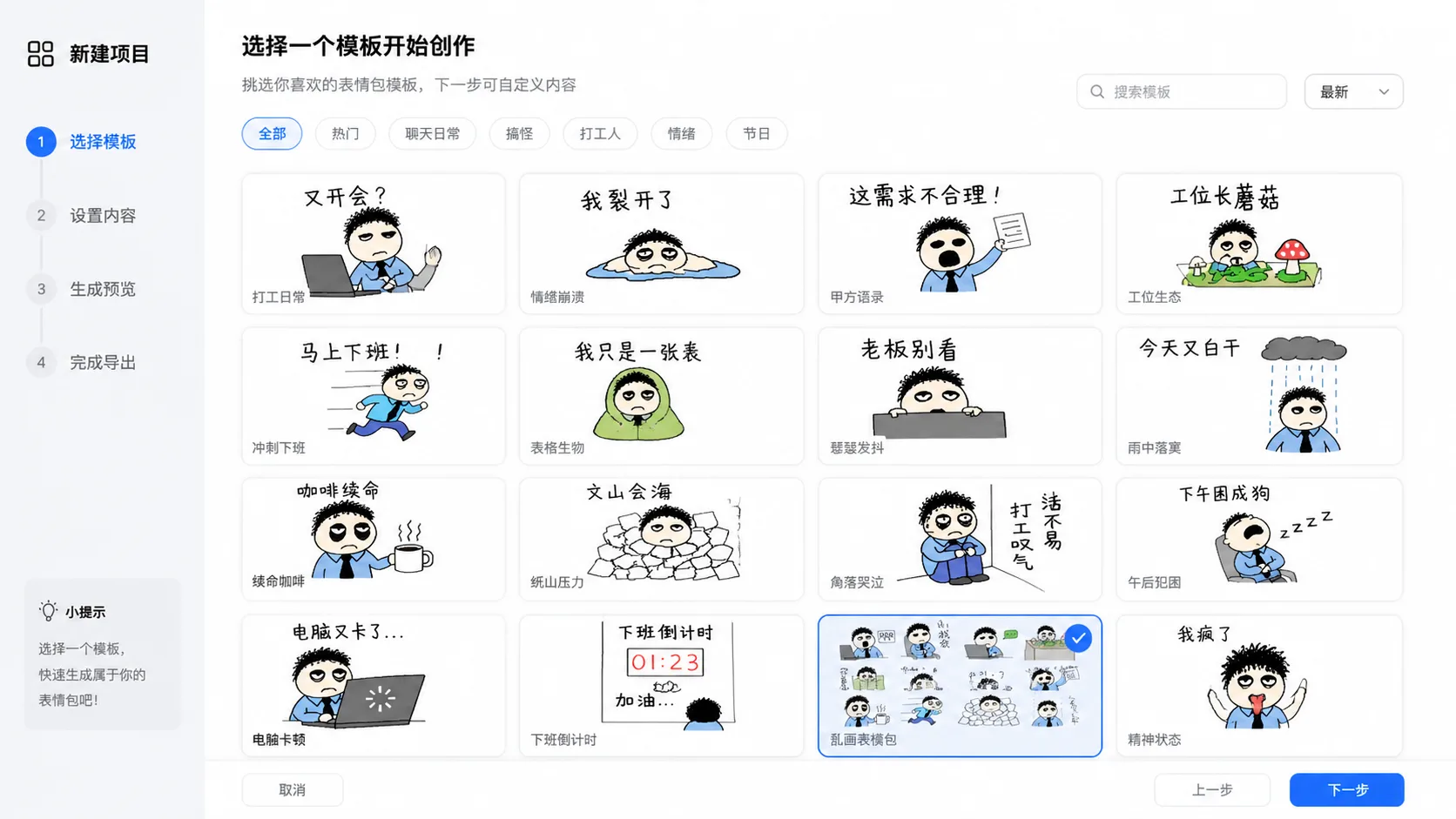
Choose a sticker scenario
Start with avatar meltdown, pet chaos, workday complaint, gamer rage, study procrastination, couple reaction, mascot, or deadpan sticker prompts. Each one keeps the same intent: a crude AI sticker sheet prompt for chat reactions.
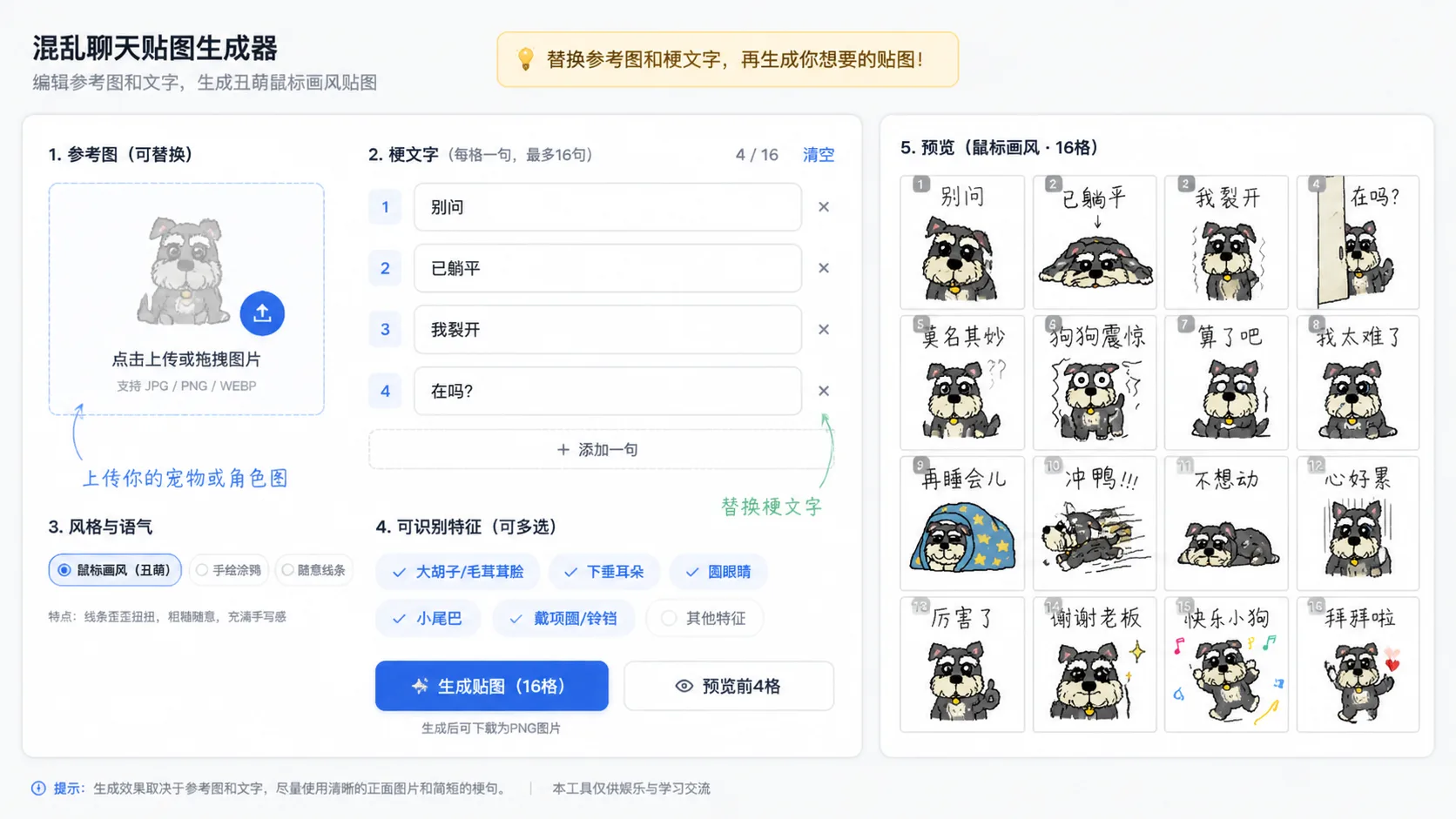
Edit the reference and text
Swap in your own subject, list the short phrases you want, and decide whether the tone should feel exhausted, dramatic, annoyed, awkward, silly, or deadpan. Keep text short for better handwritten readability.
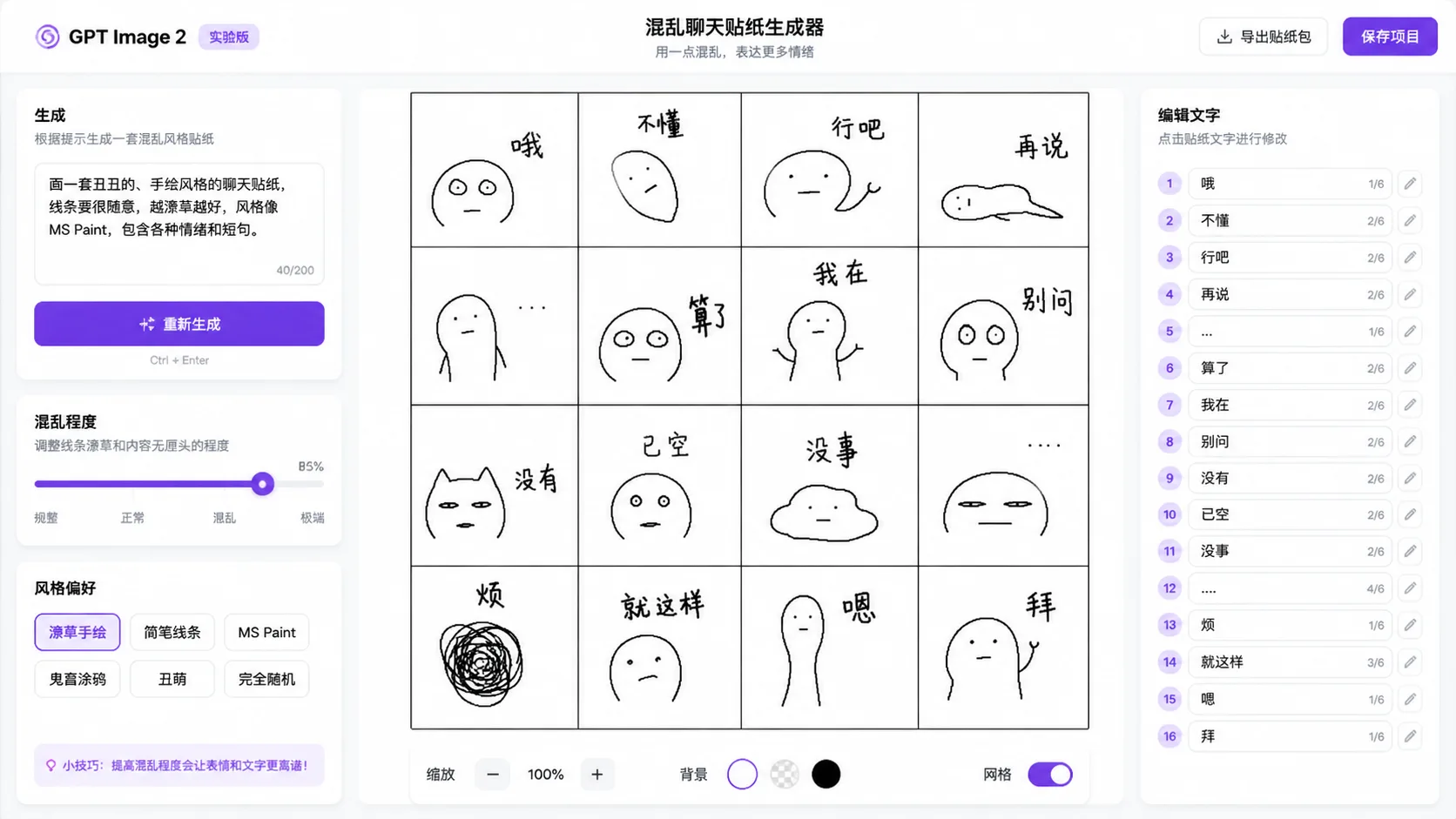
Generate, compare, and refine
Run the prompt with GPT Image 2, review whether the 4x4 grid stays clear, then adjust the wording, recognizable traits, or chaos level before generating another version.
Chaotic chat sticker prompt FAQ
Answers for using GPT Image 2 chat sticker prompts with references, handwritten text, and rough meme style.
Generate chaotic stickers
Start with a GPT Image 2 chat sticker prompt, add your reference image, and create a messy reaction sheet.