
Browse sample poster results on the right, then tap one to load that prompt back into the generator on the left.
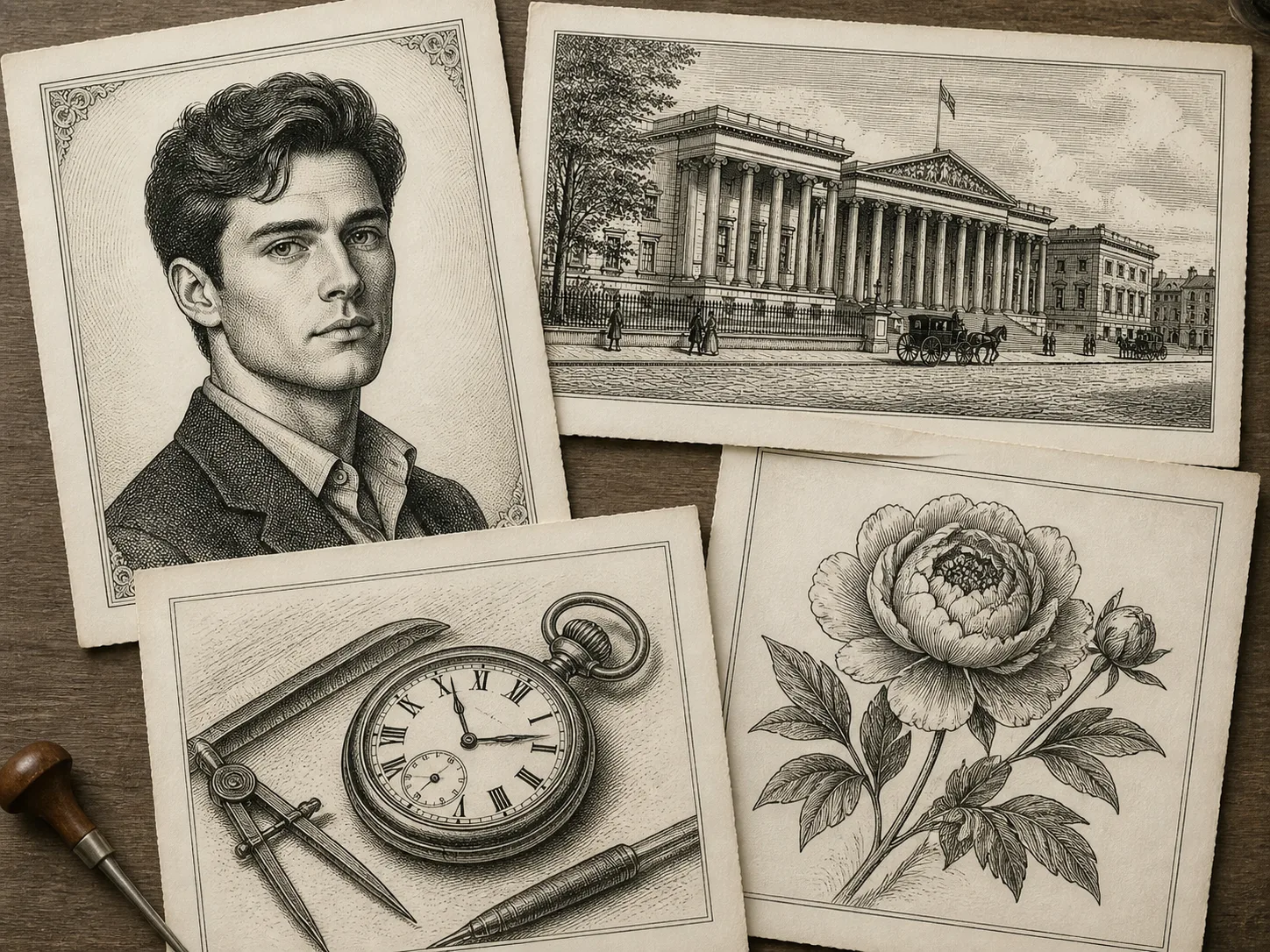
Burin engraving GPT Image 2 prompts for precise linework
This template set is built for creators who want a controlled copperplate engraving look, not a generic sketch filter. Each prompt tells GPT Image 2 how to use incised burin lines, cross-hatching, parallel hatching, paper texture, and monochrome or sepia ink so the result feels like a historical print plate.
Portrait engraving control
Transform a reference portrait while preserving face structure, expression, pose, hairstyle, and clothing silhouette.
Copperplate shading rules
Replace soft gradients with dense cross-hatching, parallel hatching, line density, crisp contours, and engraved paper grain.
More than portraits
Use the same engraving prompt system for character posters, fashion plates, architecture, objects, botanical studies, maps, and book frontispieces.
Safe banknote-like style
Create banknote-style portrait aesthetics without official marks, real currency layouts, document imitation, or counterfeit intent.
How to generate a copperplate engraving image
Choose the closest prompt, replace the subject variables, add a reference image when needed, then refine the linework instructions before generating.
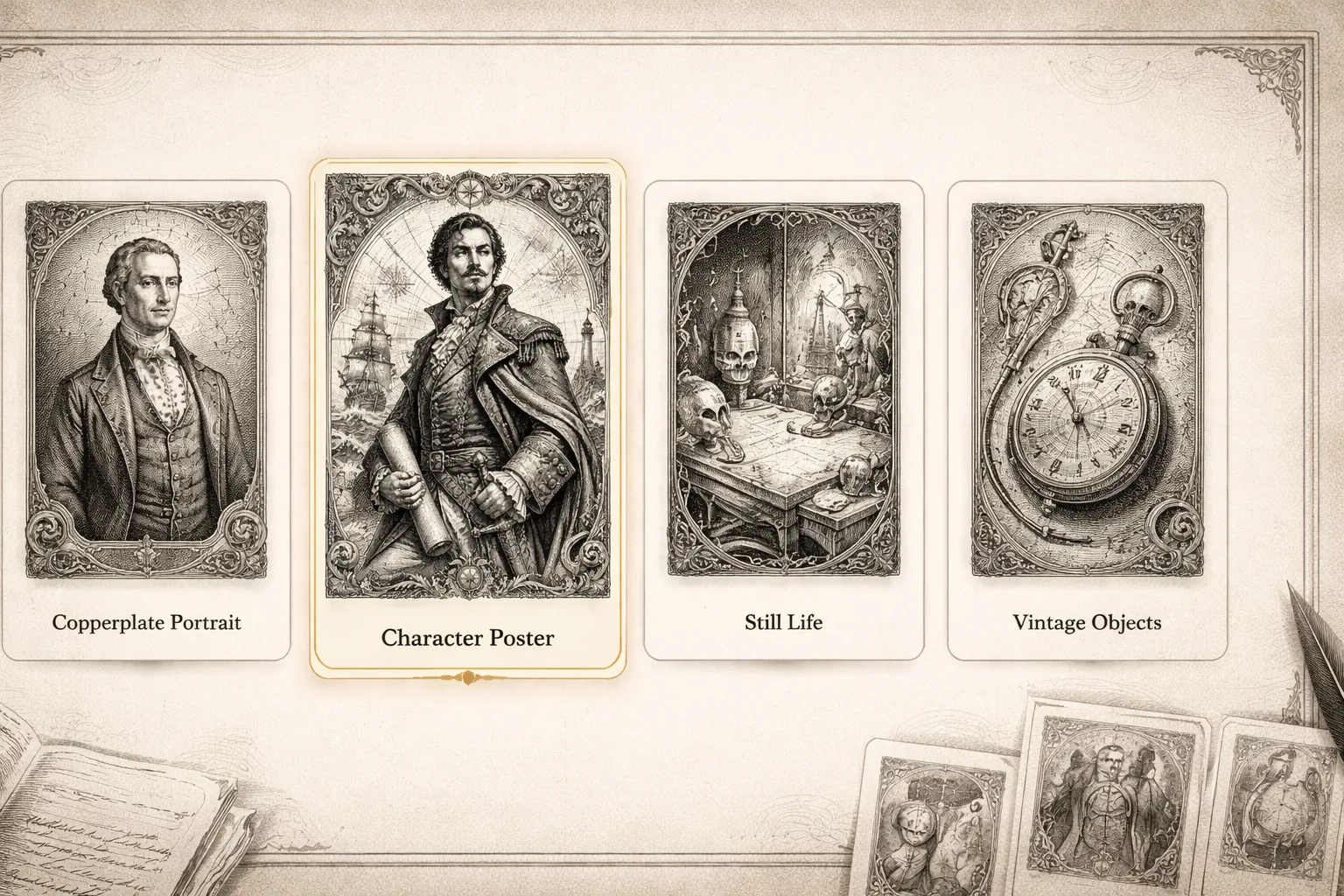
Choose the engraving job
Start with the portrait, character, fashion, architecture, object, botanical, map, or frontispiece prompt that matches the output you need.
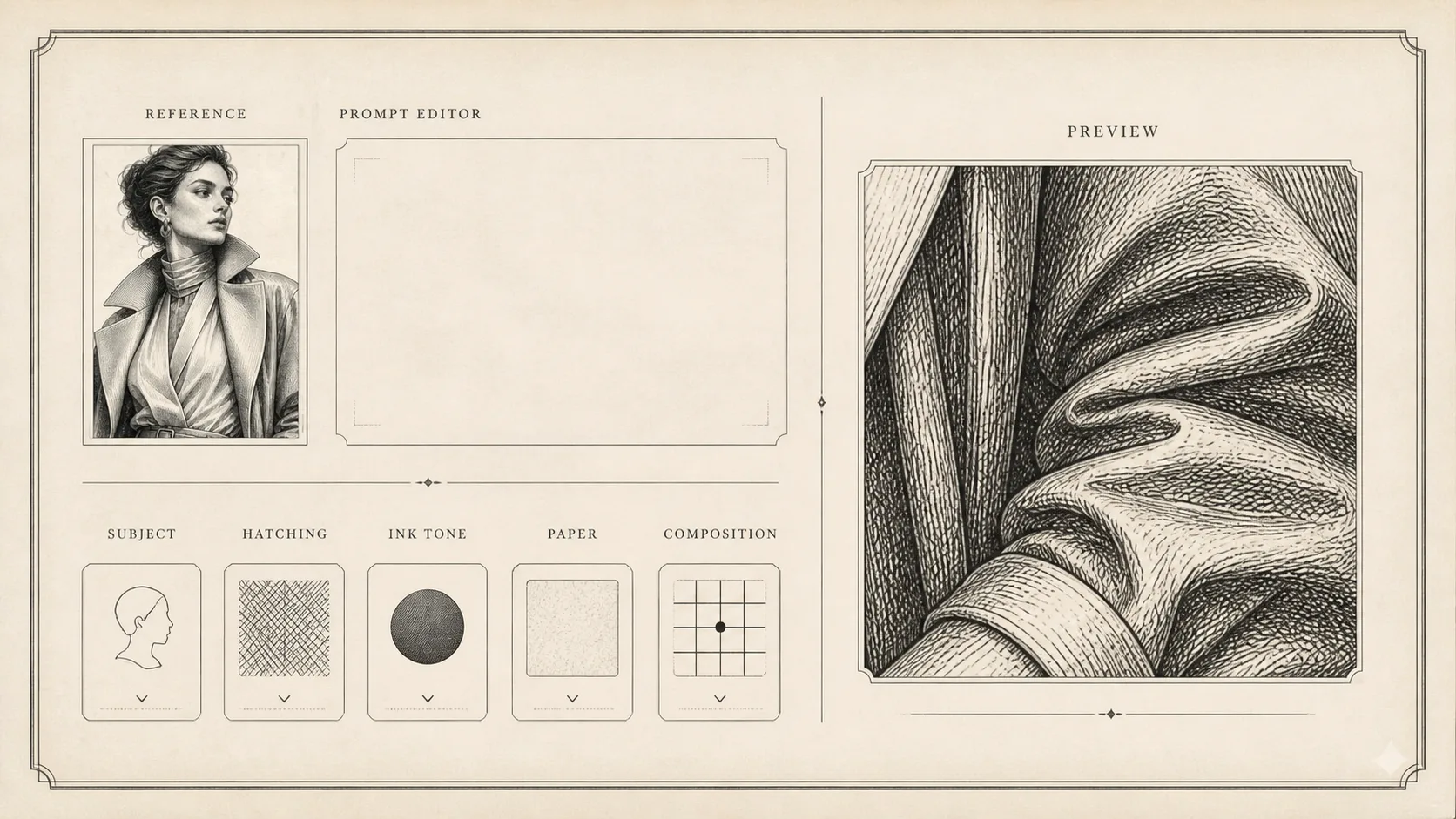
Edit subject and hatching variables
Replace the subject, reference-image instruction, ink tone, paper color, composition, label language, and hatching density.
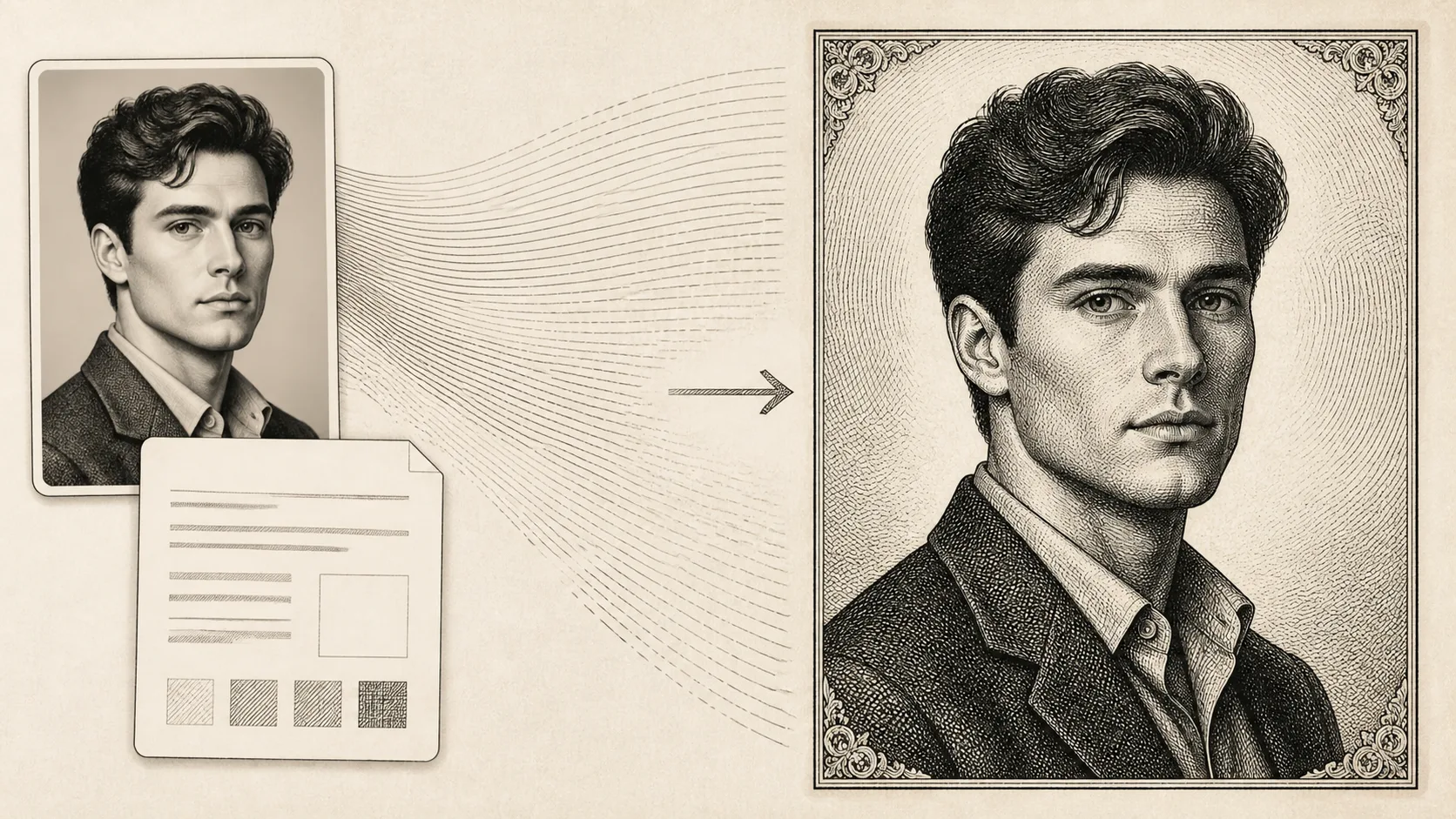
Generate, inspect, and refine
Use GPT Image 2 to render the first plate, then tighten prompts around identity preservation, line density, background detail, or no-gradient shading.
Burin engraving prompt FAQ
Search-focused answers for creating copperplate portraits and engraved images with GPT Image 2.
Generate a burin engraving image
Open the template, edit the subject and hatching details, then create a copperplate-style result with GPT Image 2.