
Browse sample poster results on the right, then tap one to load that prompt back into the generator on the left.
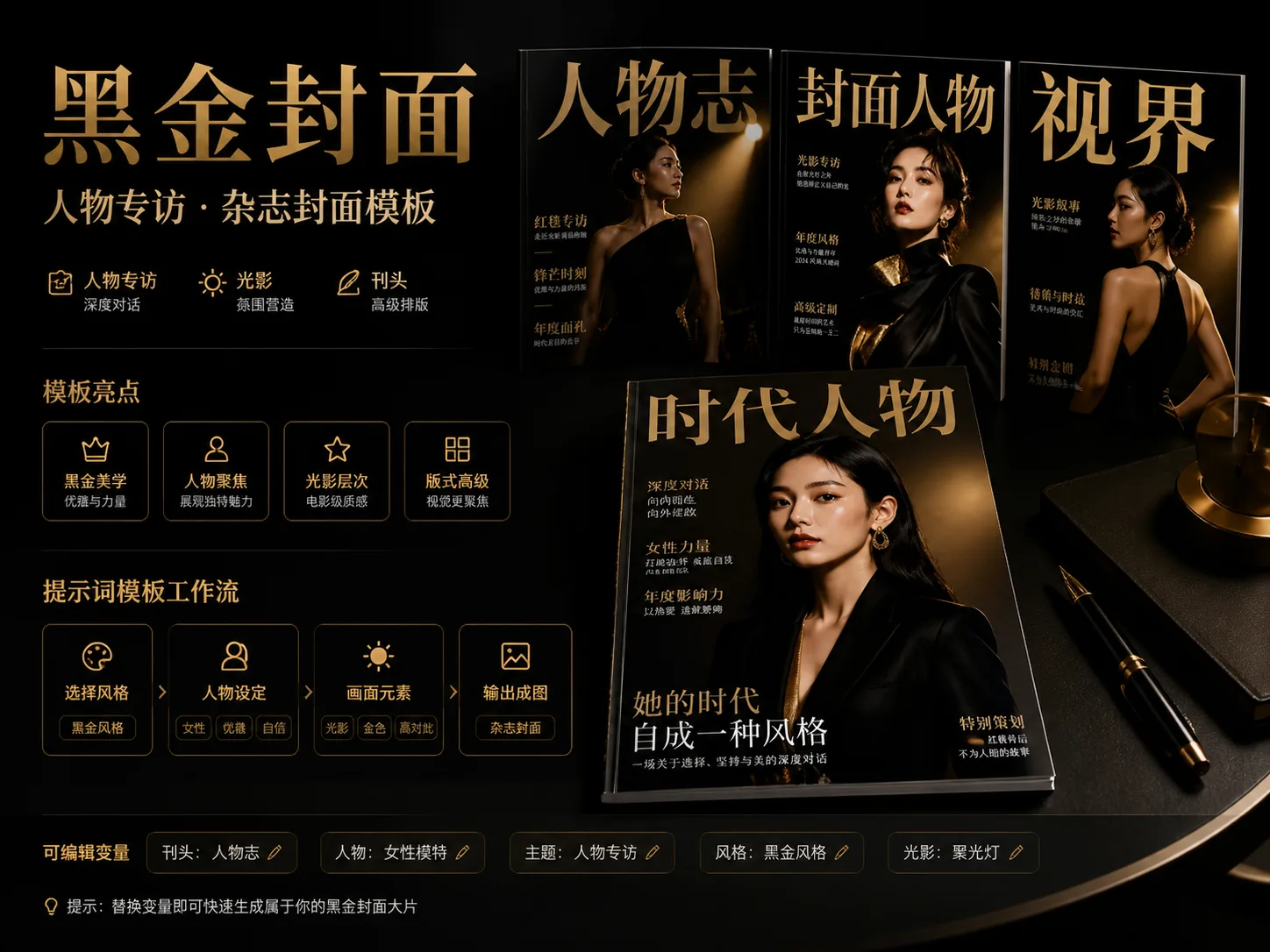
Build black-and-gold magazine covers with GPT Image 2 prompts
Turn a portrait, character concept, or personal brand idea into a polished editorial cover direction with reusable prompts for mastheads, cover lines, lighting, wardrobe, and layout.
Luxury editorial cover systems
Each prompt is built for a recognizable magazine-cover job: couture portrait, red-carpet interview, beauty close-up, menswear issue, square social teaser, or wide cover-spread banner.
Readable mastheads and cover lines
The templates keep the masthead title, feature headline, issue theme, and short cover lines editable so the result still reads like a designed cover instead of a generic portrait.
Black and gold visual control
Prompt language anchors deep black backgrounds, restrained gold highlights, cinematic contrast, couture textures, paper finish, and premium serif typography.
Safer brand and likeness boundaries
The copy avoids real magazine logos, real celebrity imitation, copyrighted characters, and company marks while still giving creators a high-end profile-cover mood.
From template choice to refined cover art
Choose the closest cover format, replace the variables, generate with GPT Image 2, then refine composition, text hierarchy, and portrait lighting.
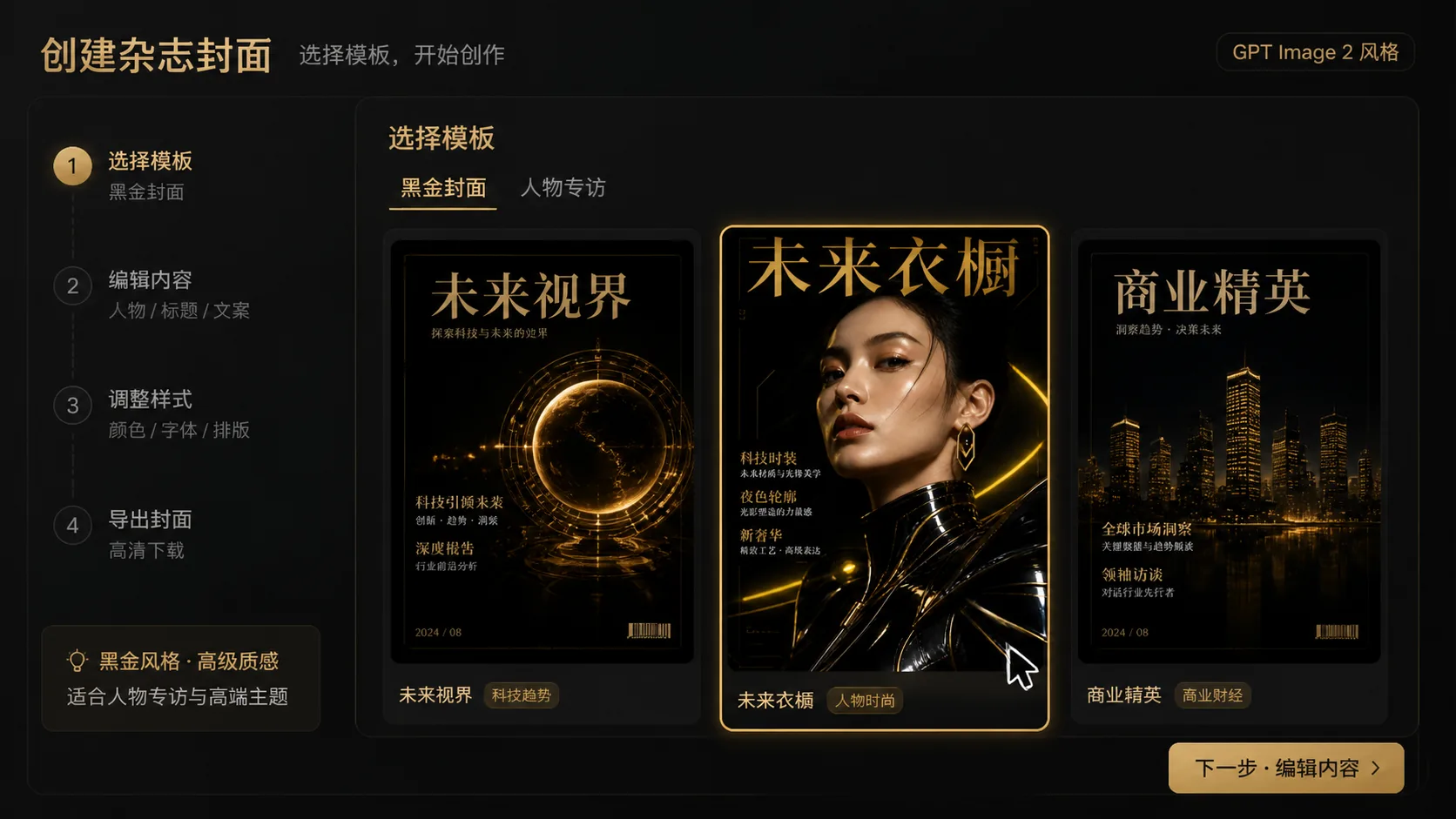
Choose the cover format
Start with a vertical fashion cover for portrait impact, a 4:5 beauty or profile issue for feeds, a 1:1 teaser for social launches, or a 16:9 spread for site headers and campaign pages.
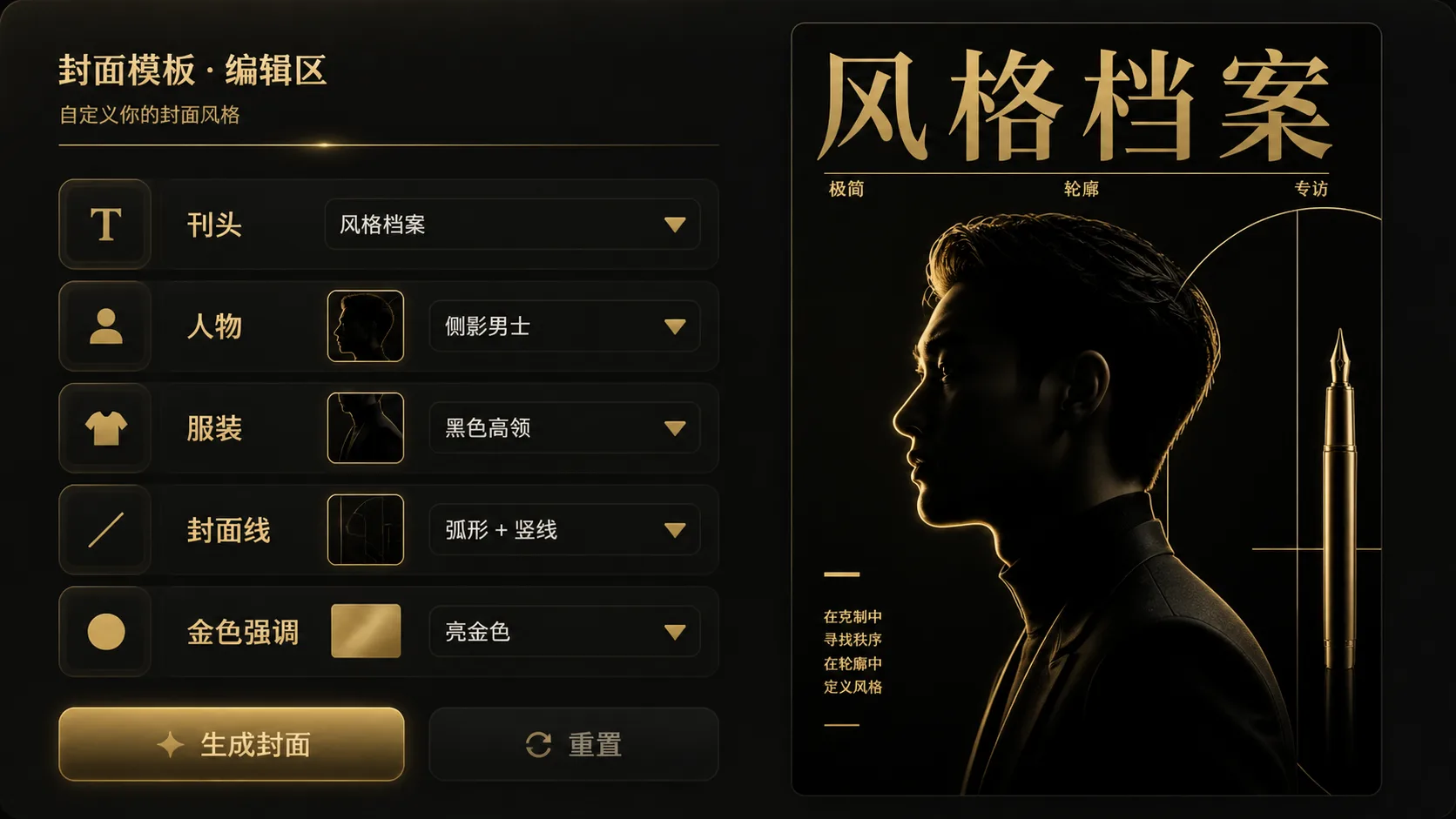
Replace subject and issue details
Edit the subject description, outfit style, masthead, feature story, accent color, jewelry, location cue, or interface motif while keeping the black-gold magazine cover prompt structure intact.
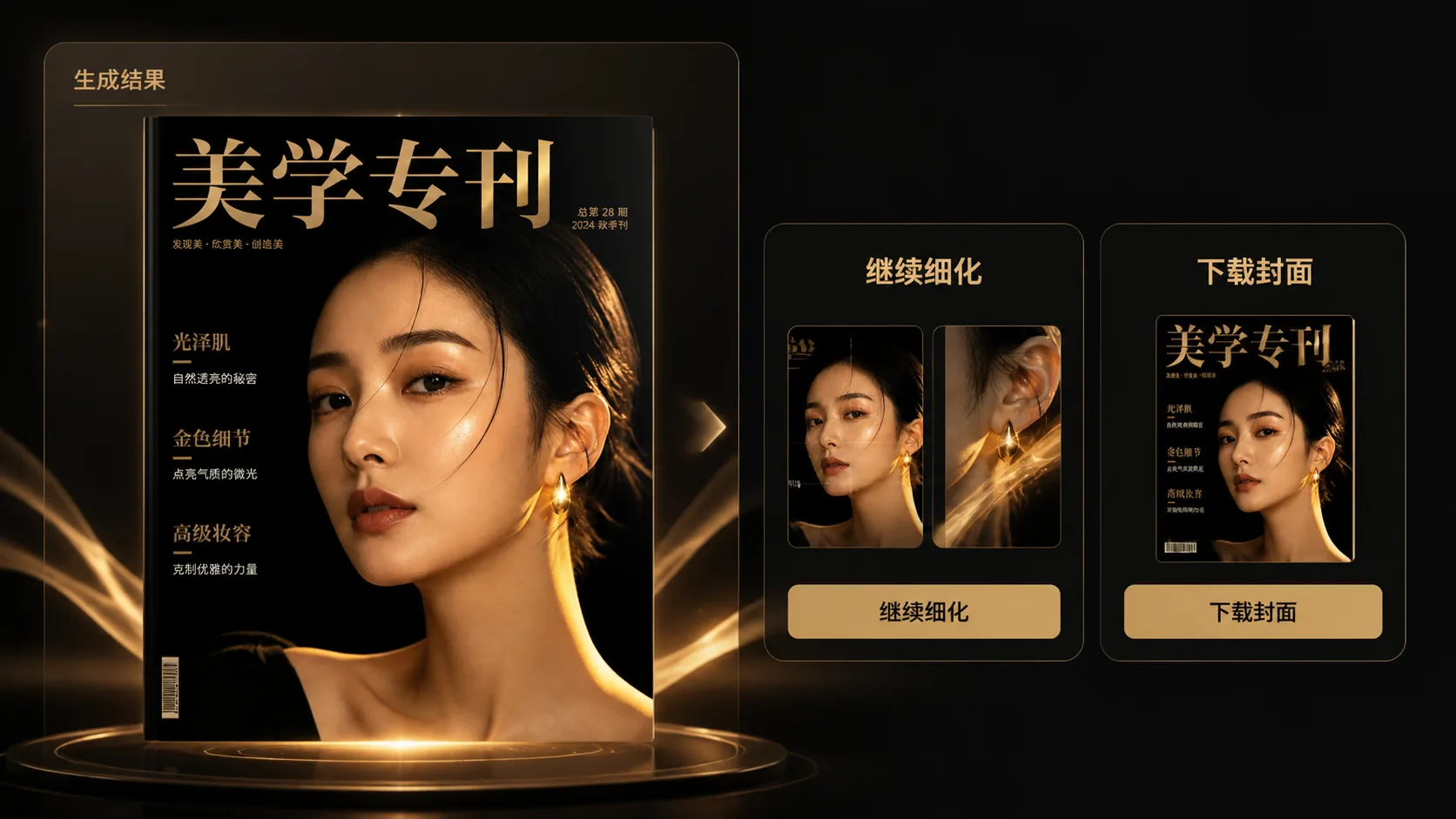
Generate, compare, and tighten
Run the prompt in GPT Image 2, compare the sample direction, then adjust cover-line length, face framing, negative space, lighting contrast, and gold accent density before publishing a final draft.
GPT Image 2 magazine cover prompts FAQ
Answers for creators using black-and-gold cover templates, reference portraits, typography, and editorial layouts.
Generate a black-gold cover
Start from a prompt template, replace the masthead and subject, and create a premium GPT Image 2 magazine cover draft.