
Browse sample poster results on the right, then tap one to load that prompt back into the generator on the left.
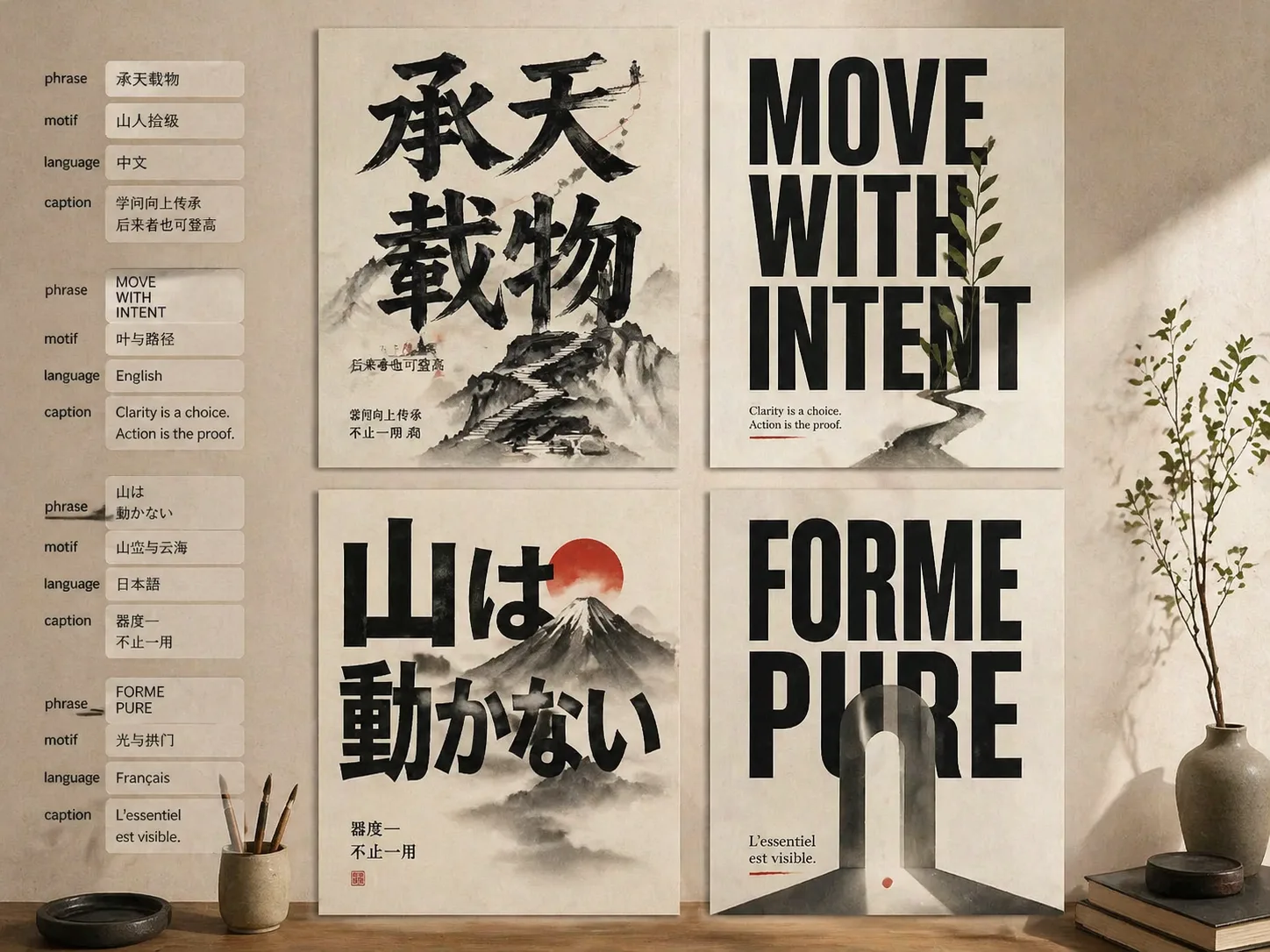
Build readable big type posters with GPT Image 2 prompts
This scene turns a short phrase into the main visual structure of a poster. Instead of placing text over a background, each prompt asks GPT Image 2 to make the words huge, readable, and physically connected to one meaningful image motif.
Text stays dominant
The prompt structure keeps the main phrase complete and legible while still leaving enough negative space for a polished poster composition.
Image and type merge
Figures, mountains, gates, stairways, sculptures, sea lines, or small objects are embedded into strokes, counters, shadows, paths, and paper space.
Variables are practical
Replace the phrase, language, visual metaphor, mood, print texture, color accent, and short caption without rewriting the whole prompt.
Made for many formats
Use square, vertical, wide, editorial, gallery, campaign, book-cover, and Chinese big-character poster directions from the same scene.
From phrase to poster draft
Start with the template closest to your visual intent, then refine the phrase and motif until GPT Image 2 balances readable type with one surprising graphic moment.
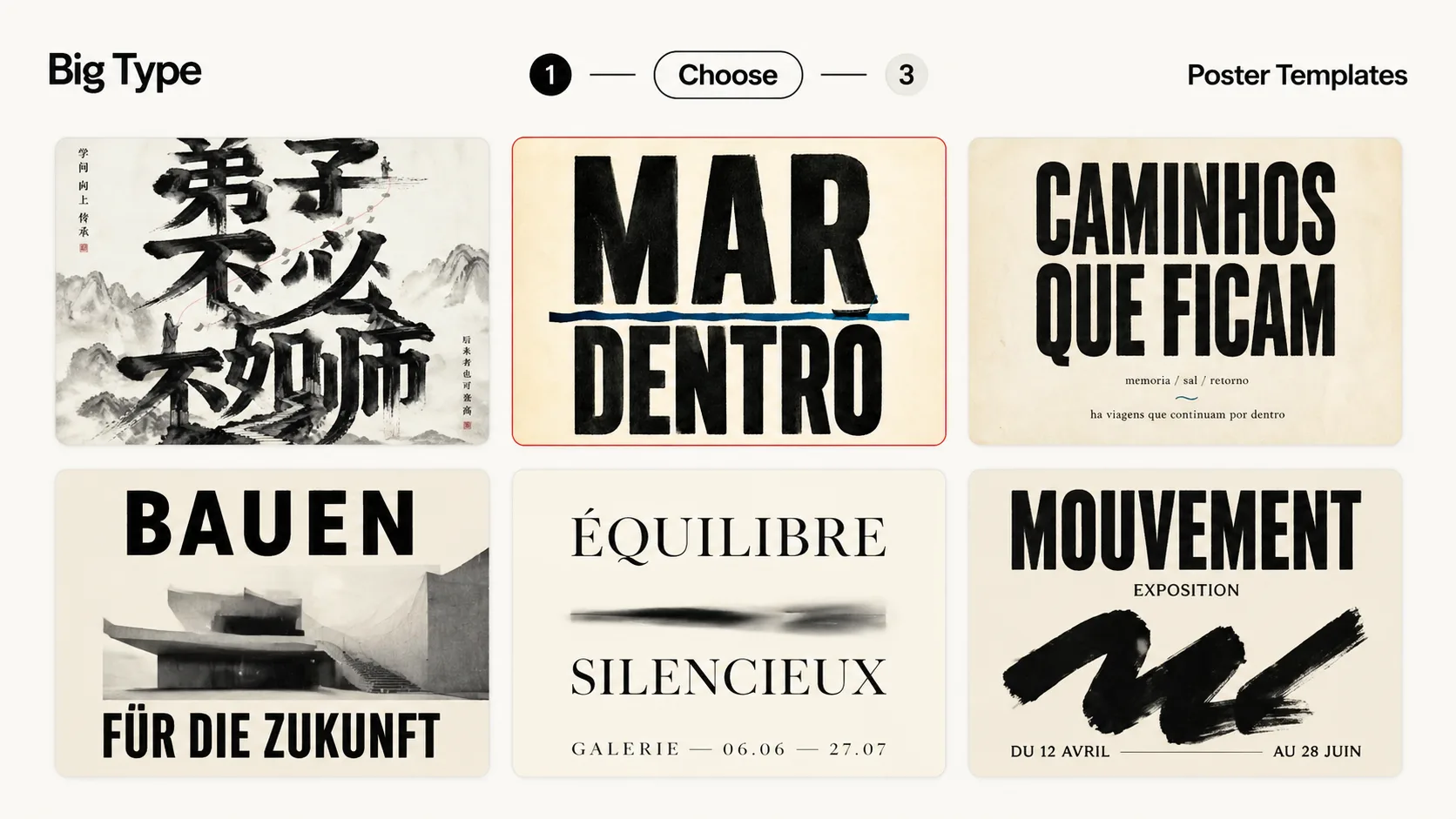
Choose the poster system
Pick an ink proverb, monumental Chinese gate, editorial manifesto, calm Korean poster, Japanese landscape type, literary cover, campaign poster, architecture layout, or gallery poster.
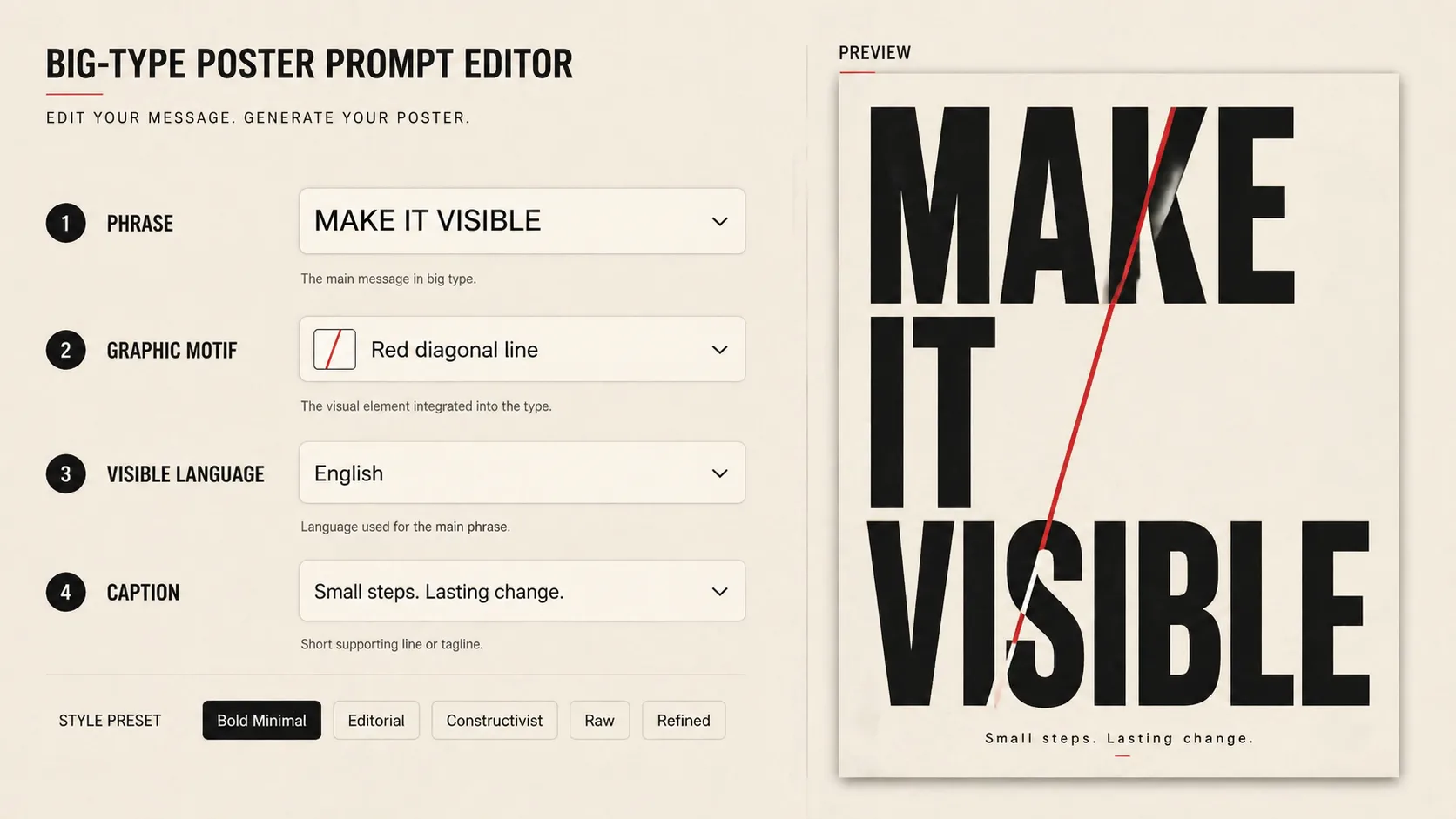
Edit phrase and motif
Keep the main text short, choose the visible language, define the meaning, and name one graphic motif that should grow from the typography rather than sit behind it.
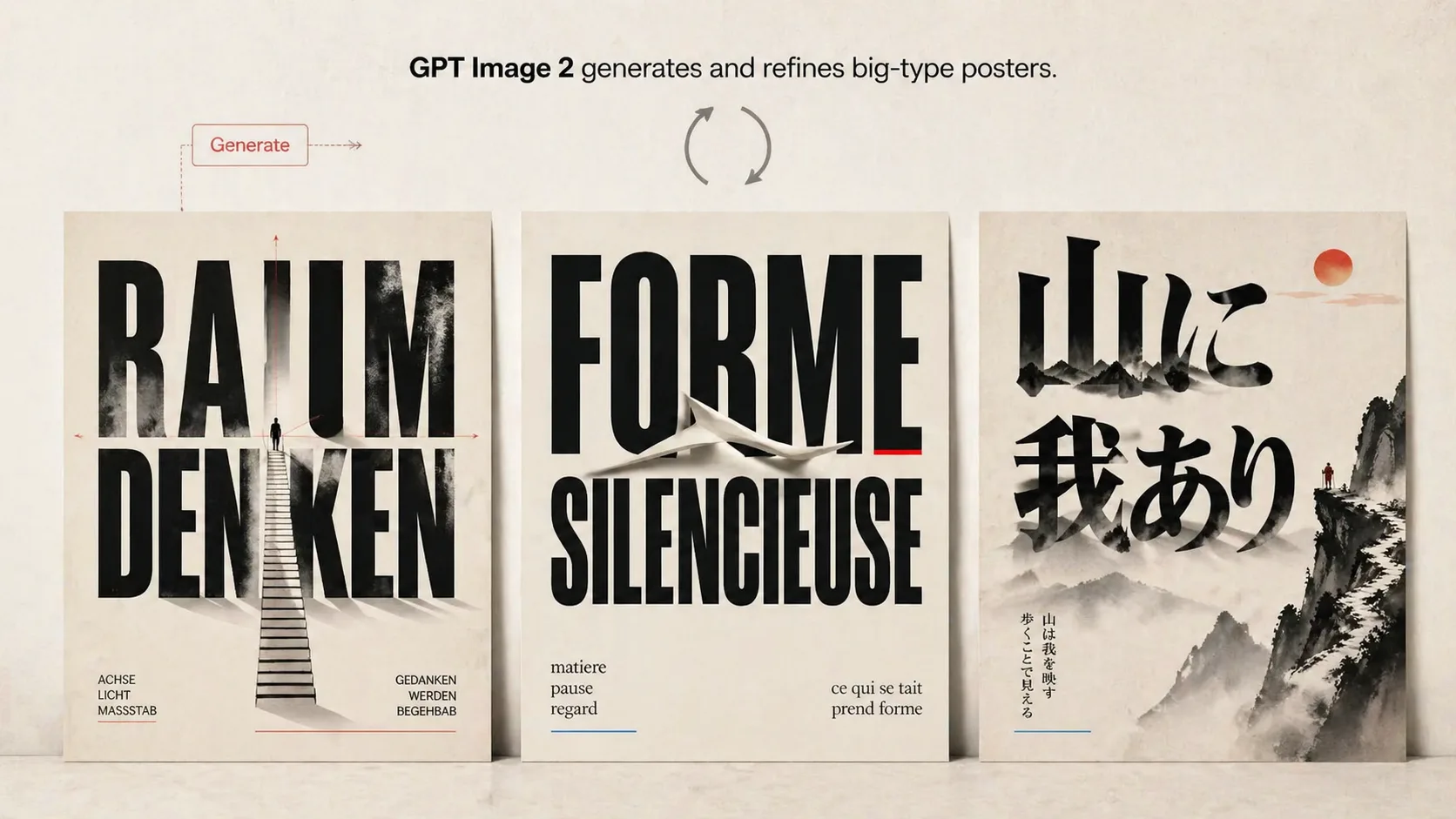
Generate, inspect, refine
Create a draft with GPT Image 2, check whether the words are readable, then tighten the prompt with clearer scale, fewer captions, stronger negative space, or a simpler symbol.
Big type poster prompt FAQ
Search-focused answers for using GPT Image 2 typography poster templates without losing readable text.
Generate a big type poster
Load a template, replace the phrase and motif, then use GPT Image 2 to draft a readable typography poster.