
Browse sample poster results on the right, then tap one to load that prompt back into the generator on the left.
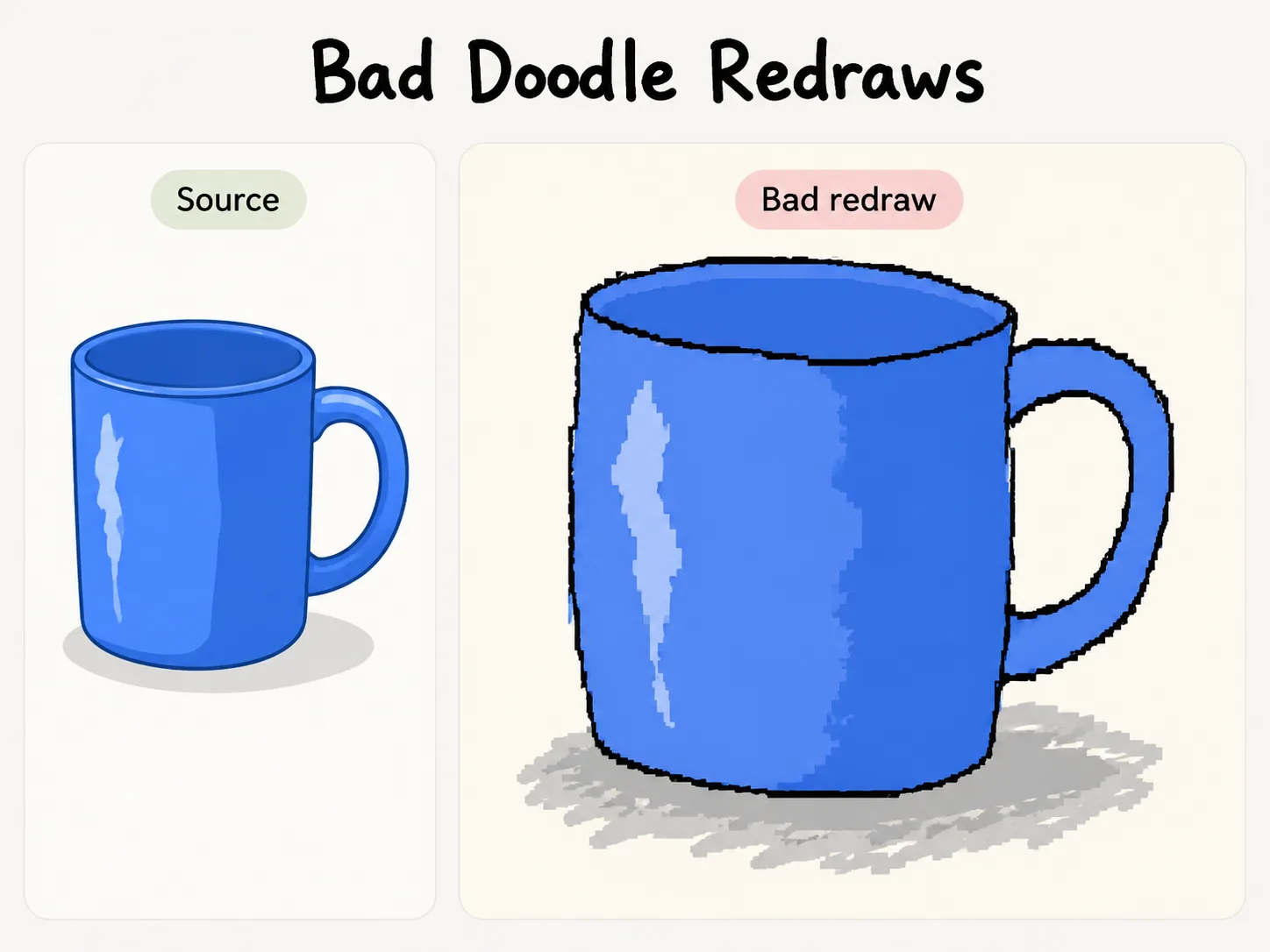
Create bad doodle redraws with GPT Image 2
Use bad doodle redraw GPT Image 2 prompts to remake reference images as funny, low-fidelity MS Paint-style drawings while keeping the source recognizable.
Keep the reference readable
Each prompt asks GPT Image 2 to preserve the broad color palette, subject placement, pose, and composition, so the finished redraw still feels linked to the uploaded photo, poster, product, UI screen, food shot, or travel scene.
Dial in clumsy linework
The templates specify wobbly mouse-drawn outlines, uneven fill-bucket patches, jagged pixel edges, awkward proportions, and scribbly details. That gives the result an intentionally bad drawing style instead of a polished illustration.
Reuse across meme formats
Start from portrait, product, travel, poster, food, pet, UI, fashion, or object prompts, then swap the subject and caption. The same workflow works for social posts, parody cards, ugly ad sketches, and rough sticker ideas.
Keep the tone playful
The scene is written for harmless reference-image parody and meme-ready rough remakes. It steers away from real logos, private data, professional restoration, and mean-spirited edits of real people.
How to make a clumsy redraw prompt work
Choose a template, add a reference or subject details, then generate and refine the rough redraw in GPT Image 2.
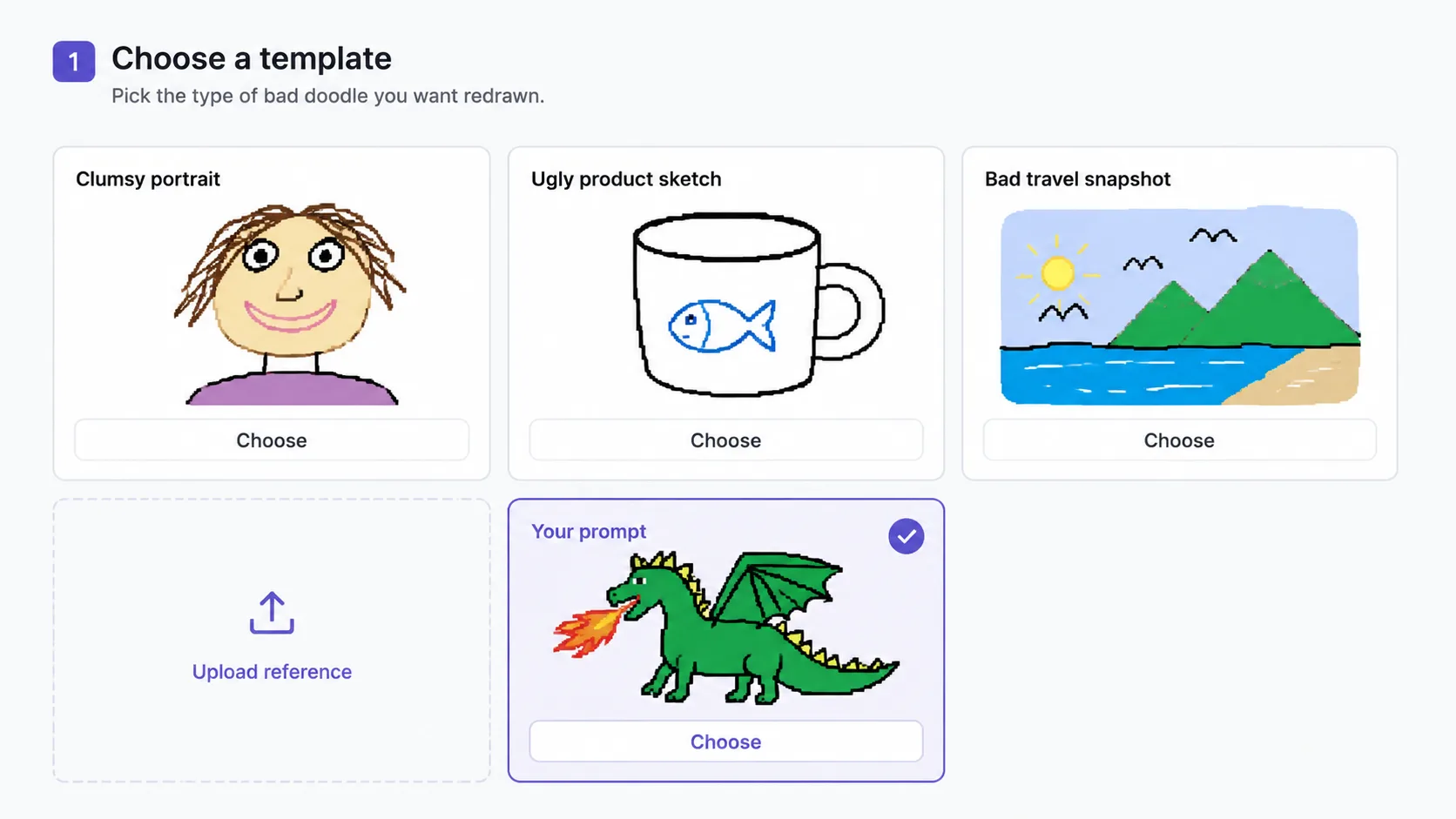
Pick the closest redraw scenario
Choose the prompt that matches your source: a portrait for an avatar joke, a product for an ugly ad sketch, a UI screenshot for a chaotic mockup, or a place photo for a bad postcard.
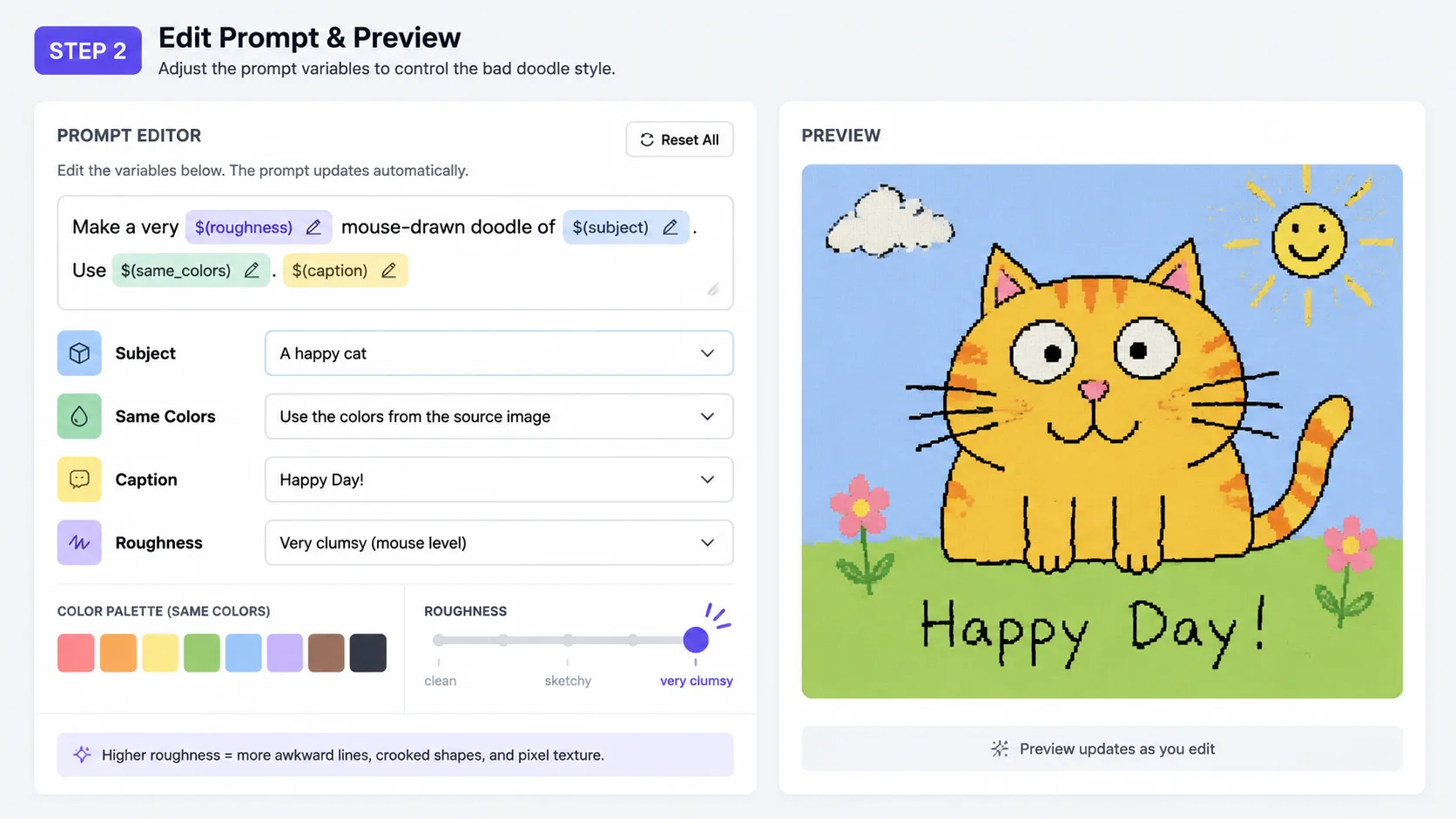
Edit only the useful variables
Replace the subject, main colors, short caption, background, or roughness notes. Keep the instructions about same-color redraws, mouse-drawn lines, pixel texture, and recognizable composition intact.
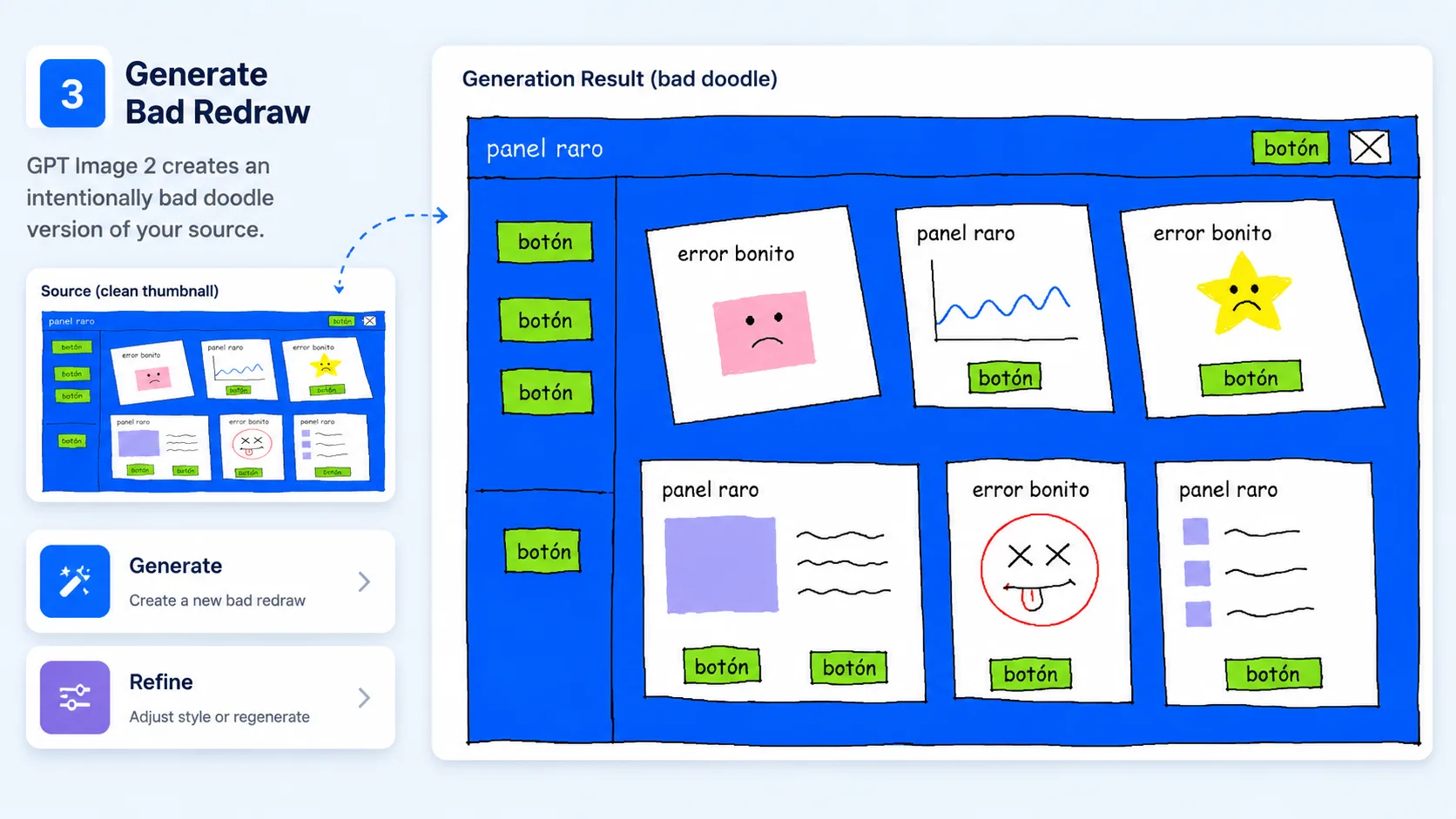
Generate, compare, and refine
Run the GPT Image 2 prompt, check whether the source is still readable, then regenerate with stronger words like wobblier, rougher, more uneven, or less polished until the joke lands.
Bad doodle redraw prompt FAQ
Search-style answers for using bad doodle redraw GPT Image 2 prompts with references, captions, and rough MS Paint effects.
Generate a bad doodle redraw
Pick a prompt, upload a reference image, and use GPT Image 2 to create a funny low-fidelity remake.