
Parcourez les exemples de résultats d'affiche sur la droite, puis appuyez sur une pour charger ce Prompt dans le générateur sur la gauche.
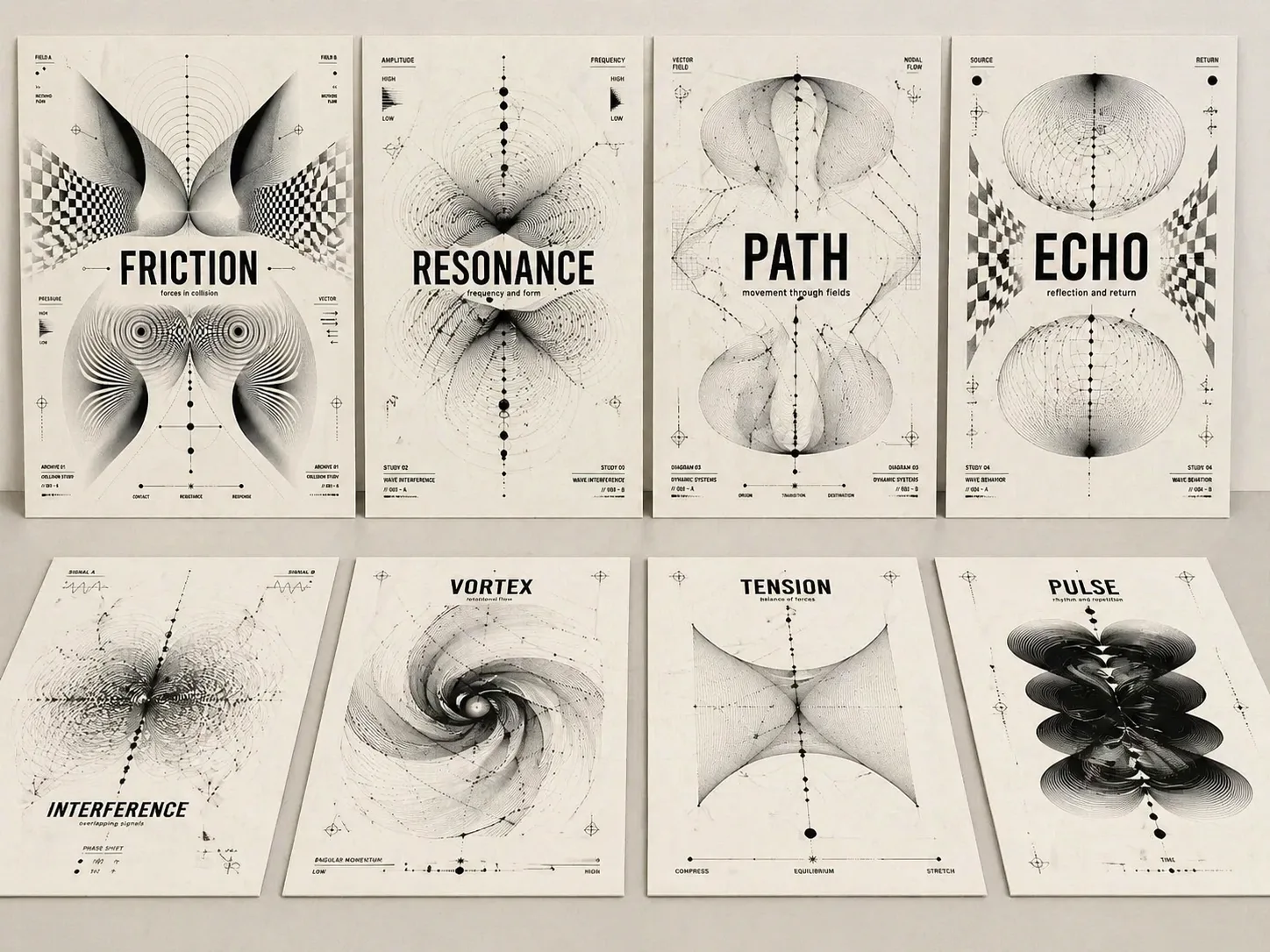
Créer des affiches conceptuelles optiques avec GPT Image 2
Transformez un mot-thème, un titre d’album, une idée d’exposition ou un titre éditorial en affiche noir et blanc avec typographie lisible et abstraction optique.
Titre lisible d’abord
Chaque prompt garde le texte-thème grand, net et central afin que l’image fonctionne comme une couverture, pas seulement comme un motif décoratif.
Langage Op Art monochrome
Utilisez moiré, champs d’ondes, grilles déformées, arcs paramétriques, nœuds et formes biomorphiques pour exprimer tension, résonance, mémoire ou parcours.
Variables réutilisables
Remplacez le thème, le sous-titre, le ratio, les courts libellés et l’ambiance tout en gardant une structure d’affiche suisse expérimentale.
Finition de vraie affiche
Papier chaud, encre noire, espaces disciplinés, notes brèves et hiérarchie claire donnent un rendu de couverture éditoriale ou d’affiche d’exposition.
Comment utiliser le modèle d’affiche optique
Choisissez une structure proche de l’intention, modifiez seulement les variables clés, puis générez avec GPT Image 2 pour affiner texte et forme abstraite.
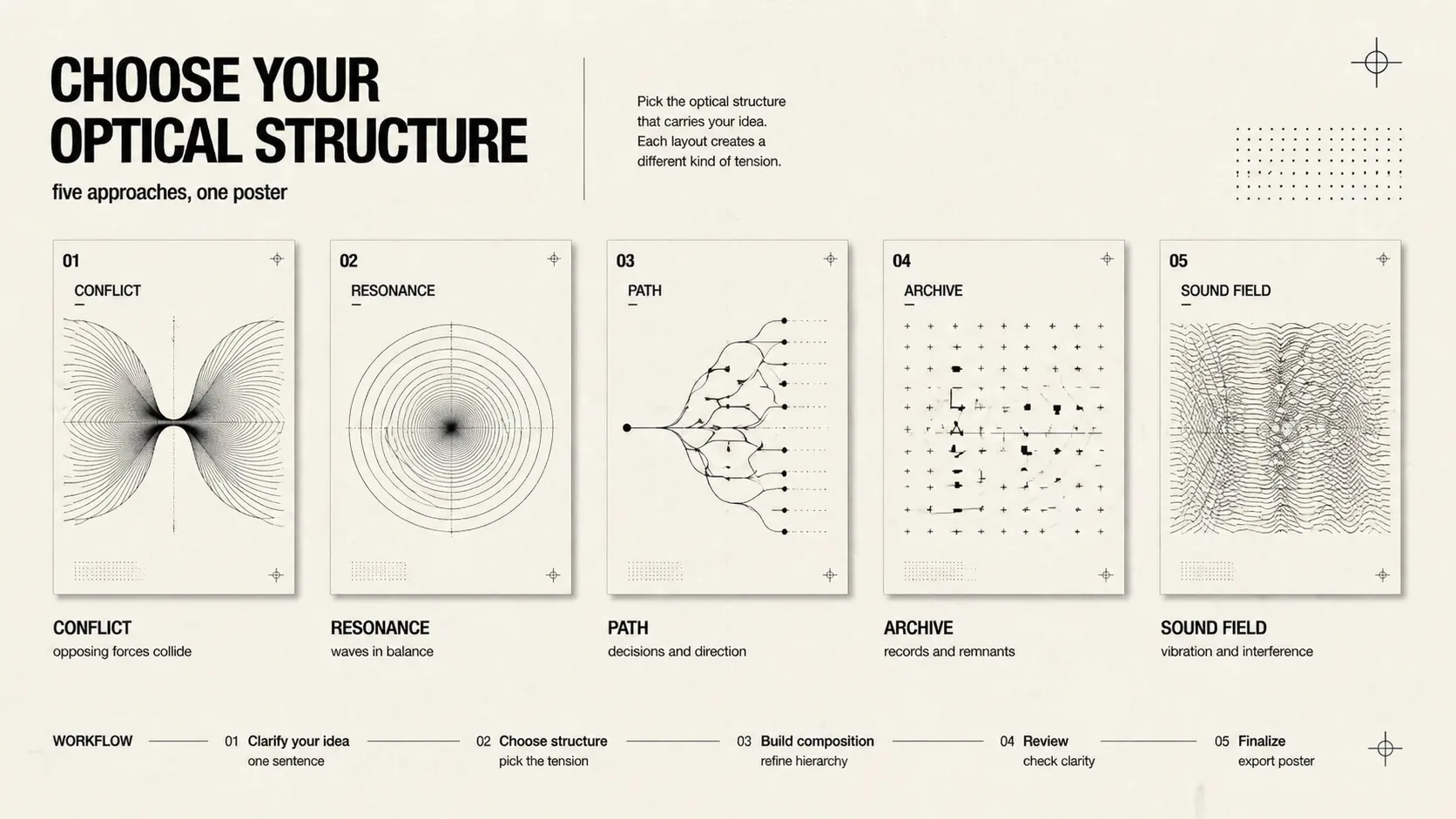
Choisir la logique visuelle
Utilisez conflit, résonance, chemin de décision, mémoire culturelle, grille technologique, moiré musical, archive d’exposition, couverture sociale ou forces divisées.
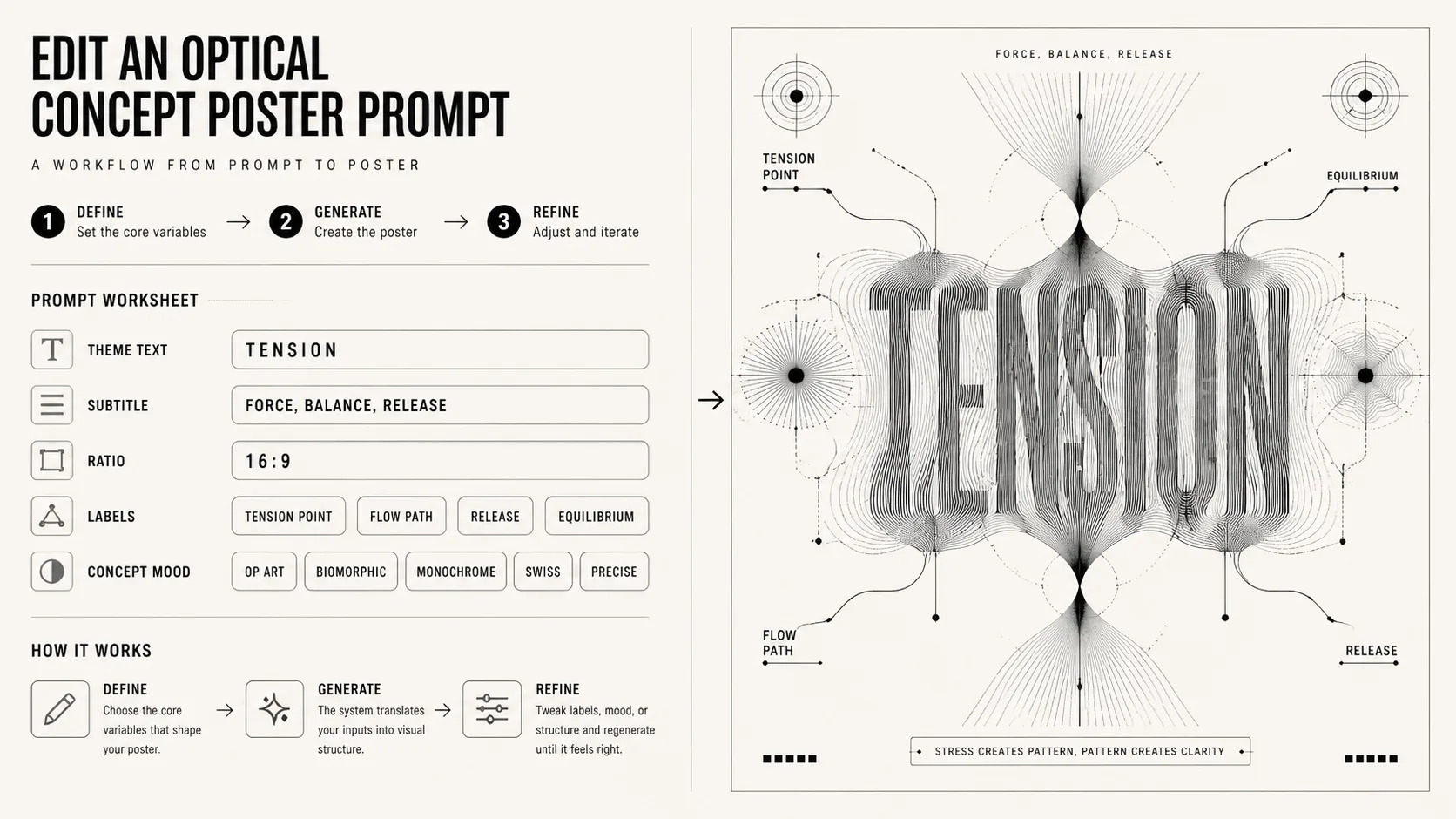
Modifier thème et contraintes
Remplacez titre court, sous-titre, ratio, étiquettes et ambiance en gardant abstraction optique noir et blanc, typographie lisible et forme conceptuelle.
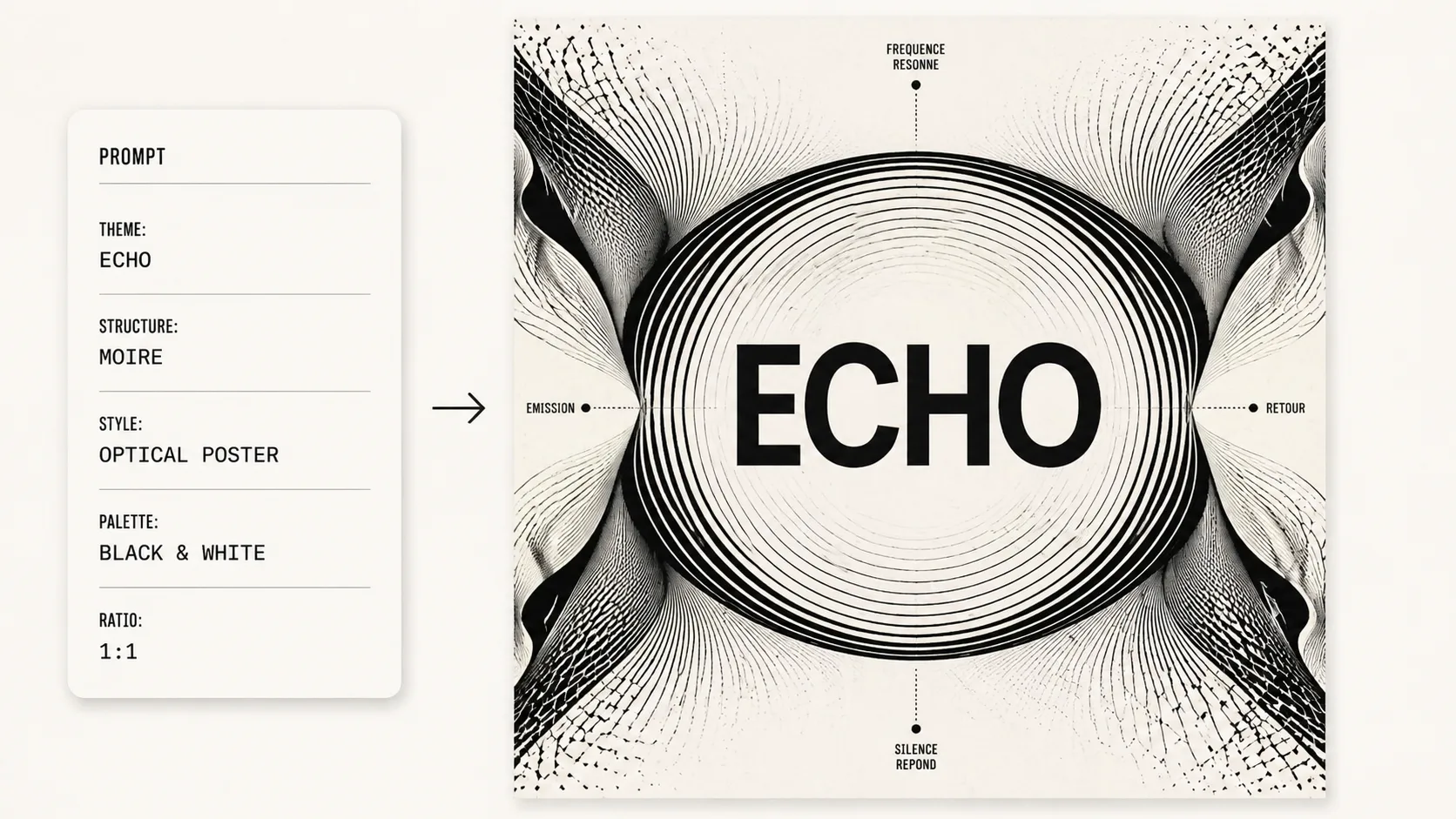
Générer et affiner
Après génération dans GPT Image 2, vérifiez le titre puis ajustez densité de lignes, symétrie, espace négatif ou format.
FAQ sur les affiches conceptuelles optiques
Questions pratiques sur les prompts GPT Image 2 pour affiches optiques noir et blanc.
Générer une affiche optique
Ouvrez un modèle, remplacez le texte du concept et créez une affiche optique noir et blanc avec GPT Image 2.