
Parcourez les exemples de résultats d'affiche sur la droite, puis appuyez sur une pour charger ce Prompt dans le générateur sur la gauche.
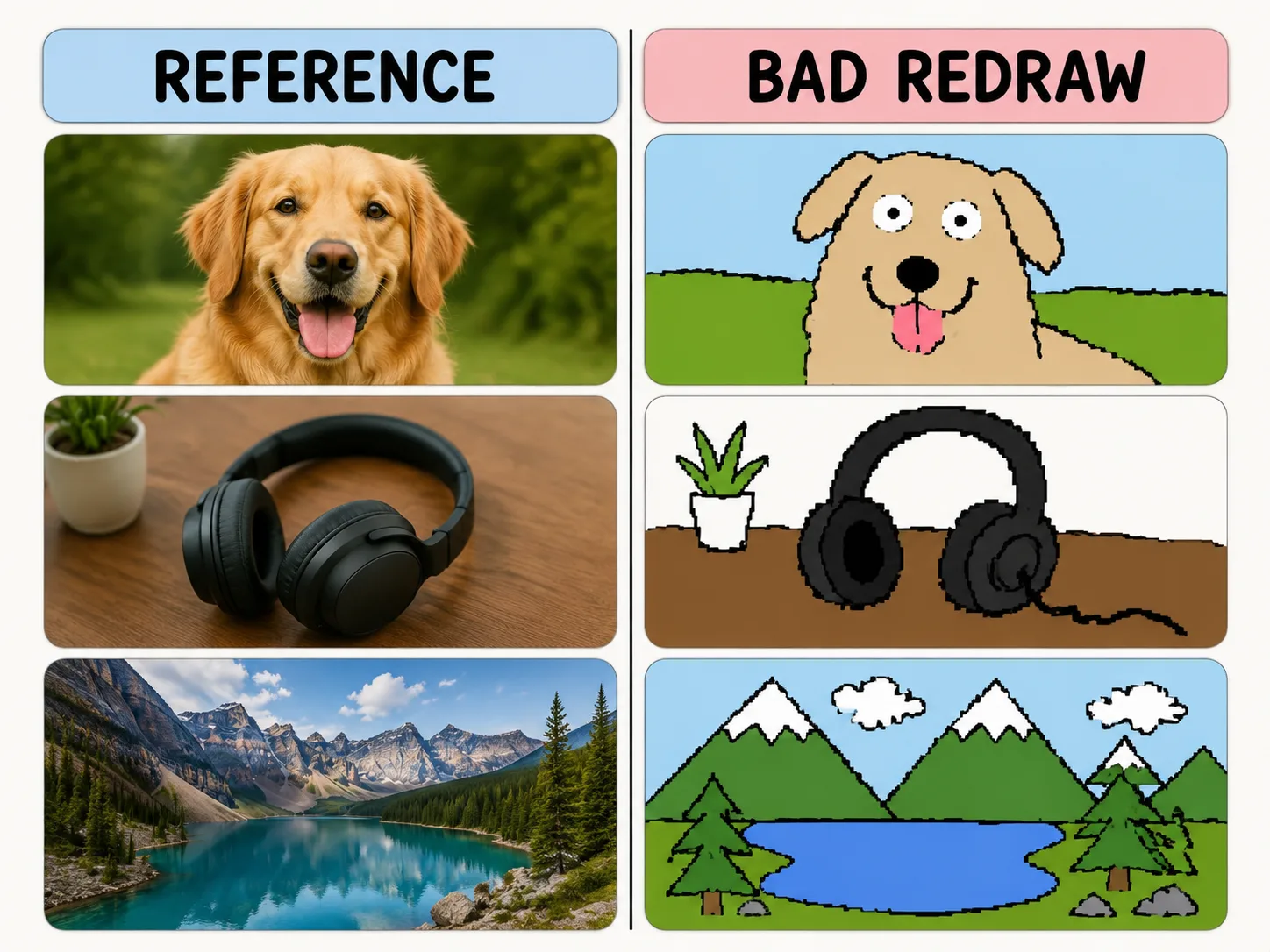
Redessiner mal volontairement
Gardez couleurs et composition tout en ajoutant traits tremblants, pixels et humour de souris.
Same-color resemblance
Keep the reference image loosely recognizable while changing the drawing quality.
Mouse-drawn charm
Ask for wobbly outlines, awkward proportions, and flat bucket-fill colors.
Playful remix guardrails
Make the joke about the drawing style, not the person or subject.
Reusable variables
Swap subject, caption, humor level, and background simplification quickly.
Comment faire un redessin
Choisissez un template, remplacez les variables, puis genereez un resultat amusant avec GPT Image 2.
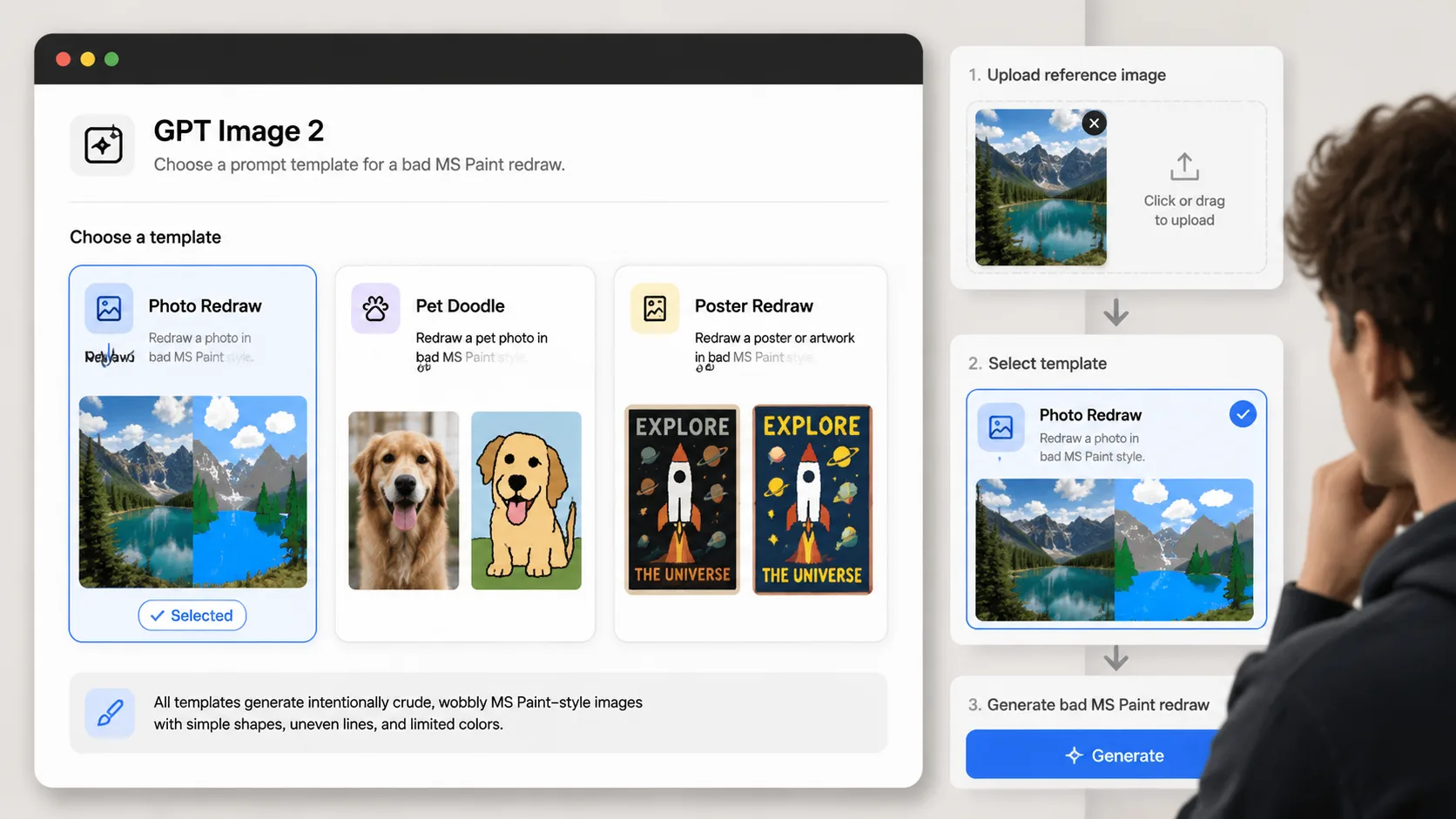
Choose a redraw prompt
Pick the template that matches your reference image: photo, pet, product, poster, room, or avatar.
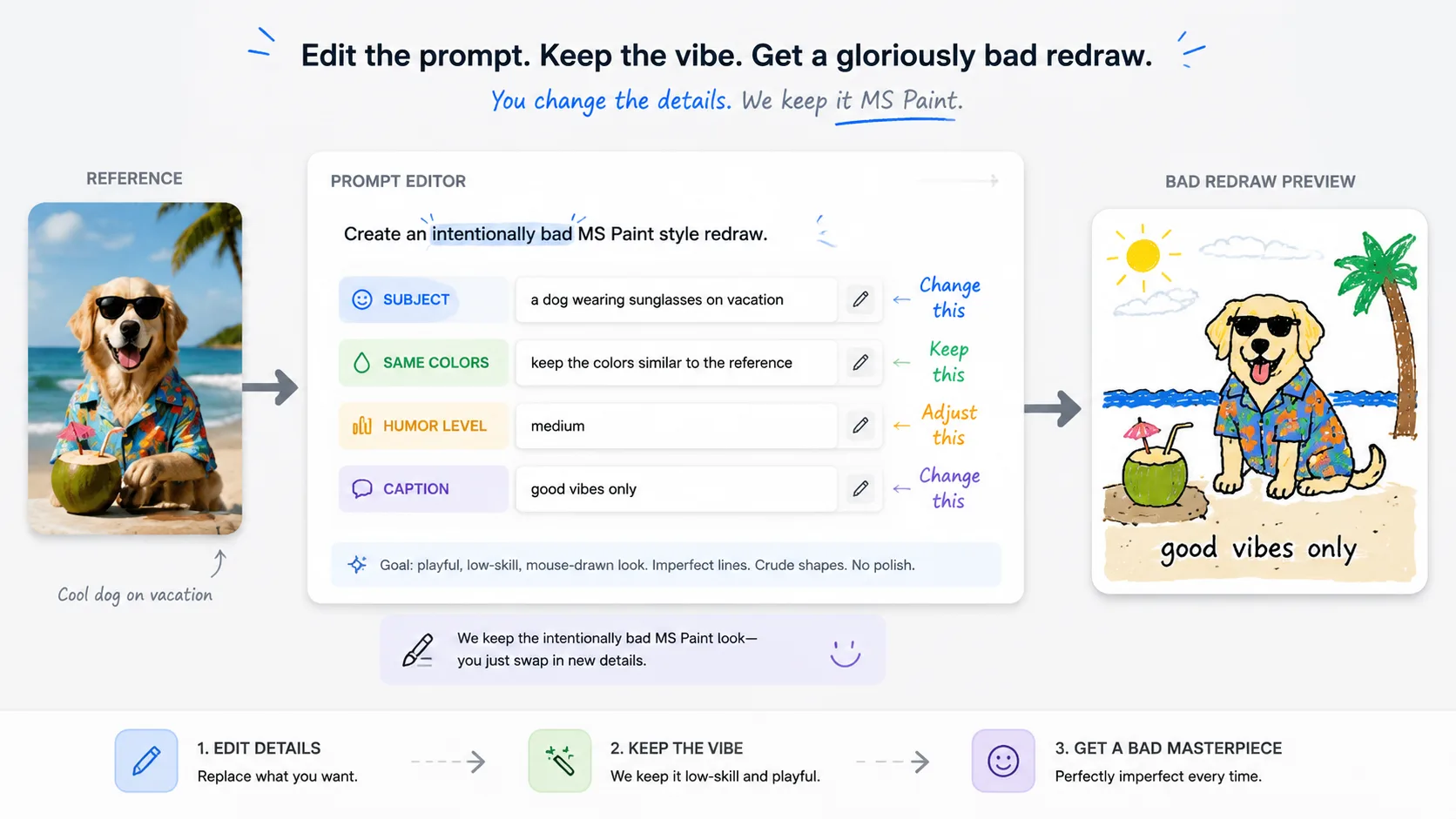
Replace the variables
Set the subject, caption, same-color rule, and humor level before generating.
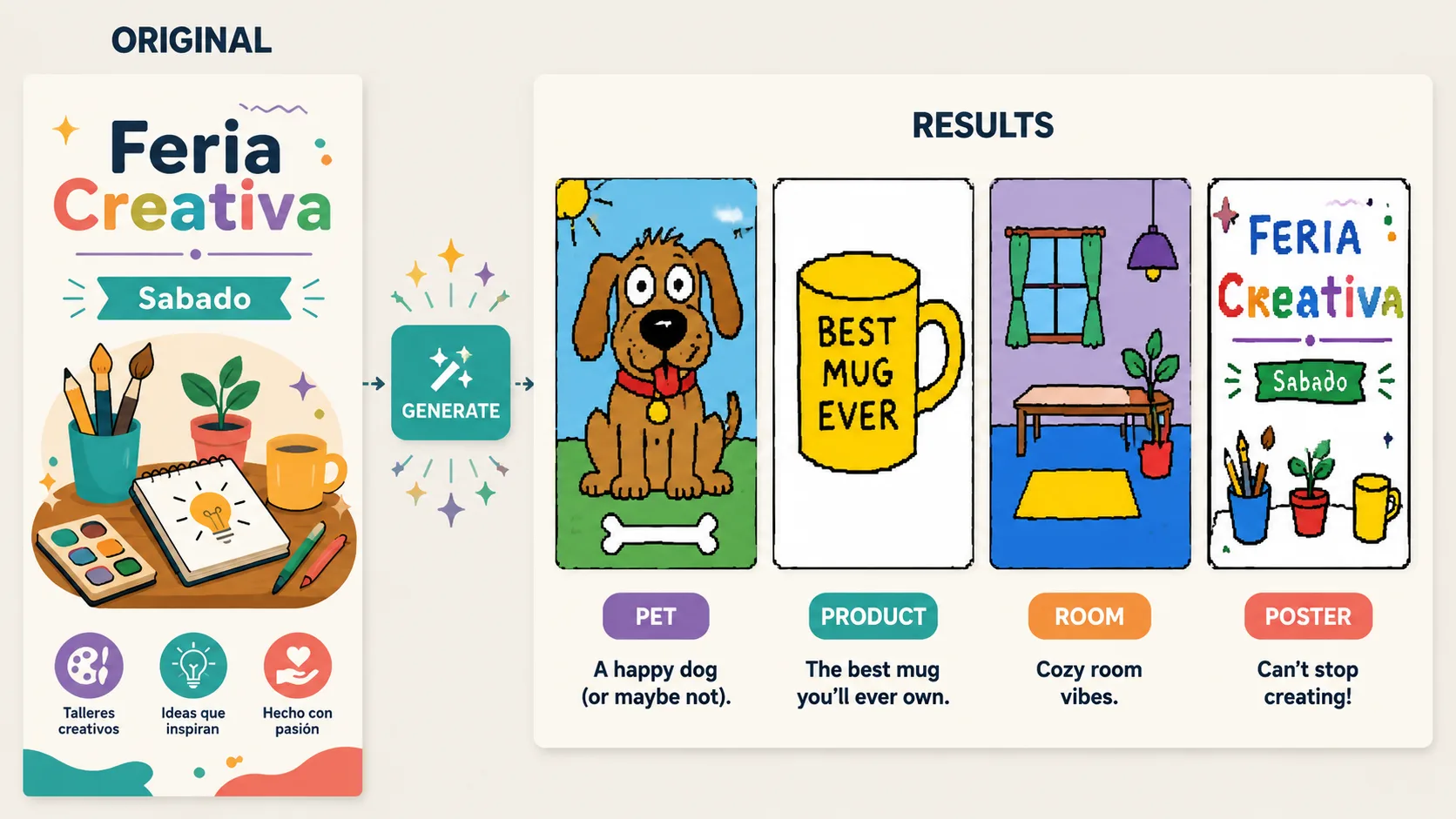
Generate and refine
Use GPT Image 2 to create the bad redraw, then adjust until the joke lands.
FAQ redessin MS Paint
Reponses pratiques pour utiliser les prompts de redessin rate avec GPT Image 2.
Generer un redessin rate
Importez une reference et transformez la maladresse en effet creatif.