
右側でポスター結果のサンプルを参照し、いずれかをタップしてそのプロンプトを左側のジェネレーターにロードします。
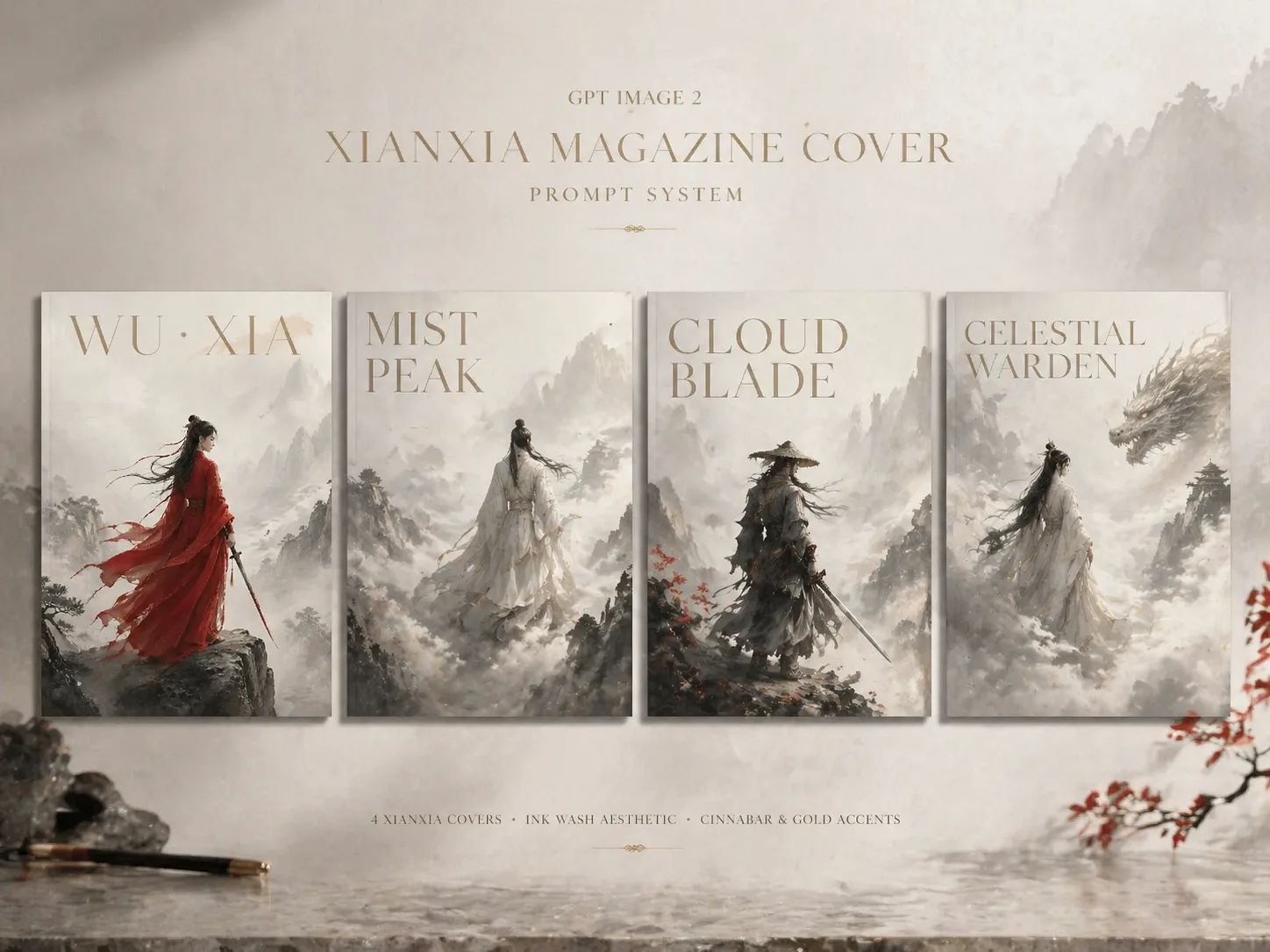
GPT Image 2で仙侠雑誌表紙を作る
このシーンは、オリジナルの剣士、道士、仙人、守護者、放浪の武人を東洋ファンタジーの雑誌表紙として表現するためのものです。プロンプトは激しい戦闘ポスターではなく、静かなエディトリアル構図を重視します。霧の山、水墨の奥行き、流れる絹の衣装、柔らかな逆光、大きな余白、細い表紙タイポグラフィを指定し、キャラクター役割、衣装色、山の舞台、タイトル、短いカバーライン、言語、差し色を差し替えて GPT Image 2 で上質な架空表紙を作れます。
編集しやすい表紙設計
役割、衣装、背景、タイトル、配色、カバーラインを差し替えられる武侠表紙プロンプトから始めます。
水墨エディトリアル感
霧の深さ、遠い山、絹の動き、低彩度の墨色、金や朱の控えめなアクセントを誘導します。
短い多言語文字
表示文字の言語を指定しつつ、短いタイトルと少数のカバーラインに絞ります。
オリジナル人物向け
実在ロゴ、既存キャラクター、有名人の顔、QRコード、バーコード、長文本文を避けます。
武侠雑誌表紙の生成手順
表紙の方向を選び、変数を置き換え、GPT Image 2で生成して文字、霧、構図を整えます。
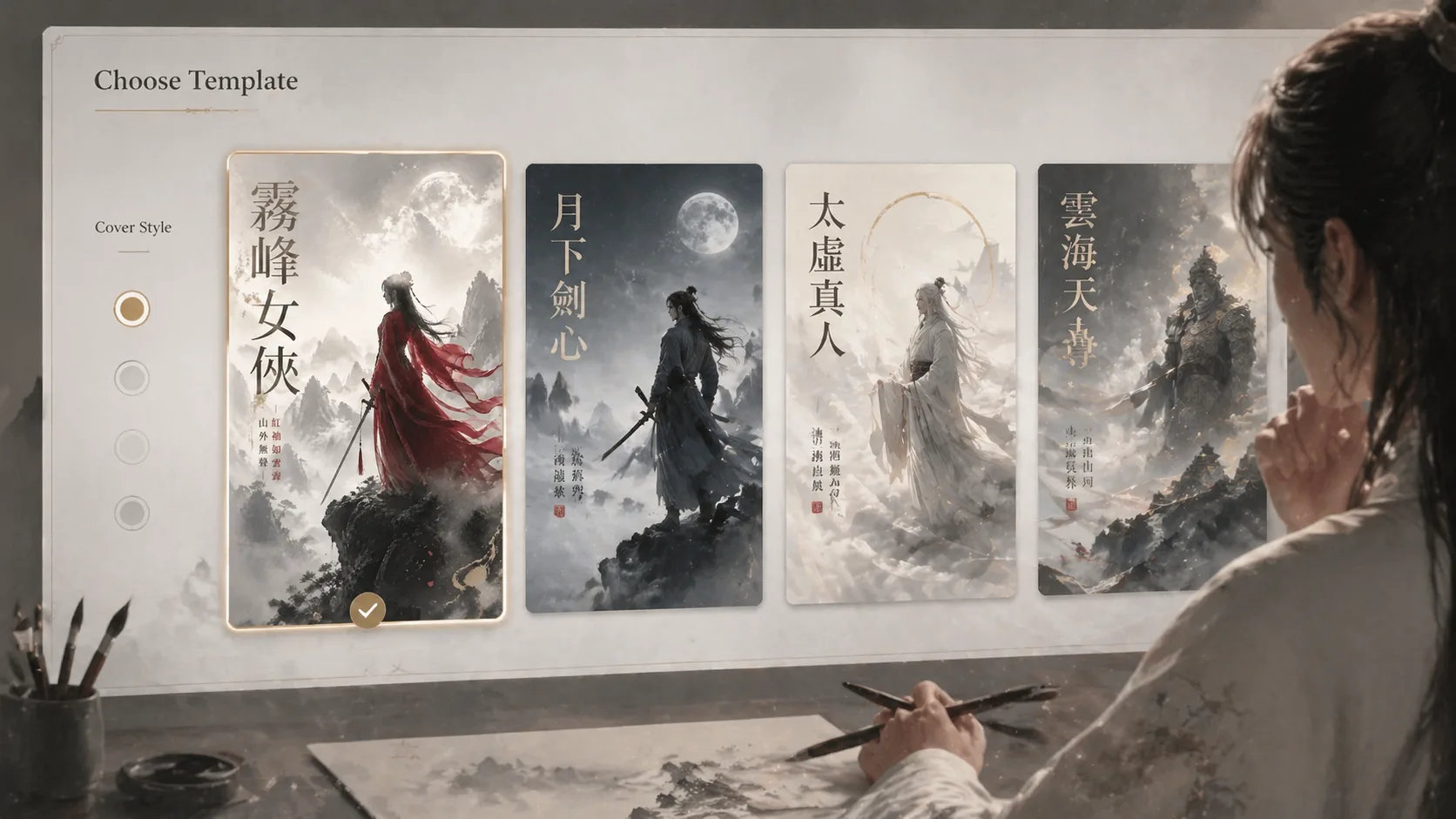
表紙方向を選ぶ
女性剣士、月下の剣士、道士仙人、放浪武人、雲の守護者、霧の仙人などから選びます。各テンプレートは比率、言語、雰囲気を明確に持っています。
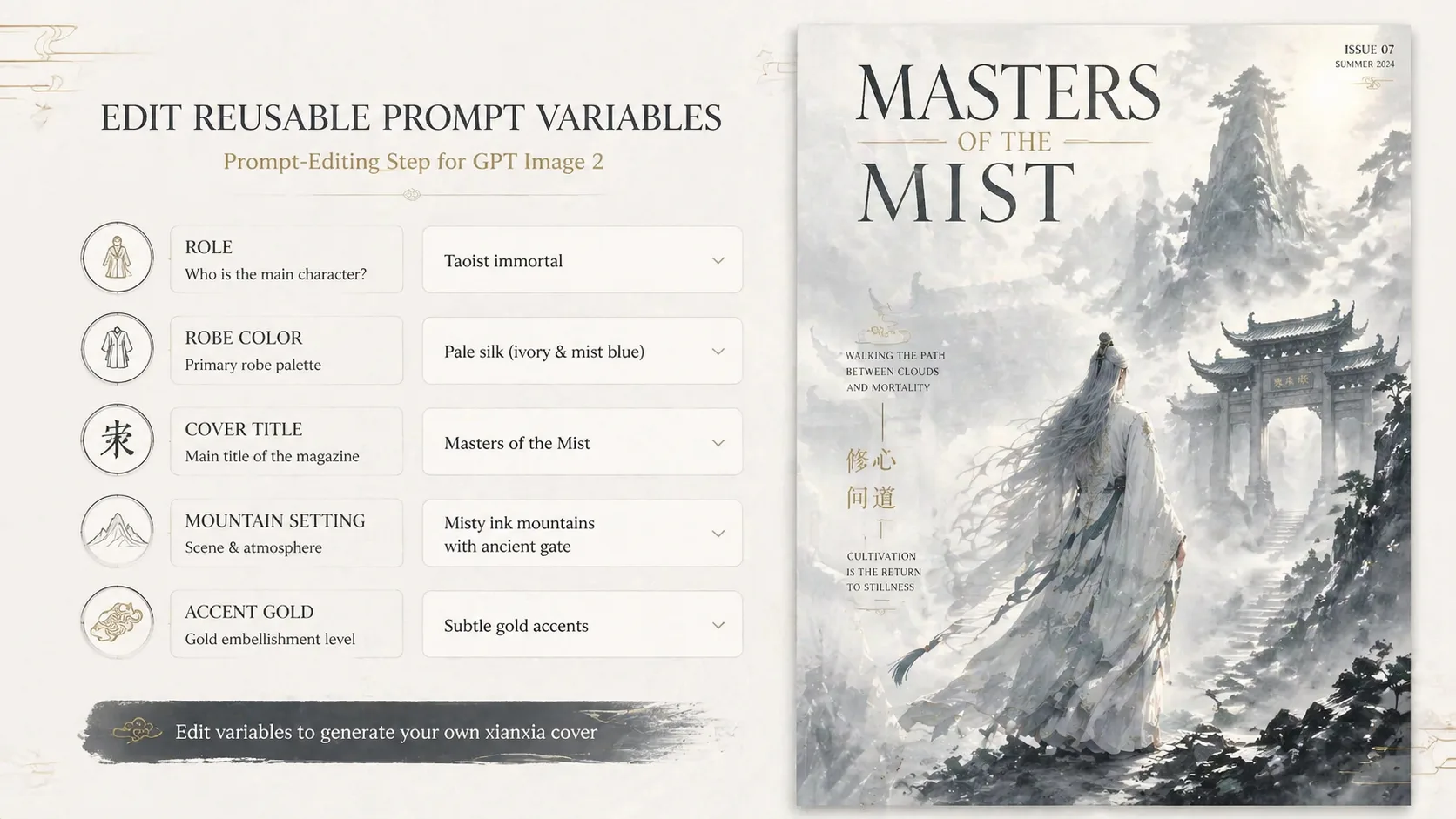
主要変数を置き換える
人物役割、絹の衣装、山寺や雲海、メインタイトル、短いカバーライン、差し色を更新します。文字は短いほど安定します。
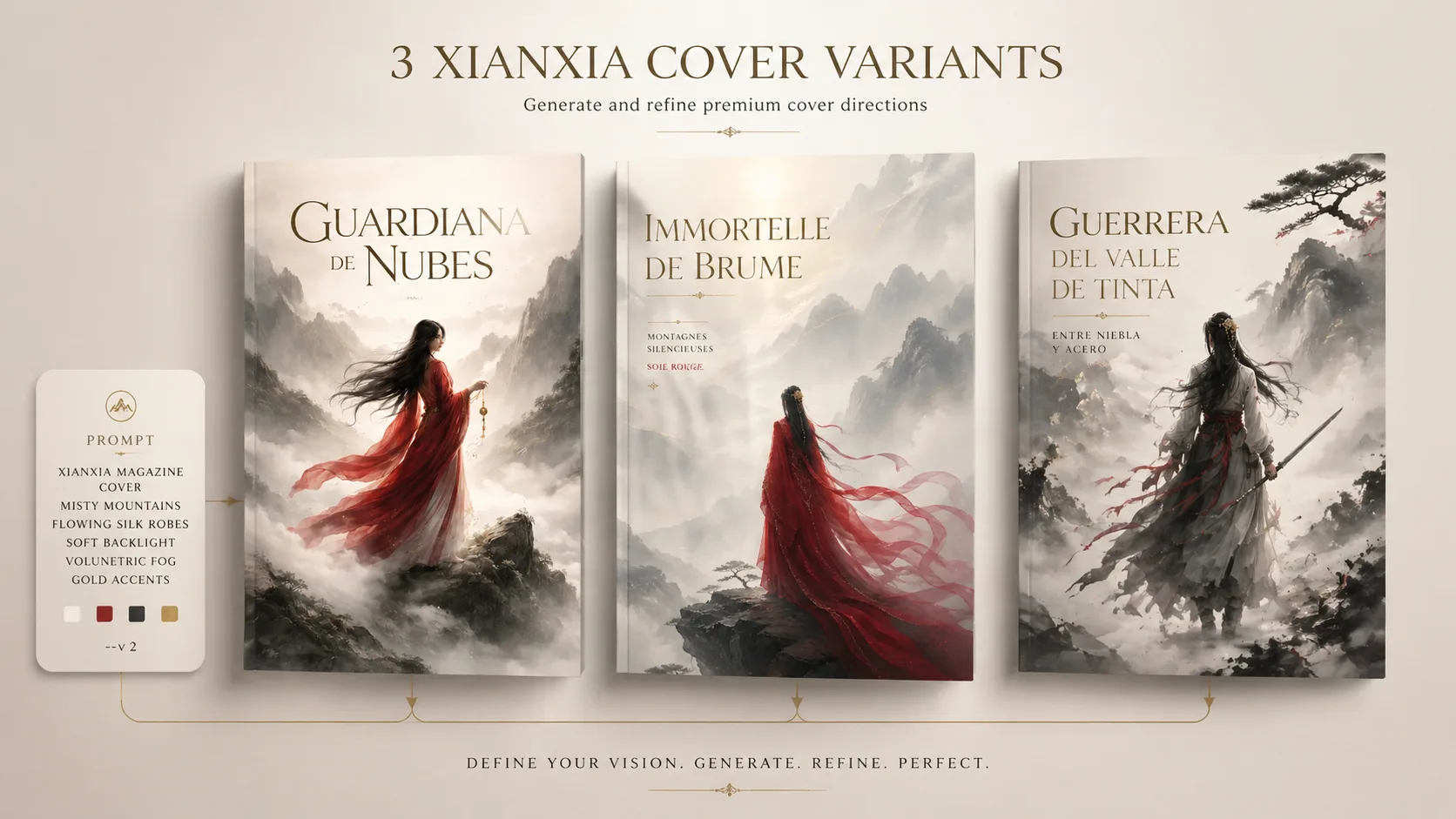
生成して微調整する
サンプル方向と比べながら、霧の量、余白、人物サイズ、衣装の動き、タイトルの長さを調整します。参照画像はポーズや雰囲気用に使います。
仙侠表紙プロンプトFAQ
GPT Image 2 仙侠雑誌表紙プロンプトの使い方です。