
右側でポスター結果のサンプルを参照し、いずれかをタップしてそのプロンプトを左側のジェネレーターにロードします。
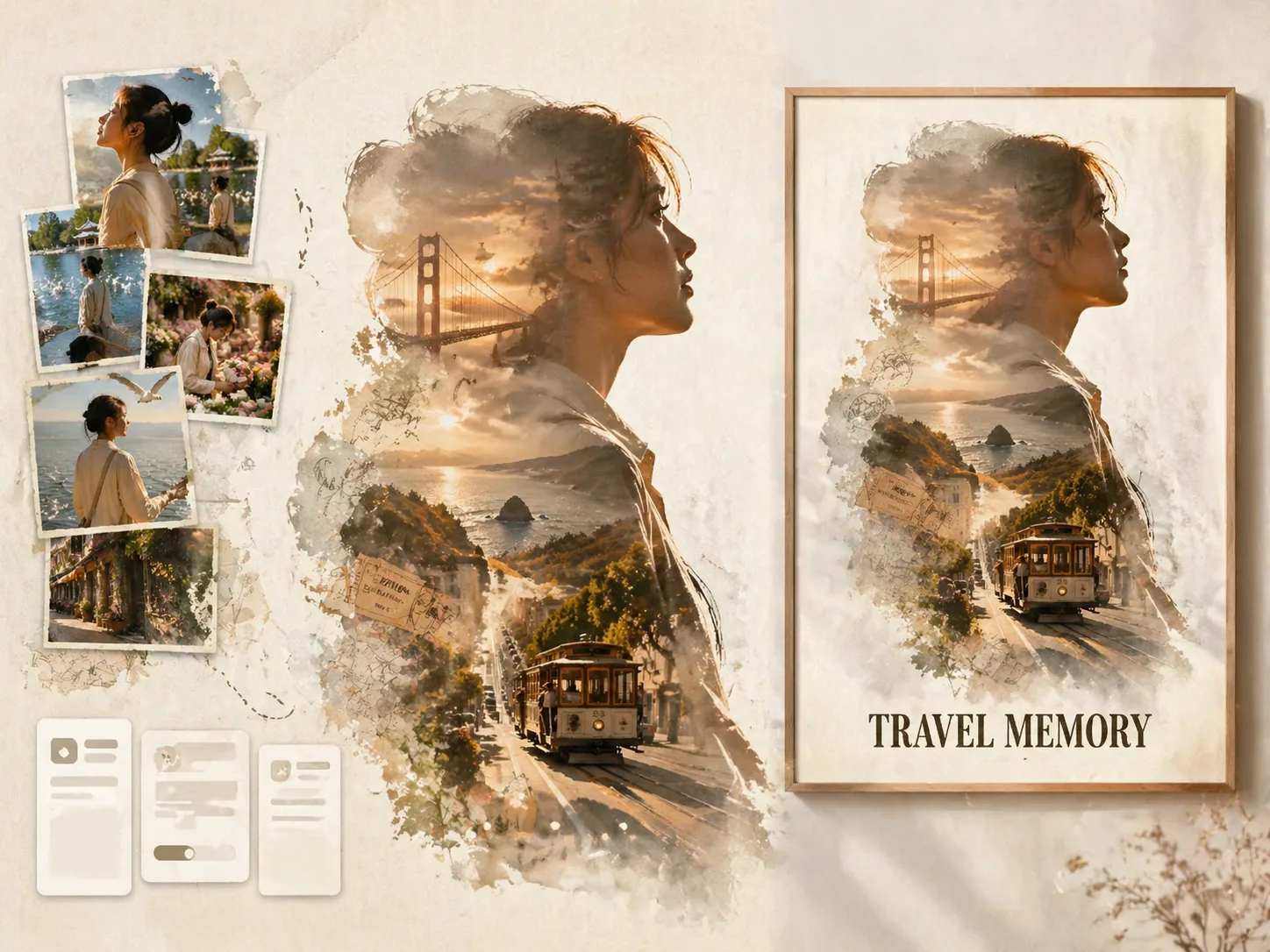
GPT Image 2 プロンプトで旅行シルエットポスターを作成
アップロードした旅行写真を記念ポスターにします。1枚目の写真で大きな人物シルエットを作り、残りの写真を実写風の思い出コラージュとして配置します。
旅人を保つ
1枚目の写真の横顔、姿勢、髪型、服装、アクセサリー、雰囲気をもとに同じ人物らしさを保ちます。
目的地を描く
街並み、名所、天気、交通、地図、切符、スタンプ、地域の色をシルエットの中に入れます。
映画的に合成
二重露光、実写写真コラージュ、水彩の縁、紙の質感、フィルム傷、余白を使った構成に導きます。
構造を再利用
目的地、タイトル、短い文、色、写真セットを変えるだけで別の旅行ポスターを作れます。
旅行ポスタープロンプトの流れ
テンプレートを選び、写真と文字を差し替え、GPT Image 2で生成して調整します。
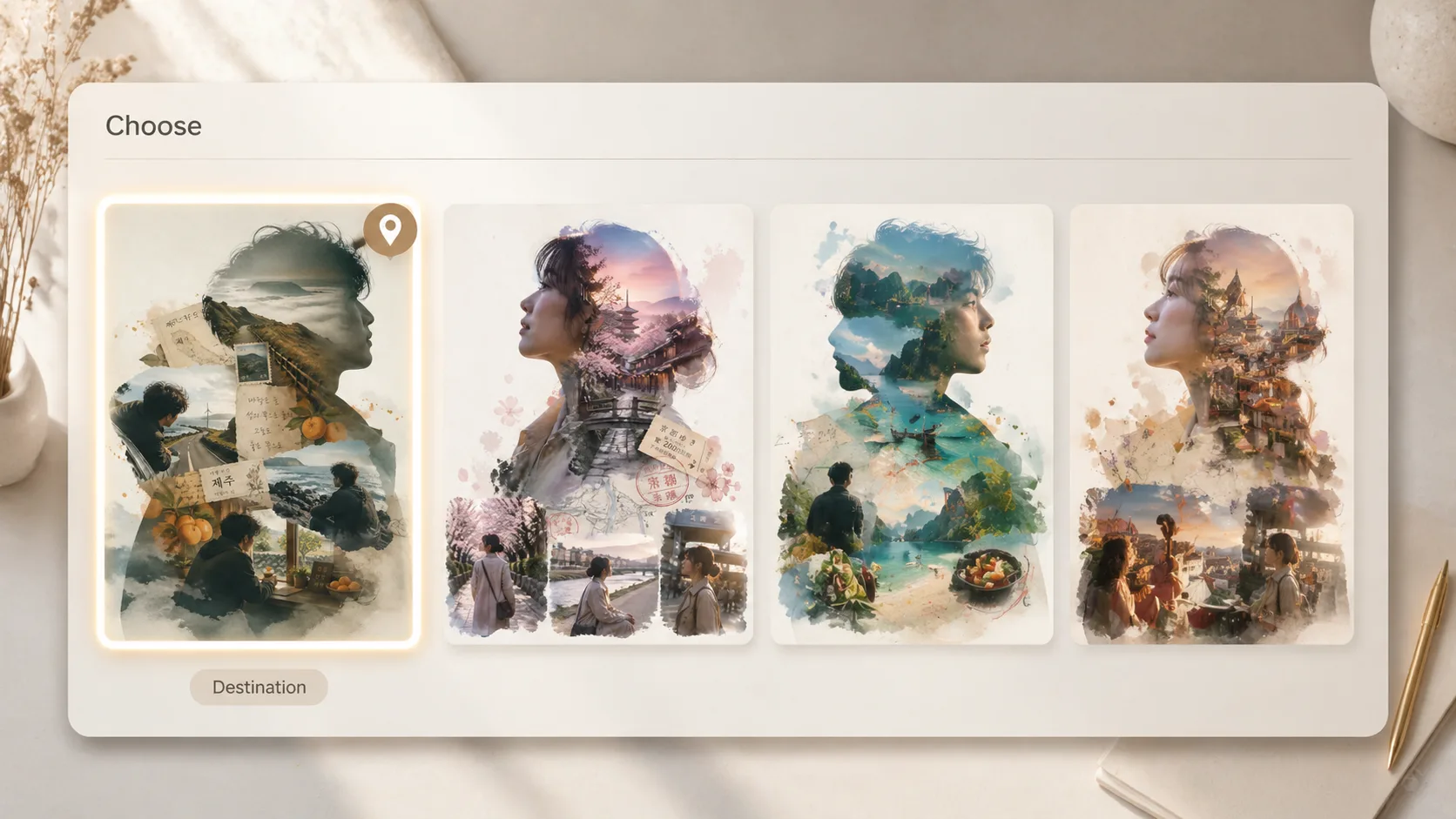
目的地テンプレートを選ぶ
サンフランシスコ、昆明、台北、済州、京都、リスボン、バルセロナ、ベルリン、パリの例から始められます。
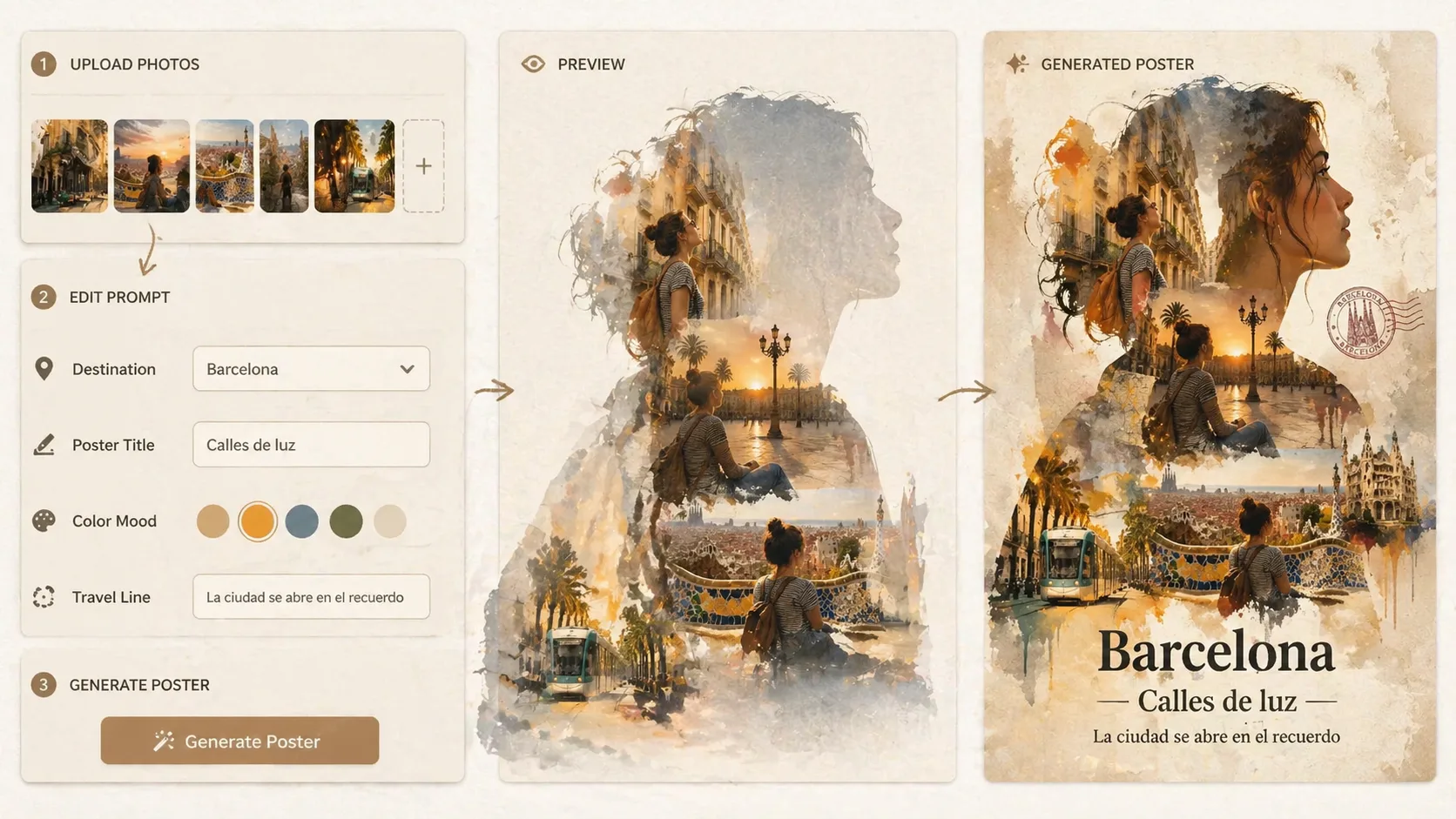
写真と変数を編集
1枚目を主シルエット、残りを旅の瞬間として使い、目的地、タイトル、色、短い旅行文を変更します。
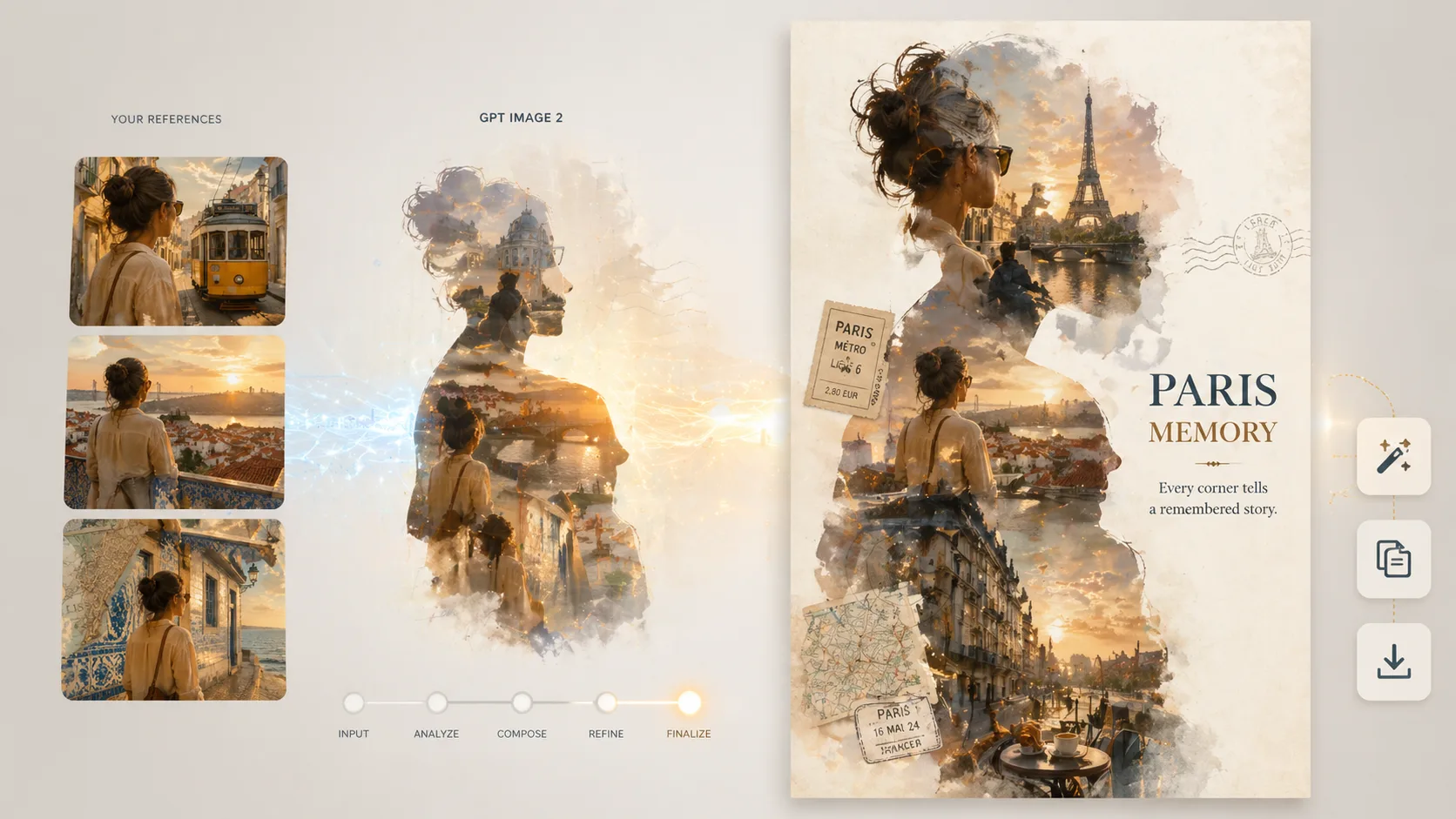
生成して見直す
GPT Image 2の結果で人物の一貫性、文字の読みやすさ、目的地らしさを確認し、必要に応じて再生成します。
旅行シルエットポスターFAQ
旅行写真を使うGPT Image 2ポスタープロンプトの質問です。