
右側でポスター結果のサンプルを参照し、いずれかをタップしてそのプロンプトを左側のジェネレーターにロードします。
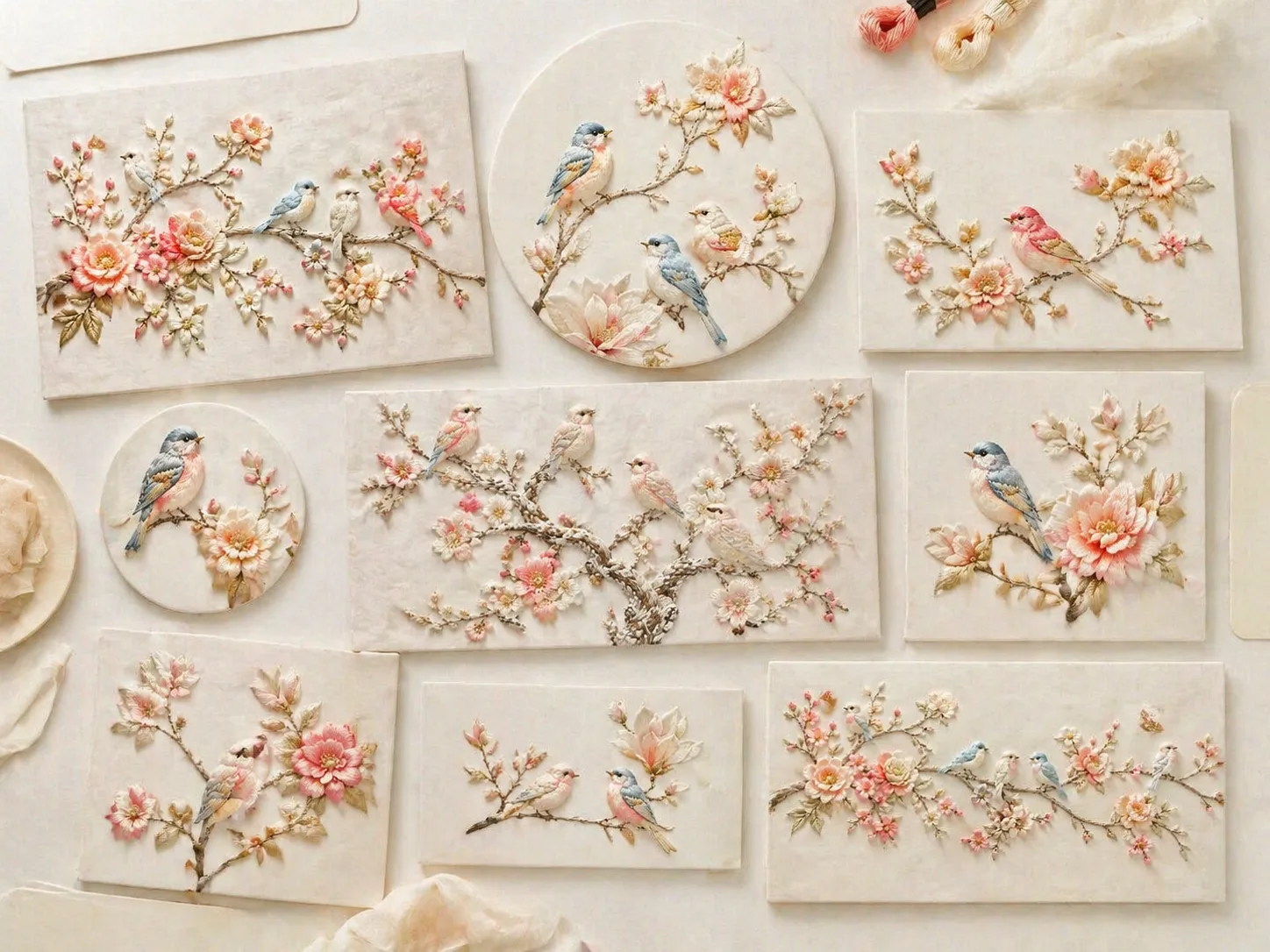
GPT Image 2でシルク刺繍の鳥を作る
このテンプレートは、小鳥、花枝、クリーム色の布地、浅い浮き彫りの糸表現を再利用しやすいプロンプトにまとめています。ポスター、カード、包装、装飾パネル、子ども部屋の壁面、クチュール小物の発想に使えます。
立体的なシルク糸の質感
サテンステッチ、浅いパッド入りの浮き彫り、繊維の影、糸の方向、布目を指定し、平面的な花鳥画ではなく手刺繍らしい画像に導きます。
鳥と花を差し替え可能
鳥の種類、花の色、枝の曲線、背景の布、余白、浮き彫りの強さを変えながら、絹白、クリーム、淡い青、桃色、コーラル、淡金の雰囲気を保てます。
実用的なデザイン形式
縦ポスター、正方形の投稿、グリーティングカード、横長パネル、商品包装、子ども部屋のテキスタイル、ブローチの接写まで展開できます。
繰り返し使える生成手順
近いサンプルを選び、変数を編集してGPT Image 2で生成します。結果を参考画像として再利用すると、次の出力をより整えやすくなります。
刺繍鳥プロンプトの使い方
繊細なシルク糸の鳥画像を作る同じ意図に集中した流れです。
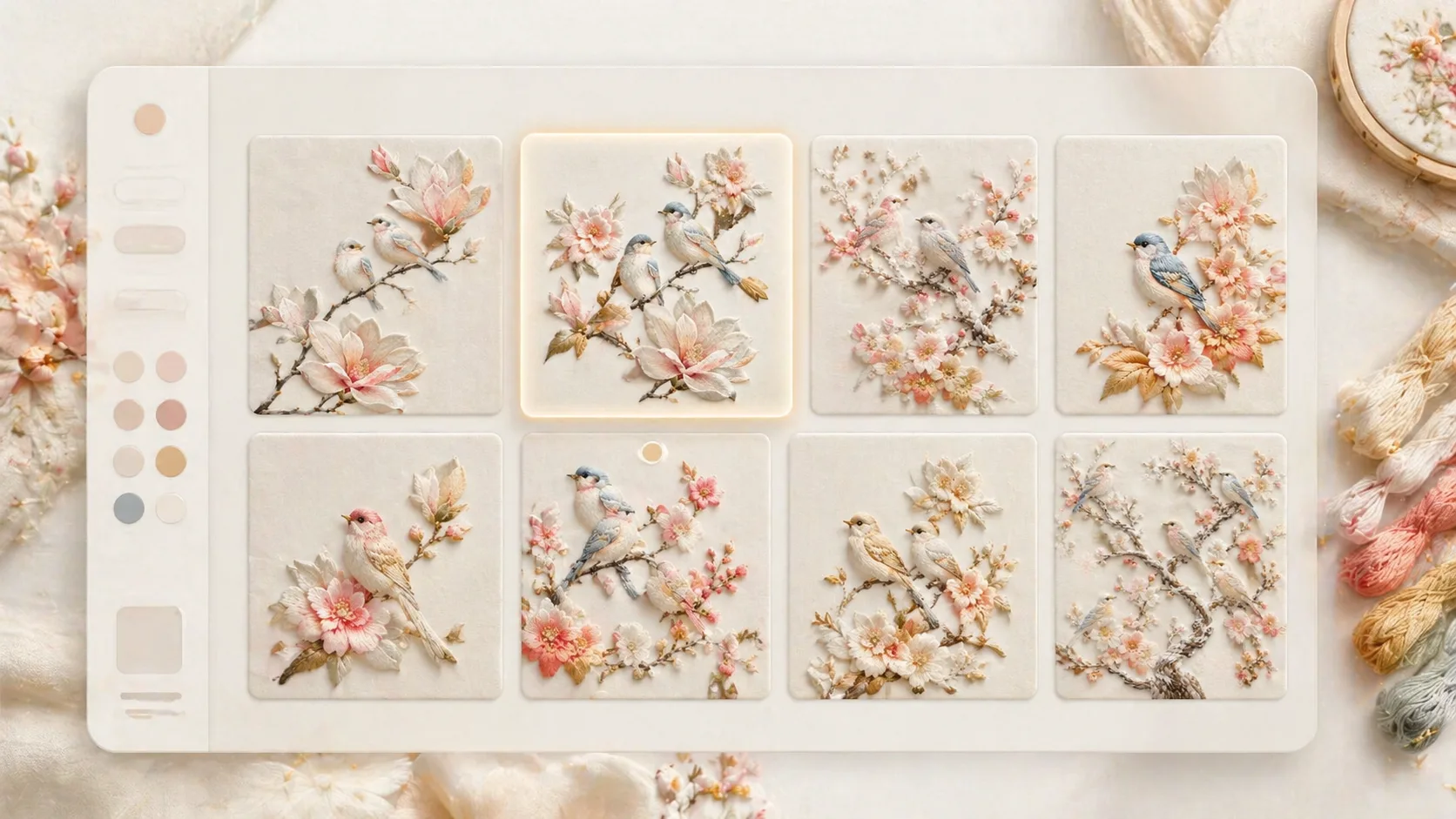
近いテンプレートを選ぶ
花枝の小鳥、霜をまとった鳥園、木蓮ポスター、庭の横長パネル、カード、月夜の鶴、包装柄、子ども部屋の壁画、ブローチ例から比率と構図が近いものを選びます。
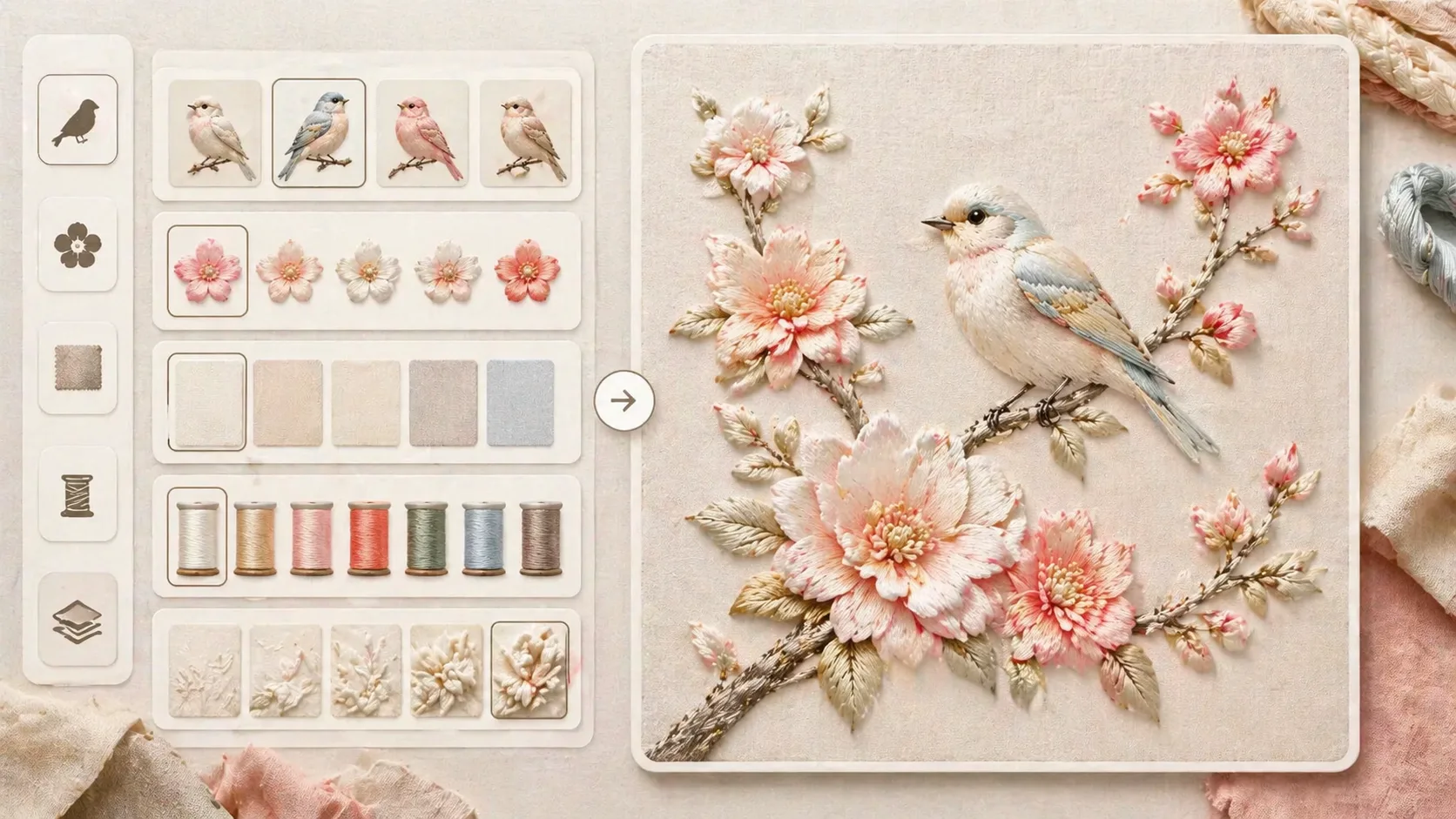
布地の変数を編集する
鳥種、花、枝の曲線、配色、布地、浮き彫りの深さを変え、シルクの光沢、サテンステッチ、手仕事感、柔らかな光、文字なしの条件を残します。
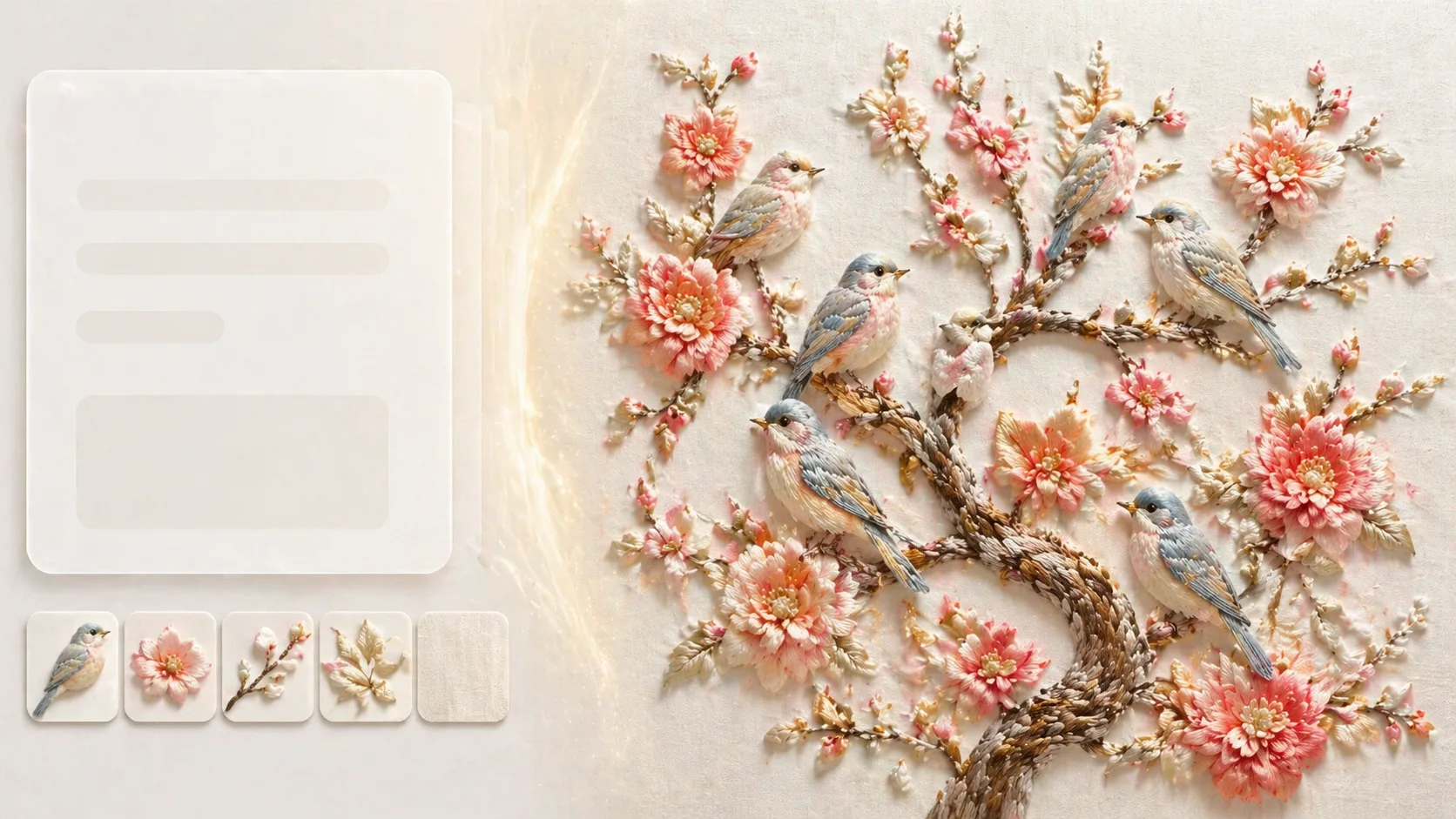
生成して比較し調整する
GPT Image 2で生成し、サンプルと比べます。余白、糸の方向、柔らかい影、プラスチック感の除外、ロゴやランダム文字の防止を次のプロンプトに反映します。
シルク刺繍の鳥プロンプトFAQ
GPT Image 2のシルク刺繍鳥テンプレートでよく検索される質問です。