
右側でポスター結果のサンプルを参照し、いずれかをタップしてそのプロンプトを左側のジェネレーターにロードします。
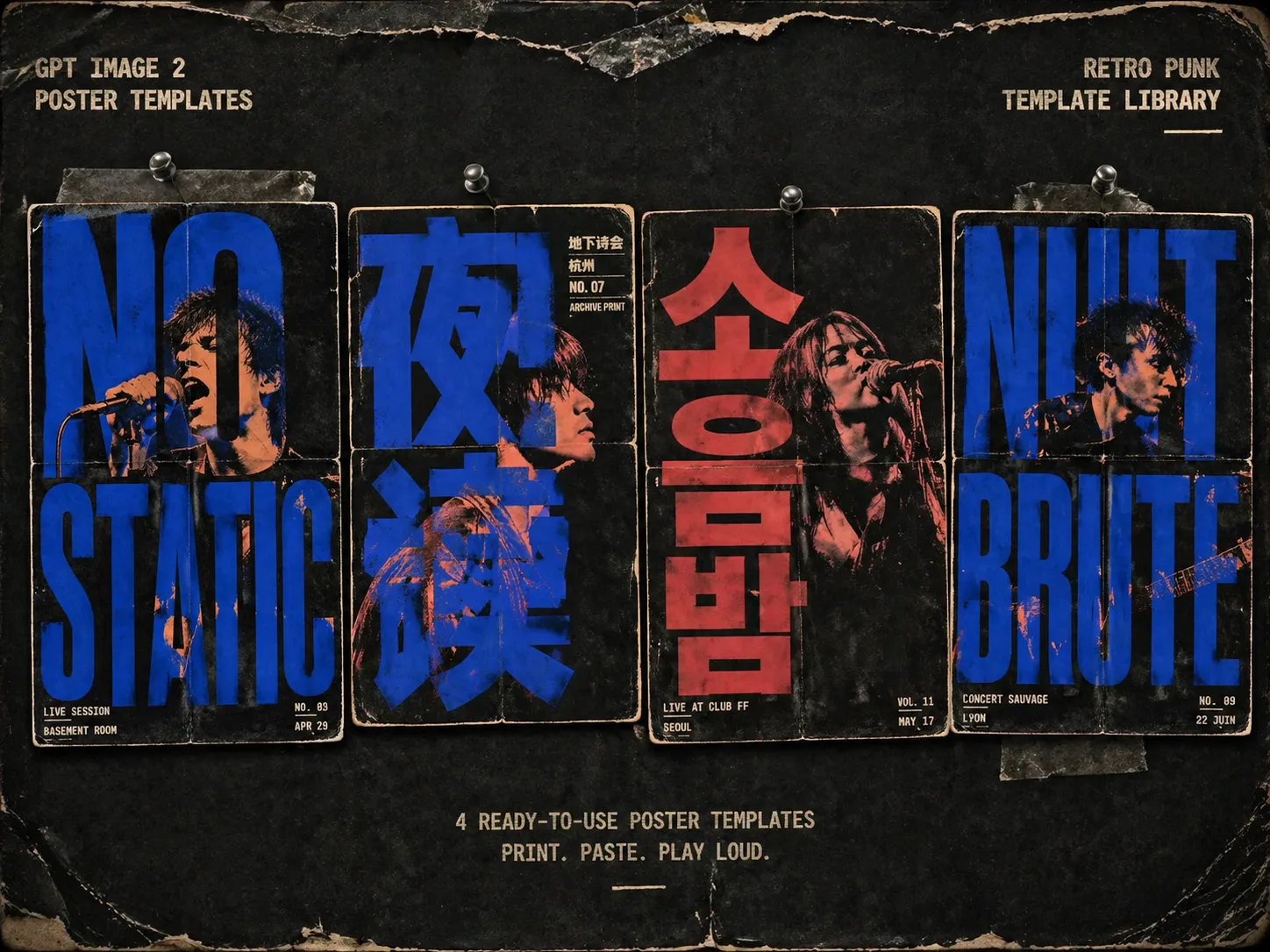
レトロパンク・ライブポスター GPT Image 2 promptsを作る
このテンプレートは、バンド名、イベントの短い言葉、人物参照、会場情報を粗いシルクスクリーンポスター案に変えます。主文字は背景上のラベルではなく画面構造になり、人物は文字の隙間や負の空間から現れます。地下ライブのフライヤー、ZINE表紙、ツアーポスター、深夜ラジオ告知、倉庫イベント、タイポグラフィ主導のアルバム案に向いています。
巨大で読める文字
各 punk gig poster prompt は、主語句を小さなキャプションではなくポスター全体の構造として扱います。
シルクスクリーン人物
生成した人物やアップロードした肖像参照を使い、GPT Image 2で特徴を残しながら二色刷りインクとハーフトーンに変換します。
地下フライヤーの質感
コピー機ノイズ、リソグラフの重なり、版ズレ、折り目、擦れた縁、紙繊維、壁貼り跡を含めます。
編集できる変数
主文字、バンド名、会場、都市、日付、小さな注記、人物の役割、比率、2-3色のインク配色を差し替えられます。
シルクスクリーンポスターの作り方
用途に合う形式を選び、見える文字と参照を置き換え、GPT Image 2で生成して文字の読みやすさを確認します。
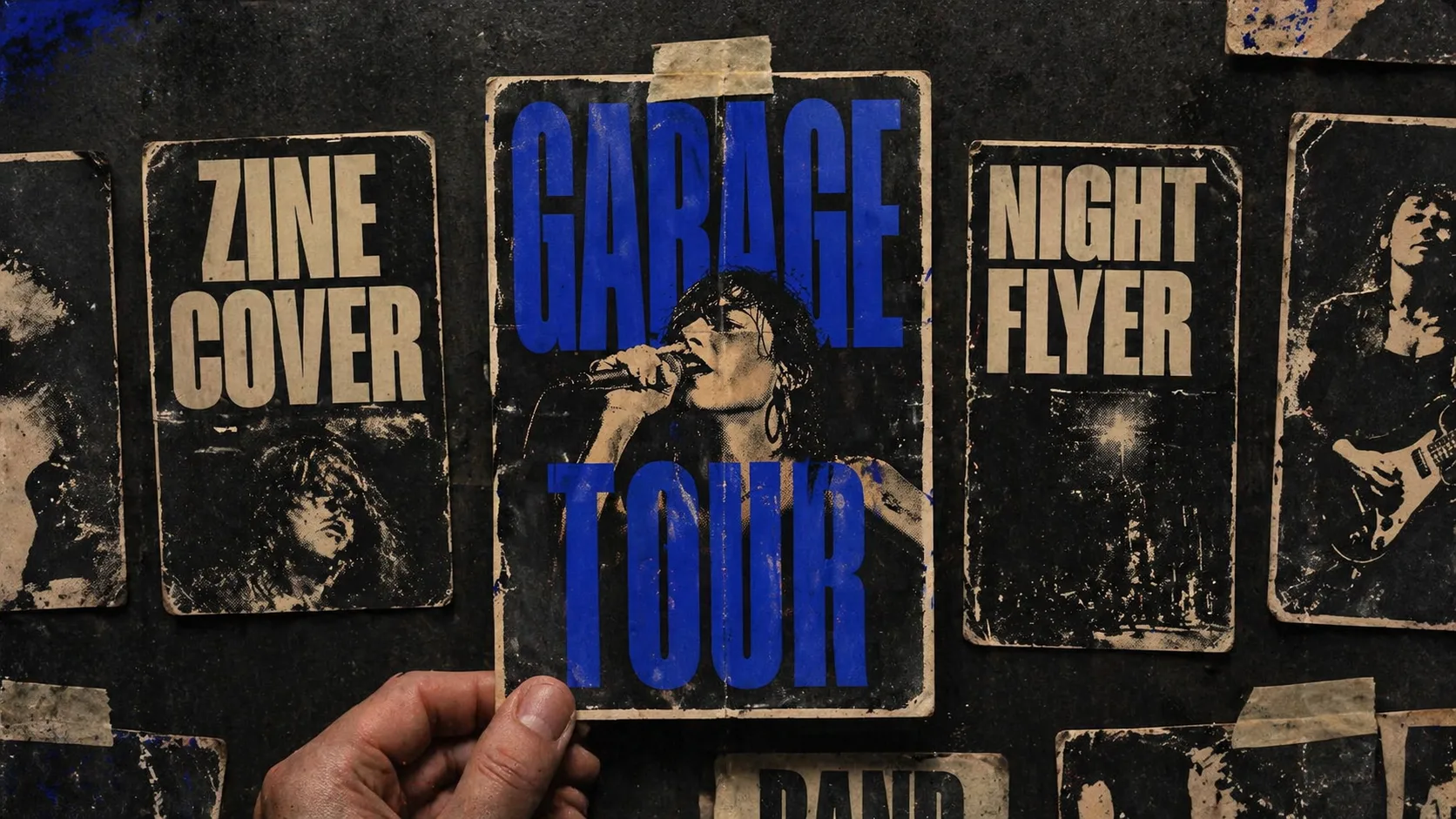
ポスター方向を選ぶ
縦長ライブフライヤー、正方形ZINE表紙、インディ映画ポスター、倉庫テクノフライヤー、抗議音楽ポスター、劇場ポスターから選びます。
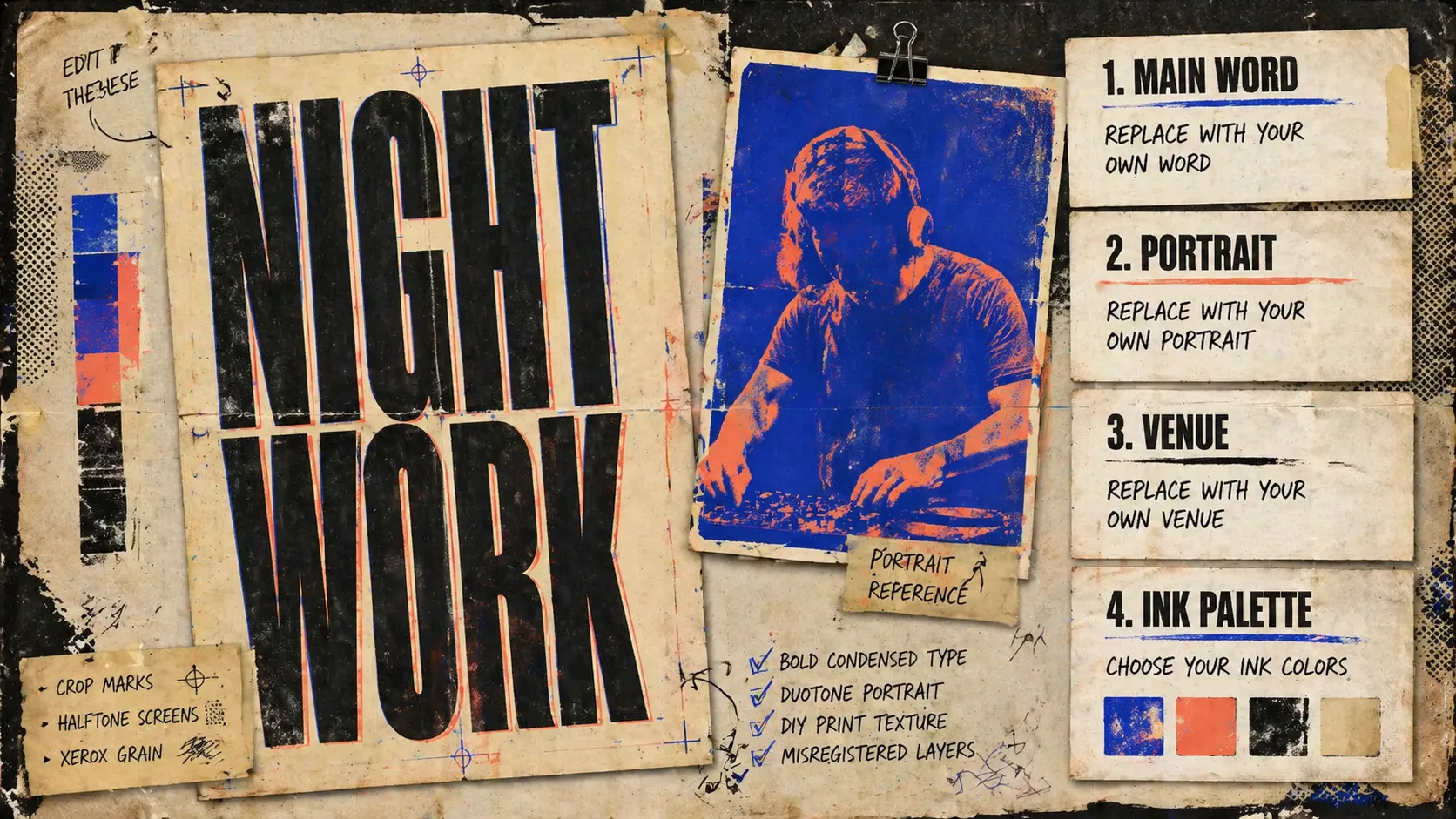
文字と参照を置き換える
主フレーズ、ローカルな小文字、会場情報、人物参照、出演者タイプ、2-3色のインクパレットを編集します。
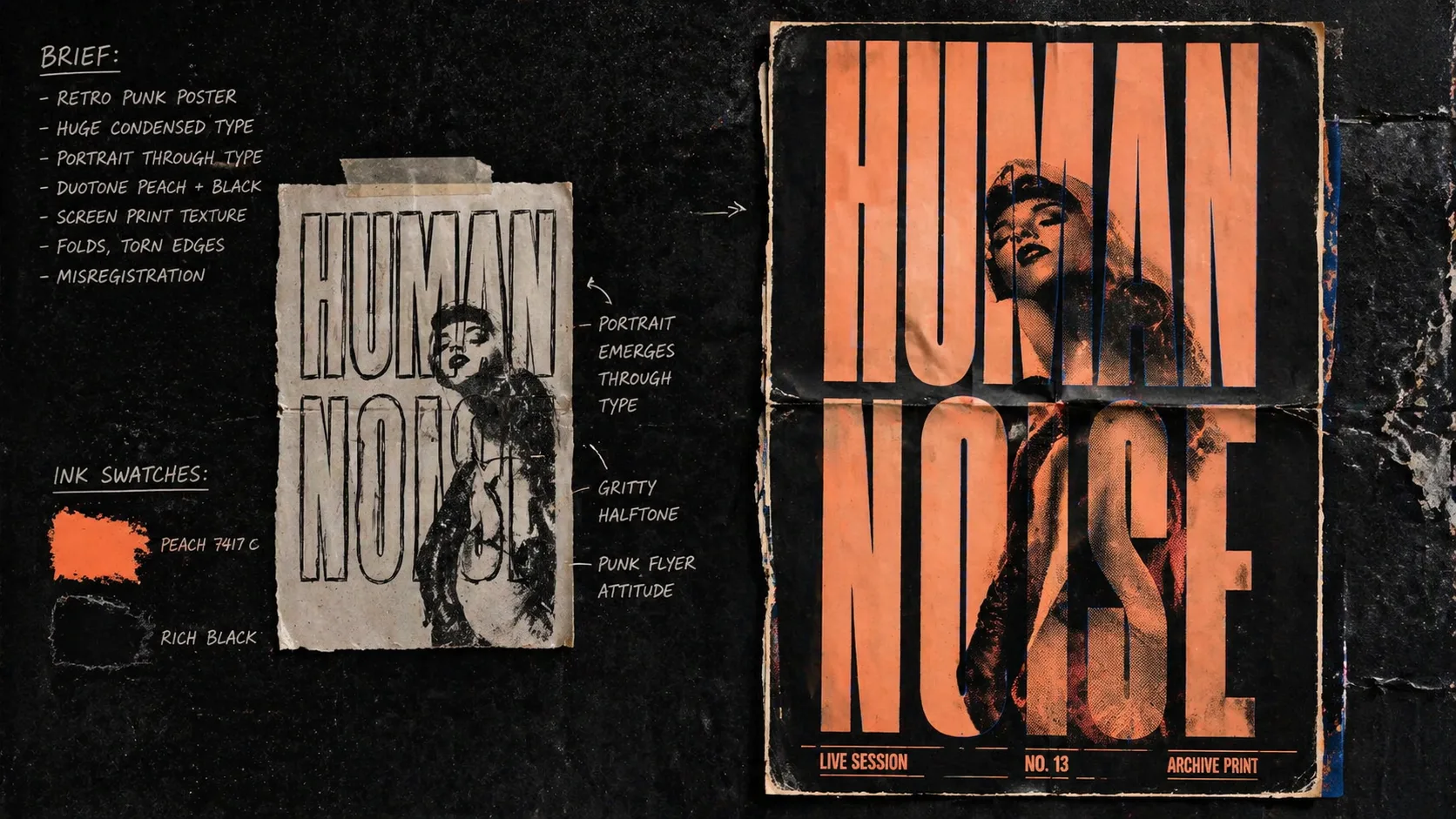
生成して調整する
最初の画像を作り、誤字と可読性を確認して、文字数、コントラスト、要素量を絞り込みます。
レトロパンクポスター FAQ
GPT Image 2で音楽ポスター、ZINE、文字主体のフライヤーを作るための実用メモ。