
右側でポスター結果のサンプルを参照し、いずれかをタップしてそのプロンプトを左側のジェネレーターにロードします。
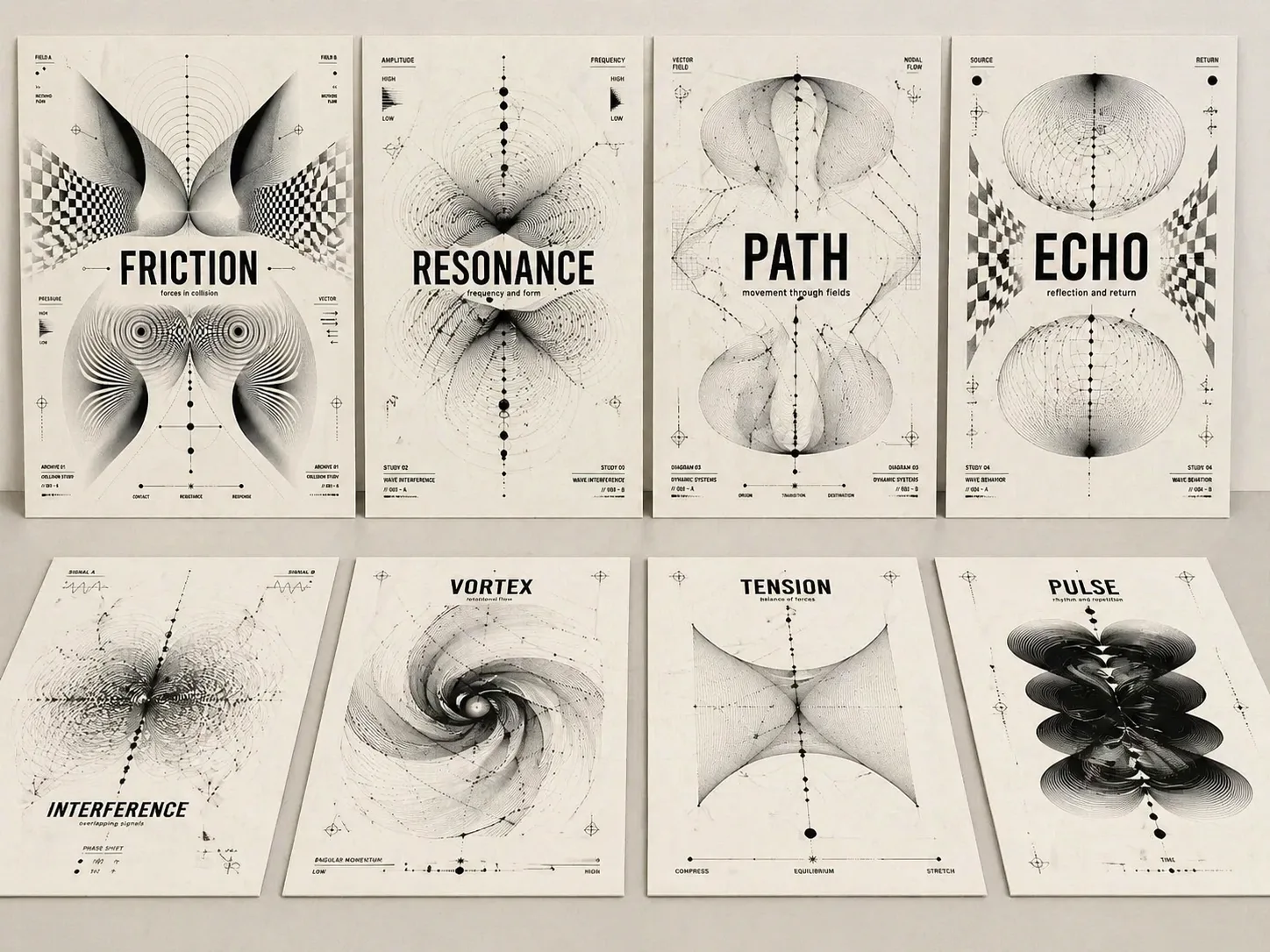
GPT Image 2プロンプトで光学コンセプトポスターを作る
テーマ語、アルバム名、展示コンセプト、記事タイトルを、読みやすい文字と黒白の光学抽象が連動するポスターに変換します。
題字を読みやすく
各プロンプトはテーマ文字を大きく正確な中心要素として扱い、単なる装飾パターンではなく表紙として使える結果にします。
黒白Op Art表現
モアレ線、波形フィールド、歪んだグリッド、パラメトリック曲線、ノード、生物的な黒い形で緊張、共鳴、記憶、経路を表します。
再利用できる変数
テーマ、副題、比率、短いラベル、雰囲気を差し替えるだけで、実験的なスイス風ポスター構造を保てます。
完成ポスターの質感
暖白の紙、黒インク、抑制された余白、短い注記、明快な階層により、編集表紙や展示ポスターらしい画像になります。
光学ポスターテンプレートの使い方
意図に近い構造を選び、主要な変数だけを編集し、GPT Image 2で生成して文字精度と抽象構成を調整します。
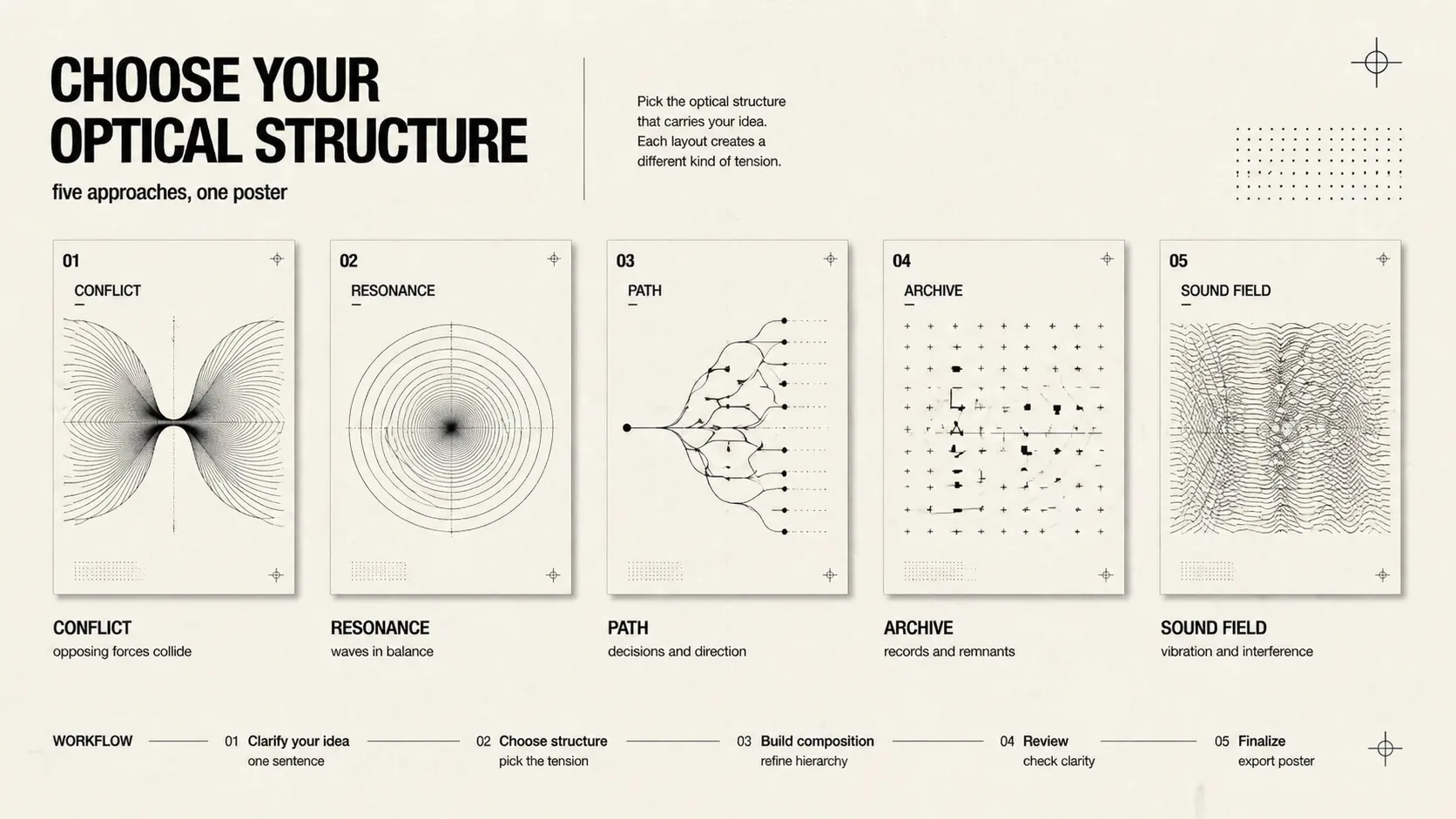
構造を選ぶ
衝突、共鳴、意思決定パス、文化記憶、テクノロジーグリッド、音楽モアレ、展示アーカイブ、SNSカバー、分割力から選びます。
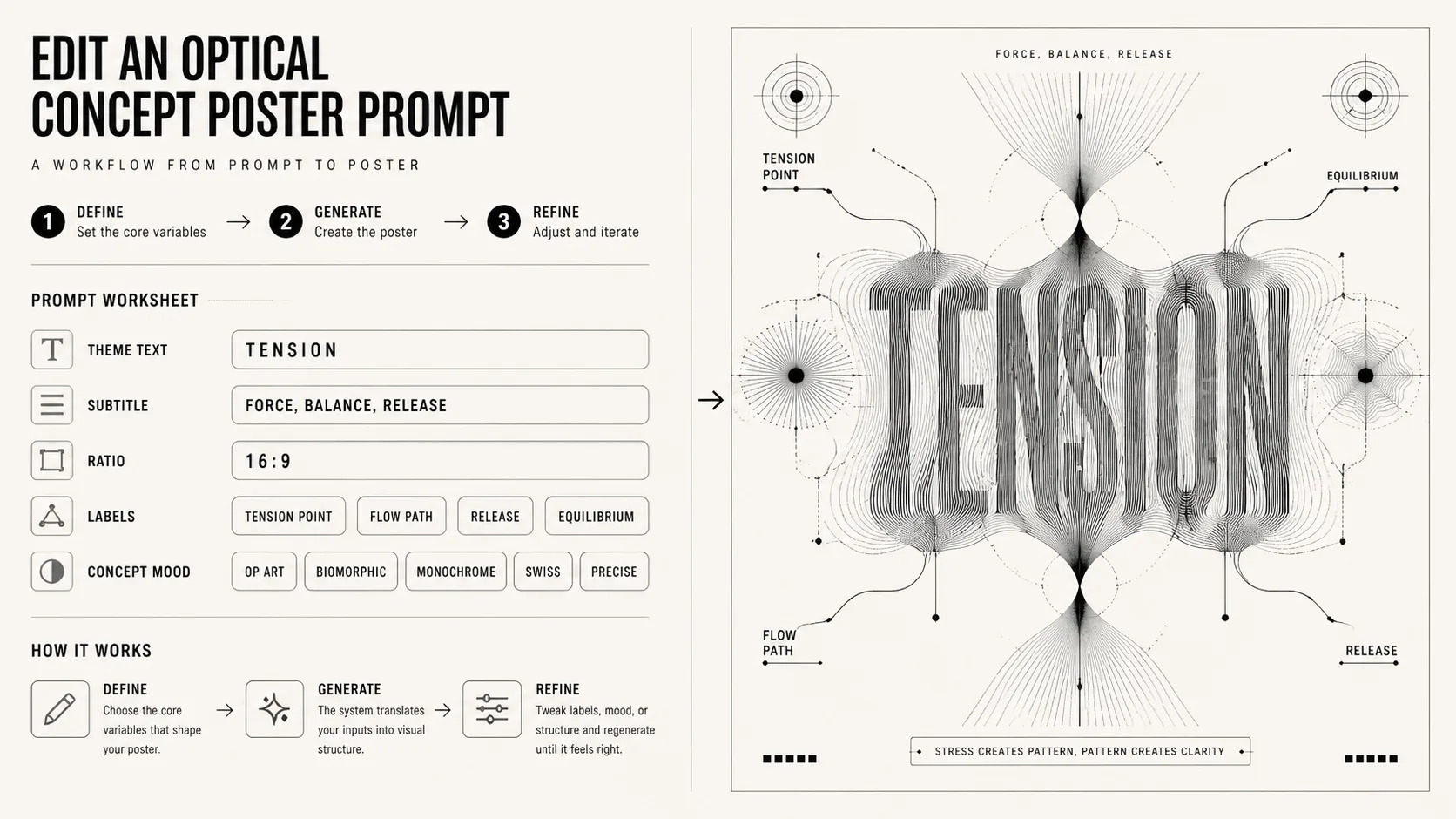
変数を編集
短い題字、副題、比率、ラベル、ムードを変更しつつ、黒白の光学抽象、読みやすいタイポグラフィ、概念主導の形式を保ちます。
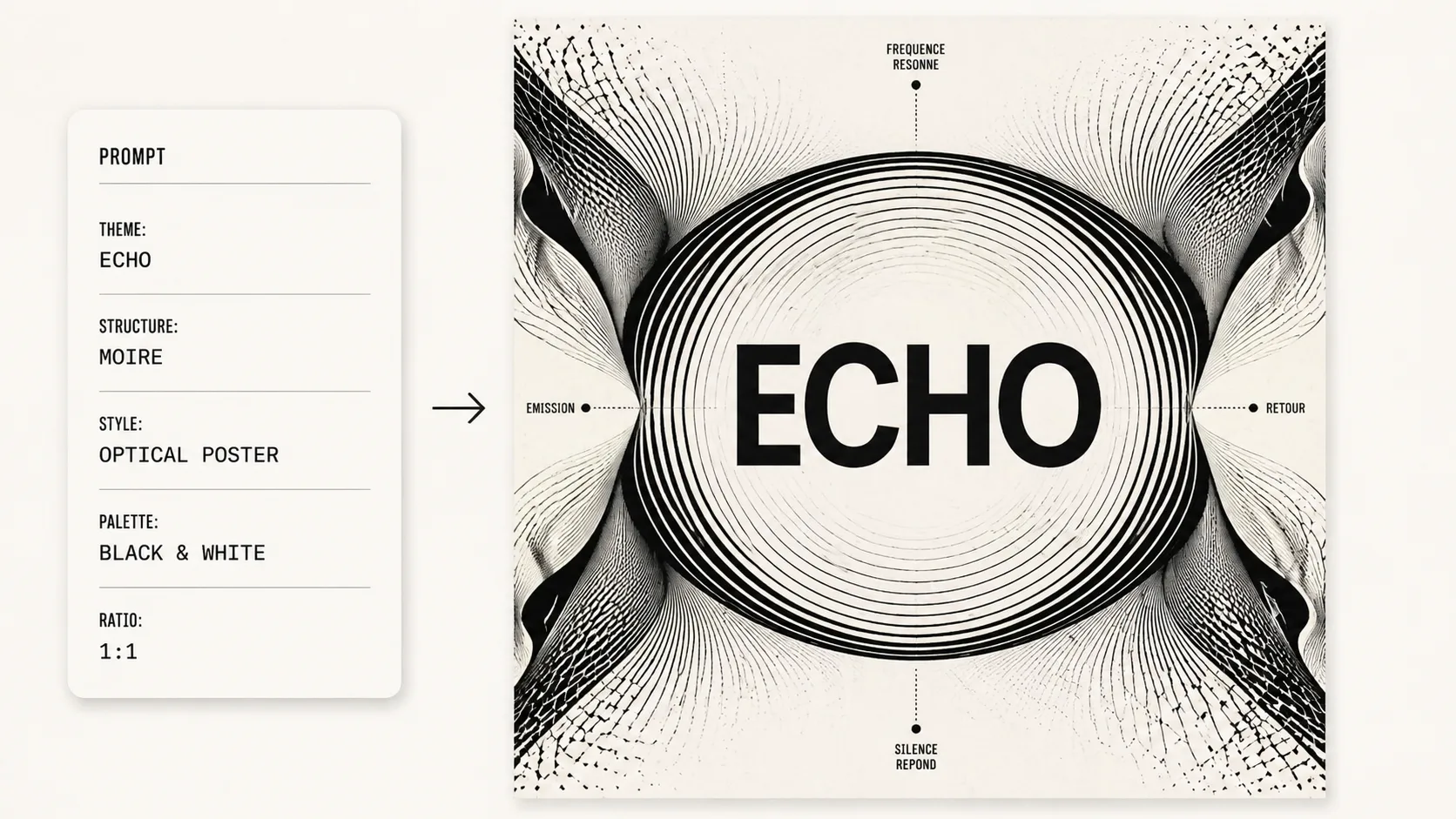
生成して調整
GPT Image 2で生成後、題字が正確か確認し、線の密度、対称性、余白、比率を中心にプロンプトを微調整します。
光学コンセプトポスターFAQ
GPT Image 2で黒白光学ポスターを作るための具体的な質問です。