
右側でポスター結果のサンプルを参照し、いずれかをタップしてそのプロンプトを左側のジェネレーターにロードします。
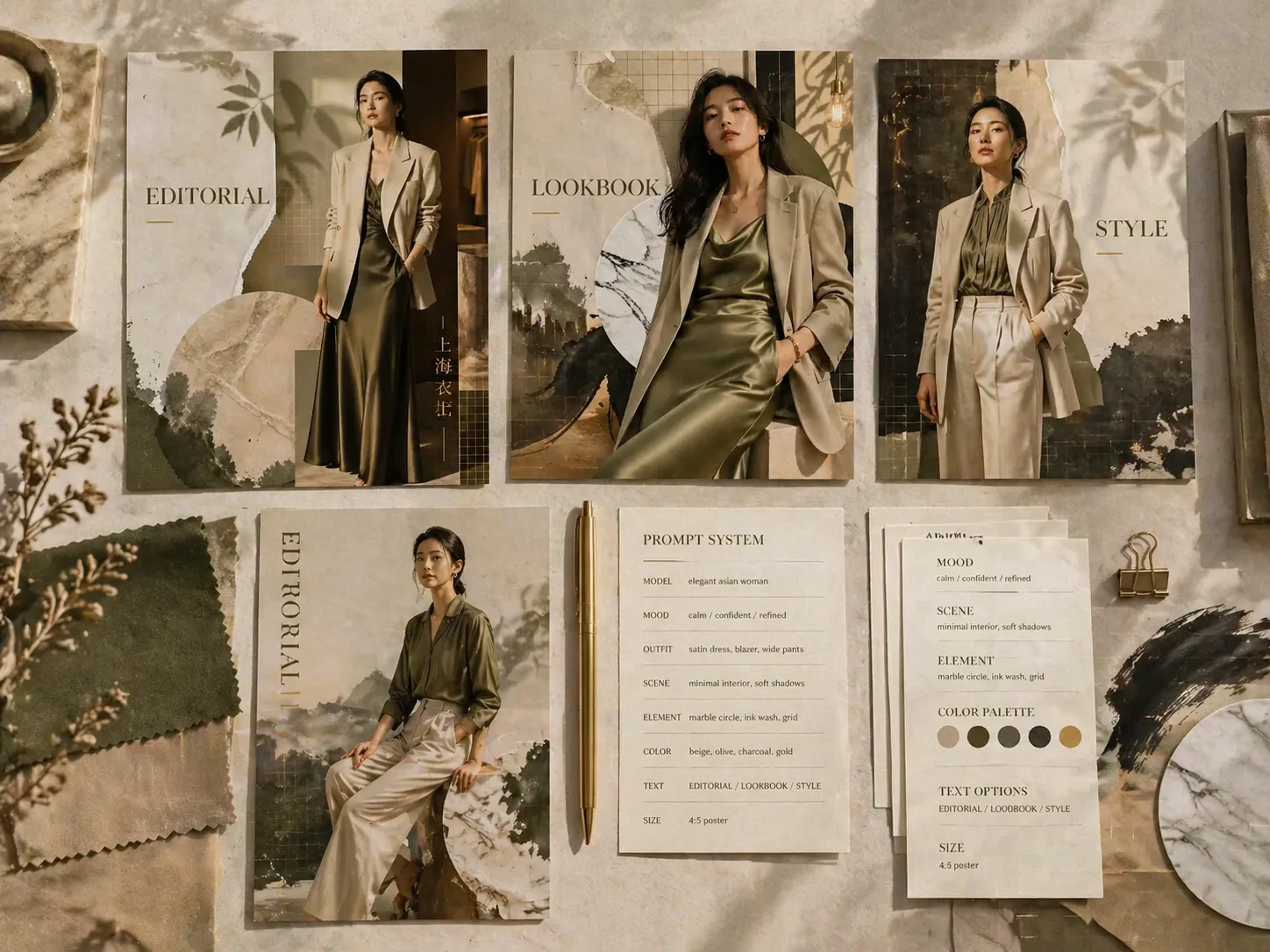
GPT Image 2 promptsで高級ファッション編集ポスターを作る
モデル、衣装、配色、見出し、コラージュ方向を組み合わせて、洗練されたファッションキャンペーン画像を作ります。撮影前の方向出し、ルックブック表紙、雑誌風コラージュ、ブティック企画に向いています。
雑誌コラージュ構成
成人モデル、衣装シルエット、読みやすい見出し、補助テキスト、紙の質感、大理石形、植物影、暖かいスタジオ光まで含む完成型promptから始めます。
高級キャンペーン演出
実在ブランドを模倣せず、ブランド中立の上質感を作ります。スタイリング、自然な自信、布地のディテール、余白、視線の流れを重視します。
多言語ポスター文字
英語、中国語、韓国語、日本語、ポルトガル語、スペイン語、ドイツ語、フランス語で短く読みやすい表示文字を指定できます。
再利用できる変数
モデル説明、衣装、色、見出し、質感、都市の雰囲気、キャンペーンムードを差し替え、複数のコレクションやSNS案に展開できます。
テンプレートからGPT Image 2の完成案へ
近い編集レイアウトを選び、変数を調整し、最初の画像を生成してから、文字、トリミング、光、質感を詰めていきます。
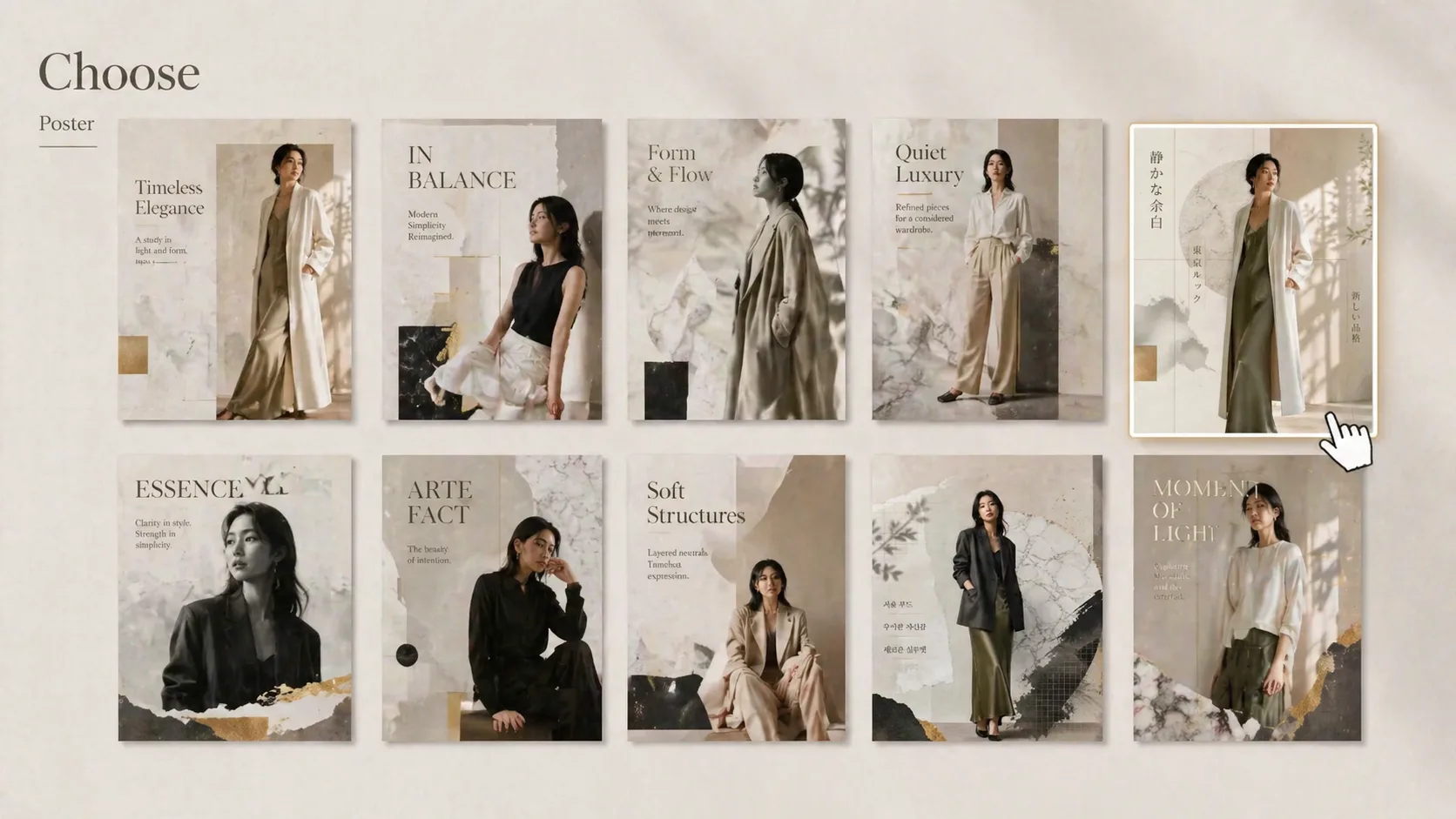
ポスター形式を選ぶ
カバーコラージュ、ブティック編集、アトリエルックブック、ファッションzine、リゾートウェア、横長キャンペーン、ミニマル正方形、クチュールコラージュから選びます。
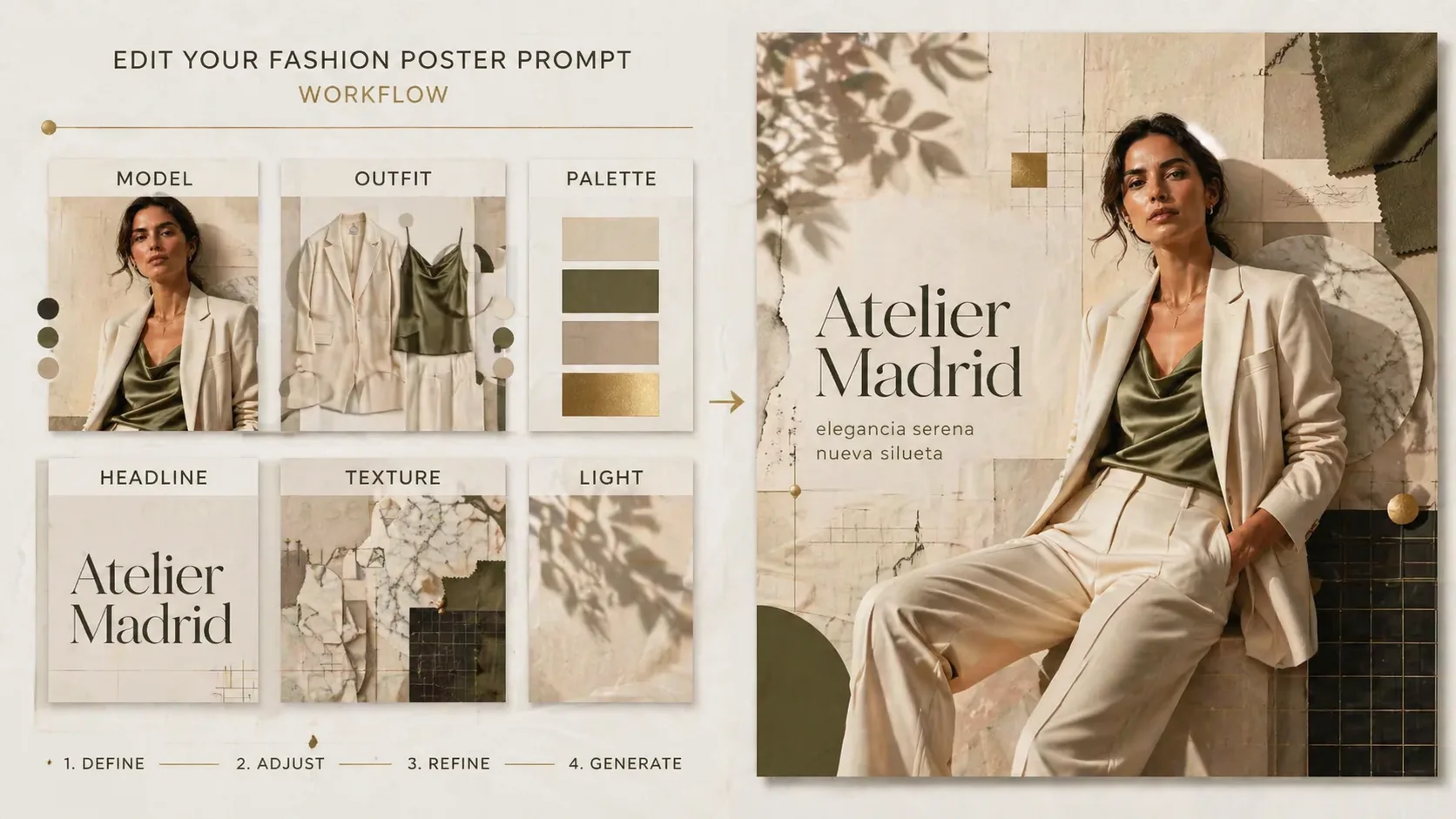
モデル、衣装、見出しを編集
成人モデル、服装、配色、表示見出し、短い補助文、背景素材、言語指定を置き換えます。特定の服の形や生地感が必要な場合は参照画像を追加します。
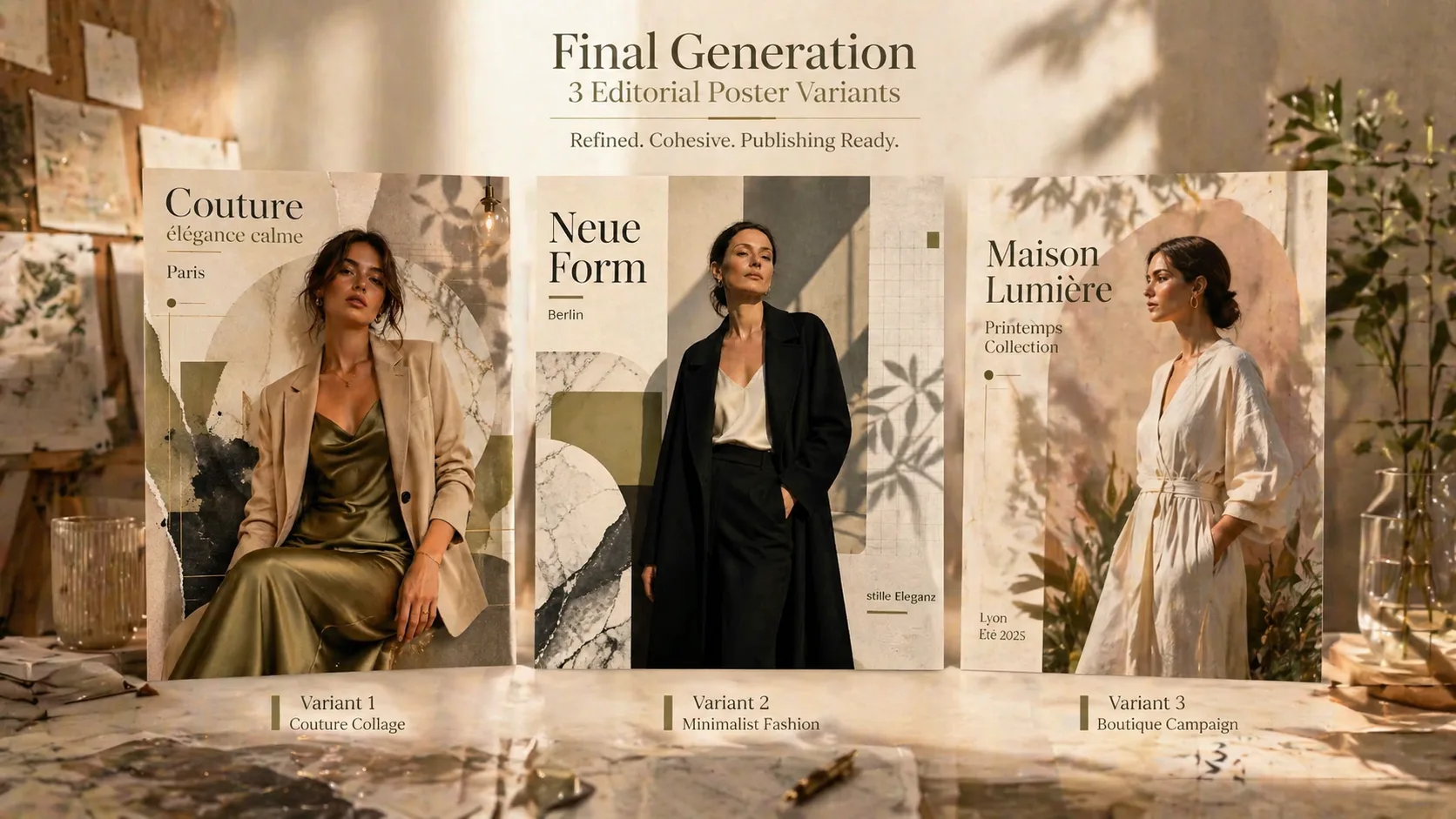
生成して比較し調整
GPT Image 2で生成し、複数案を比較して、見出しの長さ、セリフ体の大きさ、余白、布地、照明、コラージュ密度を調整します。
高級ファッションポスターFAQ
GPT Image 2のファッション編集ポスターテンプレートを安全に使うための要点です。