
右側でポスター結果のサンプルを参照し、いずれかをタップしてそのプロンプトを左側のジェネレーターにロードします。
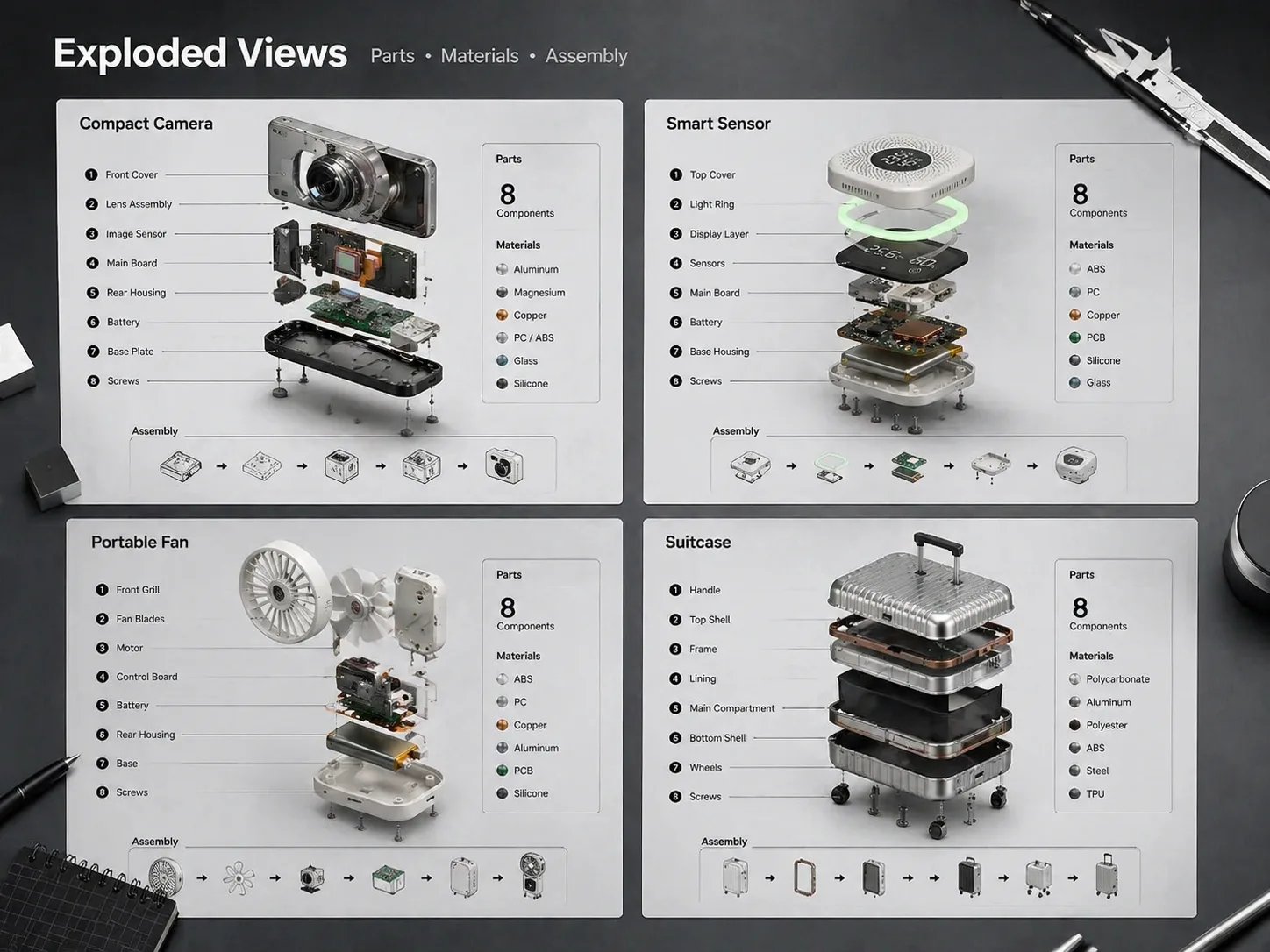
GPT Image 2 プロンプトで分解構造図を作成
製品、ガジェット、ハードウェア案を部品ごとに分け、番号ラベル、引き出し線、部品リストを備えた技術ポスター風に整理します。
部品リストを先に指定
対象物、主要部品、素材、ラベル言語、背景、ポスター構成を先に決めることで、生成結果の方向性を安定させます。
見やすい分解間隔
GPT Image 2に外装、基板、ネジ、シール、フレーム、機能モジュールを軸方向または放射状に分離させます。
技術的な注釈に対応
番号ラベル、細い引き出し線、部品凡例、仕様ストリップ、視線誘導を加え、構造を読み取りやすくします。
コンセプト向けで安全
教育、EC、製品説明に使いやすくしながら、実在ロゴ、偽の認証、危険な修理手順、誤解を招く仕様を避けます。
製品分解ビジュアルの作り方
近い分解構造図テンプレートを選び、変数を置き換え、GPT Image 2で生成して調整します。
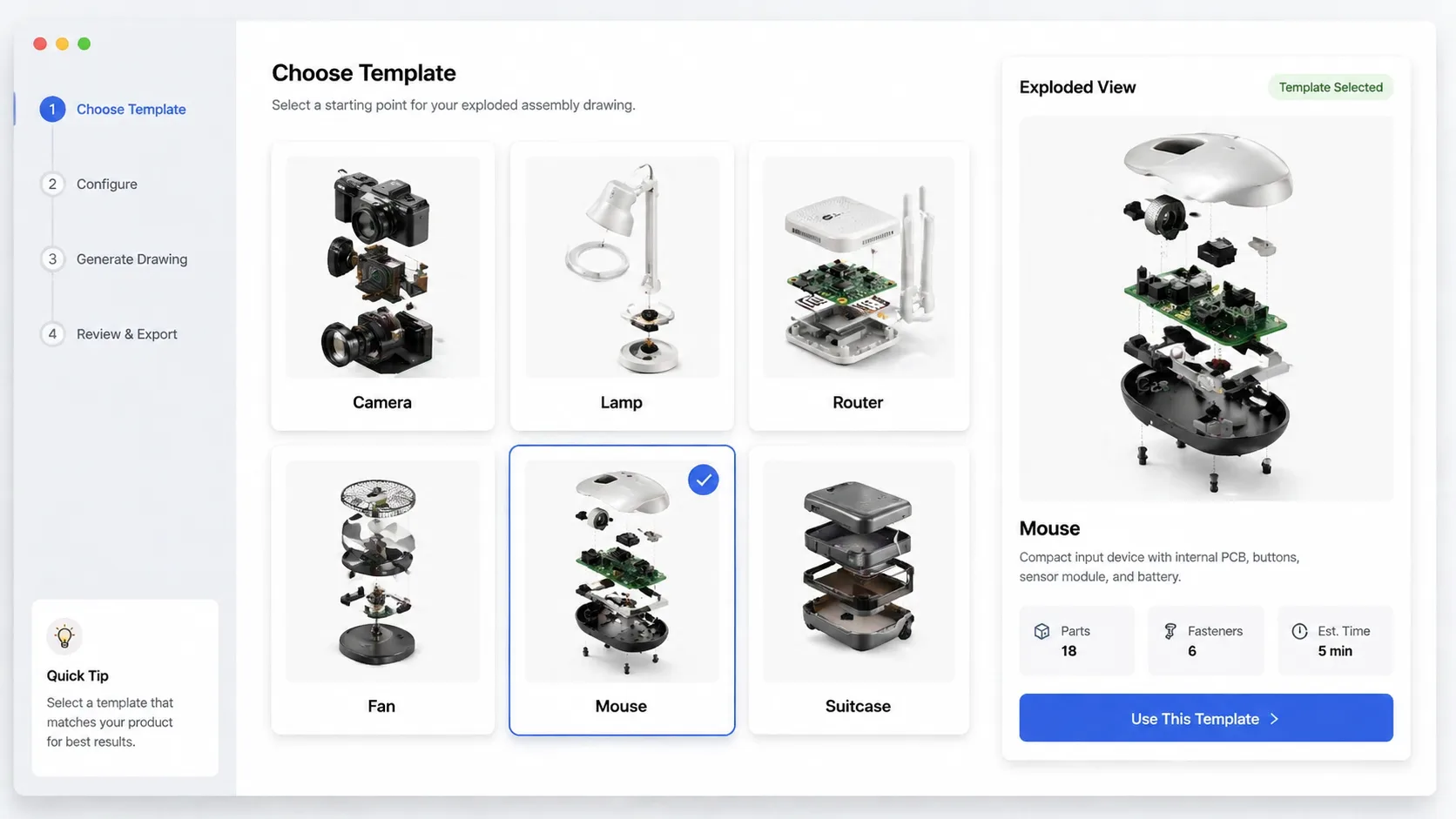
近いテンプレートを選ぶ
カメラ、センサー、ランプ、ルーター、家電、アウトドア用品、マウス、スーツケースなど、構造が近い例から始めます。
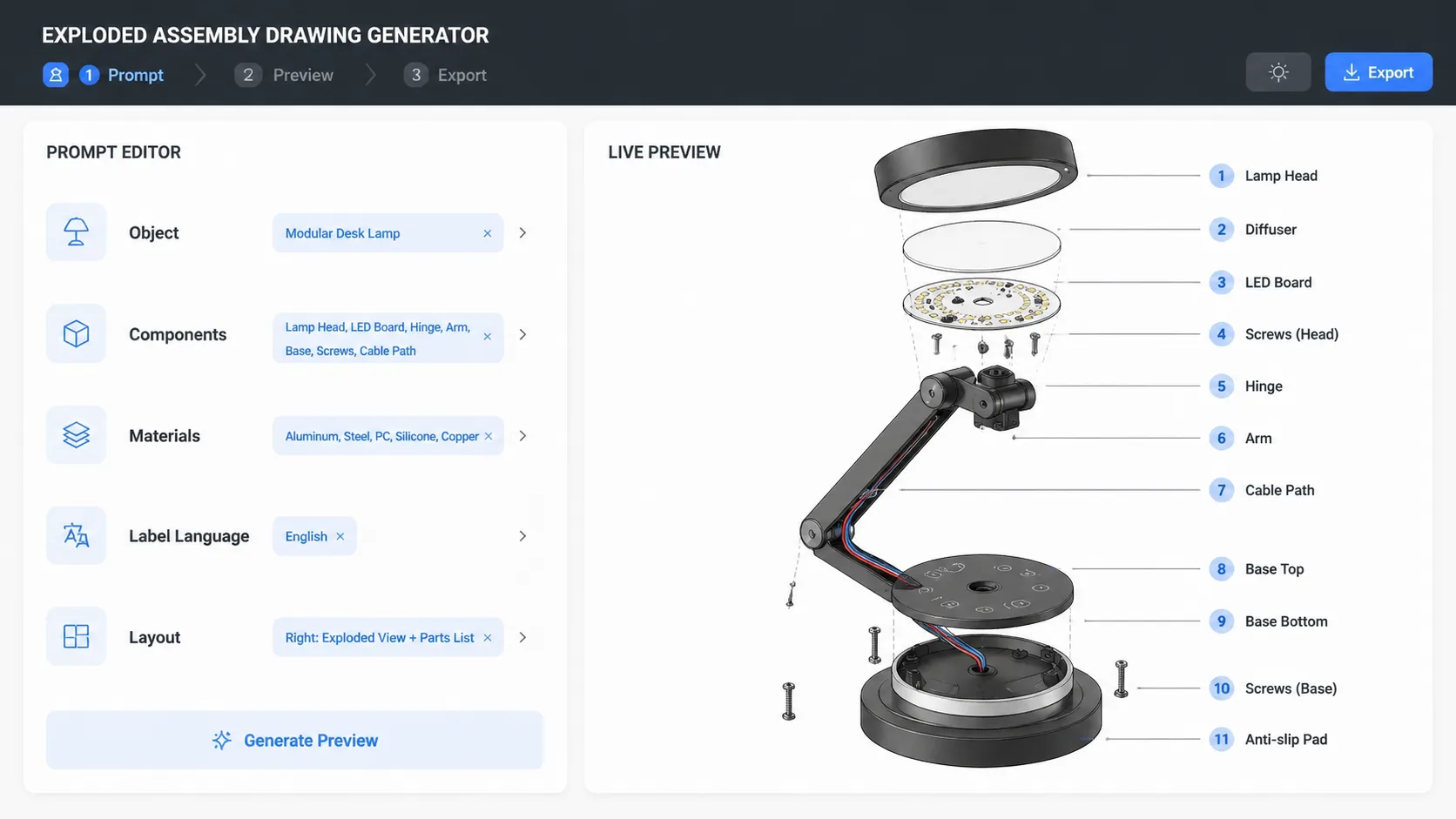
対象物とラベルを編集
製品名、部品リスト、素材感、ラベル言語、アスペクト比、注釈スタイル、分解方向を置き換えます。
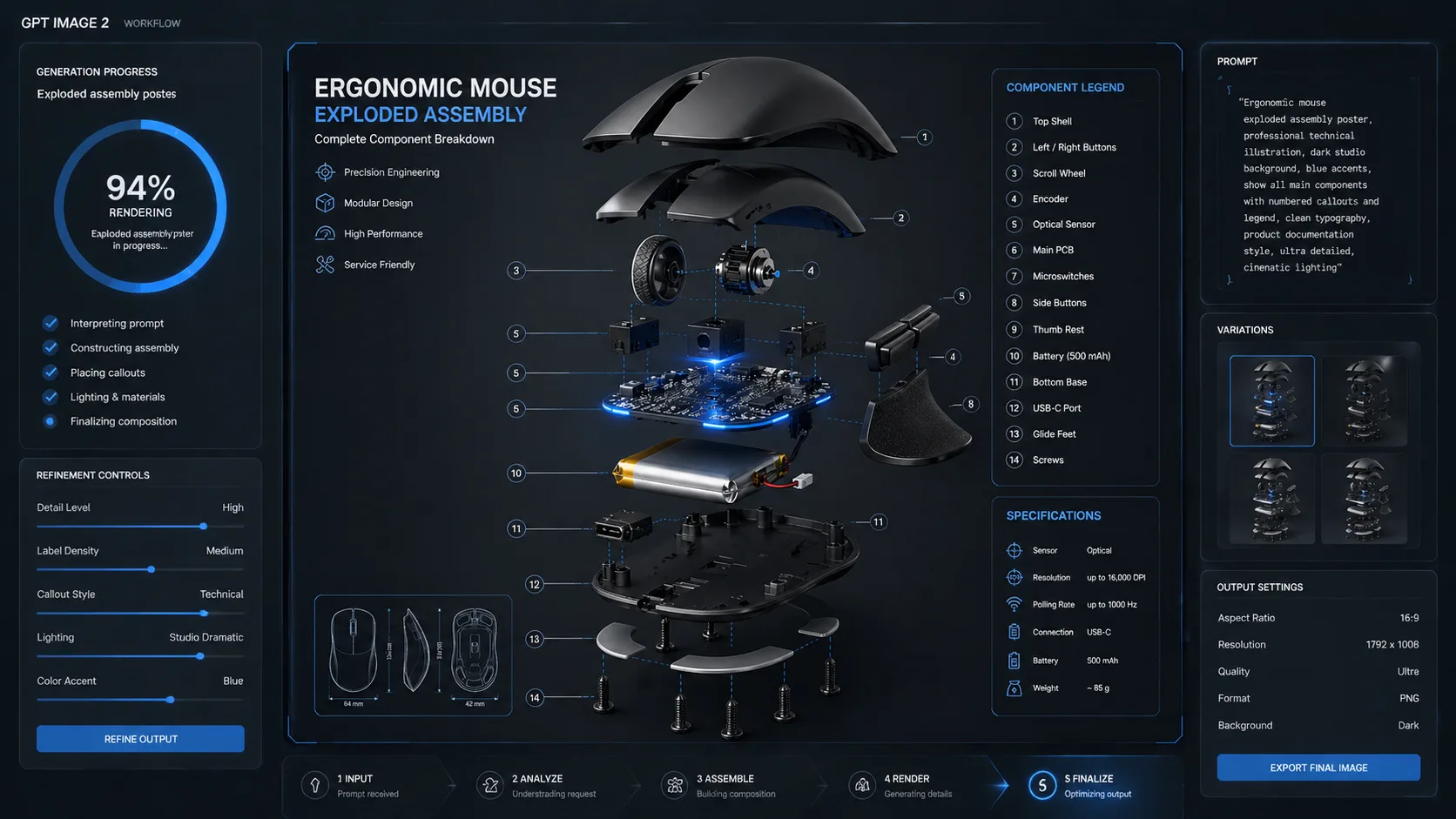
生成後に微調整
間隔、強調したい部品、文字量、安全表現を確認し、プロンプトを調整して見せやすい図にします。
分解構造図プロンプト FAQ
GPT Image 2で製品分解図や exploded view を作るための実用的な回答です。