
右側でポスター結果のサンプルを参照し、いずれかをタップしてそのプロンプトを左側のジェネレーターにロードします。
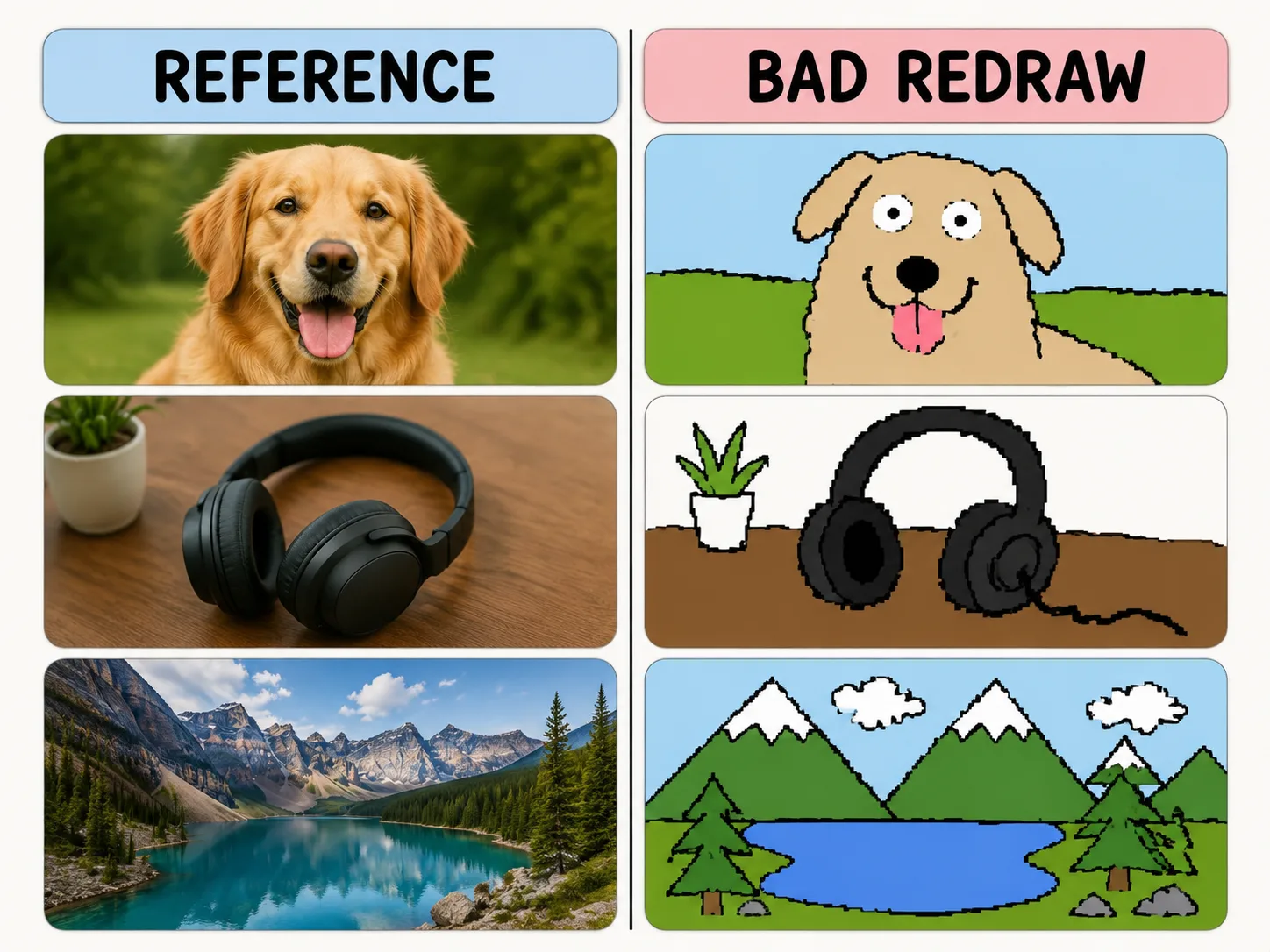
わざと下手に描き直す
色と構図を残しながら、マウスで描いたような揺れる線とピクセル感を作ります。
Same-color resemblance
Keep the reference image loosely recognizable while changing the drawing quality.
Mouse-drawn charm
Ask for wobbly outlines, awkward proportions, and flat bucket-fill colors.
Playful remix guardrails
Make the joke about the drawing style, not the person or subject.
Reusable variables
Swap subject, caption, humor level, and background simplification quickly.
へたな再描画の作り方
テンプレートを選び、変数を置き換え、GPT Image 2で楽しい結果を生成します。
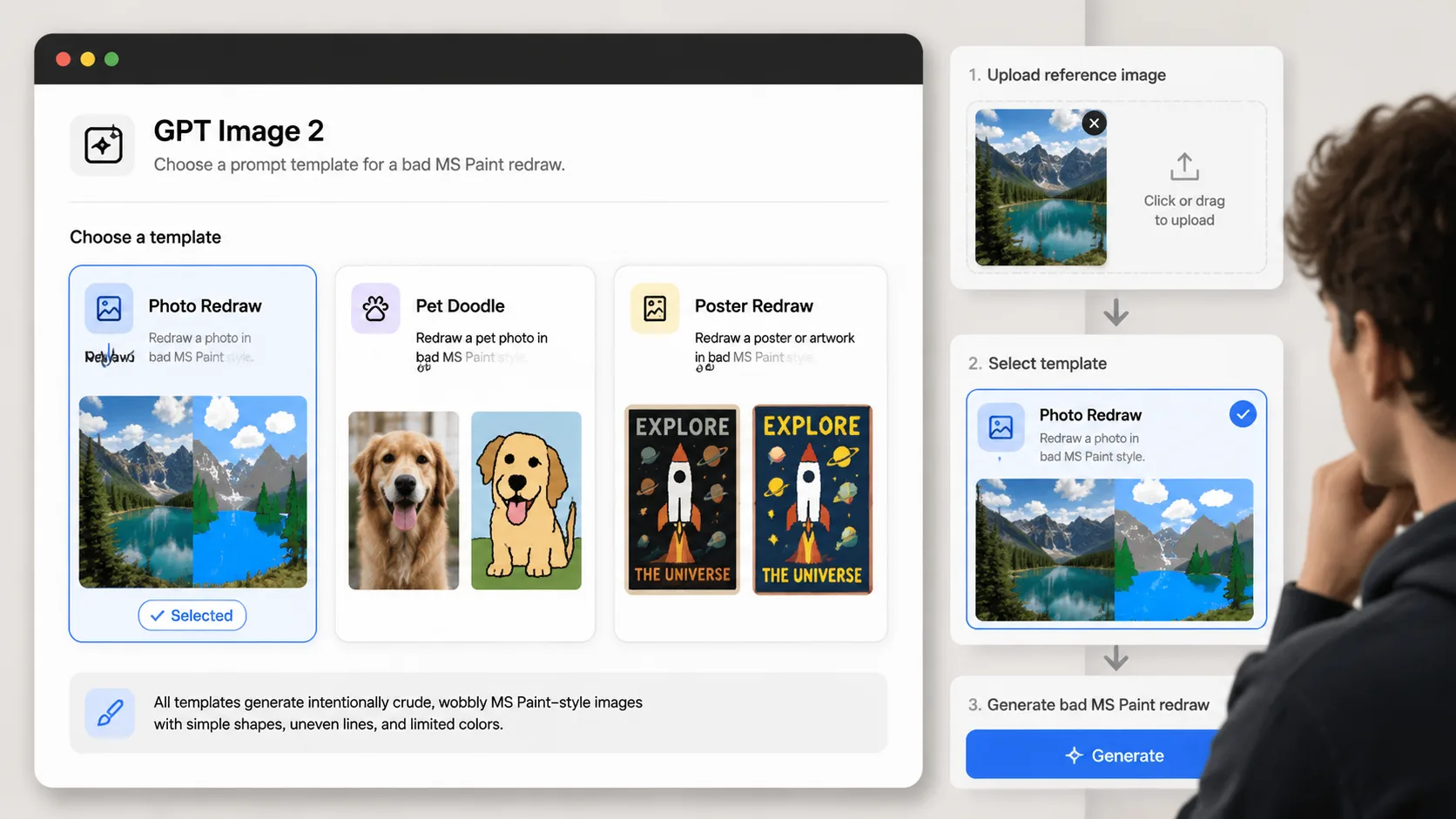
Choose a redraw prompt
Pick the template that matches your reference image: photo, pet, product, poster, room, or avatar.
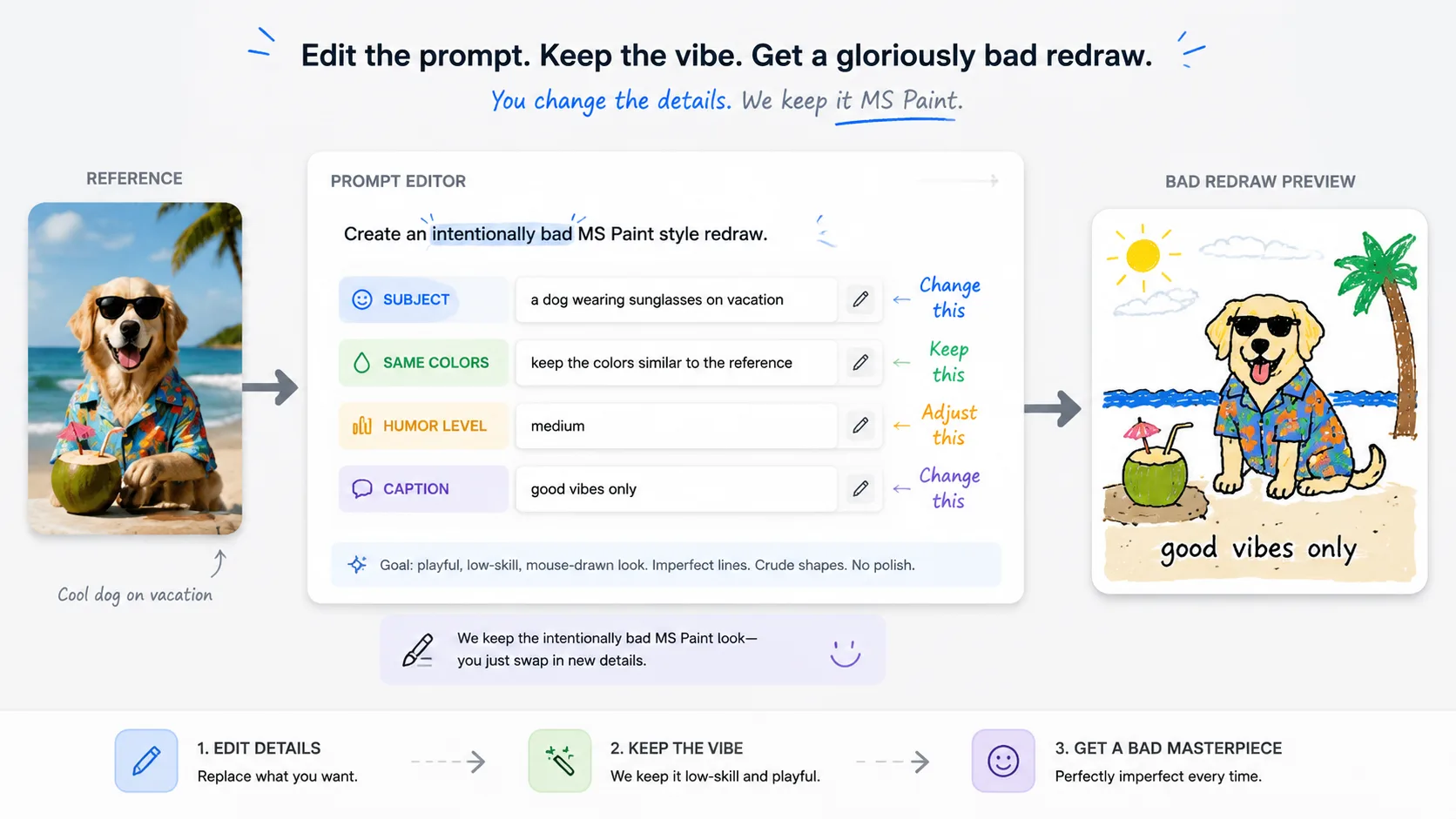
Replace the variables
Set the subject, caption, same-color rule, and humor level before generating.
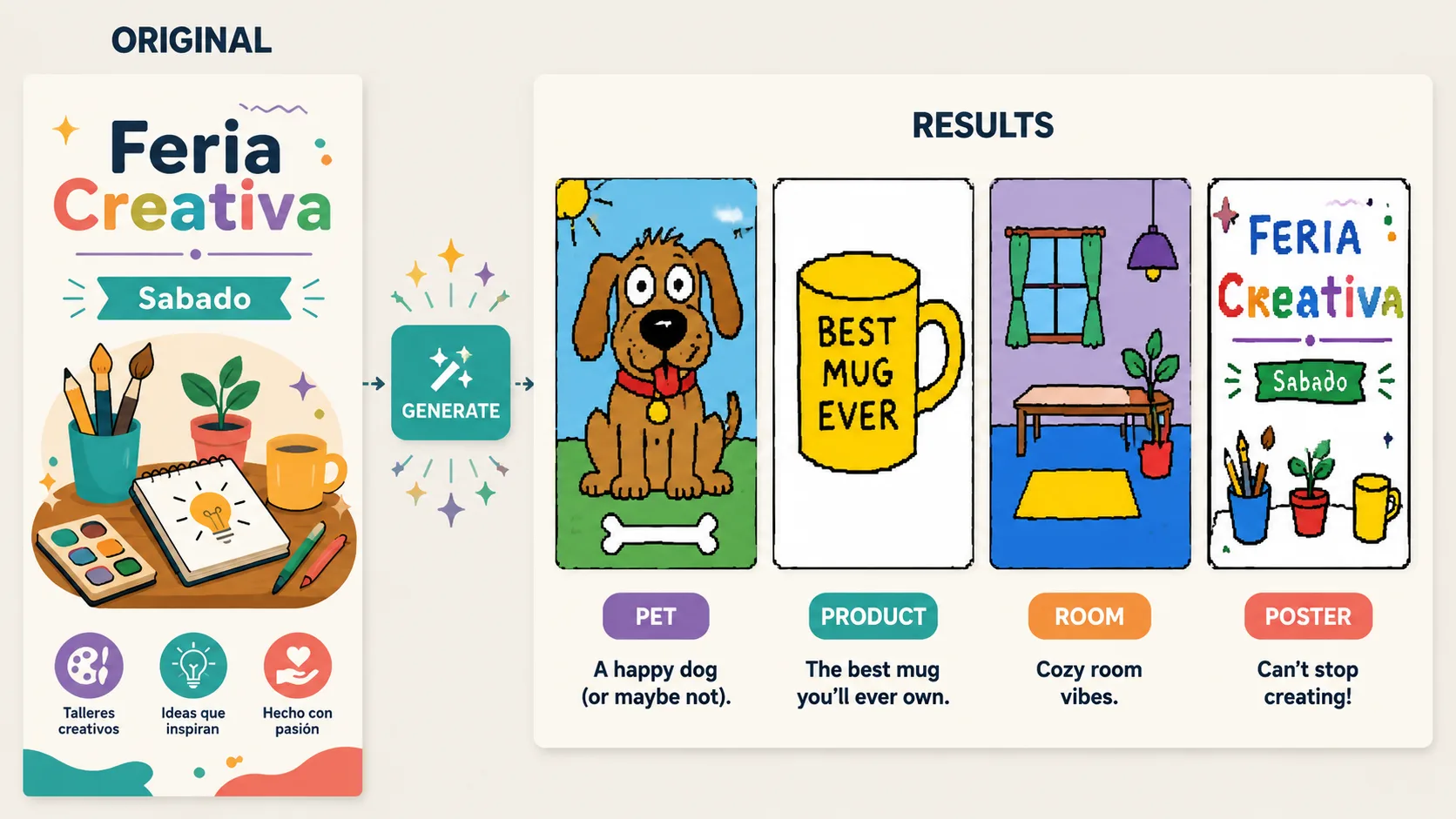
Generate and refine
Use GPT Image 2 to create the bad redraw, then adjust until the joke lands.
MS Paint再描画FAQ
GPT Image 2でへたな再描画プロンプトを使うための要点です。