
Explore los resultados del póster de muestra a la derecha, luego toque uno para cargar ese Prompt nuevamente en el generador de la izquierda.
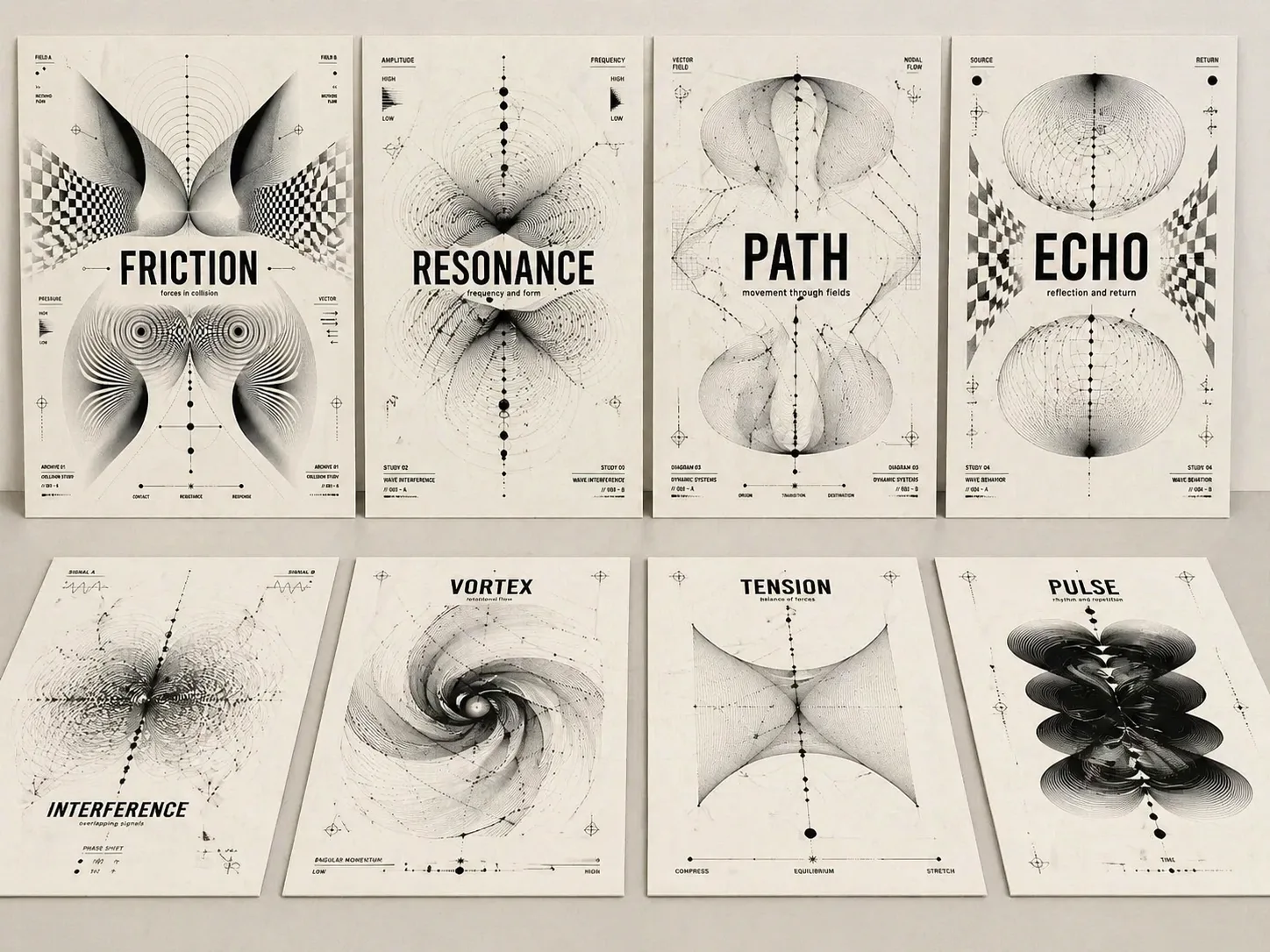
Crea carteles conceptuales ópticos con prompts GPT Image 2
Convierte una palabra temática, título de álbum, idea de exposición o portada editorial en un cartel en blanco y negro con tipografía legible y abstracción óptica.
Título legible primero
Cada prompt mantiene el texto temático grande, nítido y central para que la imagen funcione como portada, no como un patrón decorativo.
Lenguaje Op Art monocromo
Usa moiré, campos de ondas, retículas deformadas, arcos paramétricos, nodos y formas biomórficas para mostrar tensión, resonancia, memoria o recorrido.
Variables reutilizables
Cambia tema, subtítulo, proporción, etiquetas cortas y ánimo visual sin perder la estructura de cartel suizo experimental.
Acabado de cartel
Papel cálido, tinta negra, espacio disciplinado, etiquetas breves y jerarquía clara hacen que el resultado parezca una pieza editorial o expositiva.
Cómo usar la plantilla de cartel óptico
Elige una estructura cercana a la intención, edita solo las variables clave y genera con GPT Image 2 para ajustar texto y forma abstracta.
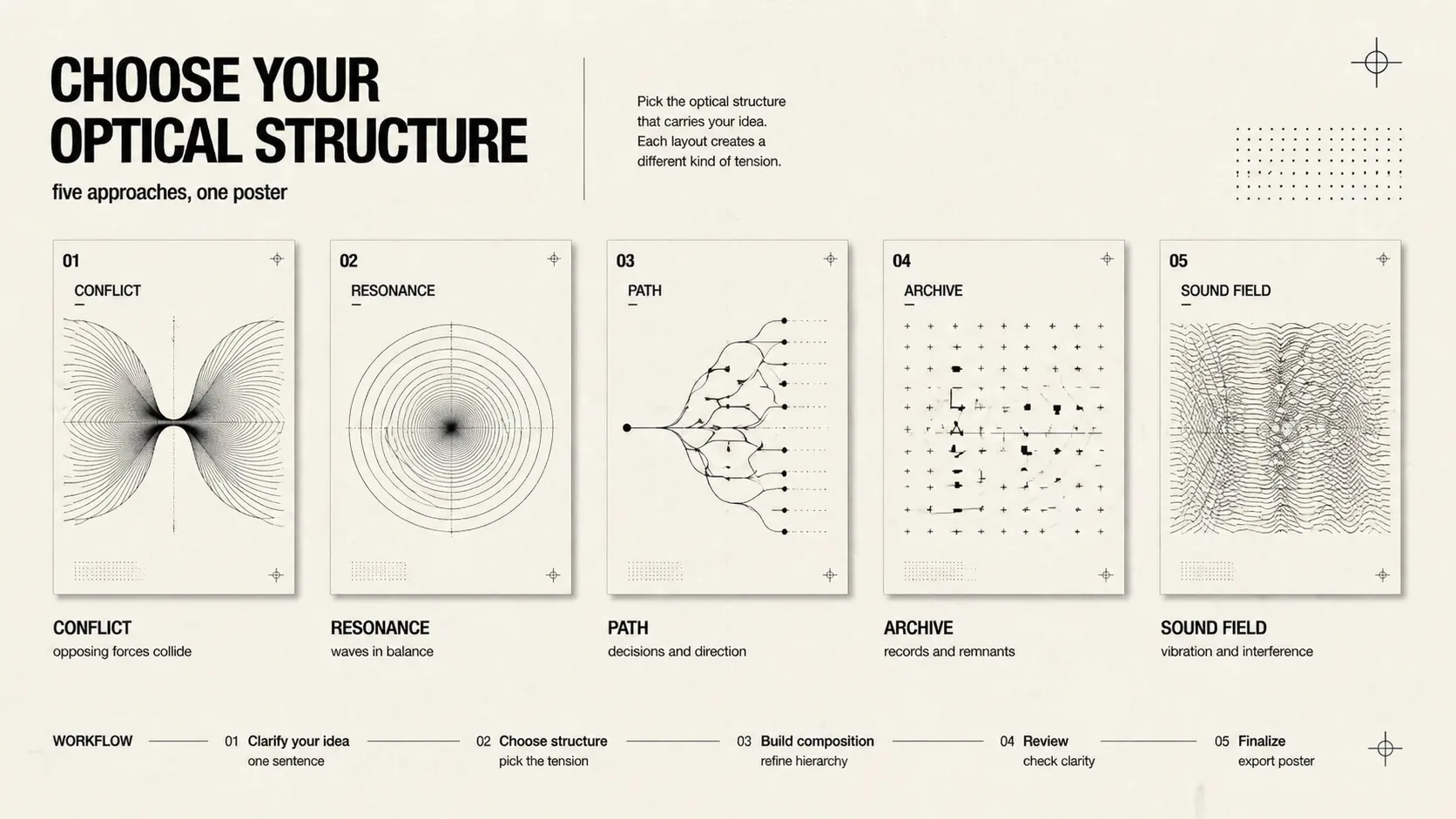
Elige la lógica visual
Usa conflicto, resonancia, ruta de decisión, memoria cultural, retícula tecnológica, moiré musical, archivo expositivo, portada social o fuerzas divididas.
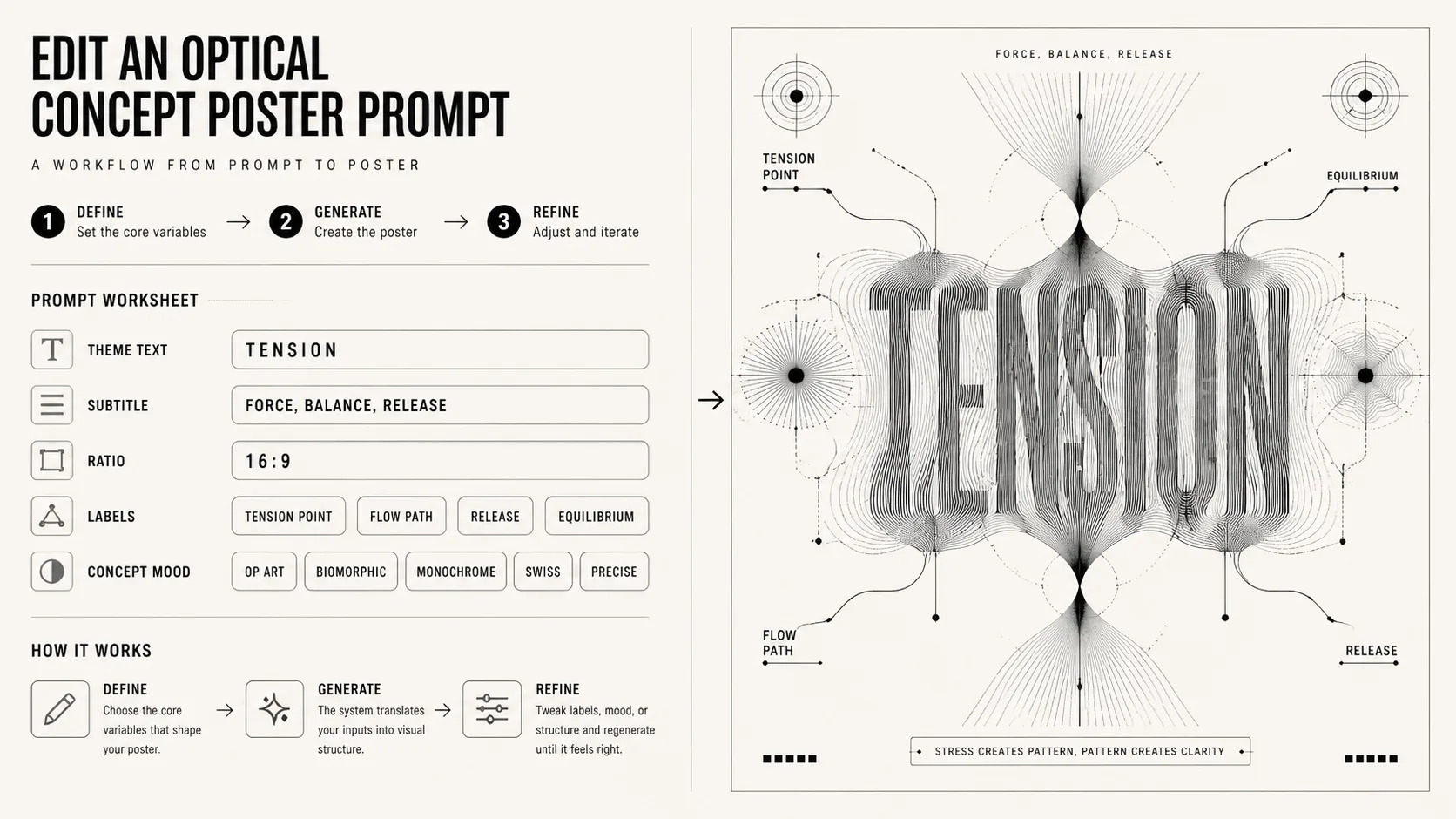
Edita tema y límites
Sustituye título corto, subtítulo, proporción, etiquetas y ánimo, manteniendo abstracción óptica en blanco y negro, tipografía legible y forma conceptual.
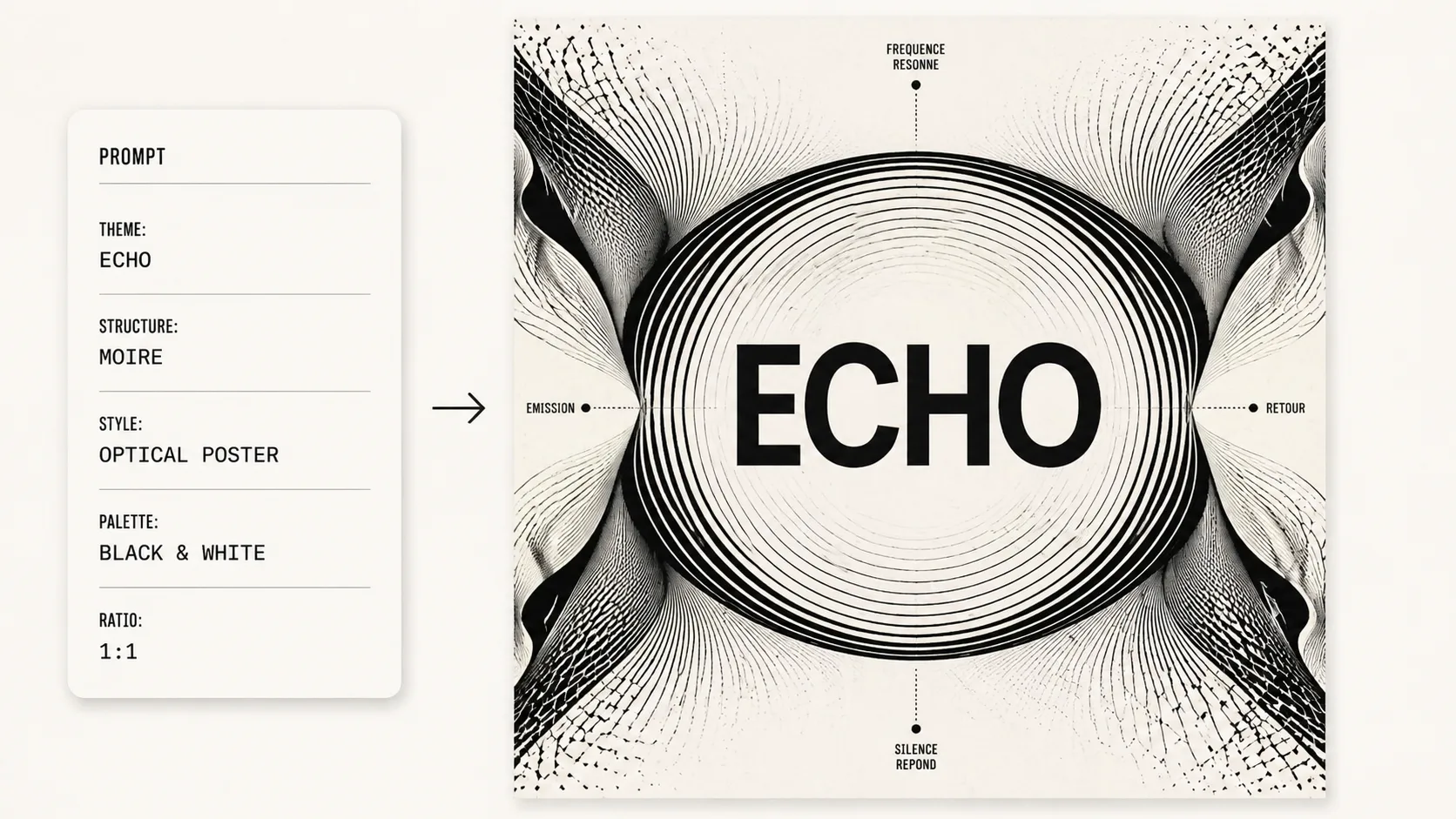
Genera y refina
Después de generar en GPT Image 2, revisa si el título es correcto y ajusta densidad de líneas, simetría, espacio negativo o proporción.
FAQ de cartel conceptual óptico
Preguntas prácticas sobre prompts GPT Image 2 para carteles ópticos en blanco y negro.
Generar cartel óptico
Abre una plantilla, cambia el texto del concepto y crea un cartel óptico en blanco y negro con GPT Image 2.