
Explore los resultados del póster de muestra a la derecha, luego toque uno para cargar ese Prompt nuevamente en el generador de la izquierda.
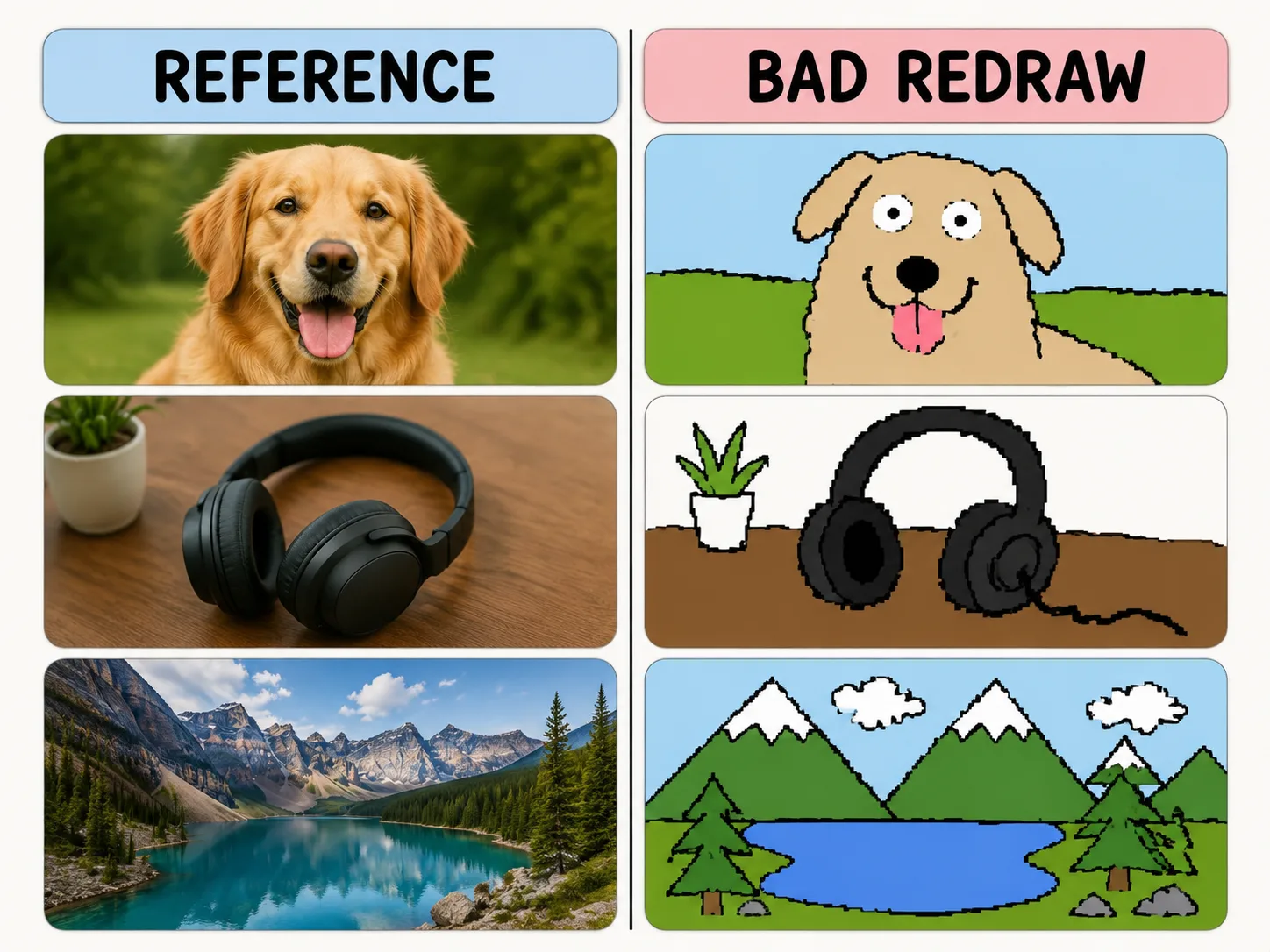
Redibuja mal a proposito
Conserva color y composicion mientras generas lineas torcidas, pixeles y humor de mouse.
Same-color resemblance
Keep the reference image loosely recognizable while changing the drawing quality.
Mouse-drawn charm
Ask for wobbly outlines, awkward proportions, and flat bucket-fill colors.
Playful remix guardrails
Make the joke about the drawing style, not the person or subject.
Reusable variables
Swap subject, caption, humor level, and background simplification quickly.
Como hacer un redibujo
Elige un template, cambia variables y genera una version divertida con GPT Image 2.
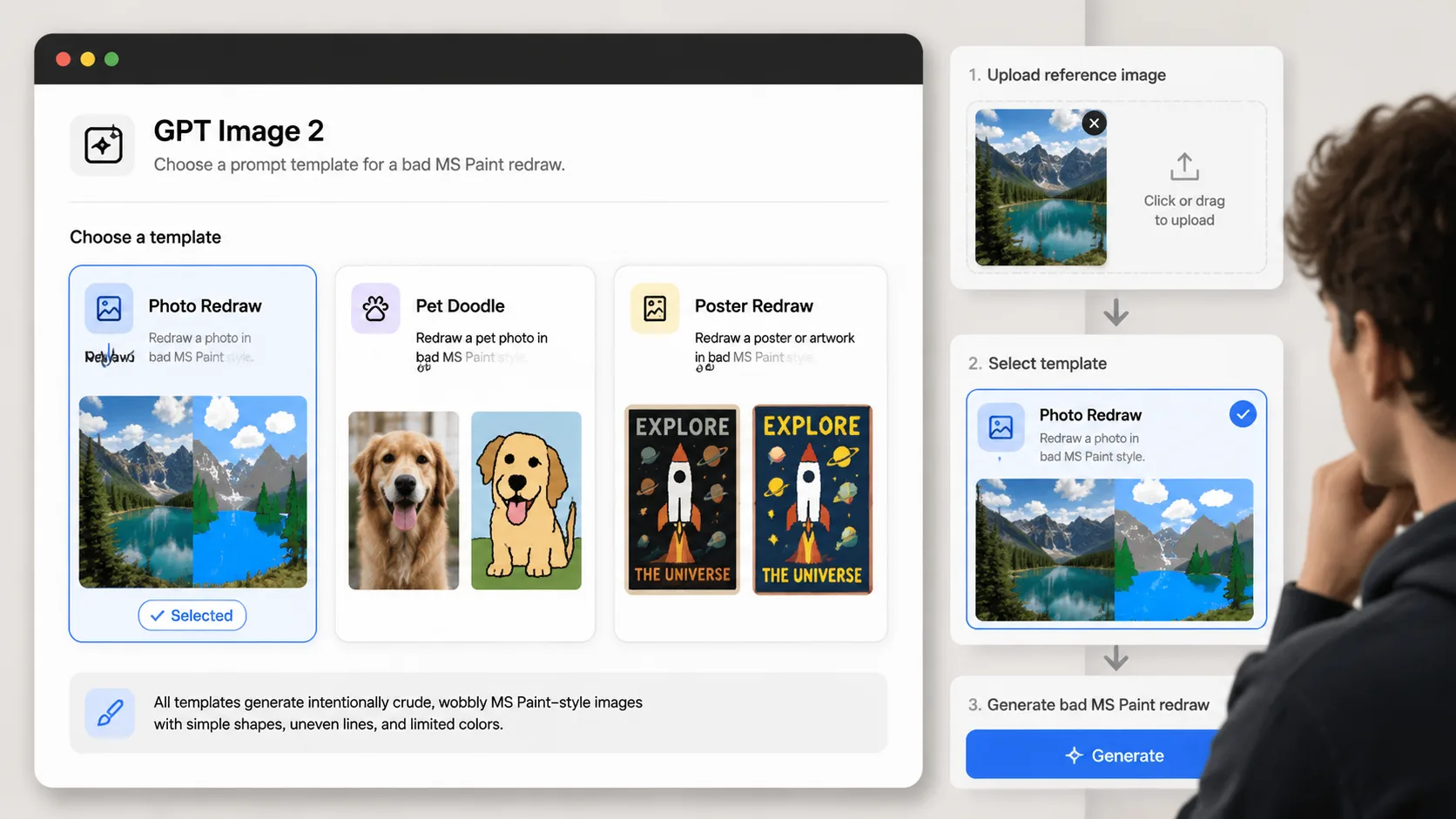
Choose a redraw prompt
Pick the template that matches your reference image: photo, pet, product, poster, room, or avatar.
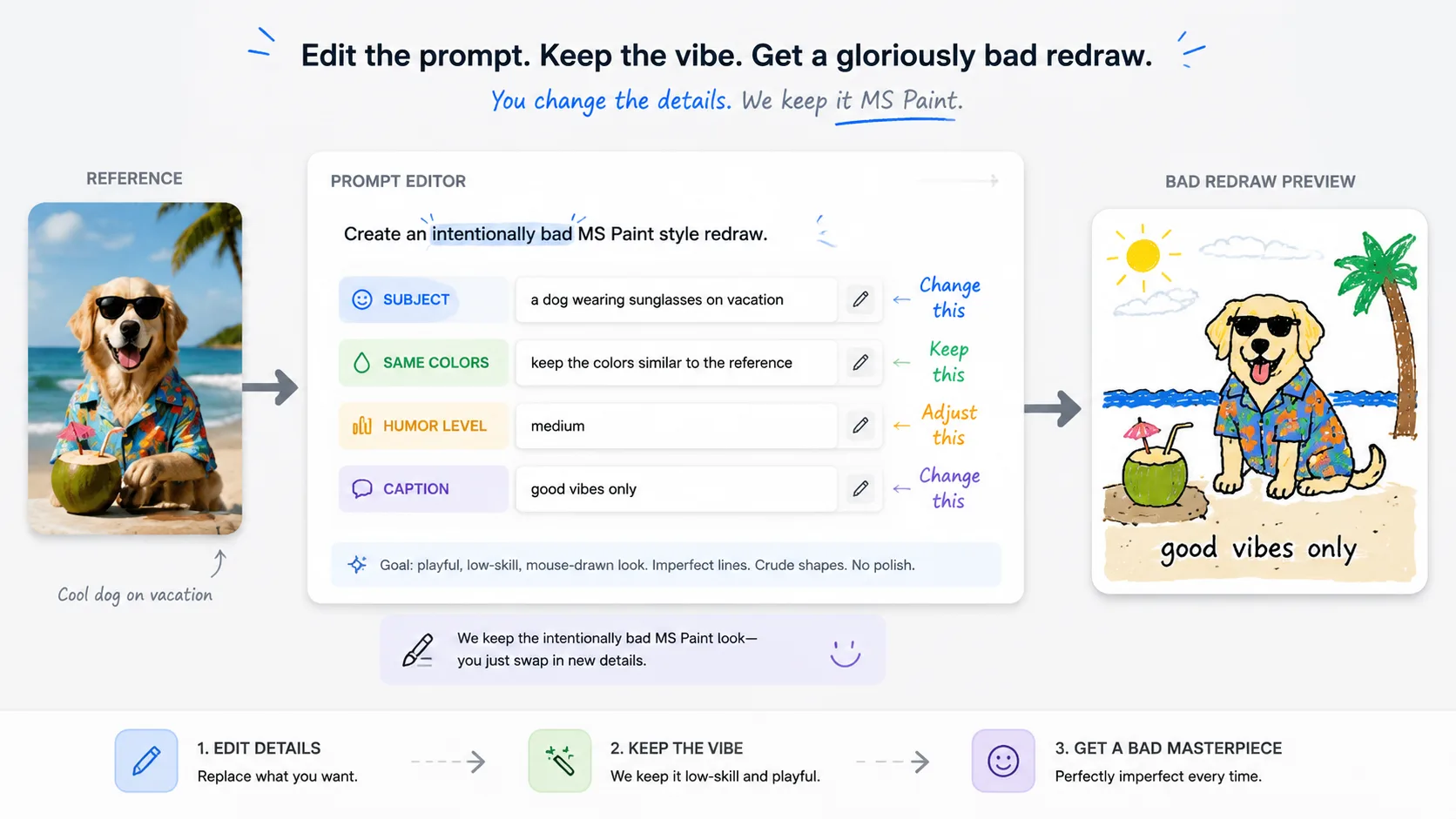
Replace the variables
Set the subject, caption, same-color rule, and humor level before generating.
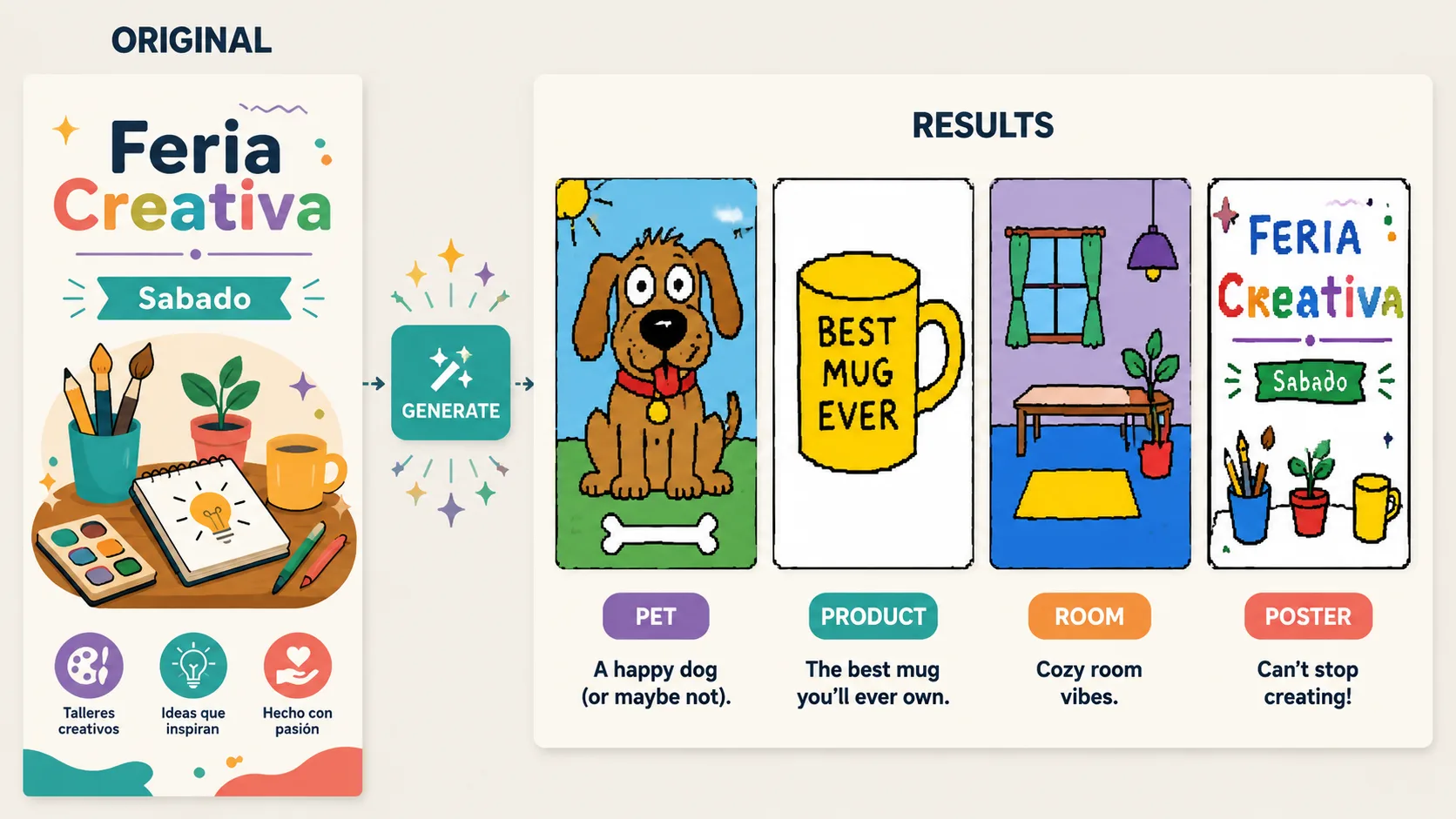
Generate and refine
Use GPT Image 2 to create the bad redraw, then adjust until the joke lands.
FAQ de redibujo MS Paint
Respuestas practicas para usar prompts de redibujo malo en GPT Image 2.
Generar redibujo malo
Sube una referencia y convierte lo torpe en efecto creativo.