
Durchsuchen Sie rechts die Ergebnisse der Beispielposter und tippen Sie dann auf eines, um die Prompt links wieder in den Generator zu laden.
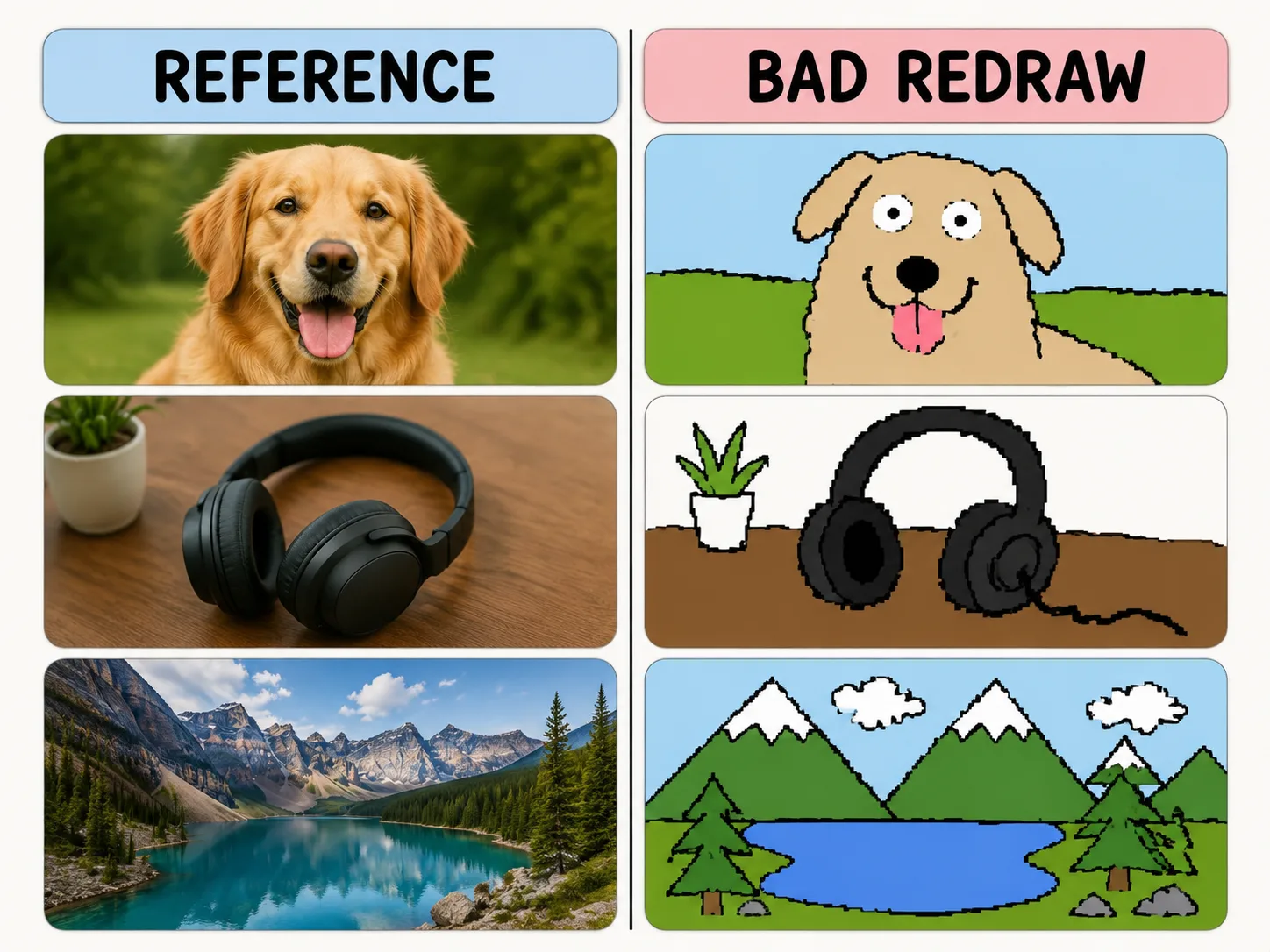
Absichtlich schlecht neu zeichnen
Erhalte Farbe und Layout, aber erzeuge wackelige Mauslinien, Pixelkanten und Humor.
Same-color resemblance
Keep the reference image loosely recognizable while changing the drawing quality.
Mouse-drawn charm
Ask for wobbly outlines, awkward proportions, and flat bucket-fill colors.
Playful remix guardrails
Make the joke about the drawing style, not the person or subject.
Reusable variables
Swap subject, caption, humor level, and background simplification quickly.
So entsteht ein Redraw
Wahle ein Template, ersetze Variablen und generiere mit GPT Image 2 ein witziges Ergebnis.
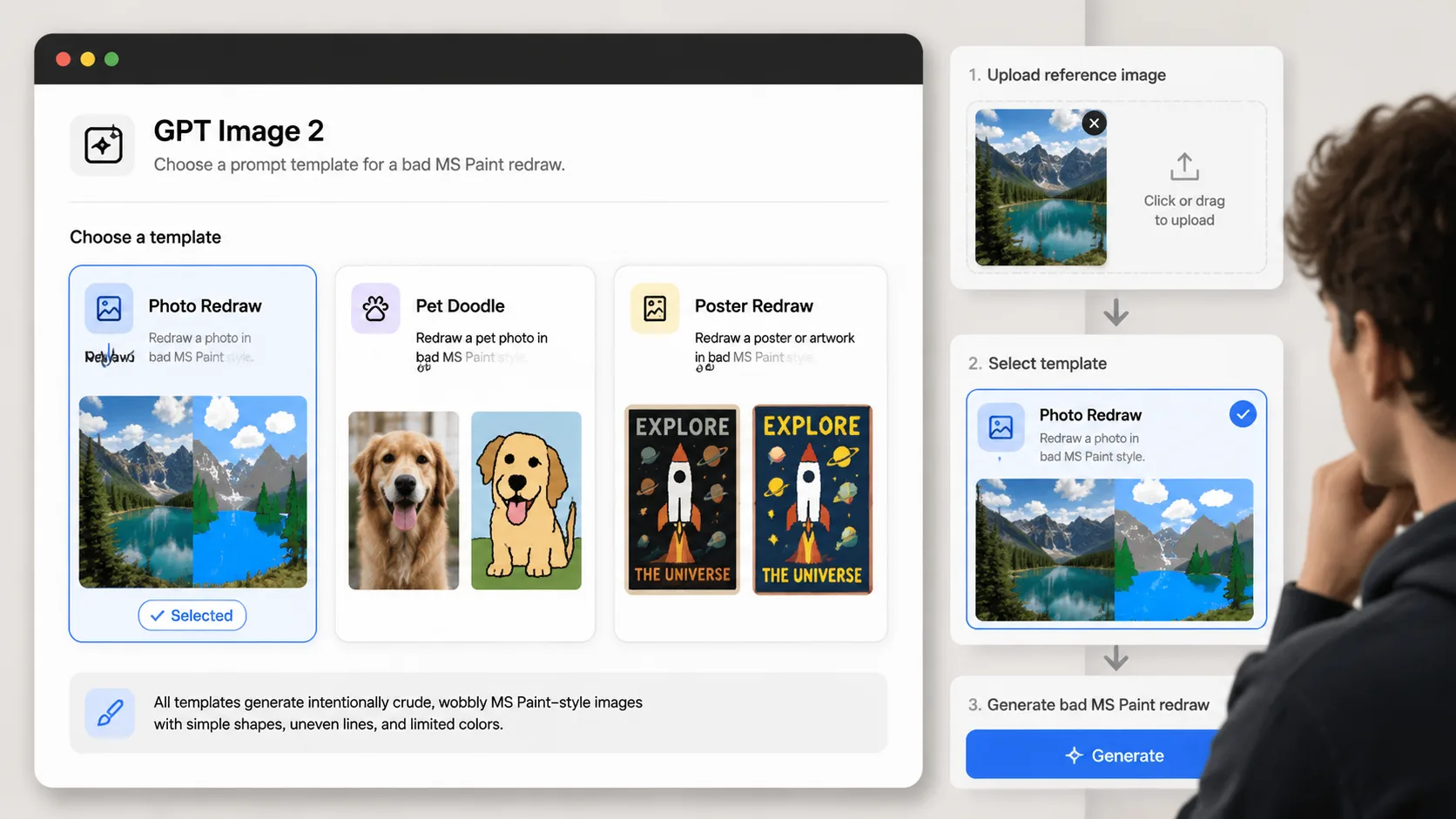
Choose a redraw prompt
Pick the template that matches your reference image: photo, pet, product, poster, room, or avatar.
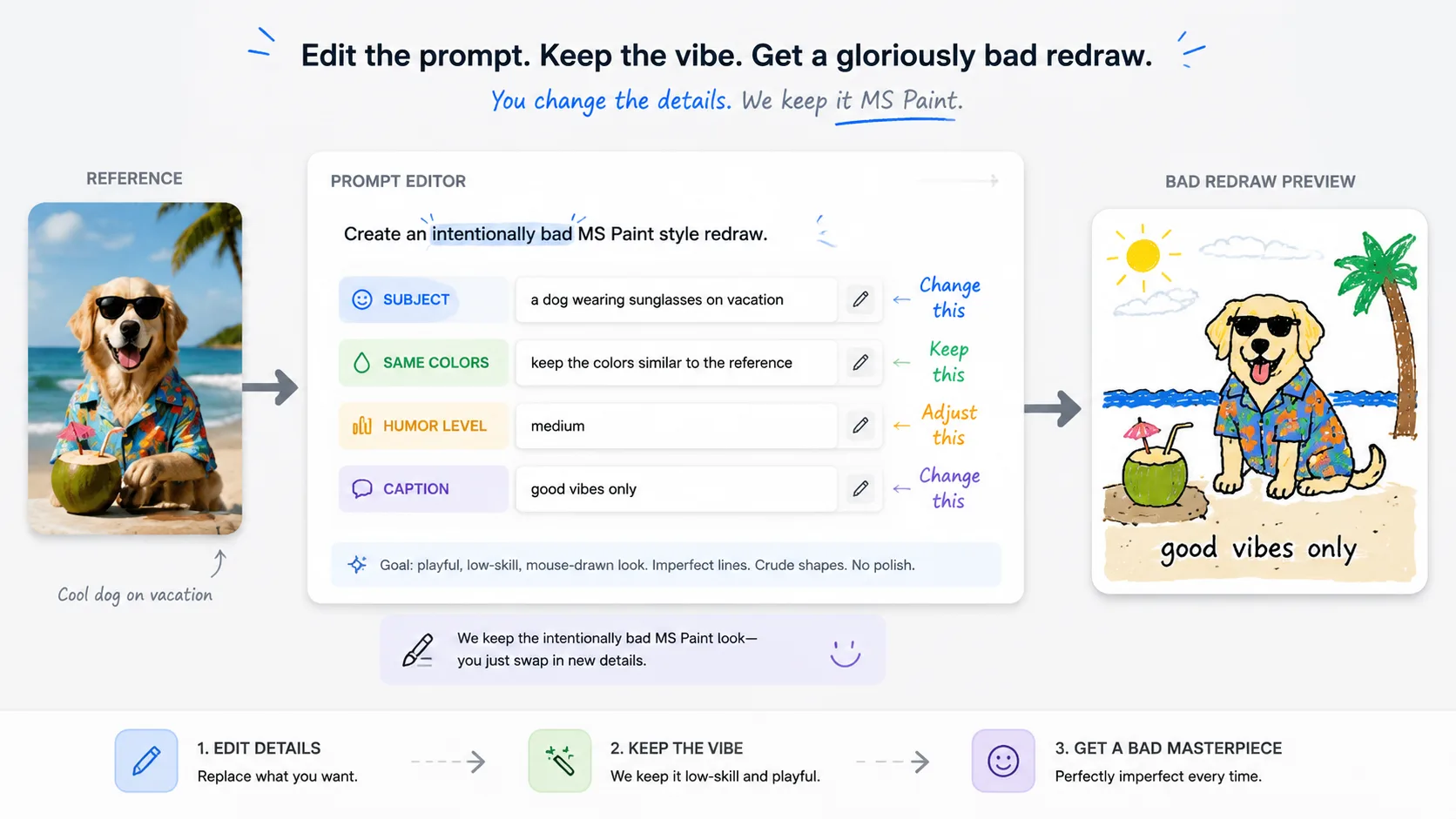
Replace the variables
Set the subject, caption, same-color rule, and humor level before generating.
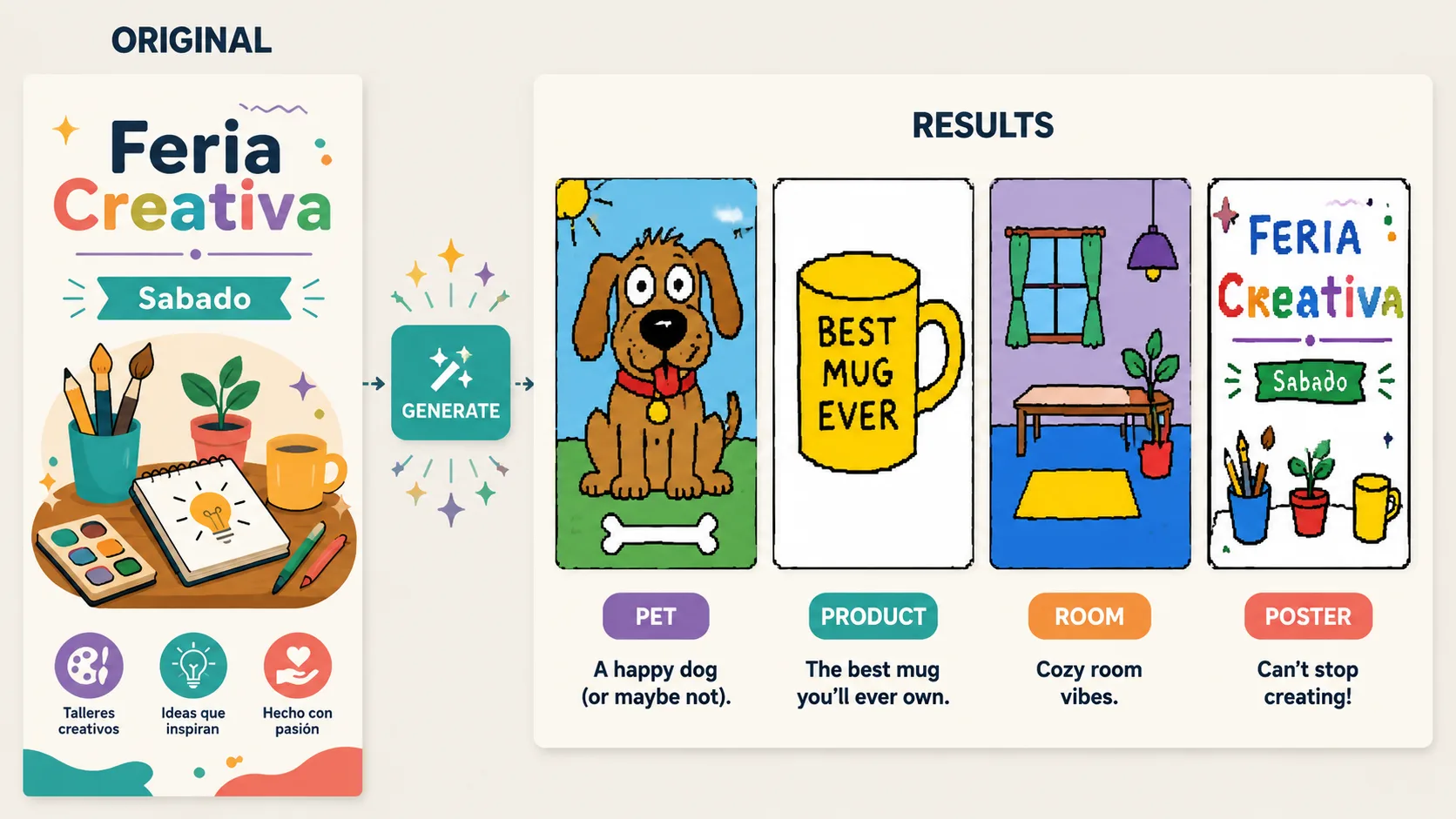
Generate and refine
Use GPT Image 2 to create the bad redraw, then adjust until the joke lands.
MS-Paint-Redraw FAQ
Praktische Antworten zur Nutzung schlechter Redraw-Prompts mit GPT Image 2.
Schlechtes Redraw erzeugen
Lade eine Vorlage hoch und mache schlechte Zeichenqualitat zum Effekt.