
오른쪽에서 샘플 포스터 결과를 찾아본 다음 하나를 탭하여 해당 프롬프트를 왼쪽의 생성기로 다시 로드하세요.
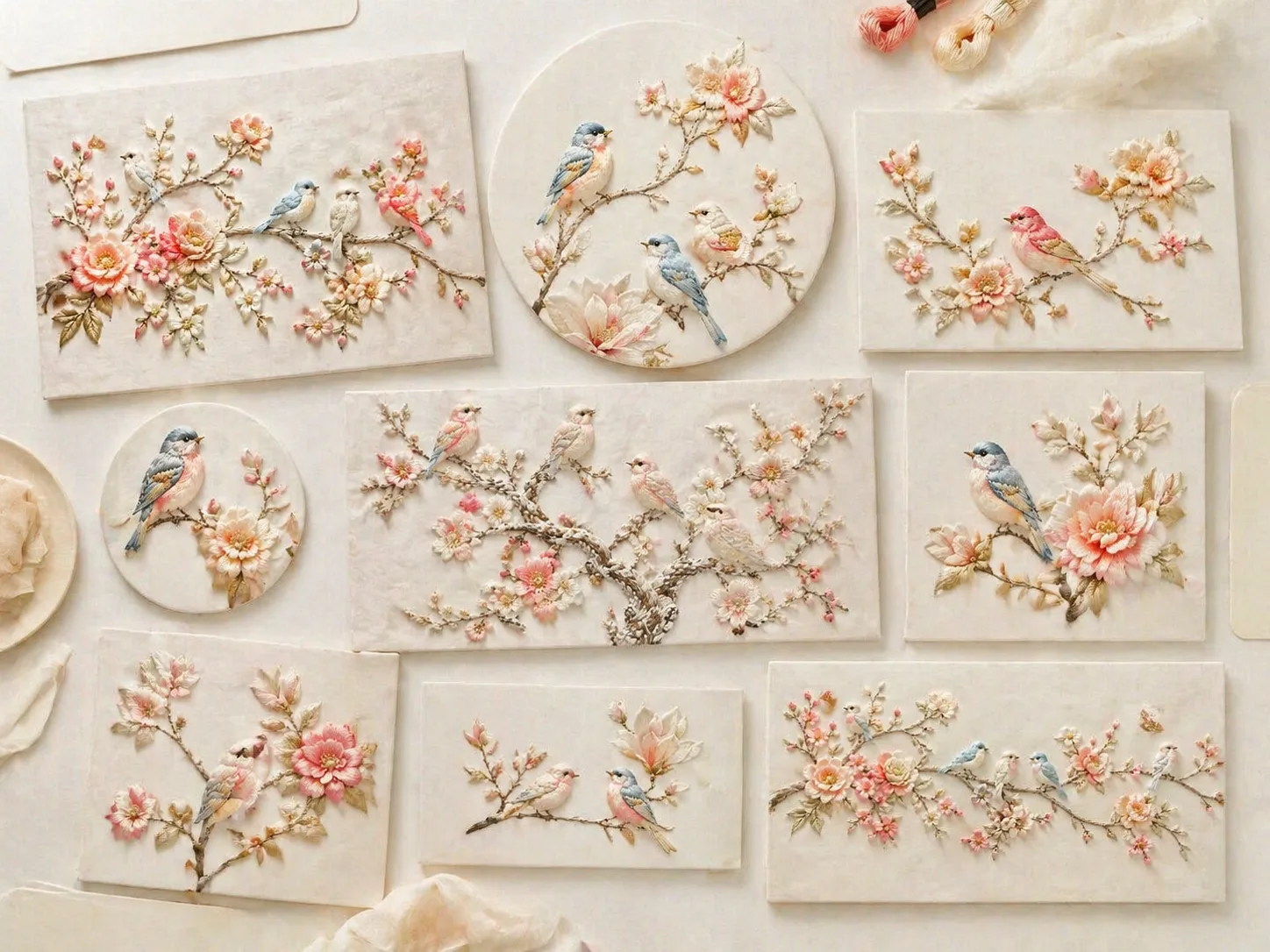
GPT Image 2로 실크 자수 새 아트 만들기
이 템플릿은 작은 새, 꽃가지, 크림색 천, 얕은 부조 실 질감을 하나의 재사용 가능한 프롬프트 구조로 묶습니다. 포스터, 카드, 패키지, 장식 패널, 아이 방 벽 장식, 쿠튀르 액세서리 콘셉트에 맞게 조정할 수 있습니다.
입체 실크 실 질감
새틴 스티치, 얕은 패딩 부조, 섬유 그림자, 실 방향, 천 결을 명확히 지시해 평면 삽화가 아니라 손자수처럼 보이게 합니다.
바꿀 수 있는 새와 꽃
새 종류, 꽃 팔레트, 가지 곡선, 배경 천, 여백, 부조 강도를 바꾸면서 실크 화이트와 부드러운 파스텔 톤을 유지합니다.
실제 디자인 포맷
세로 포스터, 정사각형 갤러리 이미지, 카드, 와이드 장식 패널, 제품 포장, 아이 방 텍스타일, 브로치 클로즈업까지 활용할 수 있습니다.
반복 가능한 생성 흐름
가장 가까운 샘플을 고르고 변수를 수정한 뒤 GPT Image 2로 생성합니다. 결과를 참고 이미지로 다시 넣어 더 정돈된 두 번째 결과를 만들 수 있습니다.
자수 새 프롬프트 사용법
흐름은 섬세한 실크 실 새 이미지를 만드는 동일 의도에 집중합니다.
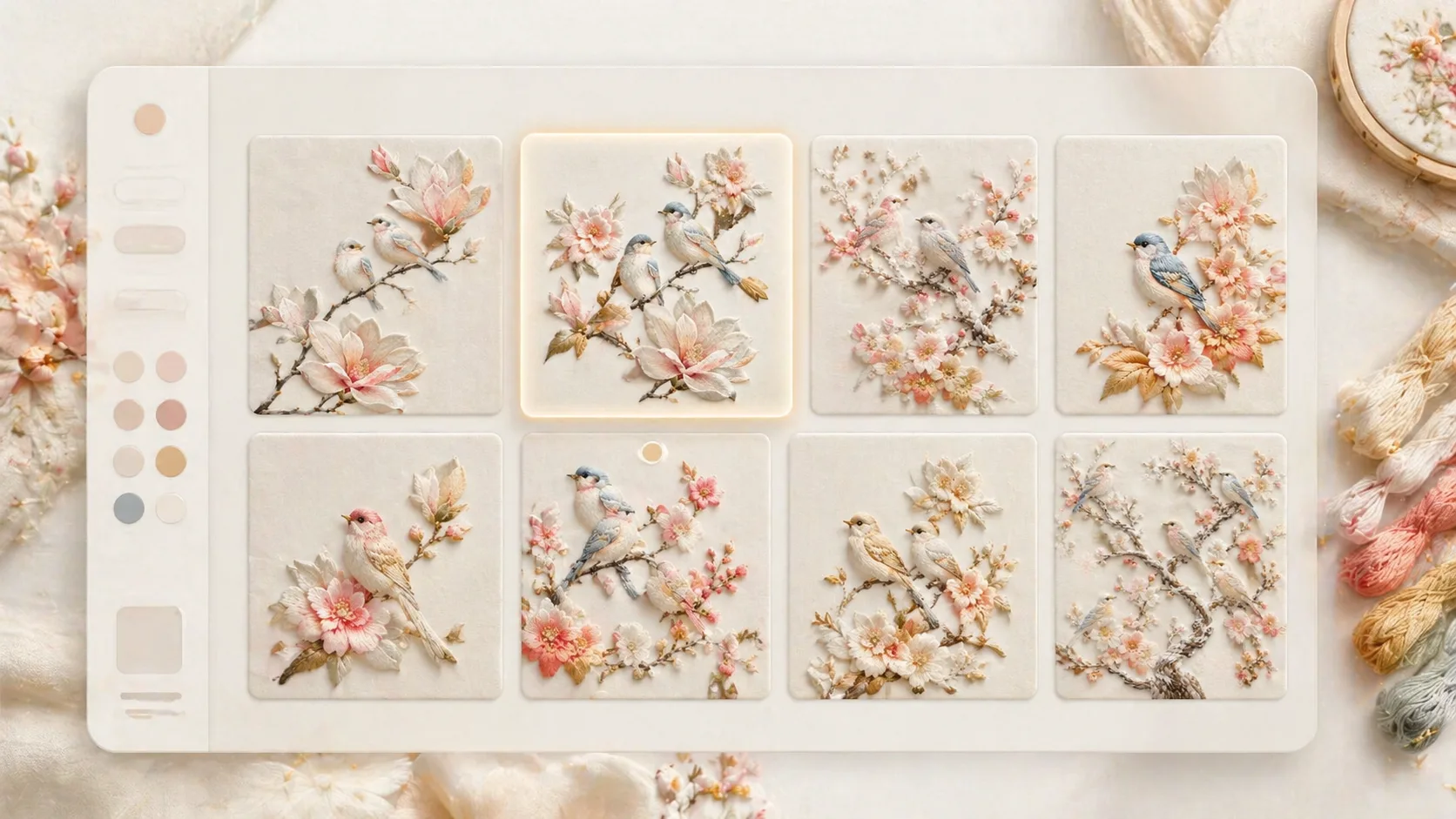
가까운 템플릿 선택
꽃가지 새, 서리 느낌 새장, 목련 포스터, 정원 패널, 카드, 달빛 두루미, 포장 패턴, 아이 방 벽 장식, 브로치 예시 중 비율과 구도가 맞는 것을 고릅니다.
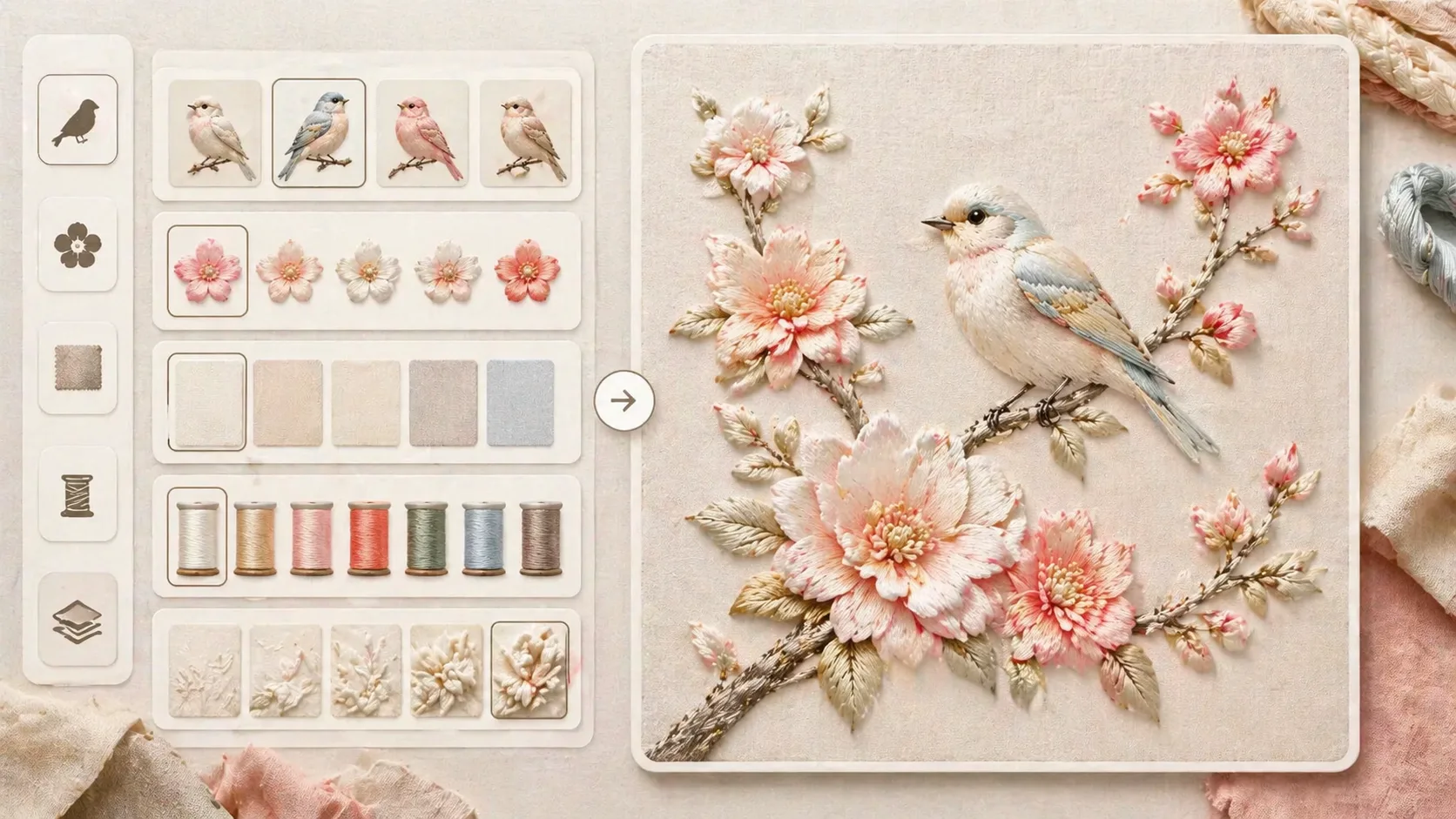
텍스타일 변수 편집
새 종류, 꽃, 가지 곡선, 색상, 천 배경, 부조 깊이를 바꾸고 실크 광택, 새틴 스티치, 손작업 질감, 부드러운 빛, 텍스트 없음 조건을 유지합니다.
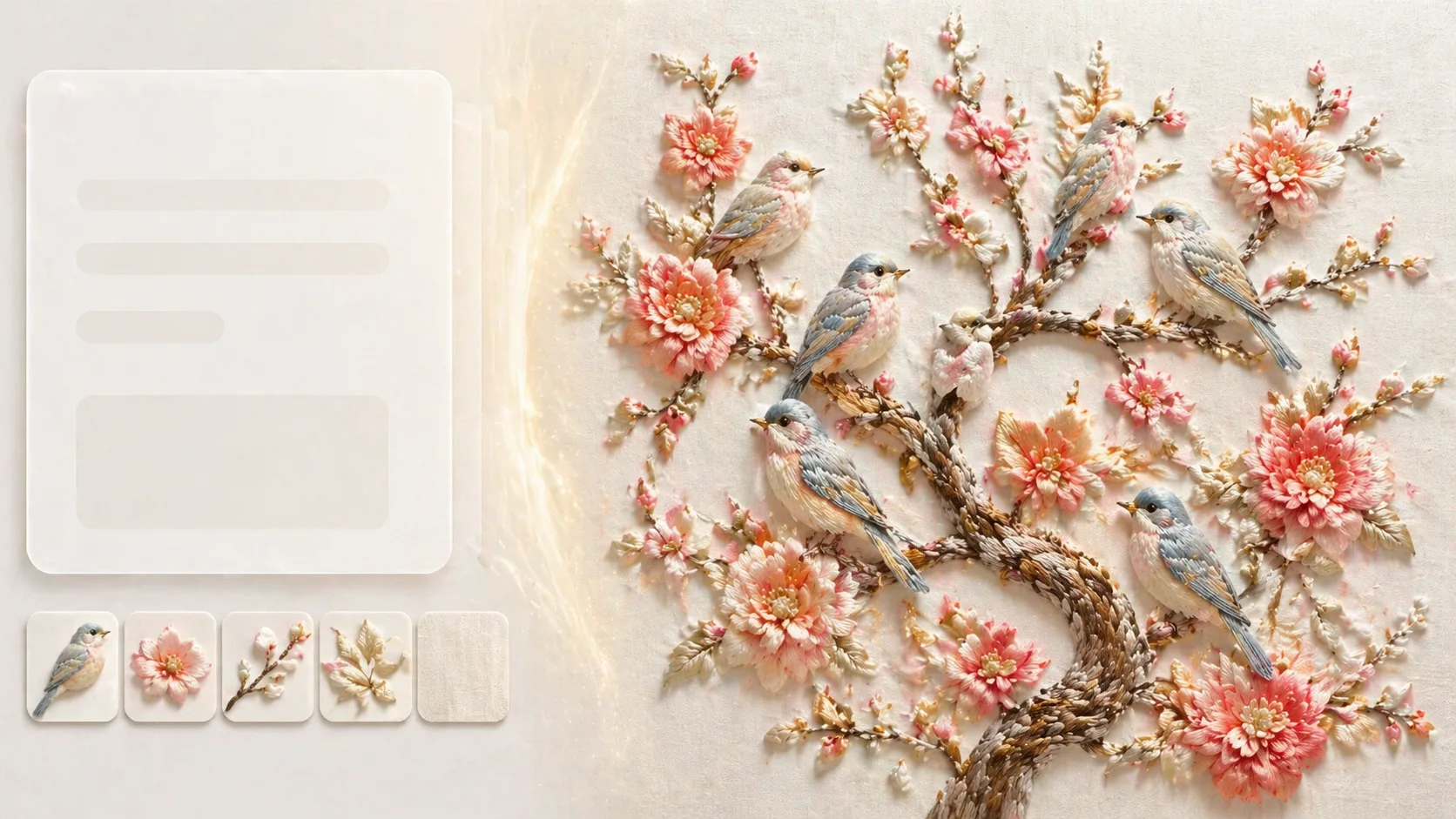
생성 후 비교와 보정
GPT Image 2 결과를 샘플과 비교하고 여백, 실 방향, 부드러운 그림자, 플라스틱 같은 흰색 제거, 로고와 무작위 문자 방지를 다음 프롬프트에 반영합니다.
실크 자수 새 프롬프트 FAQ
GPT Image 2 실크 자수 새 템플릿을 사용할 때 자주 찾는 질문입니다.