
오른쪽에서 샘플 포스터 결과를 찾아본 다음 하나를 탭하여 해당 프롬프트를 왼쪽의 생성기로 다시 로드하세요.
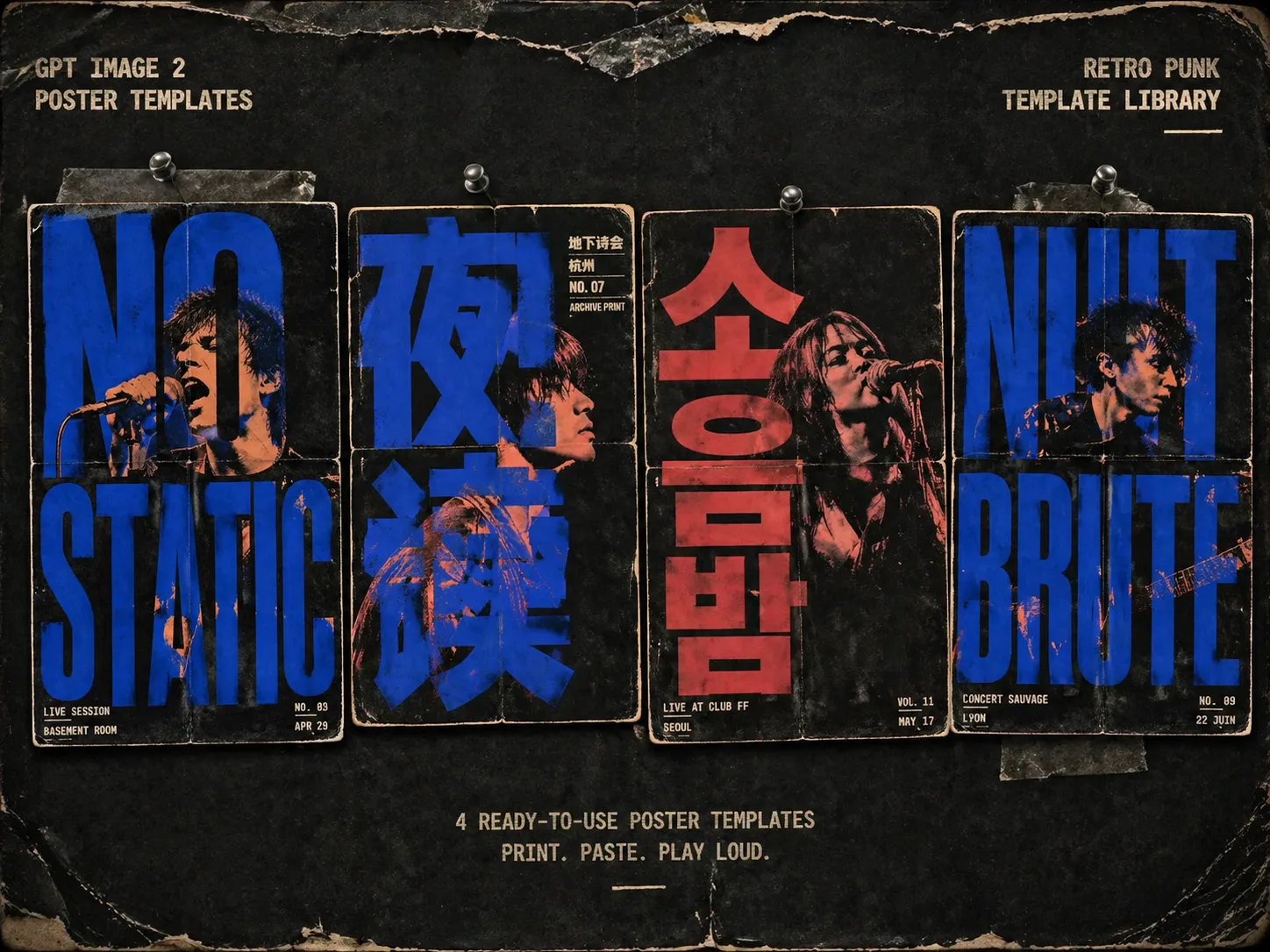
레트로 펑크 공연 포스터 GPT Image 2 prompts 만들기
이 템플릿 세트는 밴드 이름, 이벤트 문구, 인물 참조, 장소 정보를 거친 실크스크린 포스터 콘셉트로 바꿉니다. 메인 글자는 배경 위의 라벨이 아니라 이미지 구조가 되고, 인물은 글자 사이의 틈과 빈 공간에서 드러납니다. 지하 공연 플라이어, 진 커버, 투어 포스터, 심야 라디오 비주얼, 창고 이벤트, 타이포 중심 앨범 콘셉트에 적합합니다.
크고 읽히는 타이포
각 punk gig poster prompt는 메인 단어나 문구를 포스터 구조로 만들어 작은 캡션처럼 보이지 않게 합니다.
실크스크린 인물 처리
생성 인물이나 업로드한 초상 참조를 사용하고, GPT Image 2가 정체성 단서를 유지하면서 듀오톤 잉크와 하프톤으로 바꾸게 합니다.
언더그라운드 플라이어 질감
복사기 노이즈, 리소그래프 오버프린트, 잉크 어긋남, 접힌 자국, 낡은 가장자리, 종이 섬유가 포함됩니다.
수정 가능한 변수
메인 글자, 밴드명, 장소, 도시, 날짜, 작은 문구, 인물 역할, 화면비, 2-3색 잉크 팔레트를 바꿀 수 있습니다.
실크스크린 포스터 생성 흐름
이벤트에 맞는 포스터 형식을 고르고 보이는 글자와 참조를 바꾼 뒤 GPT Image 2로 생성하고 가독성을 점검하세요.
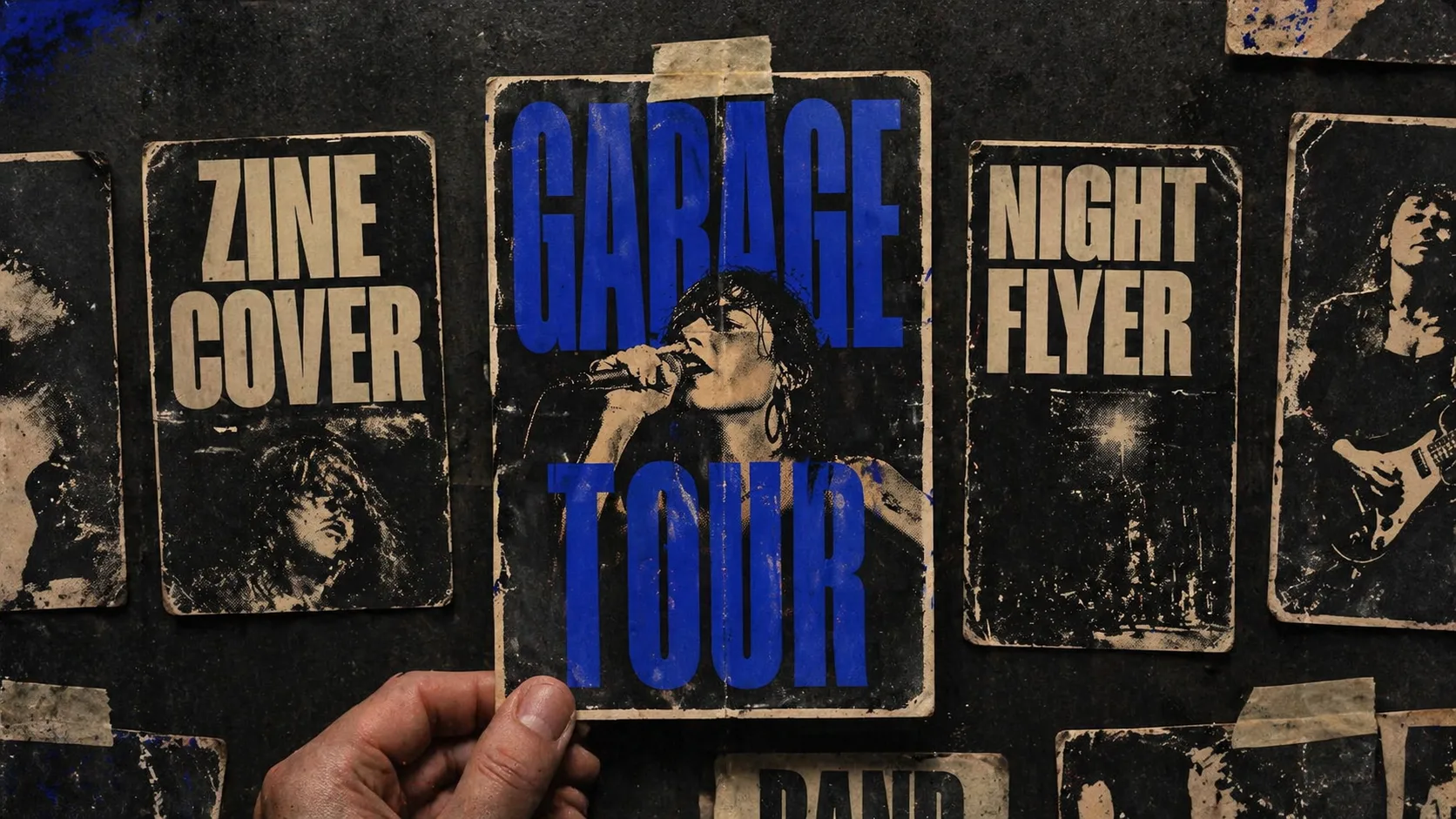
포스터 방향 선택
세로 공연 플라이어, 정사각형 진 커버, 인디 영화 포스터, 창고 테크노 플라이어, 항의 음악 포스터, 극장 포스터 중에서 고릅니다.
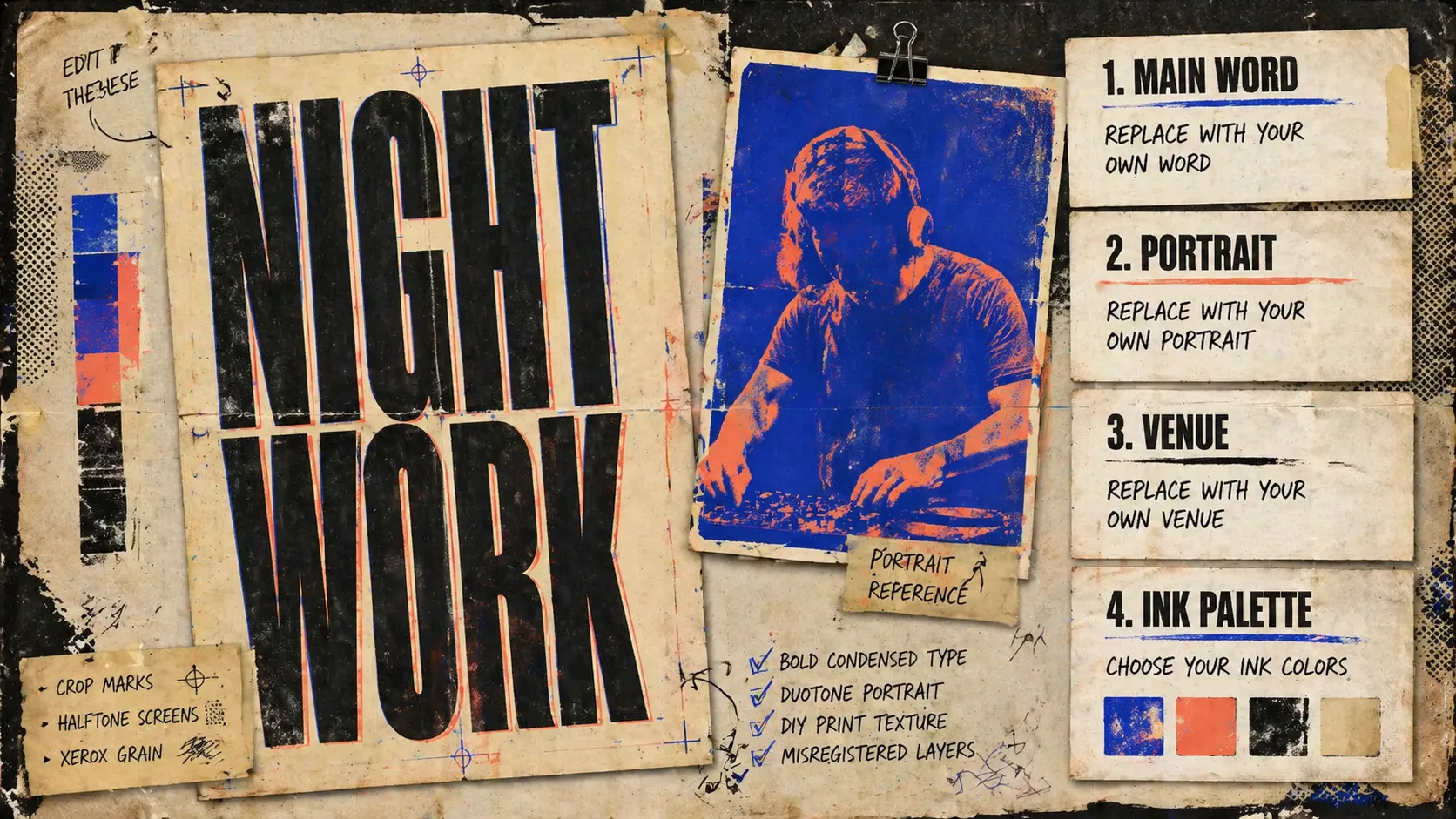
글자와 참조 교체
메인 문구, 현지화된 작은 글자, 장소 정보, 인물 참조, 공연자 유형, 2-3색 잉크 팔레트를 수정합니다.
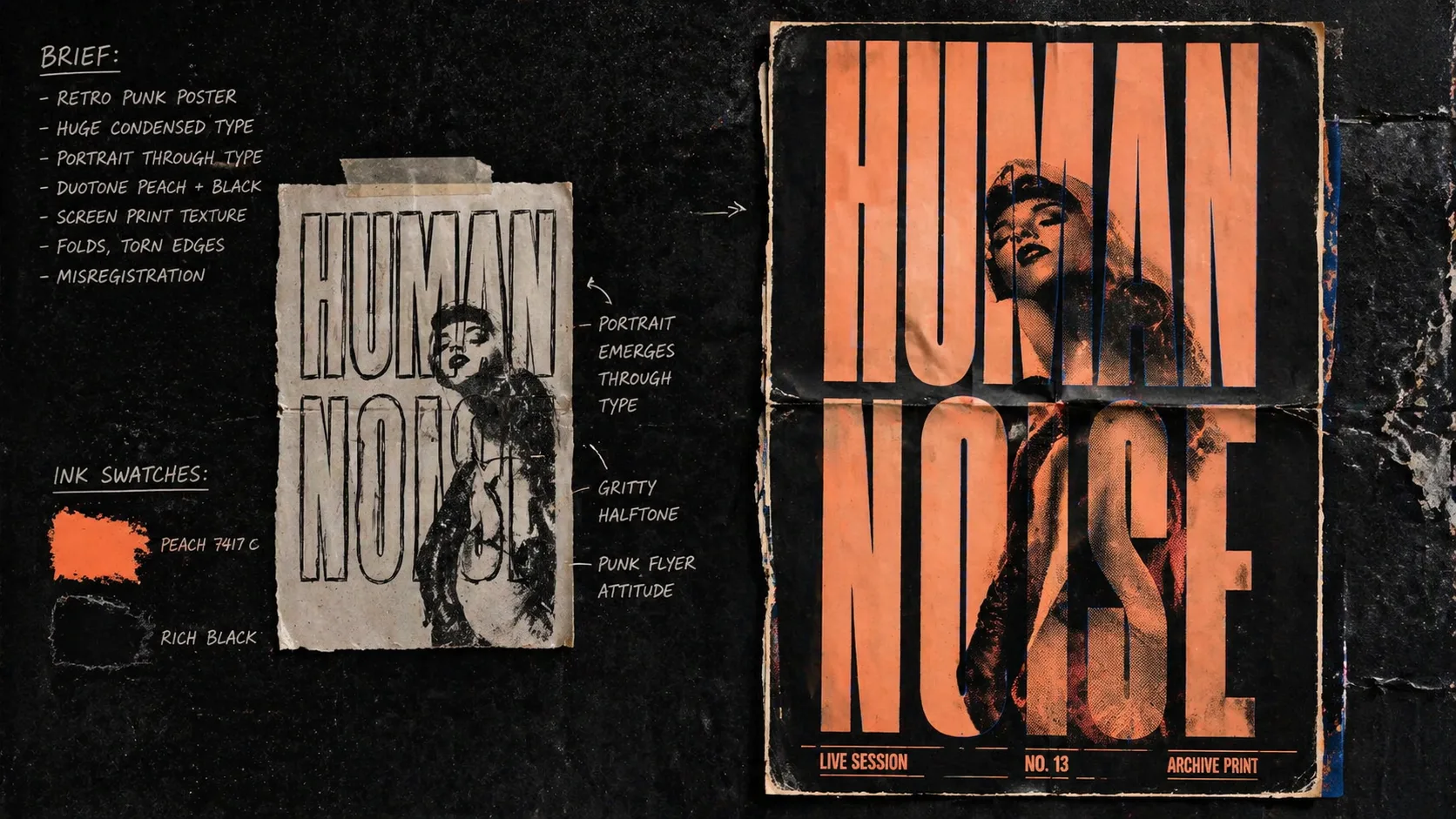
생성 후 다듬기
첫 이미지를 만들고 철자와 가독성을 확인한 뒤 텍스트 수, 대비, 시각 요소 밀도를 조정합니다.
레트로 펑크 포스터 FAQ
GPT Image 2로 음악 포스터, 진, 타이포 플라이어를 만들 때 필요한 답변입니다.