
오른쪽에서 샘플 포스터 결과를 찾아본 다음 하나를 탭하여 해당 프롬프트를 왼쪽의 생성기로 다시 로드하세요.
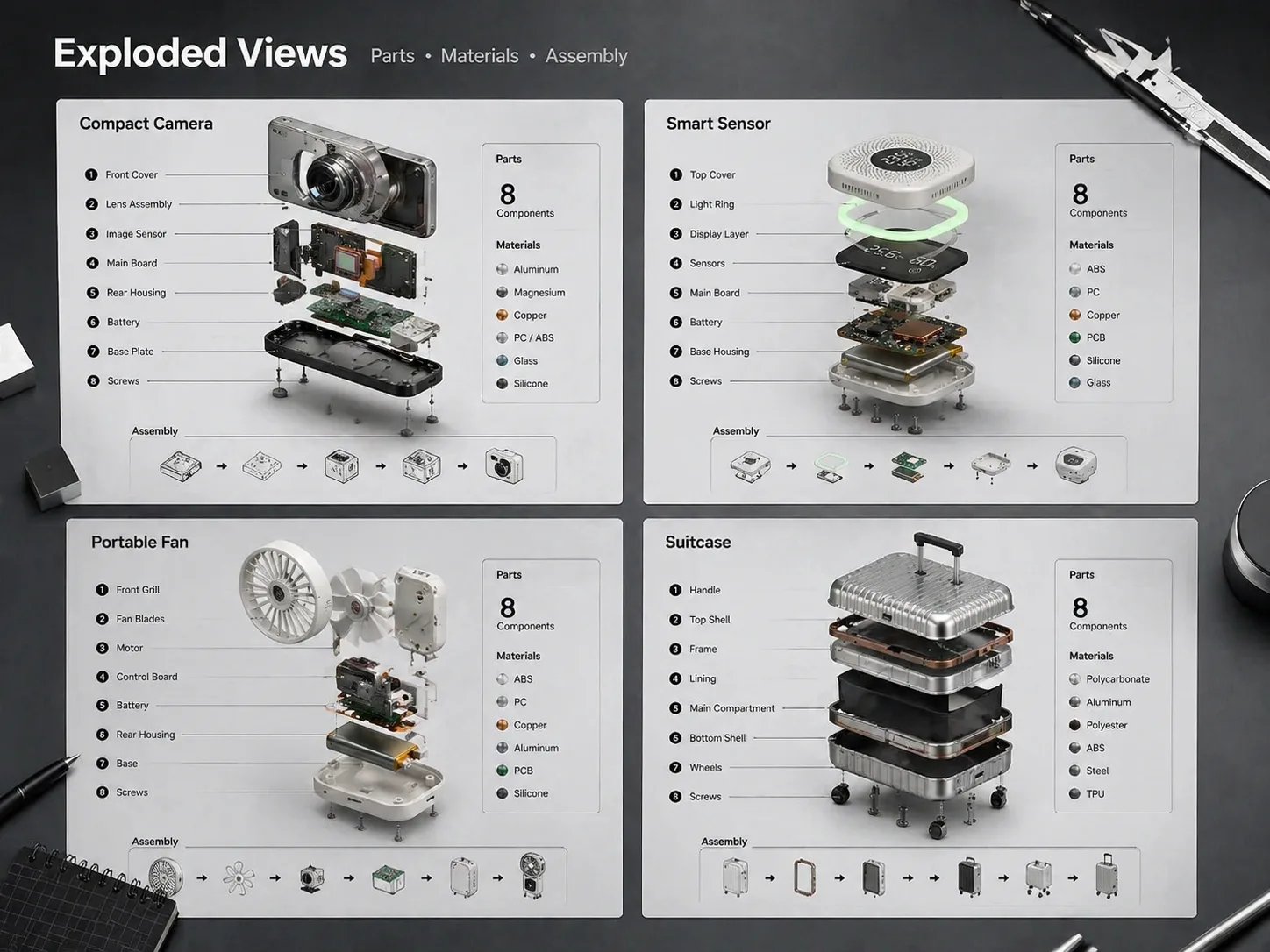
GPT Image 2 프롬프트로 분해 조립도 만들기
제품, 하드웨어, 콘셉트 기기를 부품 단위로 나누고 번호 라벨, 콜아웃 선, 부품 목록이 있는 기술 포스터로 구성합니다.
부품 목록부터 정리
프롬프트는 대상 제품, 핵심 부품, 재질, 라벨 언어, 배경, 포스터 구성을 먼저 지정해 결과를 안정적으로 만듭니다.
읽기 쉬운 분리 간격
GPT Image 2가 외피, 보드, 나사, 실링, 프레임, 기능 모듈을 축 또는 방사형 구조로 명확히 분리하도록 안내합니다.
기술 콜아웃 지원
번호 라벨, 얇은 리더 라인, 부품 범례, 사양 스트립, 시각적 계층을 넣어 제품 구조를 빠르게 이해하게 합니다.
콘셉트에 안전한 출력
교육, 커머스, 제품 스토리텔링에는 유용하지만 실제 로고, 허위 인증, 위험한 수리 절차, 과장된 사양은 피합니다.
제품 분해 비주얼 생성 흐름
가장 가까운 분해 조립도 템플릿을 고르고 변수를 바꾼 뒤 GPT Image 2에서 생성하고 다듬습니다.
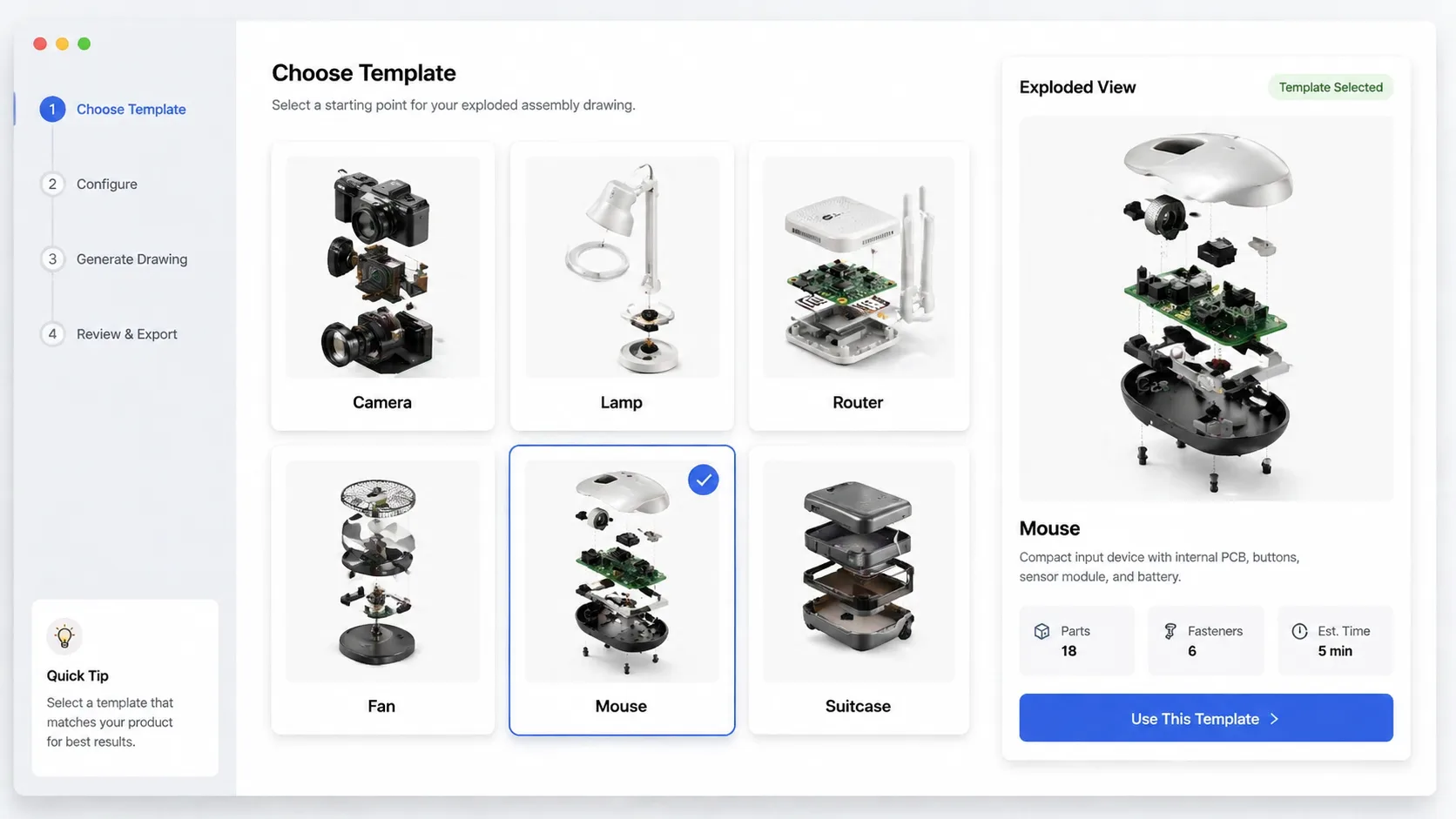
맞는 분해 템플릿 선택
카메라, 센서, 램프, 라우터, 가전, 아웃도어 장비, 마우스, 여행 가방 등 구조가 비슷한 템플릿에서 시작하세요.
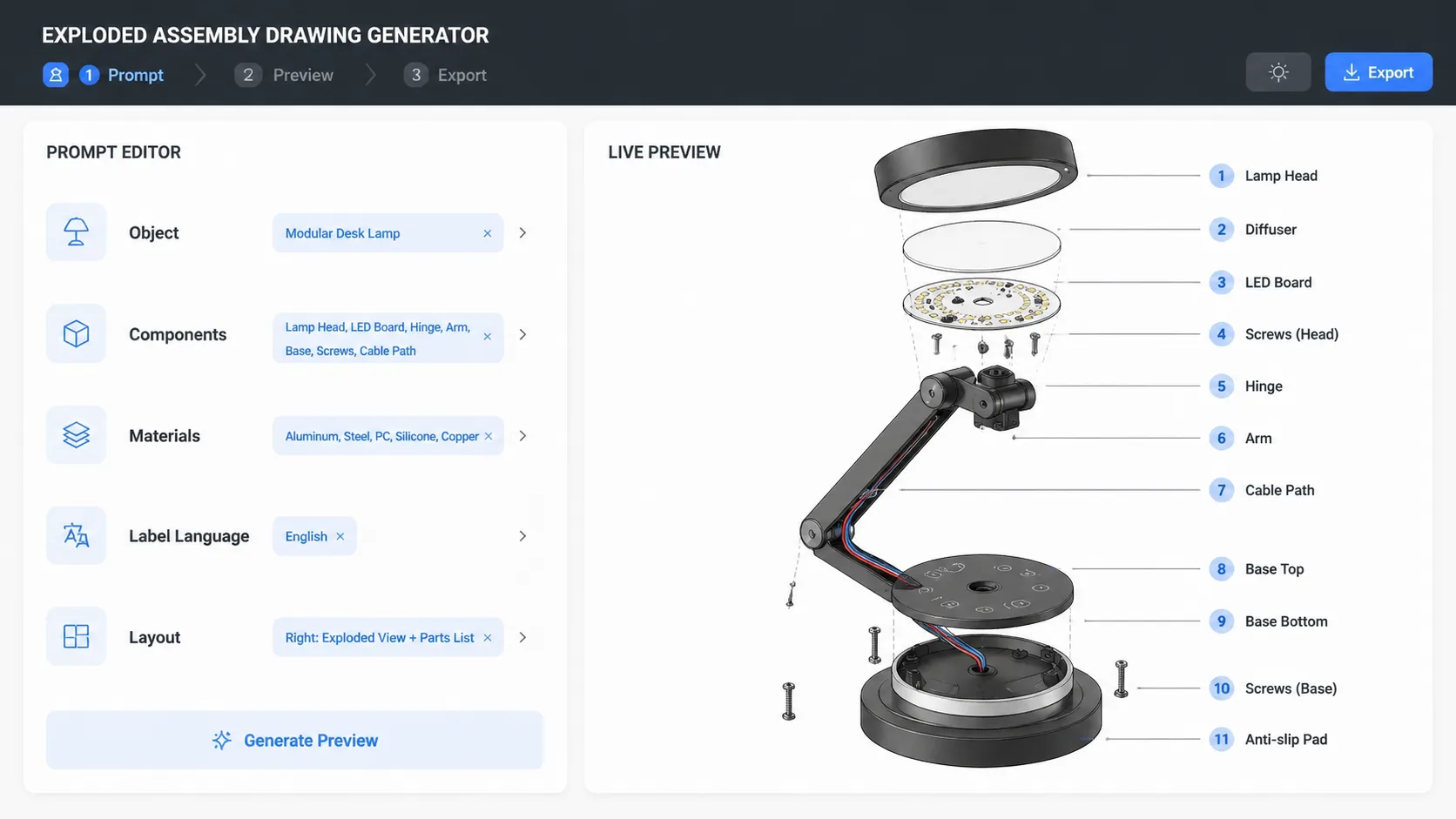
제품과 라벨 교체
제품명, 부품 목록, 재질, 라벨 언어, 화면 비율, 콜아웃 스타일, 분해 방향을 원하는 출력에 맞게 바꿉니다.
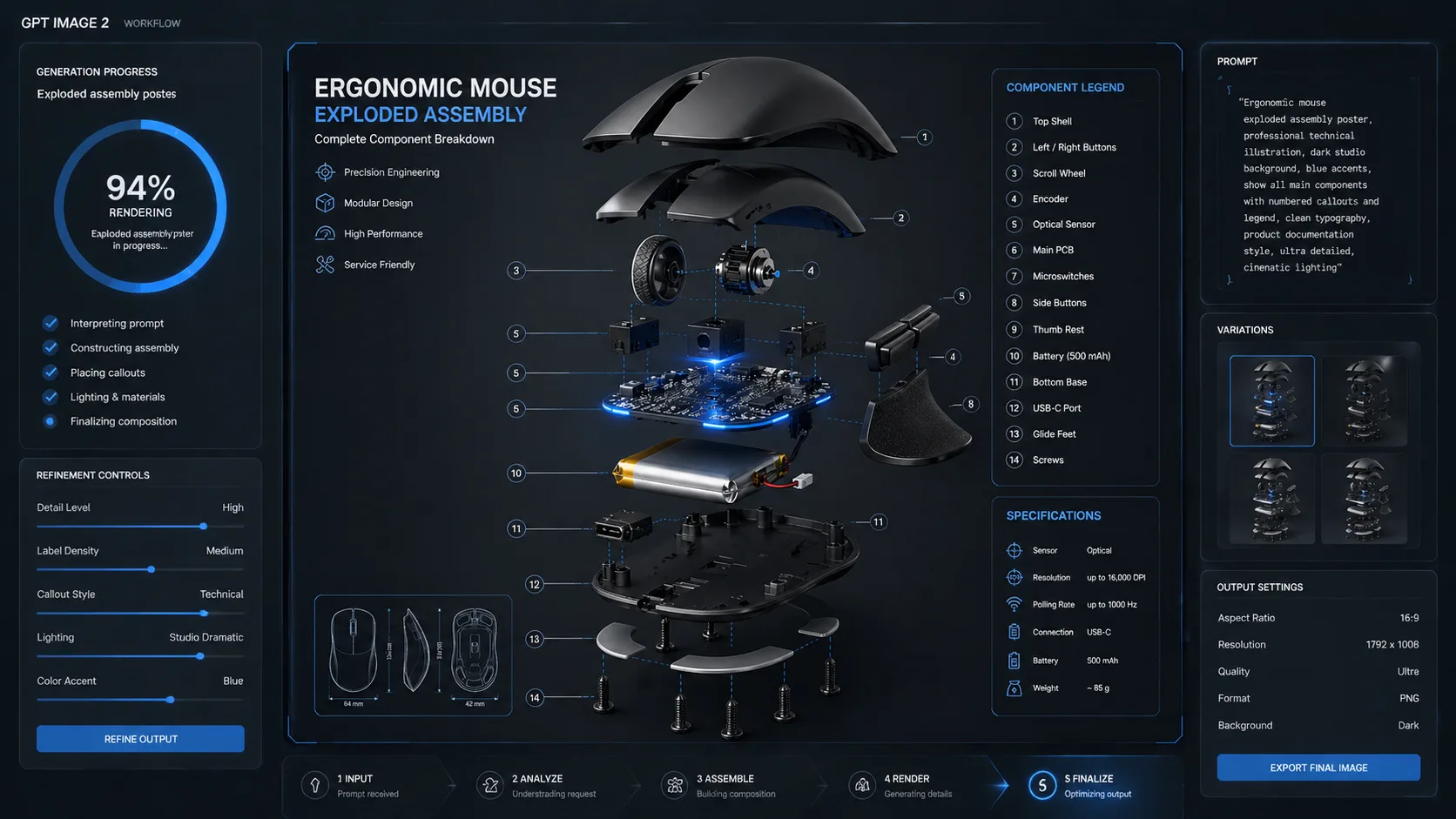
생성 후 세부 조정
GPT Image 2 결과에서 간격, 부품 강조, 텍스트 길이, 안전 문구를 확인한 뒤 프롬프트를 조정합니다.
분해 조립도 프롬프트 FAQ
GPT Image 2로 제품 분해도와 exploded view를 만드는 방법입니다.