
오른쪽에서 샘플 포스터 결과를 찾아본 다음 하나를 탭하여 해당 프롬프트를 왼쪽의 생성기로 다시 로드하세요.
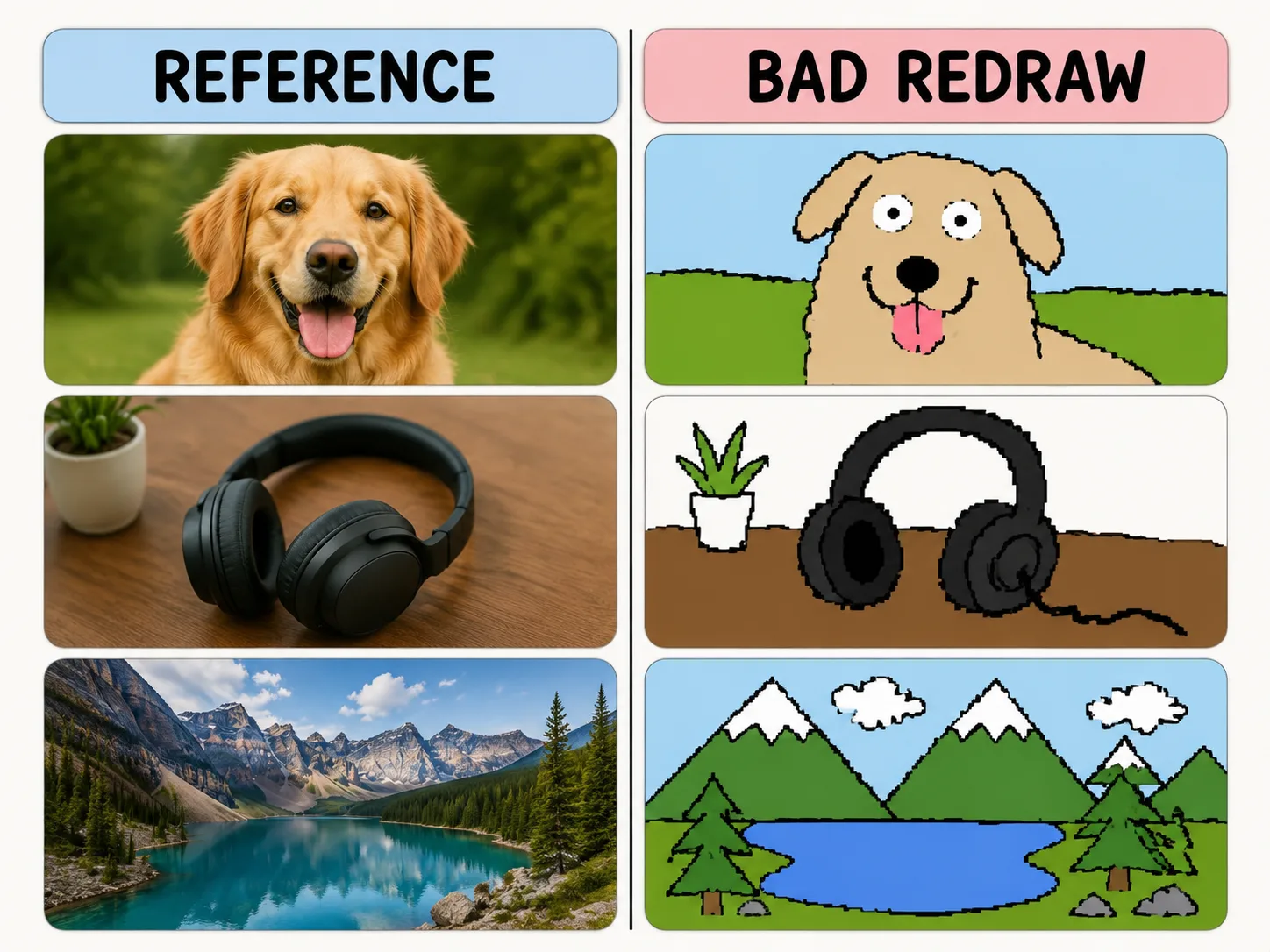
일부러 못 그린 리드로잉
색과 구도는 남기고, 마우스로 그린 듯한 흔들리는 선과 픽셀 느낌을 만듭니다.
Same-color resemblance
Keep the reference image loosely recognizable while changing the drawing quality.
Mouse-drawn charm
Ask for wobbly outlines, awkward proportions, and flat bucket-fill colors.
Playful remix guardrails
Make the joke about the drawing style, not the person or subject.
Reusable variables
Swap subject, caption, humor level, and background simplification quickly.
나쁜 리드로잉 만들기
템플릿을 고르고 변수를 바꾼 뒤 GPT Image 2로 재미있는 결과를 만드세요.
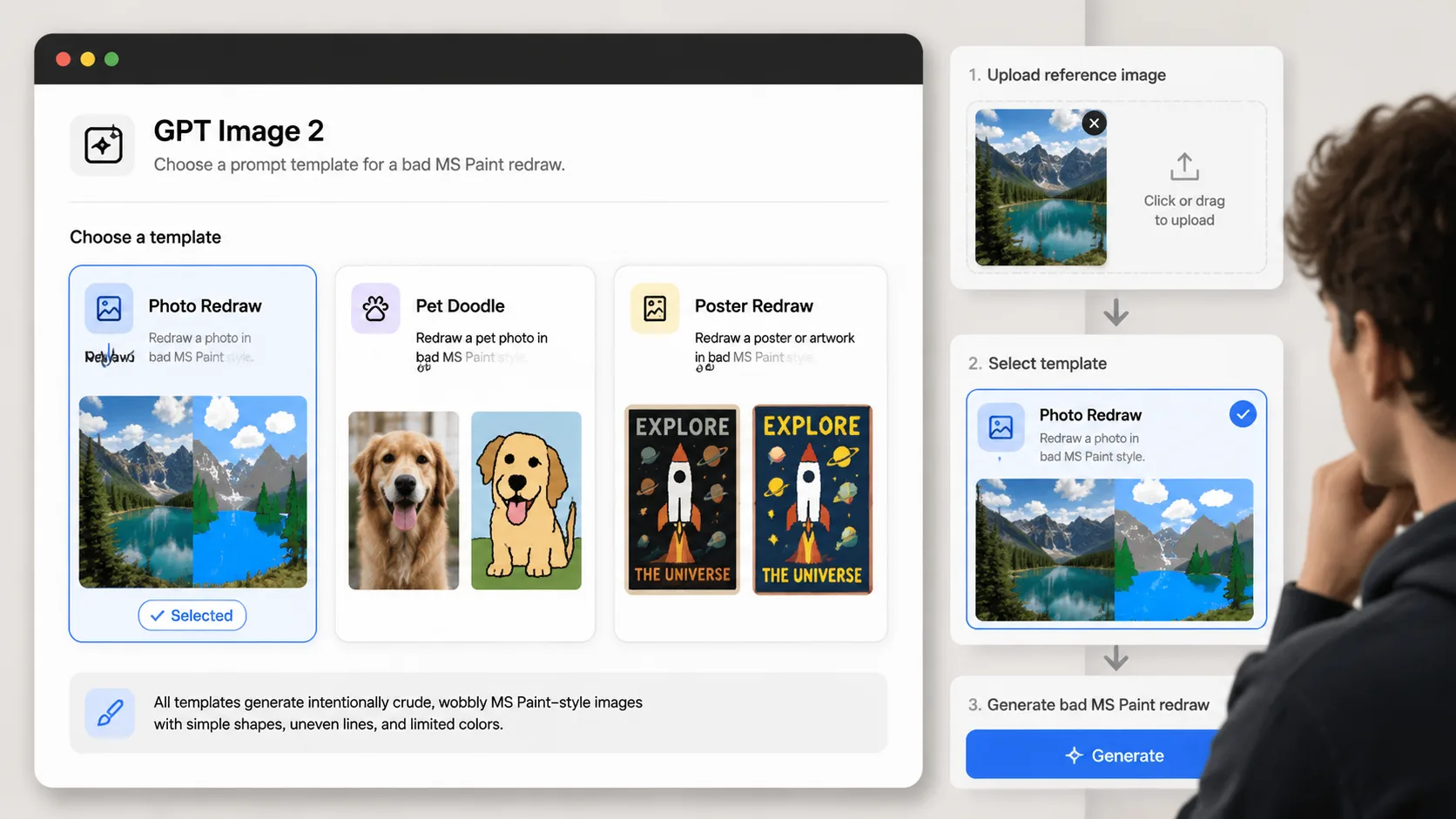
Choose a redraw prompt
Pick the template that matches your reference image: photo, pet, product, poster, room, or avatar.
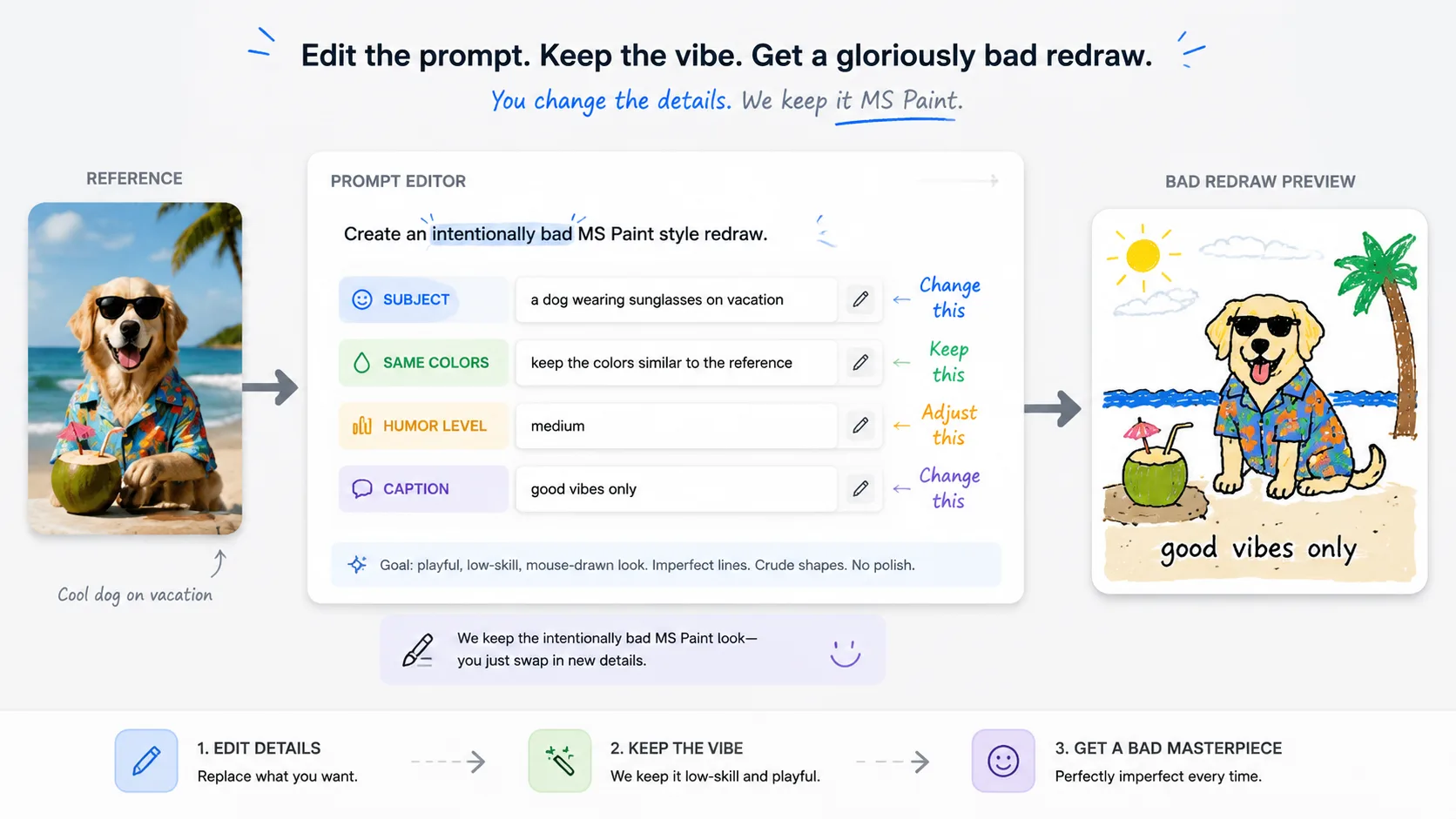
Replace the variables
Set the subject, caption, same-color rule, and humor level before generating.
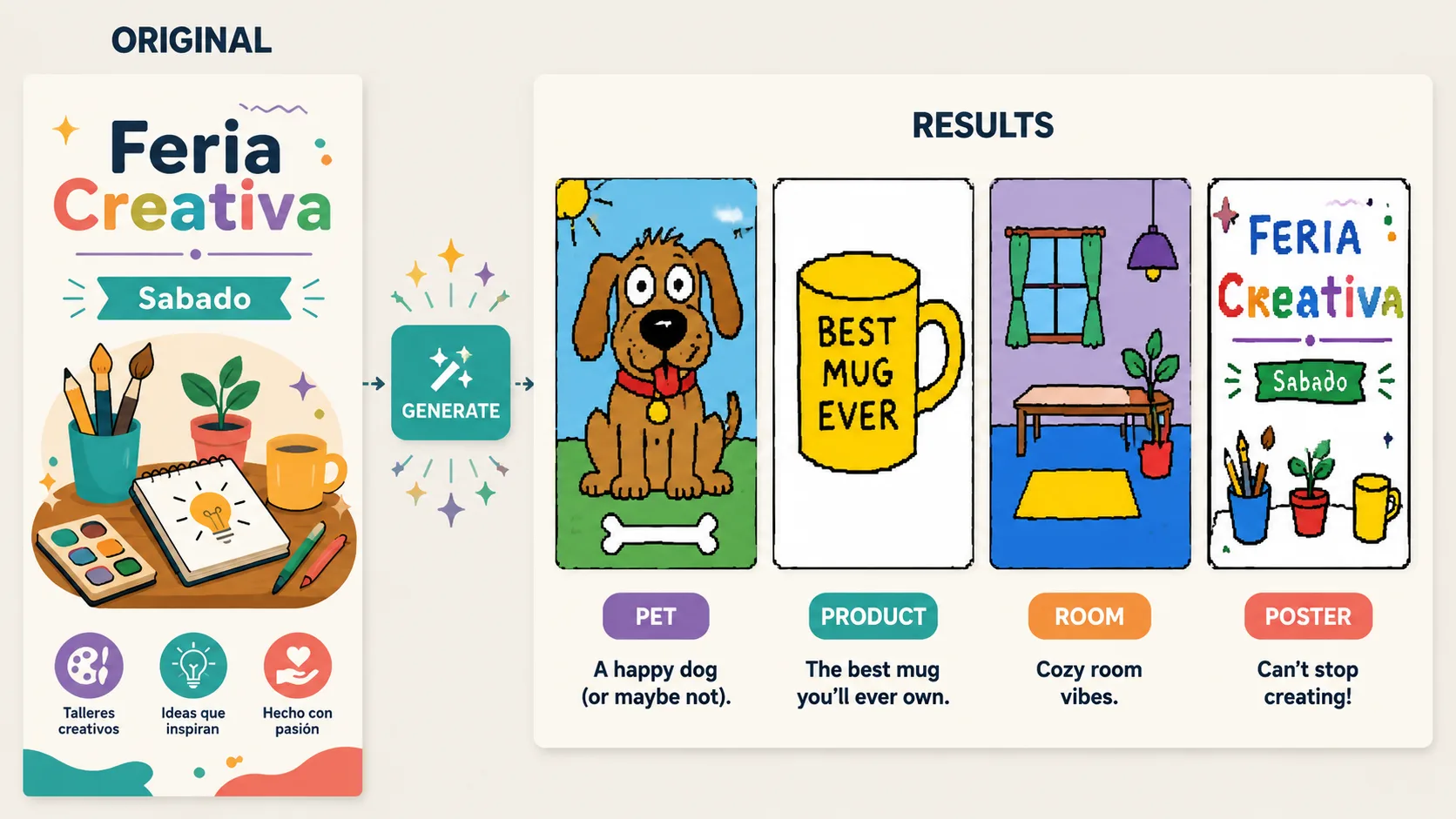
Generate and refine
Use GPT Image 2 to create the bad redraw, then adjust until the joke lands.
MS Paint 리드로잉 FAQ
GPT Image 2에서 서툰 리드로잉 프롬프트를 쓰는 방법입니다.